What it means
The Power Outage indicator tells you the power supply to the freezer has been off and the freezer temperature has risen. It is a report, not a part failure. Check frozen food, then confirm the freezer returns to its set temperature.
JennAir freezer Power Outage / Power and voltage
The Power Outage indicator tells you the power supply to the freezer has been off and the freezer temperature has risen. It is a report, not a part failure. Check frozen food, then confirm the freezer returns to its set temperature.
Also shown as Power Outage
The Power Outage indicator tells you the power supply to the freezer has been off and the freezer temperature has risen. It is a report, not a part failure. Check frozen food, then confirm the freezer returns to its set temperature.
Judge each item.
The indicator appears and no power cut occurred.
Checks you have ticked / saved in this browser
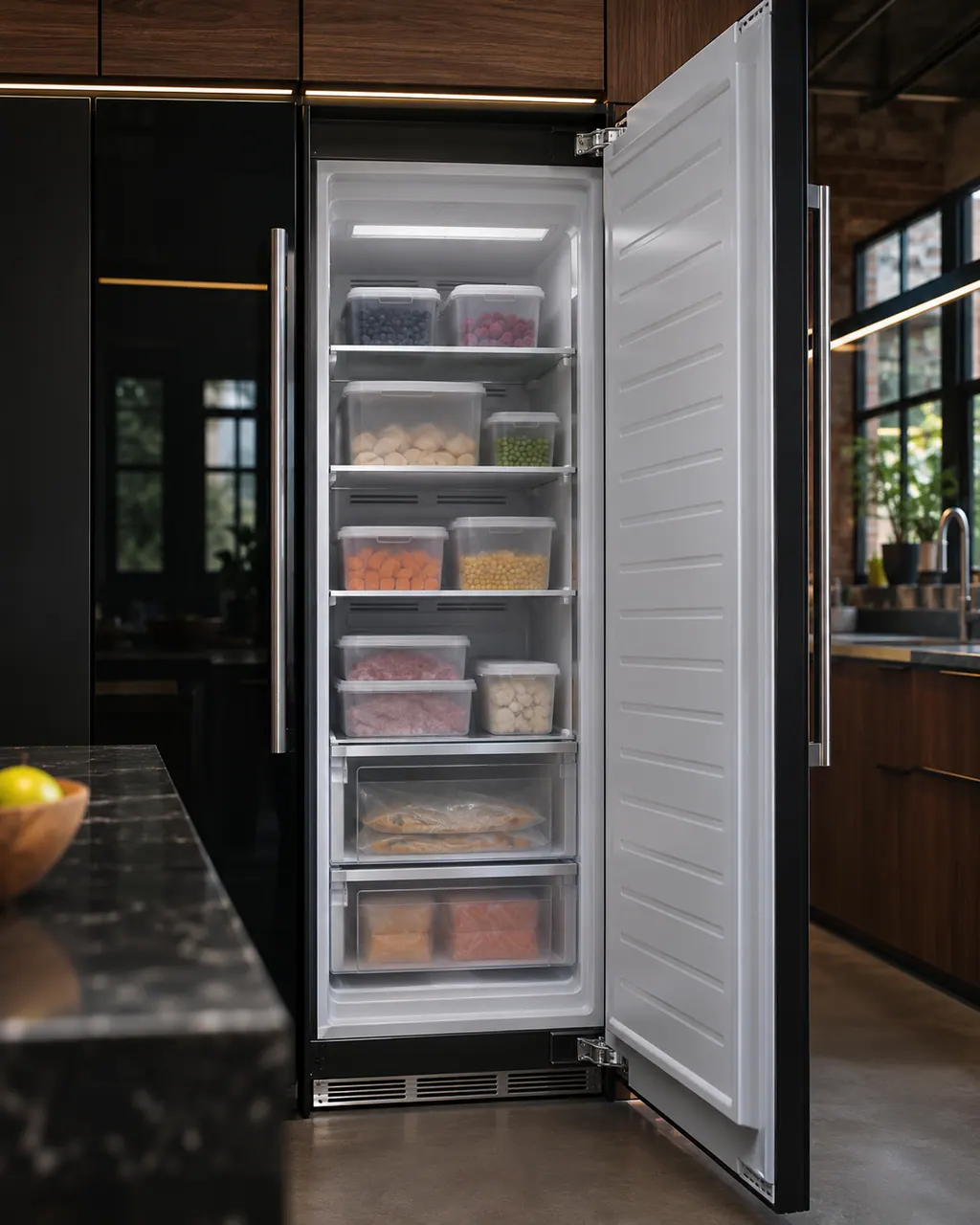
Judge each item. The guide gives no thaw limit, so use your own food-safety judgment.

The guide pairs the indicator with an over-temperature alert for unusually high temperatures.

It helps the freezer recover. The Door Open alarm sounds after 5 minutes.
The factory recommended setting is -2 F (about -19 C).
Send the model and the checks you have already run, then begin your request from this page.
Book a visitA simplified drawing, because layouts change with the model. Tap an outlined part to see a photo and the related check.
The indicator lets you know the power supply to the freezer has been off and the freezer temperature has risen.
Read the supporting manualThe guide does not set a limit. Check each package yourself and discard what has thawed and warmed.
Read the supporting manualThe guide lists an Over temp Alarm for unusually high temperatures, and a Door Open alarm after 5 minutes.
Read the supporting manualIf the indicator appears with no outage, or the freezer will not return to temperature.
Read the supporting manualManufacturer document
JennAir (use and care guide)
W11362247 Rev. C / p. 10
Scope: JennAir column freezer in use and care guide W11362247 Rev. C (freezer controls, item 6).
That the power to the freezer was off and the temperature rose.
JennAir states no thaw limits. Judge by feel and use your own food-safety judgment.
No. It reports an event. If it appears without a power cut, book a visit.
The guide lists -2 F (-19 C) as the factory recommended freezer setting.
Code or symptom, part, service call
Showroom is a display mode that turns cooling off and leaves only the interior lighting active. If your freezer is lit but warm, hold the top and bottom zone icons together for three seconds to deactivate it.
JennAir lists six checks for a column freezer that is not cooling: the power supply, the breaker, whether the freezer is turned on, Showroom mode, a big food load, and a new install. A new freezer needs 24 hours, and a large warm load takes hours to settle.
Schedule a diagnostic for your model, carried out at the appliance.
Office details, plus the access notes to pass along.