The illustrated glossary
Inside your appliance. Parts, in plain English.
Understand what a part does before you phone, and you and the technician begin from common ground.
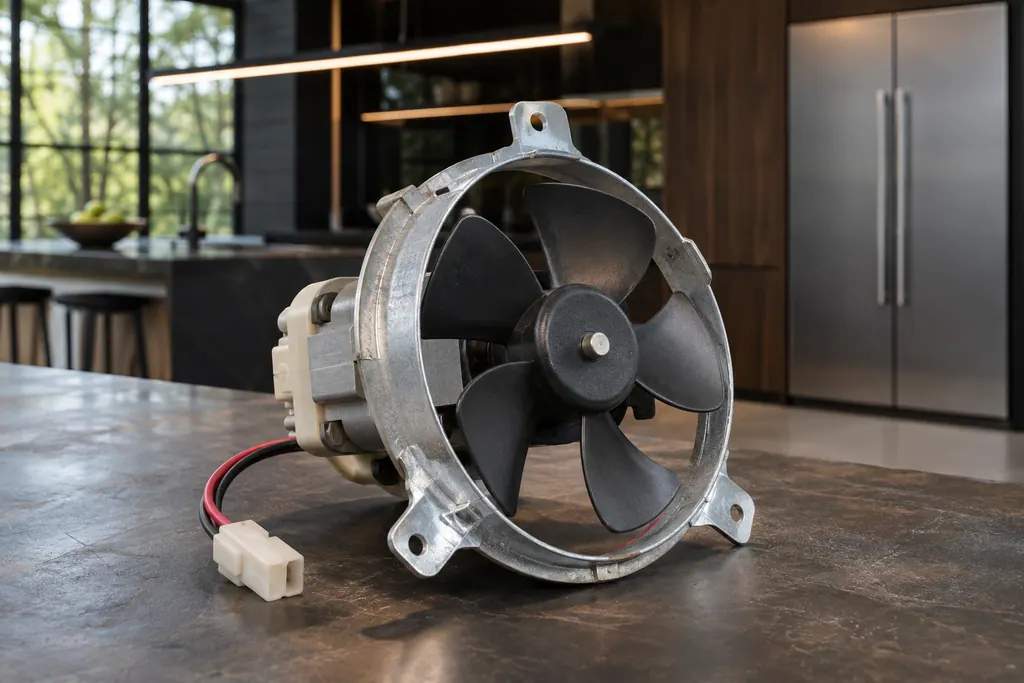
Find a term, A–Z.
 Fan, element, sensor.
The parts behind the door.
Built-in appliance terms
Inside the cabinet.
- Oven temperature sensor
- JennAir Product Help ties F1, F2 and several F3 codes to the oven temperature sensor, the control or the wiring between them. The sensor reports cavity heat to the control. The help pages pair it with the control, so one reset is the only owner step.
- Dishwasher drain motor and hose
- JennAir F9E1 is "Long Drain" and F9E2 is "Drain motor error". Before booking, check the drain hose, the disposer knockout plug, the filter and the high loop. These setup problems cause most of the draining complaints the help pages describe.
- Refrigerator water filter
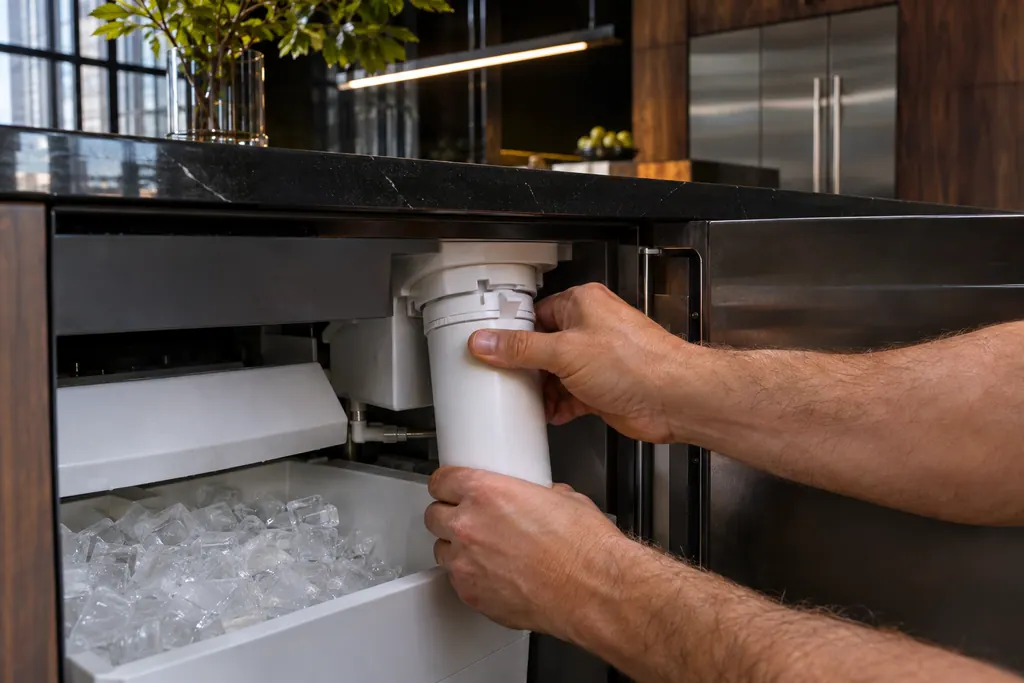
- JennAir recommends replacing the refrigerator water filter every 6 months, when the indicator light comes on, or as needed. A clogged or badly seated filter can slow water flow, thin the ice or stop ice. After changing it, you must reset the status light on most models.
Heat, sensing and steam.
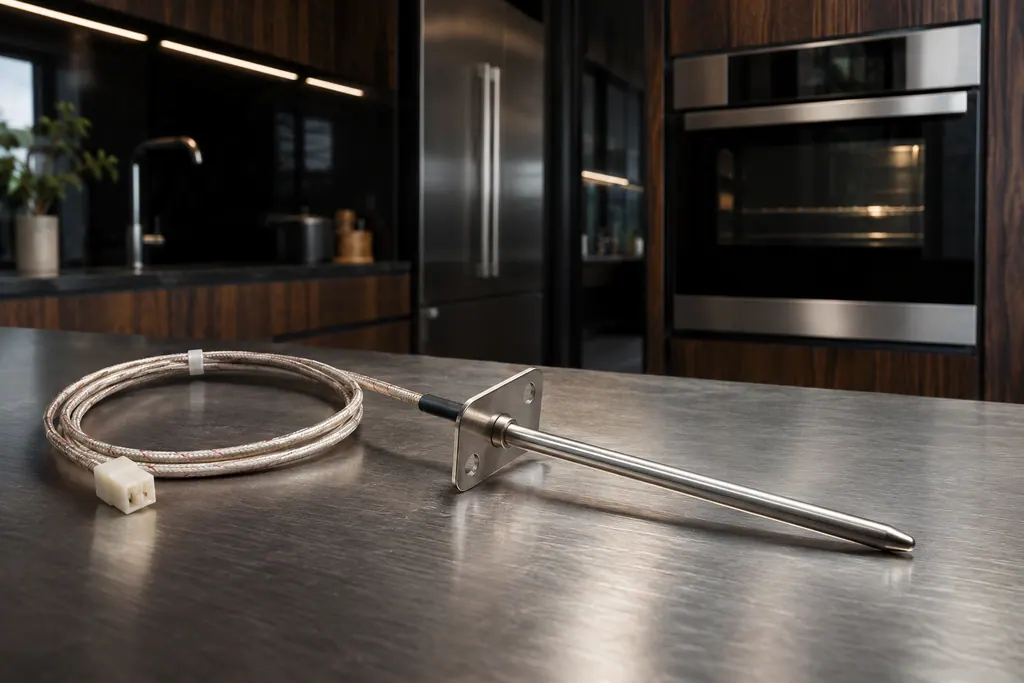
Oven temperature sensor
JennAir Product Help ties F1, F2 and several F3 codes to the oven temperature sensor, the control or the wiring between them. The sensor reports cavity heat to the control. The help pages pair it with the control, so one reset is the only owner step.
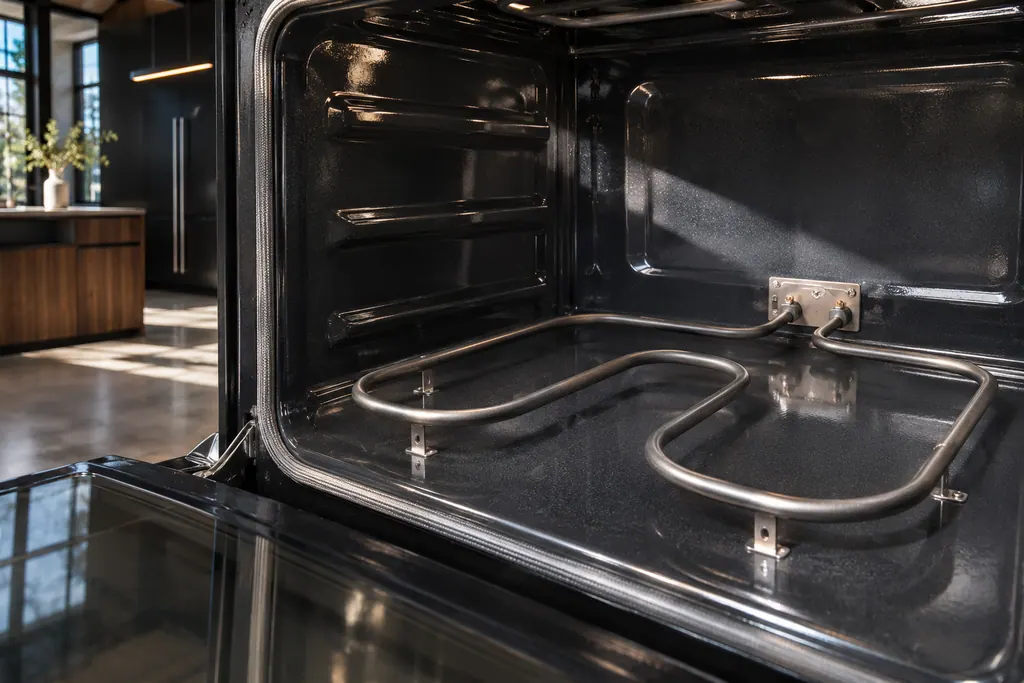
Bake and broil elements
On JennAir ranges, FEE6 names the main cavity bake element and FEE7 the main cavity broil element, each with its wiring. The pages offer one owner step: a one-minute breaker reset. An element that stays cold afterwards needs a technician with the power off.
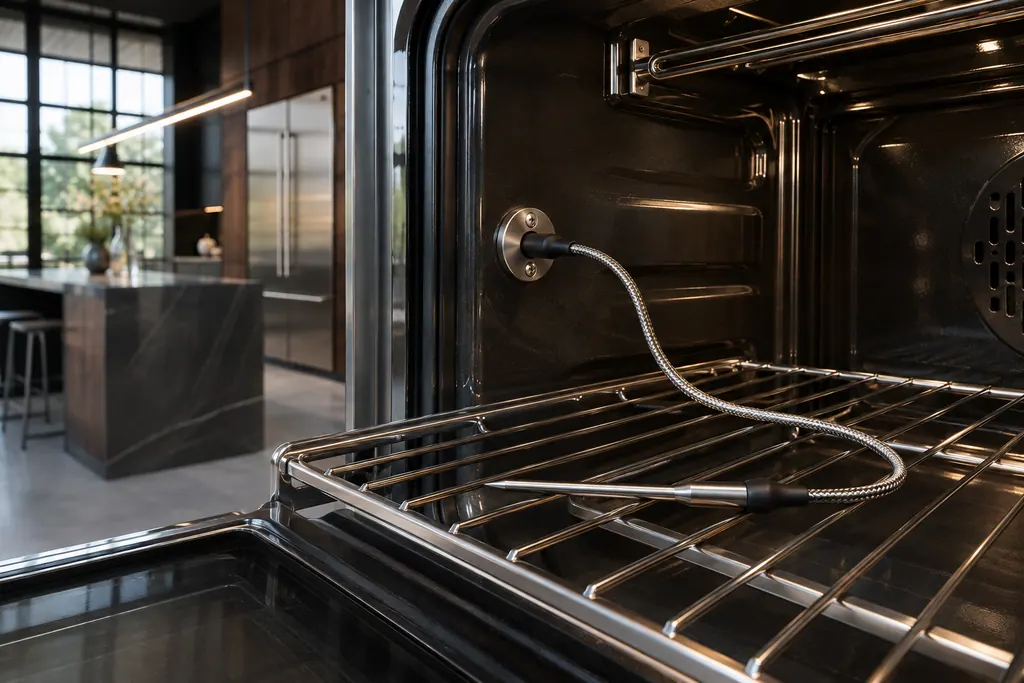
Meat probe receptacle
Several JennAir F3 and F8 codes come from the meat probe. The pages ask you to confirm the probe is seated in its receptacle, and on some wall ovens to check a power attachment on the roll-out rack. These are quick owner checks before any reset.
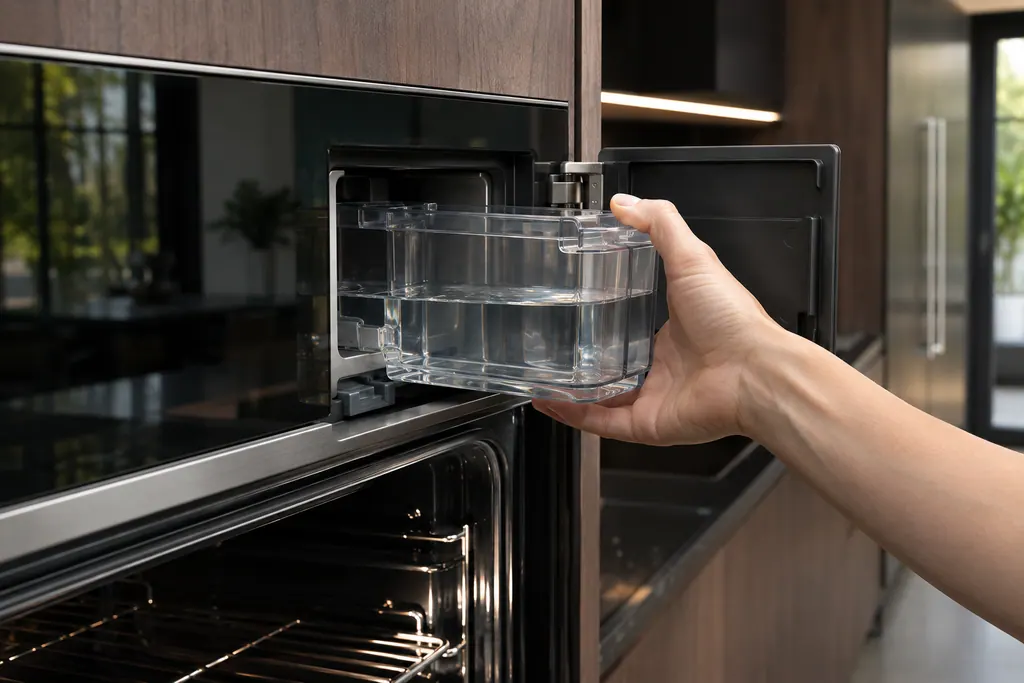
Steam oven water system
Wall ovens with steam keep water in a removable container and a boiler. JennAir names the water level sensor, the boiler temperature sensor, the water filter and the conductivity sensor in F7 E0 to F7 E4. The routine messages (descale, refill, empty) are owner tasks.
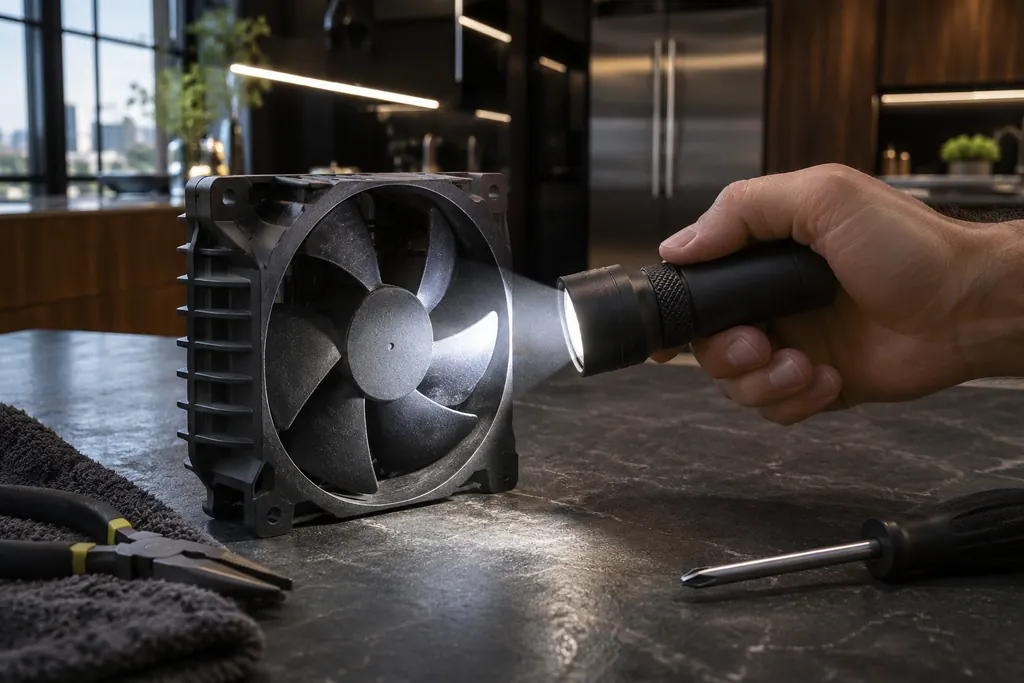
Oven cooling fan
JennAir ovens run a cooling fan during and after use, and the pages say that humming is normal. An F8 E0 code is different: it says the fan speed is too low and points to an airflow restriction, the fan or its wiring. Check for blocked airflow, reset, then book.
Controls and connection.

Oven electronic control
The electronic control is the board that manages the oven functions. JennAir names it in F1 E1, F3 and F4 codes, and as the shared suspect in many sensor and keypad codes. The help pages give one owner step, a one-minute power-down, and do not name a repair.

Oven keypad and user interface
The user interface is the keypad or touch panel you press. JennAir lists it in the F2 family (F2 E0 to F2 E6), where F2 E1 often means a key is stuck or held too long. The help pages suggest checking cooktop grates on some ranges, then a one-minute reset.
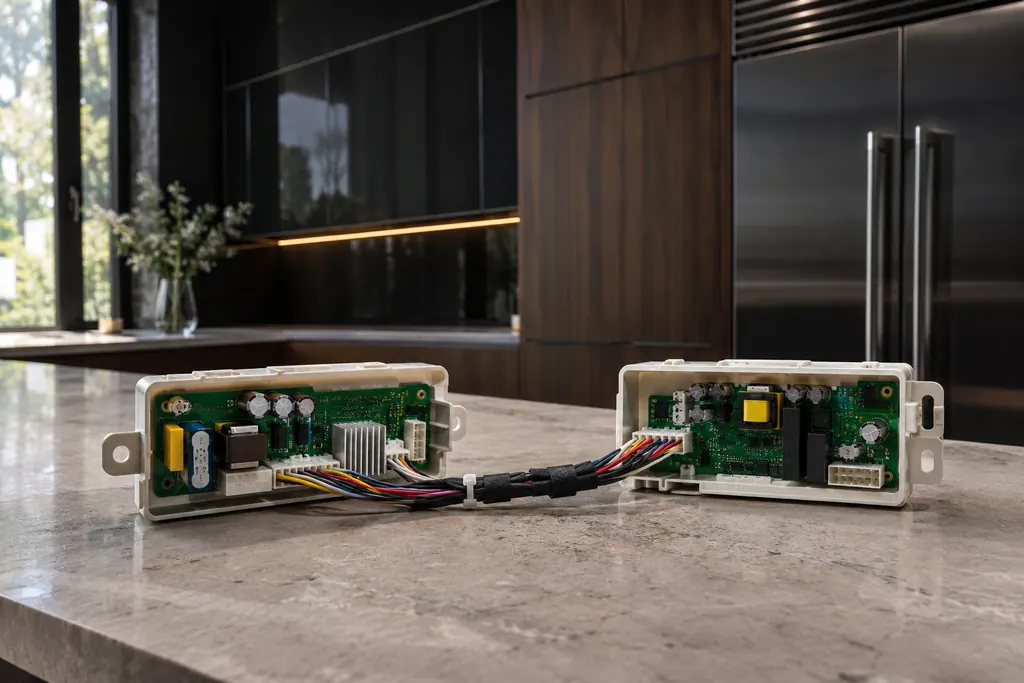
Appliance manager control
JennAir ranges and wall ovens with several cavities use an appliance manager that coordinates the oven controls. The F6 family names it, sometimes with the converter control or the user interface. The pages admit there are many possible reasons, then give one reset.
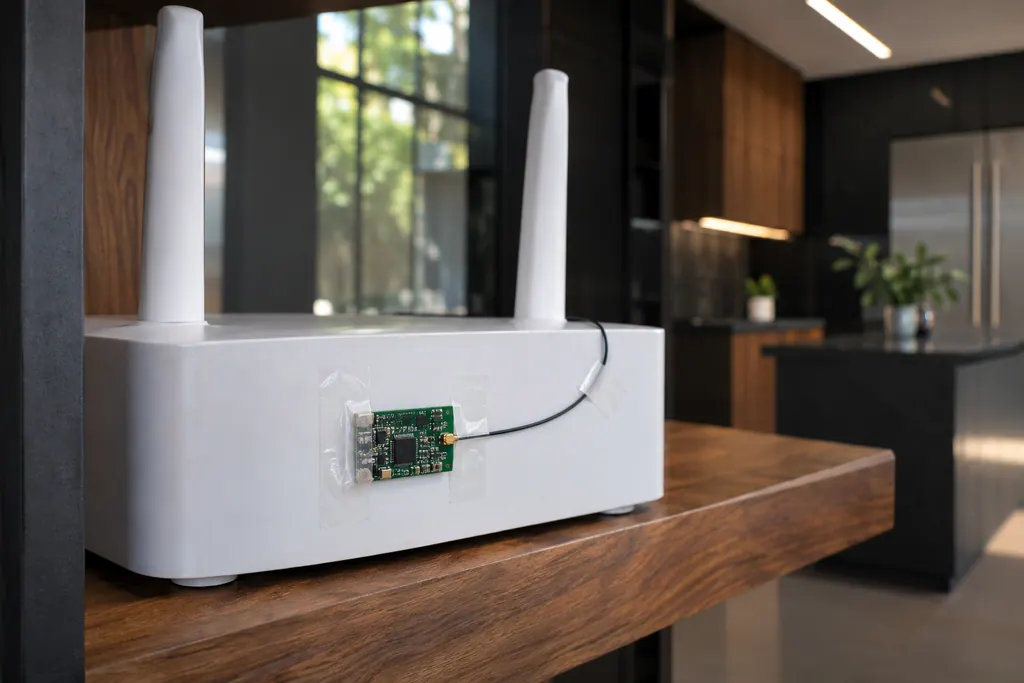
Oven Wi-Fi module
The Wi-Fi module links a connected JennAir oven to your router. FC E1 to FC E3 mean the appliance could not connect; FC E4 and FC E5 name the antenna; FC E6 and FC E9 name the power module. A router restart is the first owner step; the oven itself still bakes.
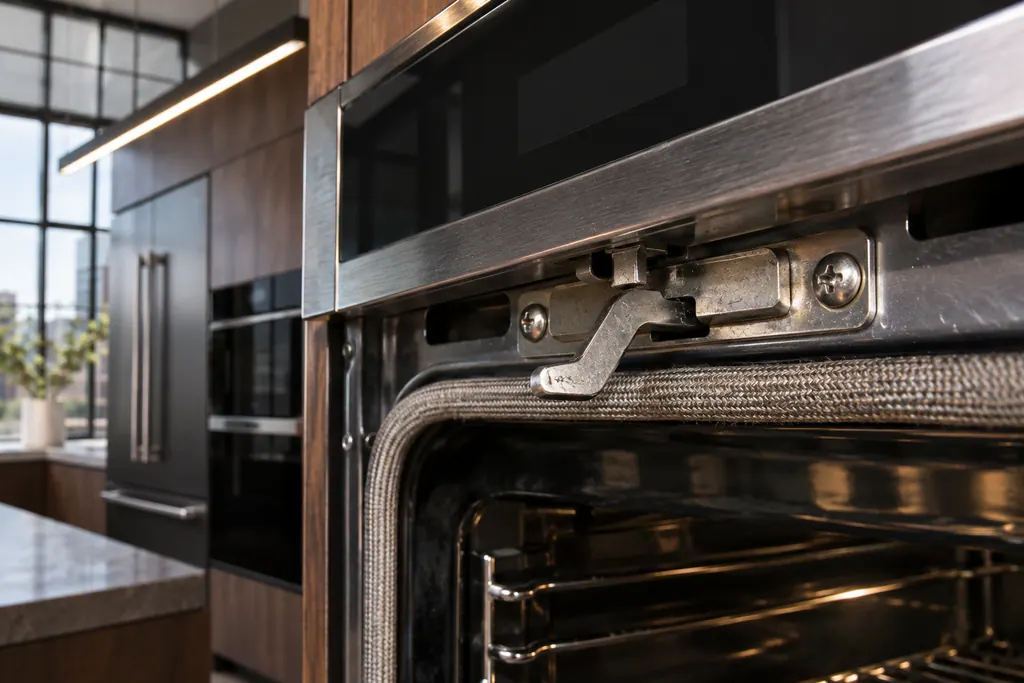
Oven door latch assembly
The latch assembly and its door switch lock the oven door for self-clean and report that the door is closed. JennAir lists them for F5 codes and F7 E0, and for the locked-door and door-will-not-close pages. A bent latch arm is one check you can do yourself.
Dishwasher water path.
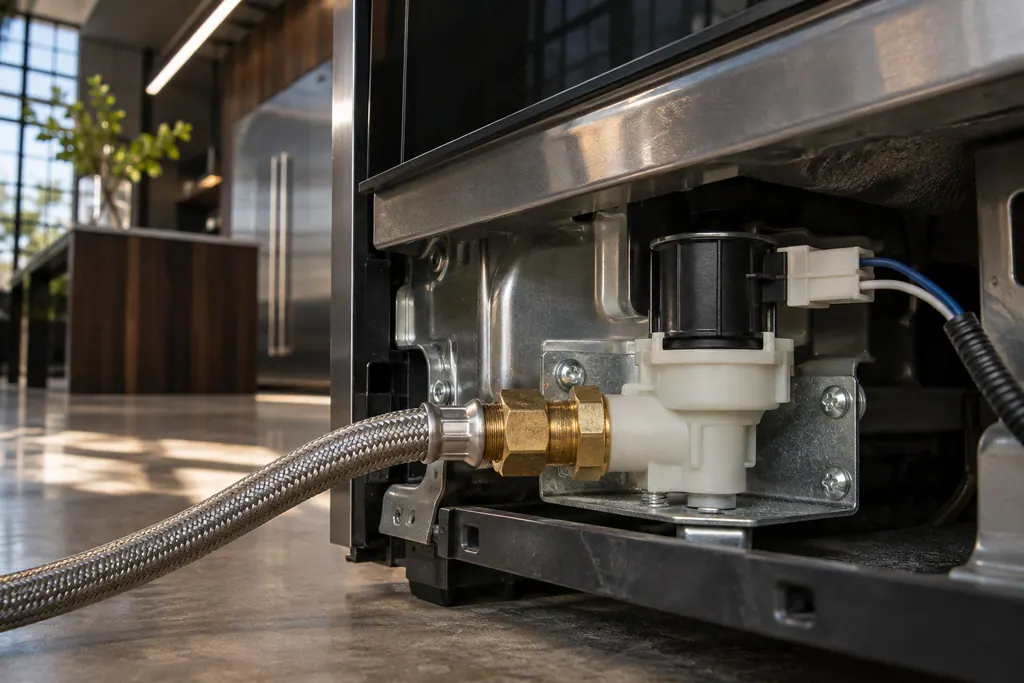
Dishwasher fill valve
The fill valve lets water into the tub. JennAir F8E2 is "Fill Valve Electric Error" and F8E5 is "Fill Valve Stuck Open". F8E5 is urgent: turn off the water if you can, silence the tone with one Cancel press, and keep the door shut and the power on.
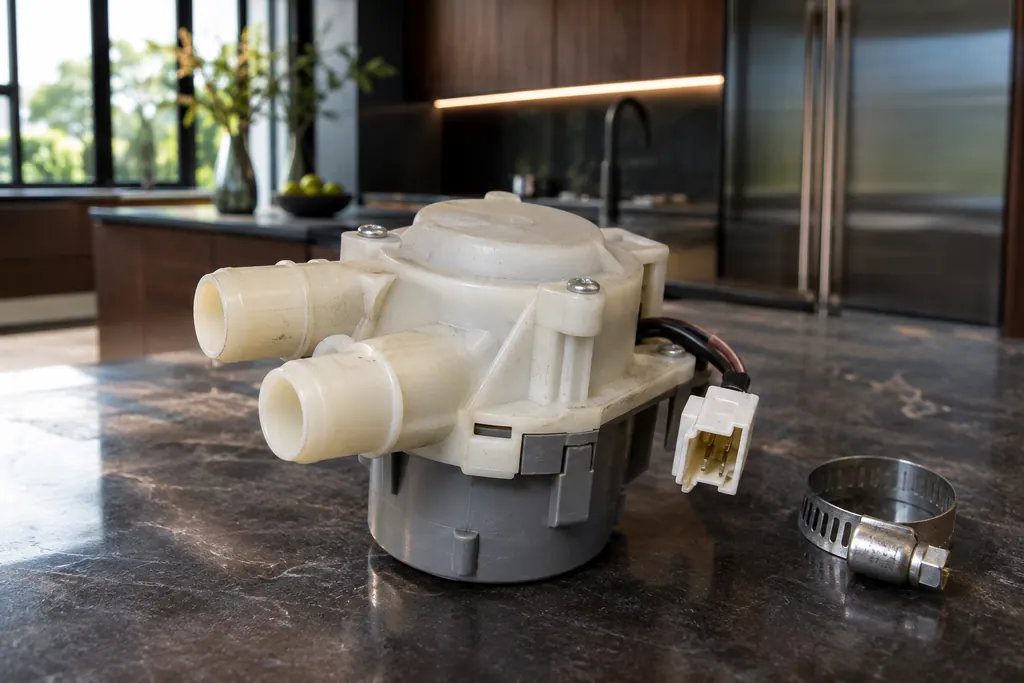
Dishwasher diverter valve
The diverter valve sends water to different spray arms. JennAir FAE4 (also printed F10E4) is "Diverter Valve Error", and FAE5 (F10E5) is "Diverter Leak". For FAE5 the page asks you to look for leaks and connections, press Cancel twice and try a new cycle.
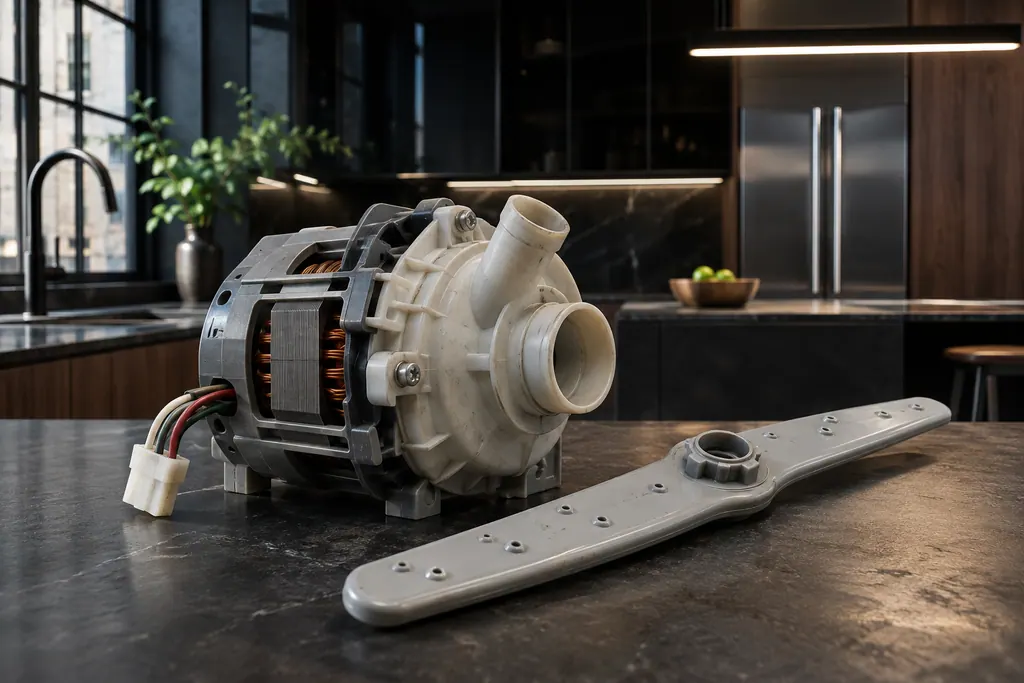
Dishwasher wash motor
The wash motor spins the circulation pump that pushes water to the spray arms. JennAir F7E2 reads "Wash Motor Error". The page gives one step, a power cycle, and says to schedule service if the code comes back.
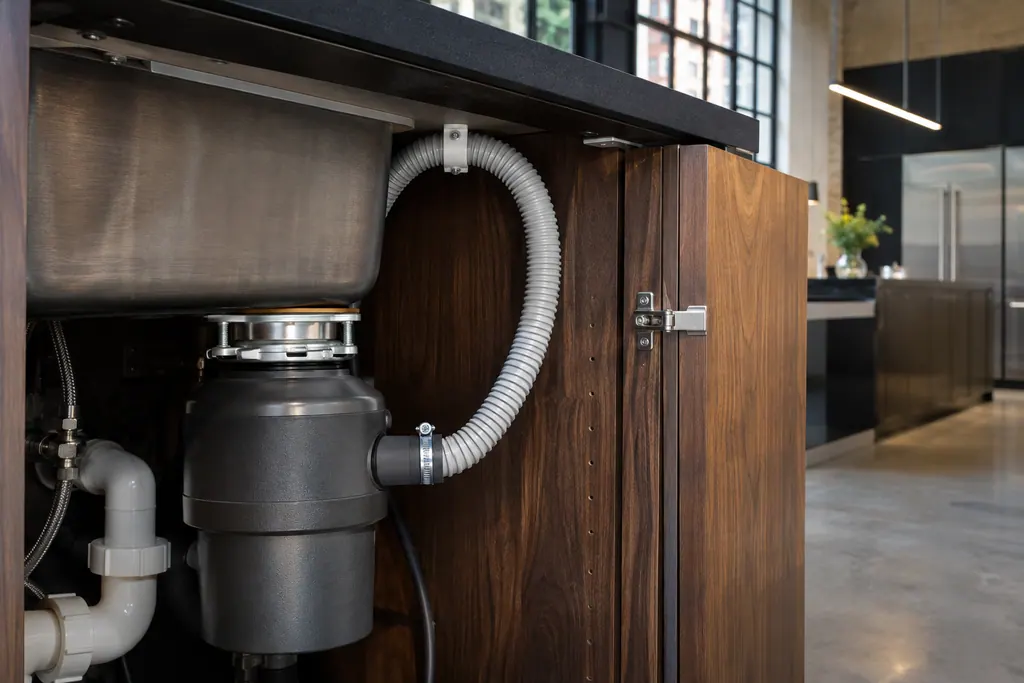
Dishwasher drain motor and hose
JennAir F9E1 is "Long Drain" and F9E2 is "Drain motor error". Before booking, check the drain hose, the disposer knockout plug, the filter and the high loop. These setup problems cause most of the draining complaints the help pages describe.
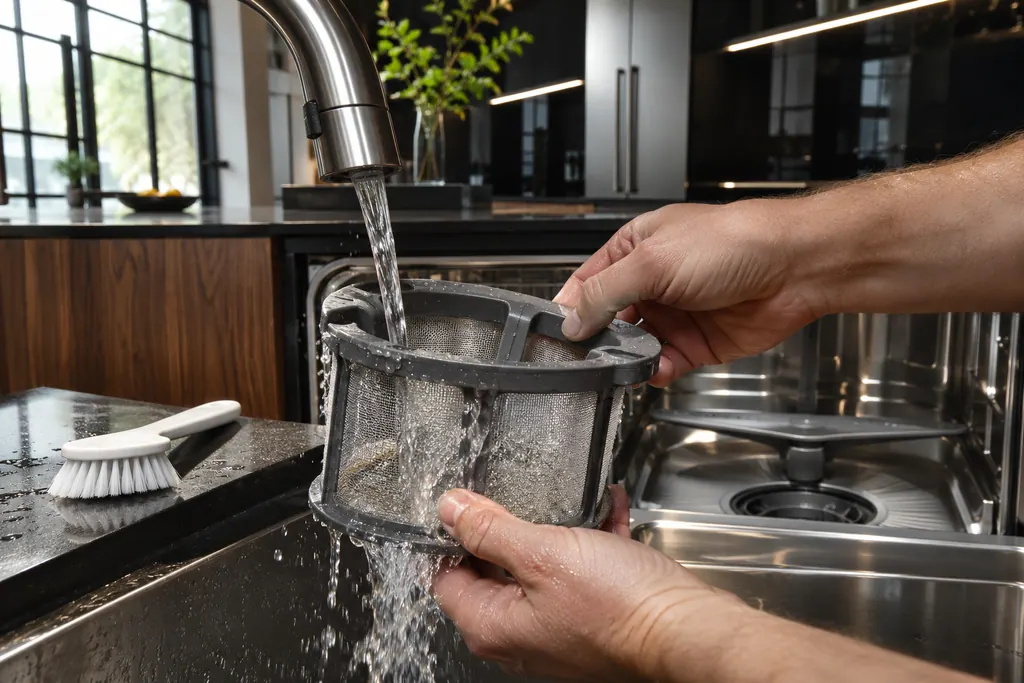
Dishwasher removable filter
JennAir dishwashers with a removable filter ask you to clean it by hand under running water, with a soft brush for hard-water deposits. Abrasive pads and wire brushes are out, and the dishwasher should not operate without both filters in place.
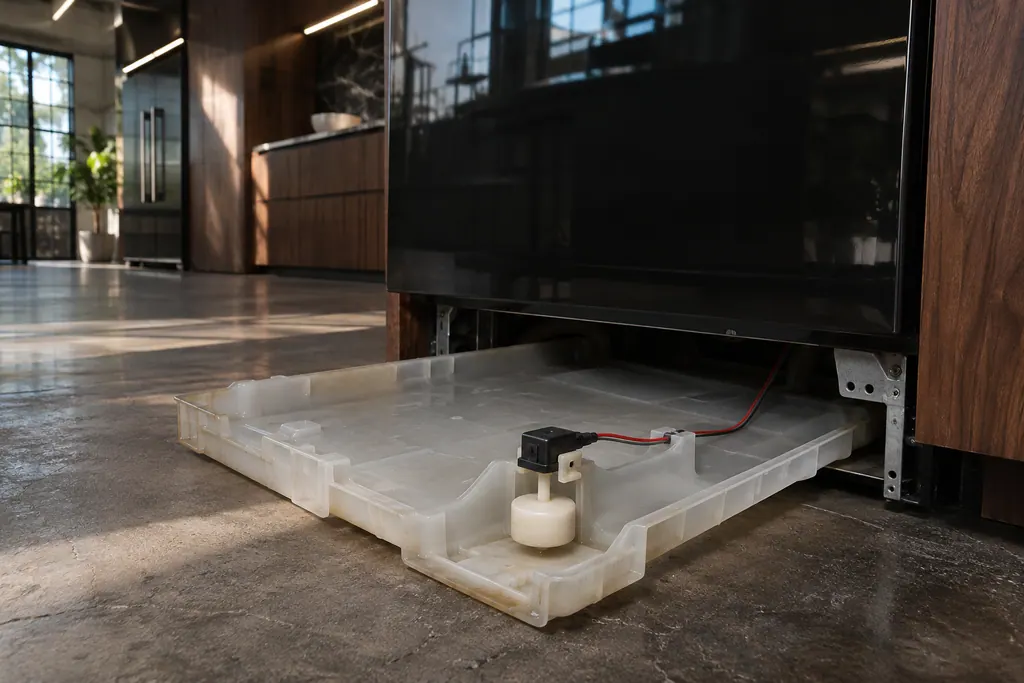
Float switch and drip tray
The float switch watches for too much water. JennAir F6E4 is "Water Float Switch", and the page asks if the dishwasher is level. F8E4 is "Water Detected in Drip Tray": check the supply connection, the float connector and empty the tray.
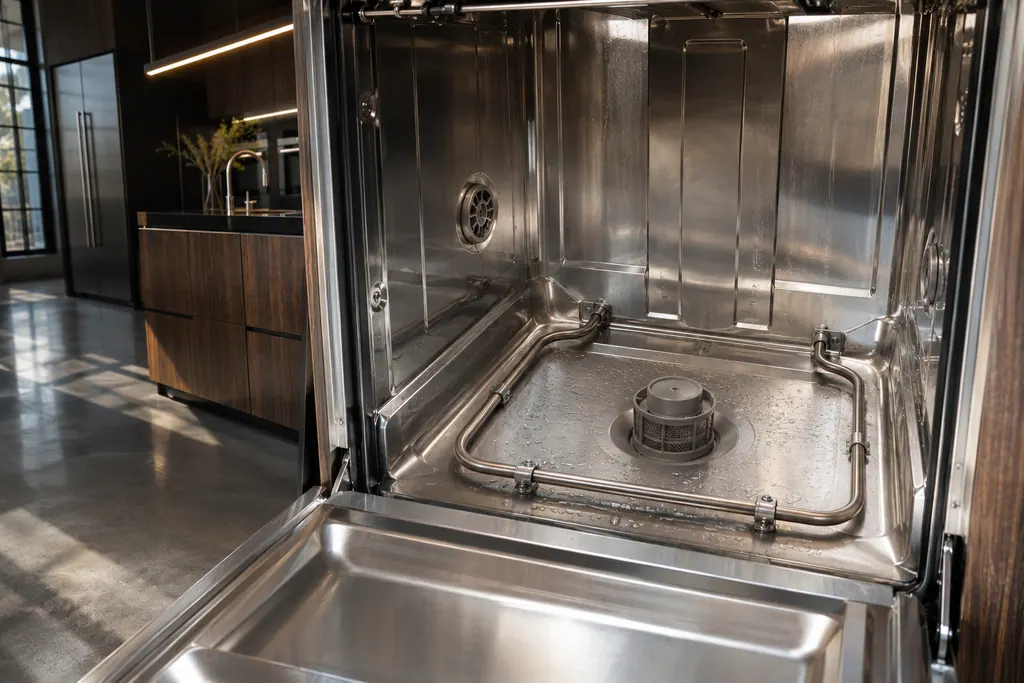
Dishwasher heating system
JennAir F4E2 names the heating system and F4E3 a heating error. Each page gives a power cycle and says to schedule service if the code comes back. A heating code can show up as dishes that are wet or not sanitized, so note the cycle you were running.
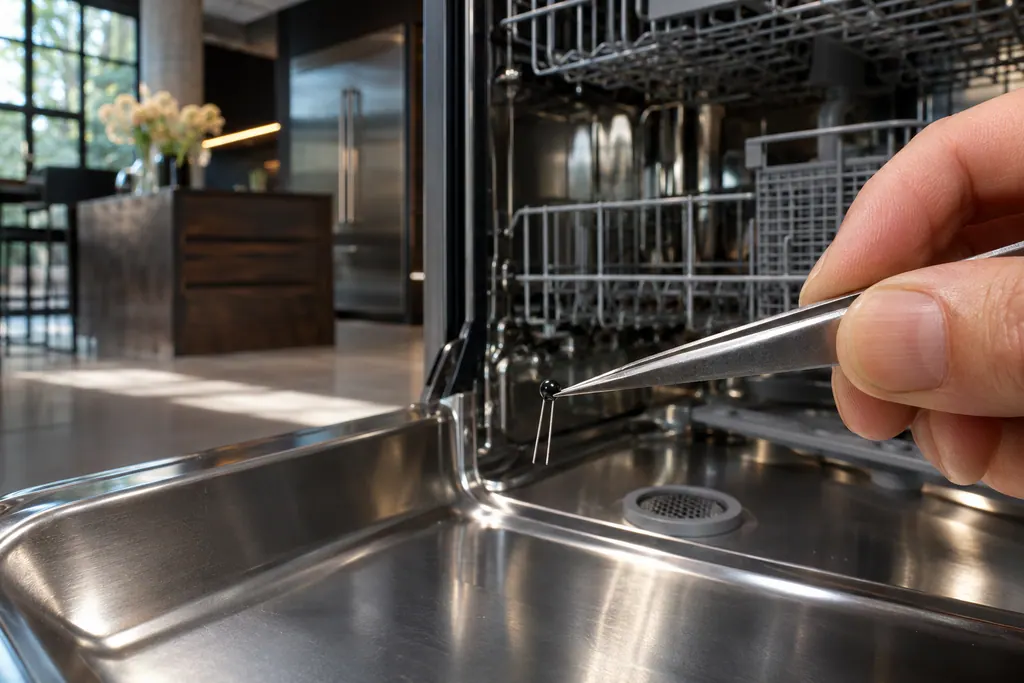
Dishwasher thermistor and OWI sensor
JennAir F3E2 names the thermistor or OWI sensor, the temperature and water sensing part. The page gives a power cycle and says to schedule service if the code returns. It is a good example of a code that names a part and gives the owner a single step.
Clean air and water.
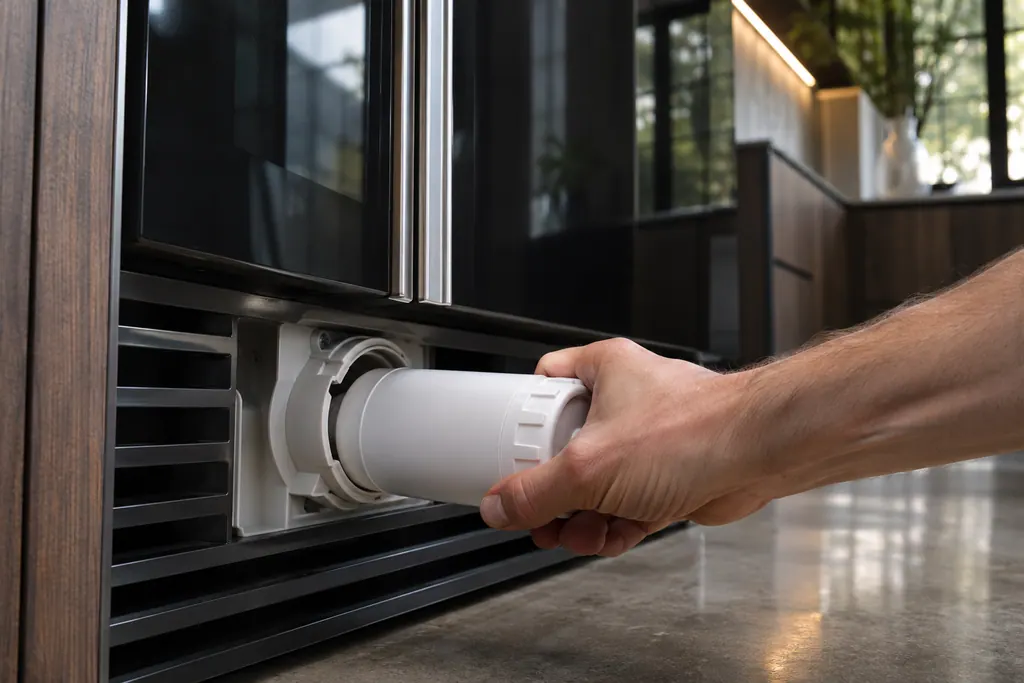
Refrigerator water filter
JennAir recommends replacing the refrigerator water filter every 6 months, when the indicator light comes on, or as needed. A clogged or badly seated filter can slow water flow, thin the ice or stop ice. After changing it, you must reset the status light on most models.
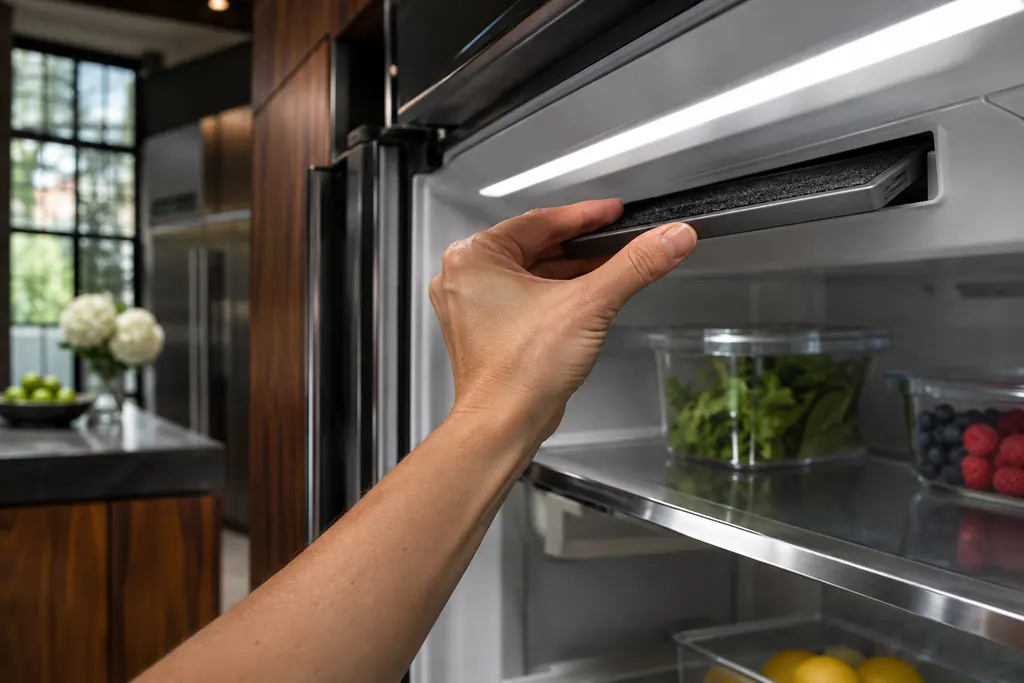
Refrigerator air filter
Some JennAir refrigerators have a Freshflow air filter that reduces food odors. A colored icon shows its status: blue is good, yellow means order a replacement, red means replace it, and flashing red means expired. After a change, hold AIR FILTER for 3 seconds to reset.
Which part, which problem, which code.
Every part lists the symptoms it can produce and the codes that lead back to it.
Range
Refrigerator
Freezer
- Refrigerator water filterfreezerShows up as
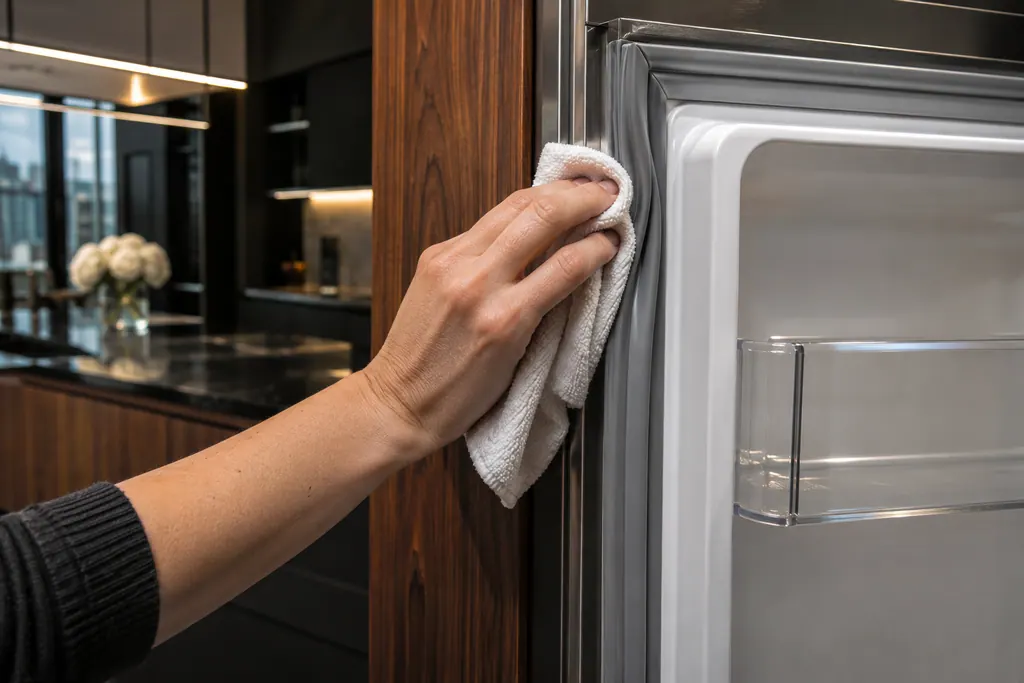 Refrigerator and freezer door gasketfreezerShows up as
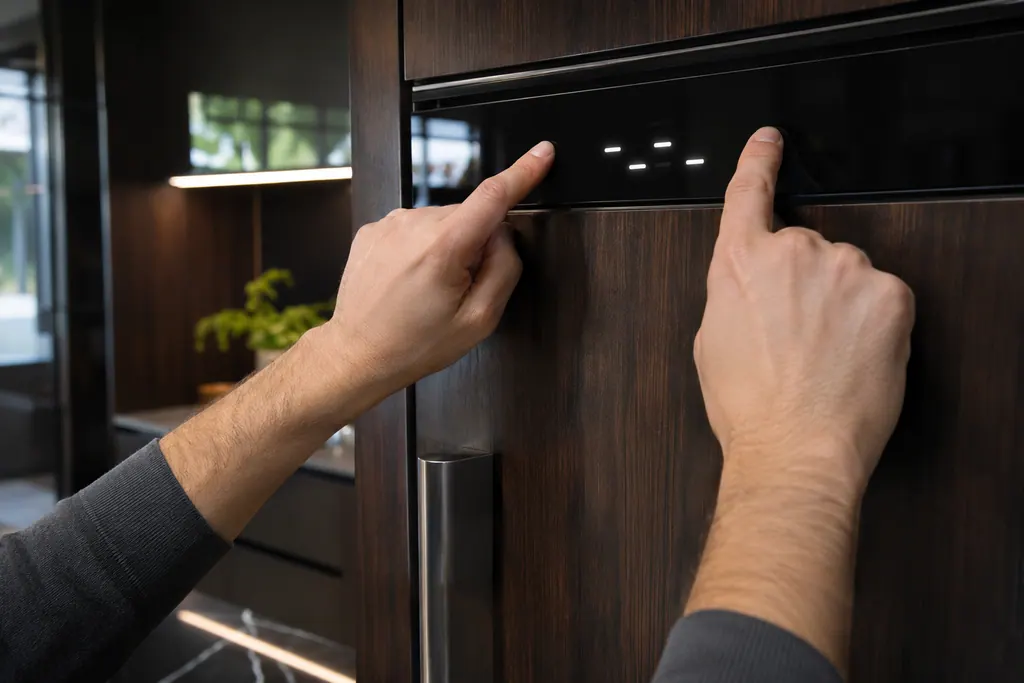 Freezer showroom modefreezerShows up as
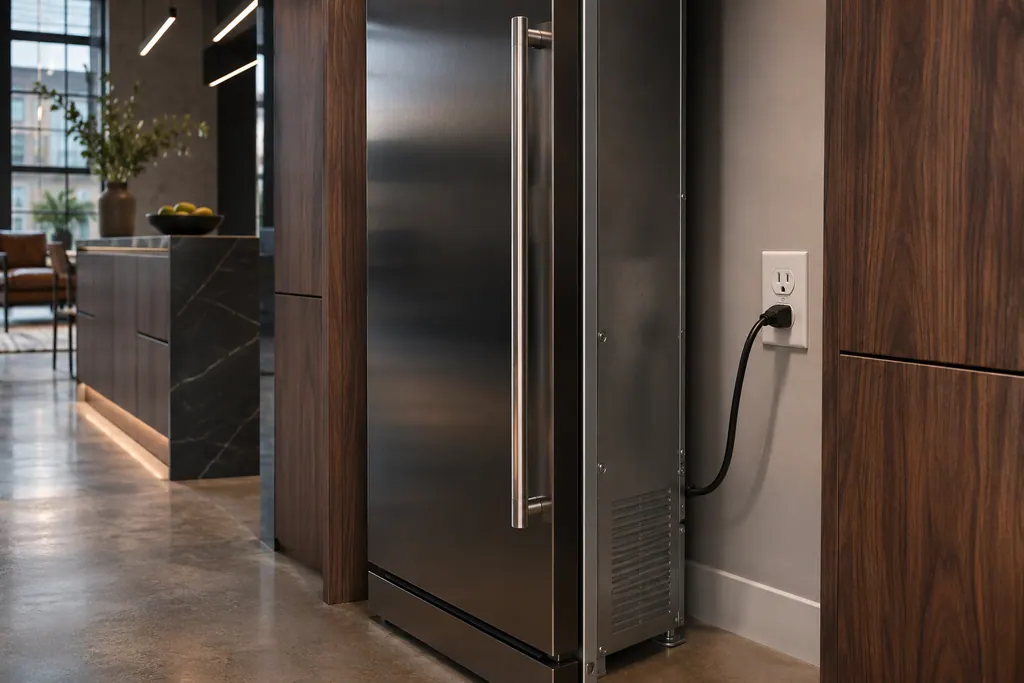 Freezer power supply and outletfreezerShows up as
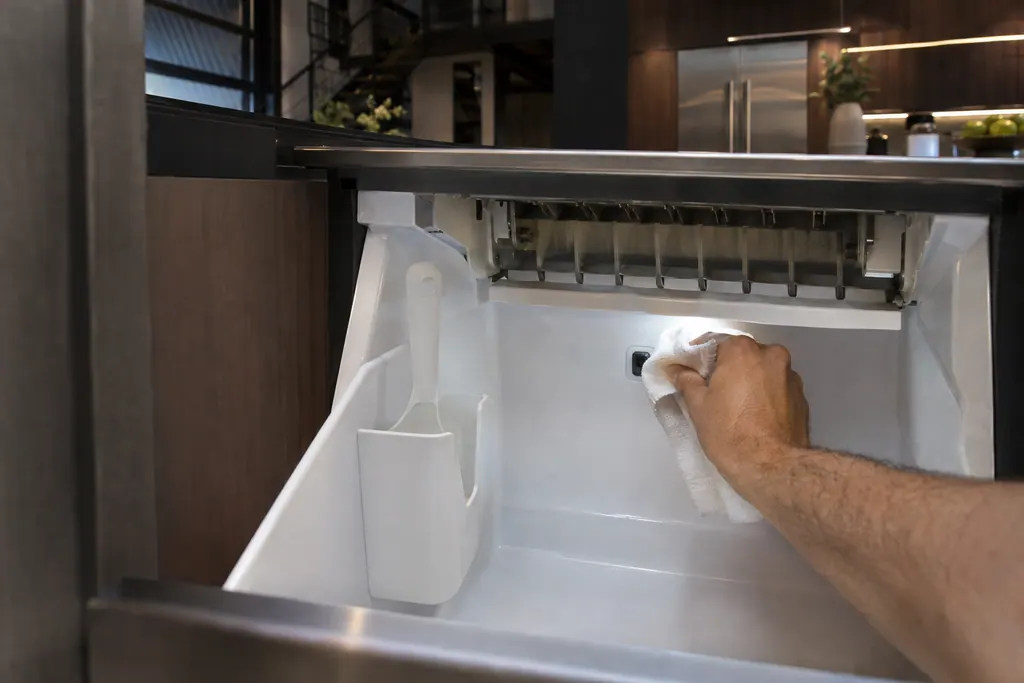
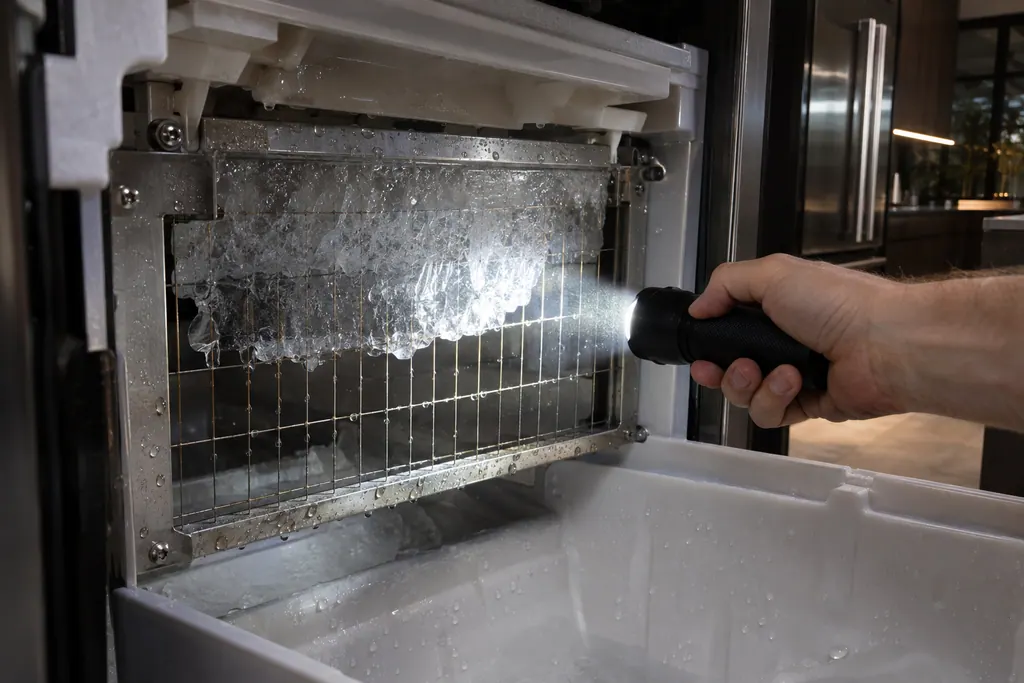
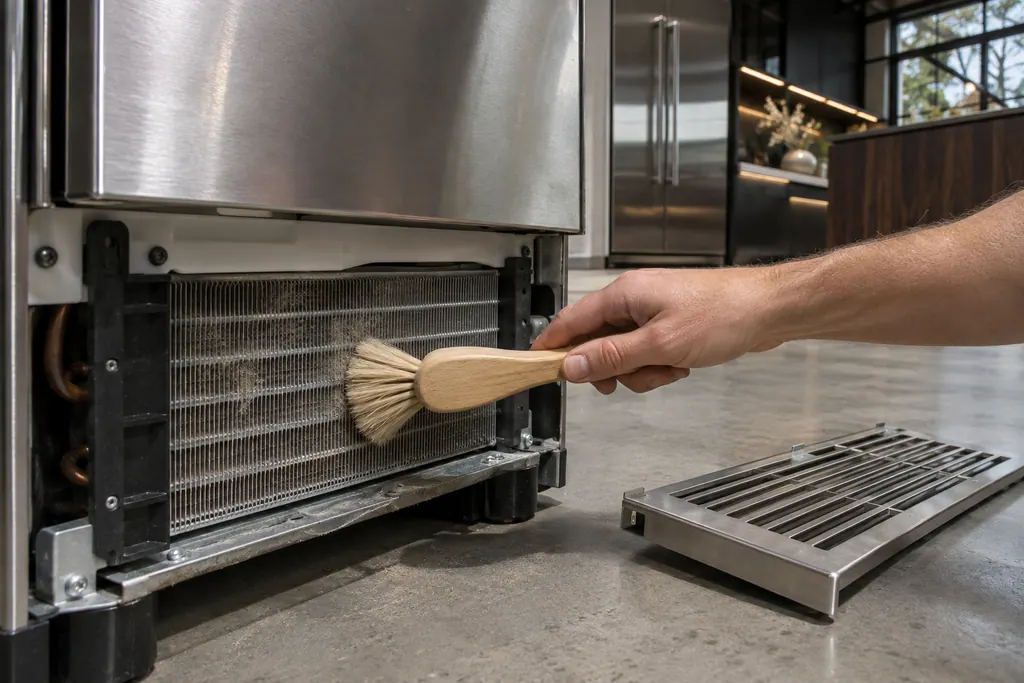
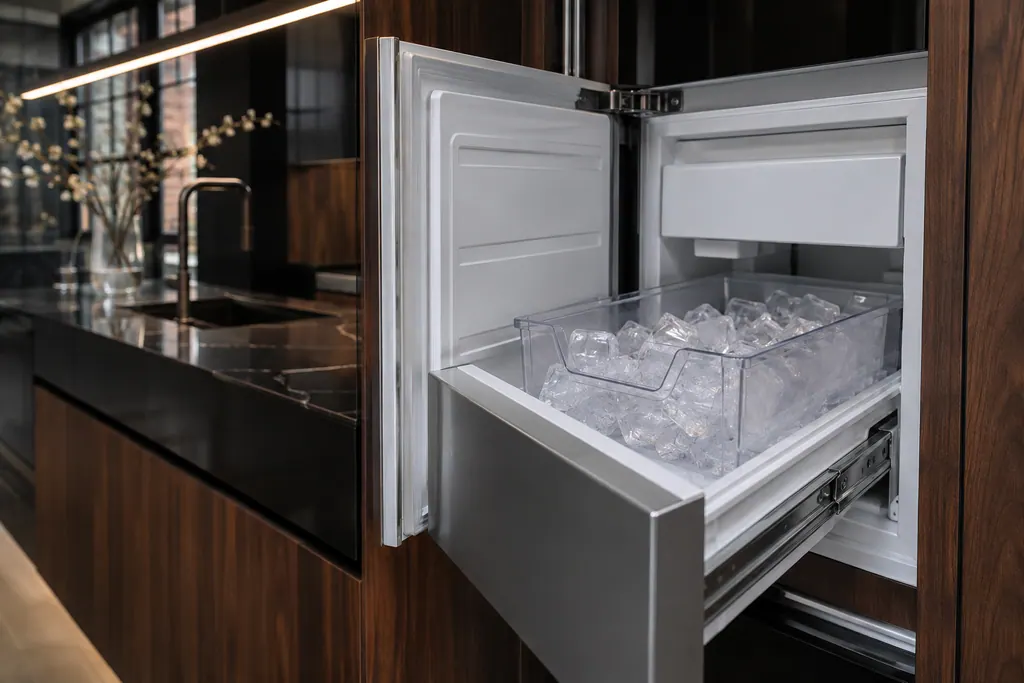 Column ice makerfreezerShows up as
Ice-maker
Wine-cooler
Beverage-center
Hood
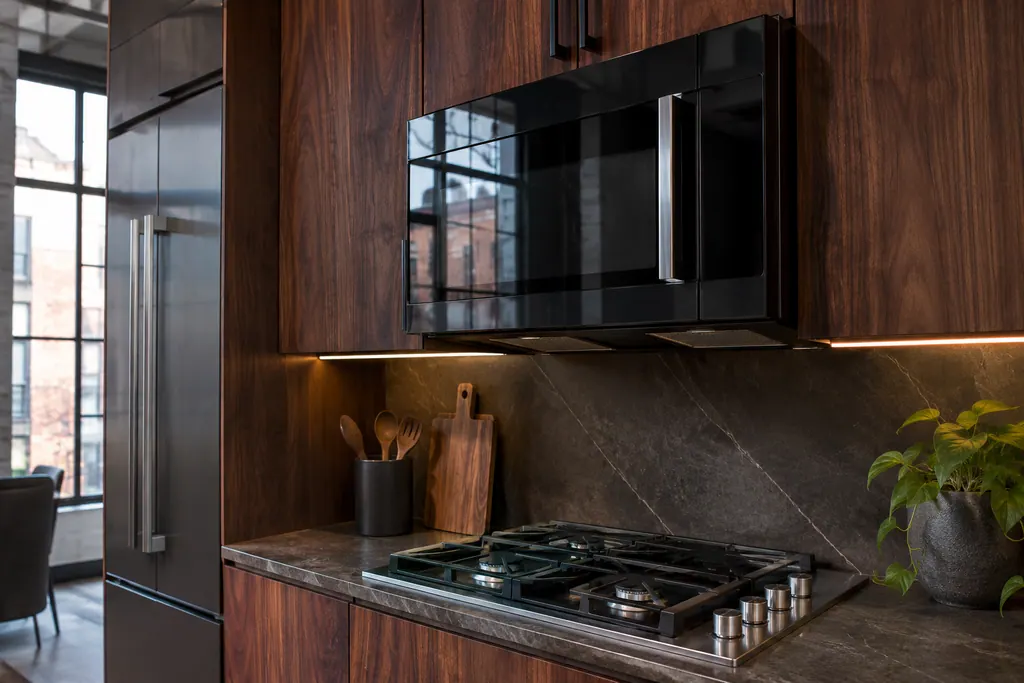
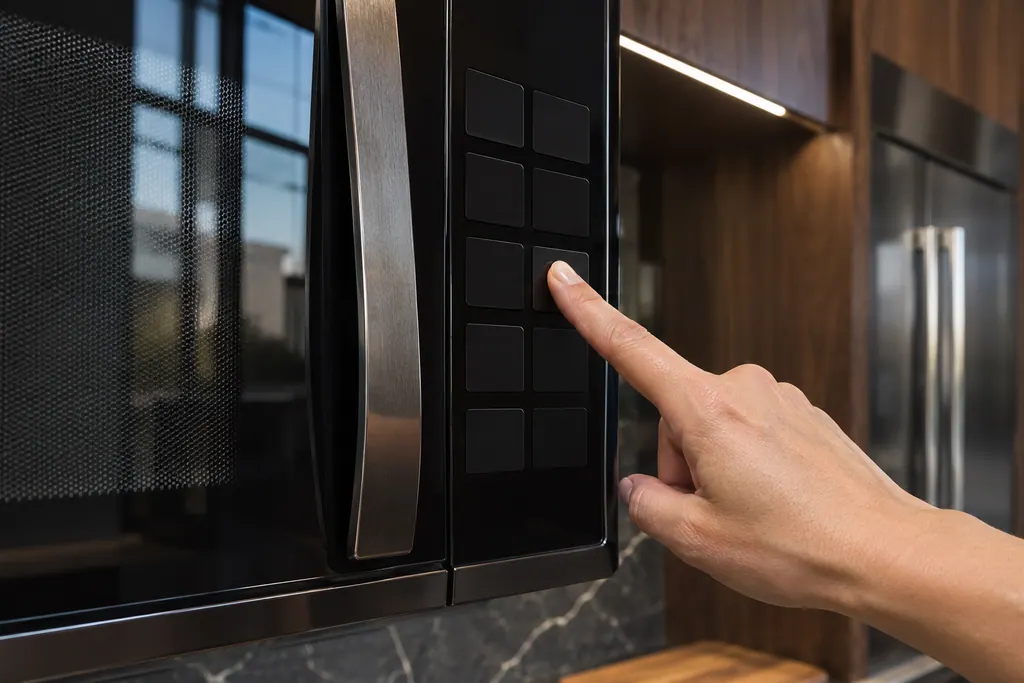
Microwave
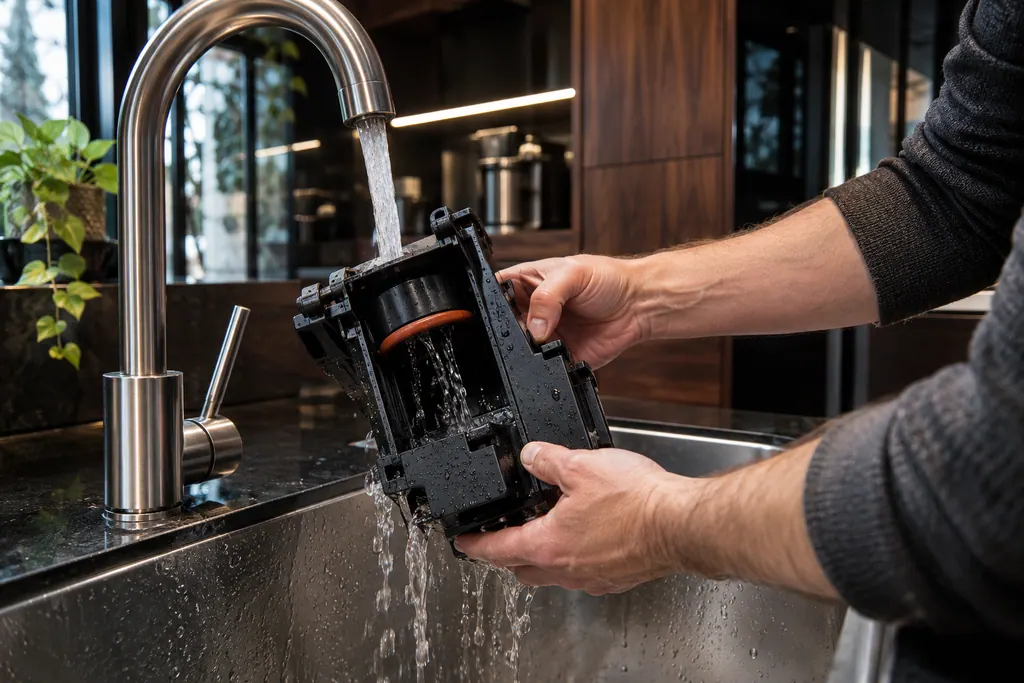
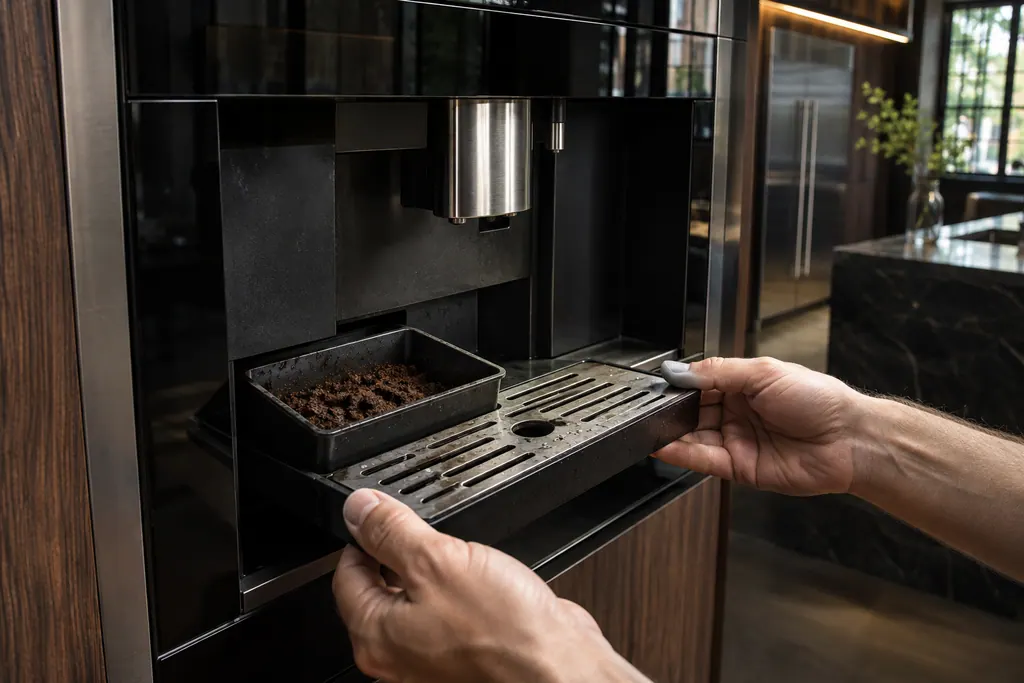
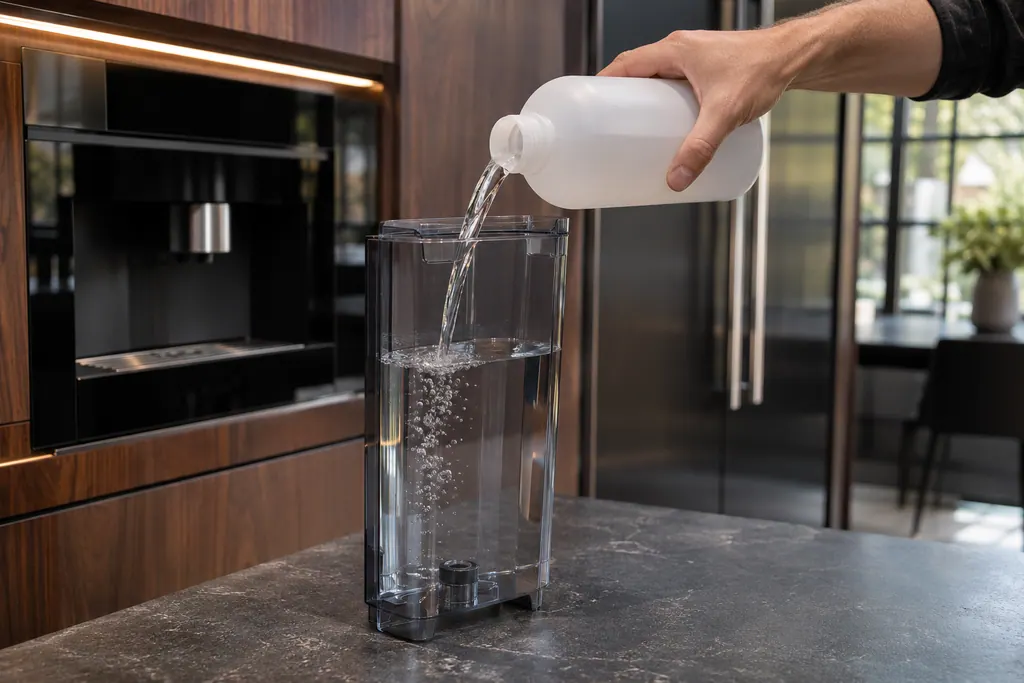
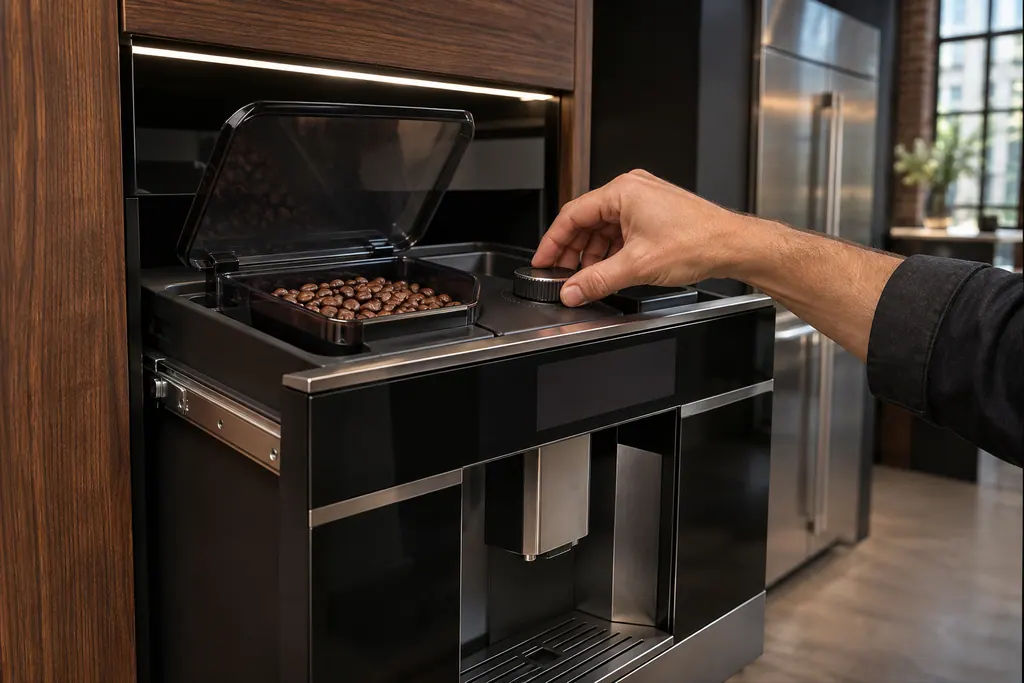
Coffee-machine
Dishwasher
- Dishwasher wash motordishwasher
- Dishwasher drain motor and hosedishwasher
- Dishwasher fill valvedishwasher
- Dishwasher heating systemdishwasherShows up as
- Dishwasher diverter valvedishwasher
- Float switch and drip traydishwasherShows up as
- Dishwasher thermistor and OWI sensordishwasher
- Dishwasher removable filterdishwasher
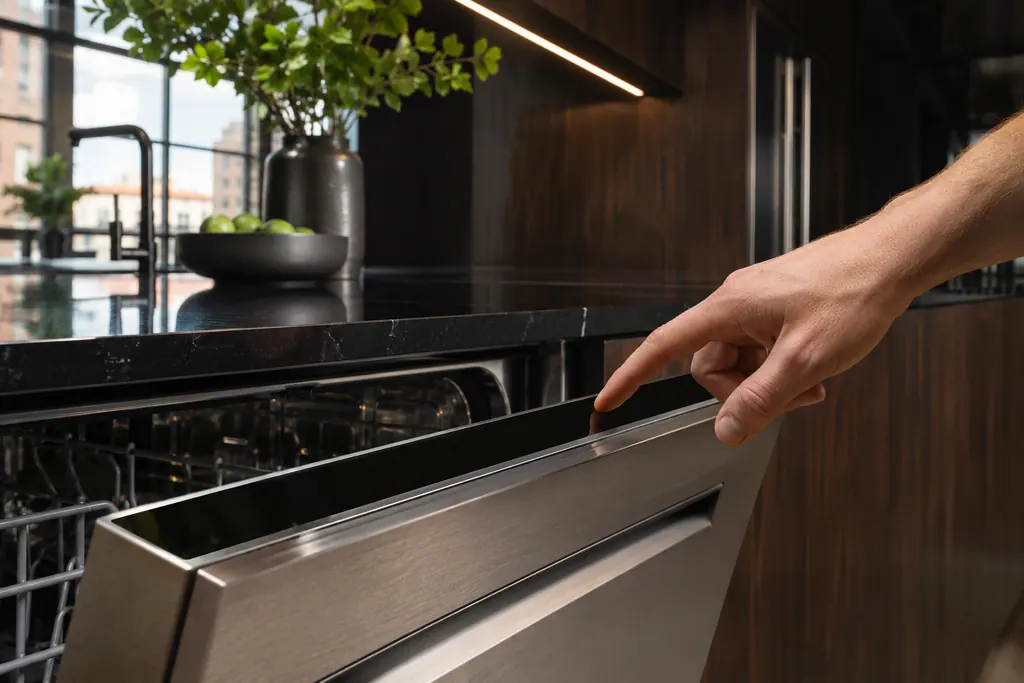 Dishwasher control paneldishwasher
Oven
- Oven temperature sensoroven
- Oven door latch assemblyoven
- Oven electronic controlovenShows up as
- Appliance manager controloven
- Oven cooling fanovenShows up as
- Meat probe receptacleoven
- Oven keypad and user interfaceovenShows up as
- Oven Wi-Fi moduleoven
- Bake and broil elementsovenShows up as
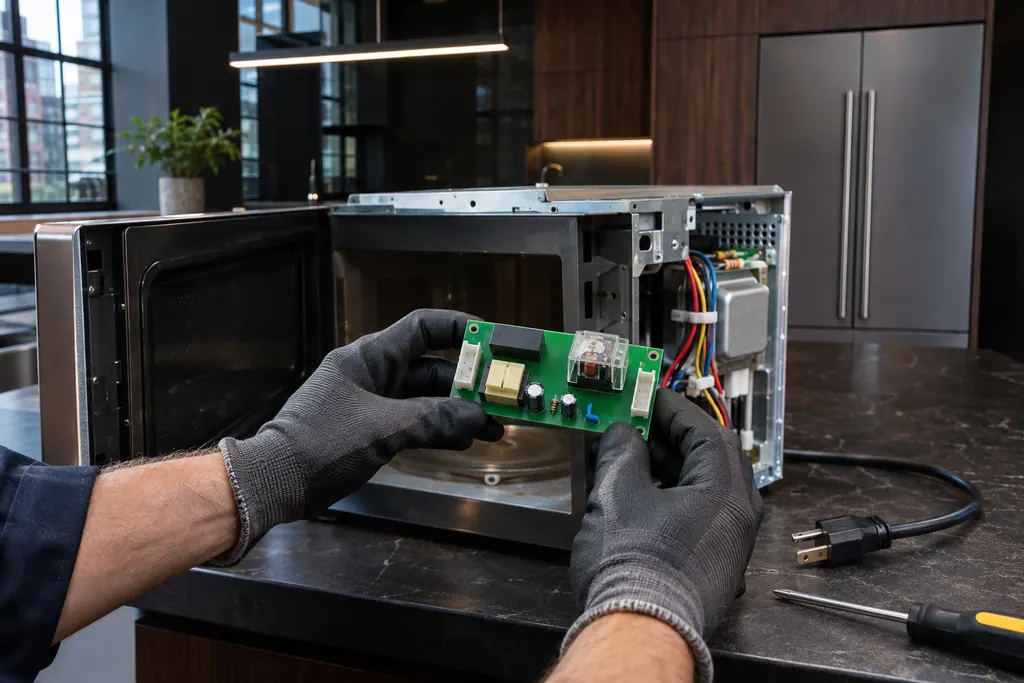 Microwave relay control boardoven
Cooktop

What is in the glossary?
Short entries for parts that JennAir's own articles mention, such as a door latch assembly, a temperature sensor or a fill valve. Each says what the part does, not how to replace it.
Does an entry mean my part has failed?
No. Learning what a sensor does says nothing about your own unit. The entries simply make a code page, or what a technician tells you, easier to follow.
Is a glossary entry enough to buy a part?
Hold off. Similar-looking parts differ between models and years, and a technician should check the fit before you order.
Where do the entry links go?
Each link opens a page where the part appears in a real case, for example a code explanation, to show you where it belongs.
Code or symptom, part, service call
Tie the message to what comes next.
JennAir oven temperature problems
JennAir says not to judge oven temperature with a thermometer, because the elements cycle and most thermometers react too slowly. Check preheat time, racks, pan spacing and foil first, then run the biscuit test before any calibration.
Oven repair
Schedule a diagnostic for your model, carried out at the appliance.
Find your metro
Office details, plus the access notes to pass along.