Diagnostics and repair
Seasoned technicians inspect the appliance before suggesting any work. OEM parts are available on order, matched to your model.
The care journal
Maintenance, repairs and code explanations built on JennAir’s own manuals and matched to the models they apply to.
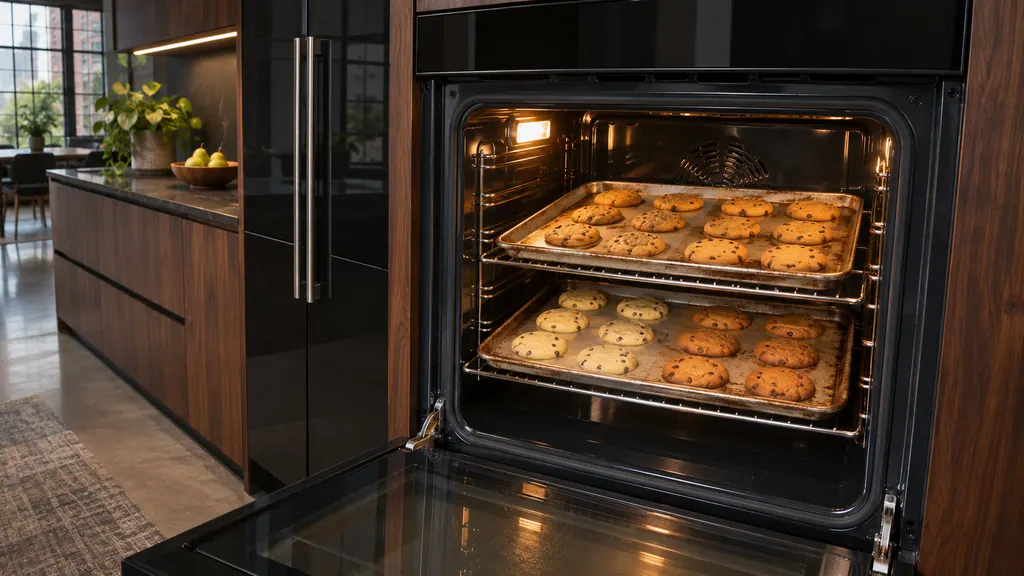
Uneven baking in a JennAir oven usually comes from pans, preheating or rack position before it points to the oven. Dark pans brown more, shiny pans brown less, and food loaded early gets too much top heat. Fix those, then check level and airflow. [1][2]
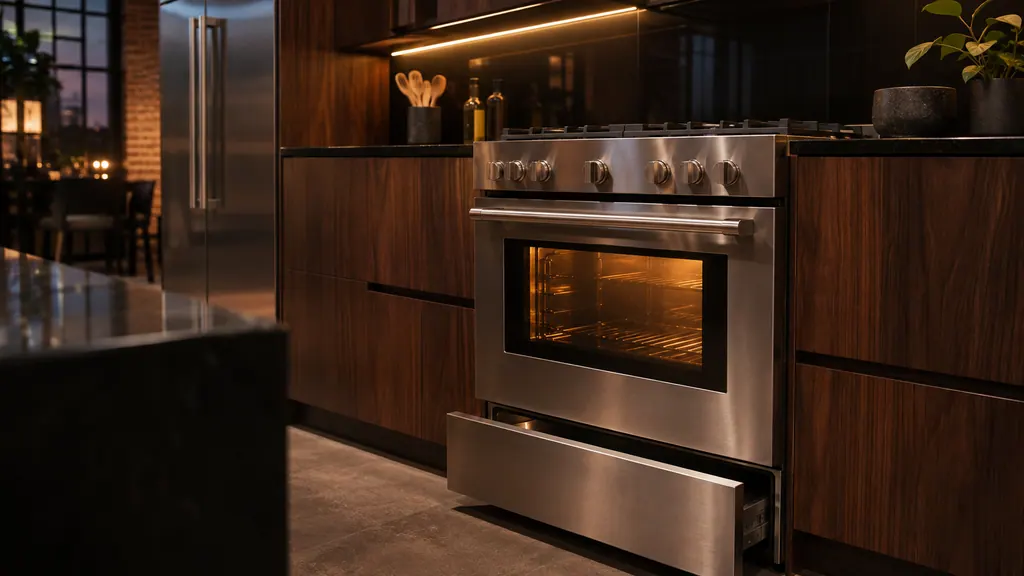
Short clicks while a JennAir gas oven preheats are normal: the igniter sparks until it detects a flame, and on a range that can repeat every 1 to 3 minutes. Clicking with no flame, or a gas smell, is different. Check the valves and the door, and stop if you smell gas. [1][2]
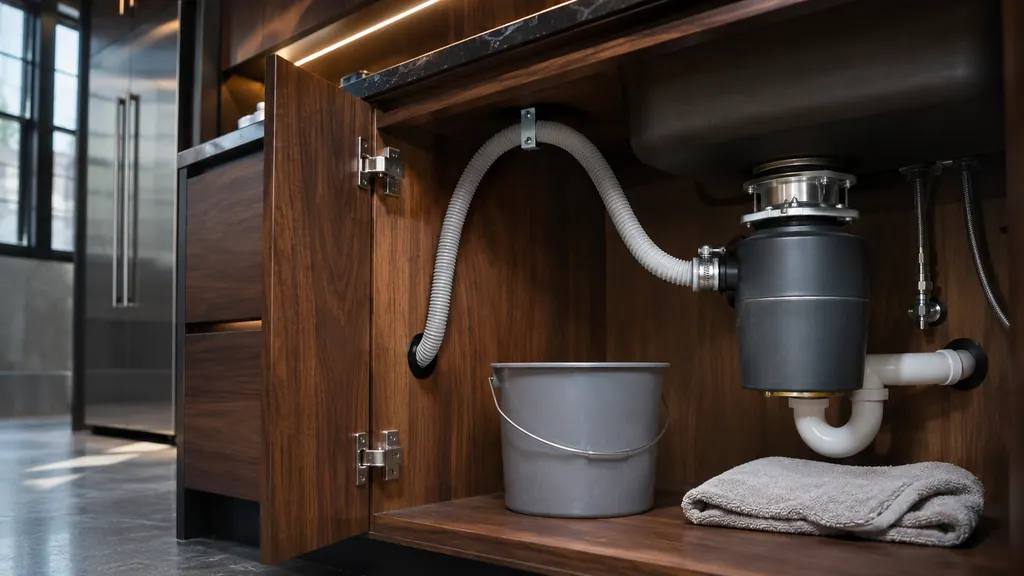
A newly installed JennAir dishwasher that will not drain usually has a setup problem: the disposer knockout plug is still in, the hose is kinked, or the drain loop or air gap is missing. Check those before you suspect the pump. Power the dishwasher off before you touch the hose. [1][2]
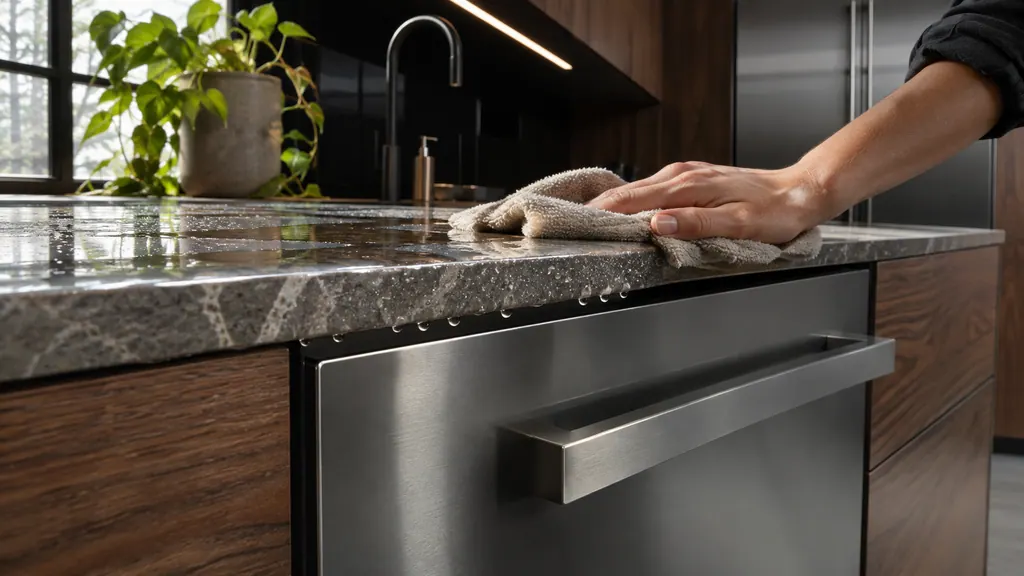
Moisture on the underside of the counter near a JennAir dishwasher is usually condensation: steam from the vent meeting a cooler surface. A leak looks different, with water at the door edge, on the floor or under the unit. Check where the water shows up, and when. [1][2]
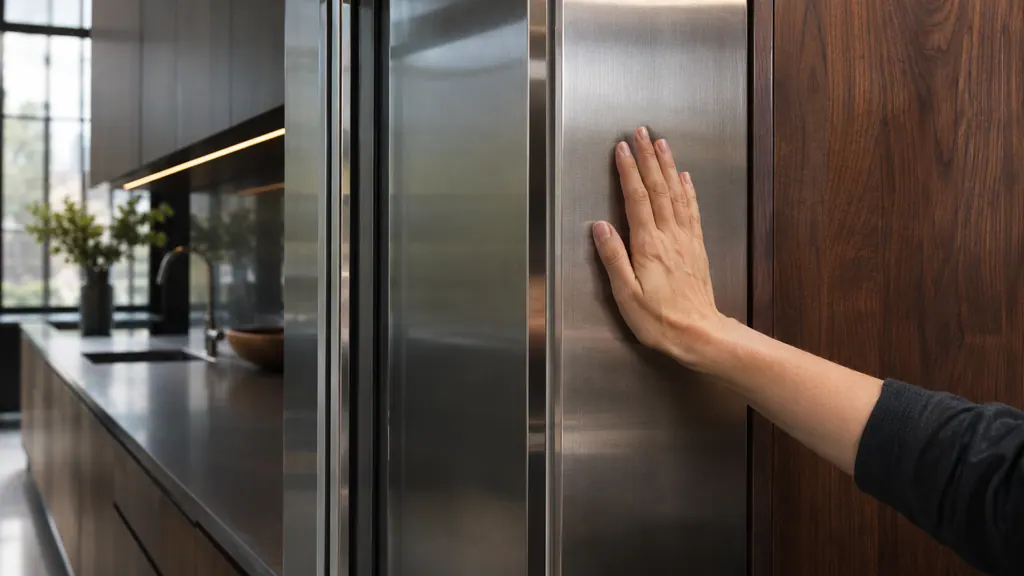
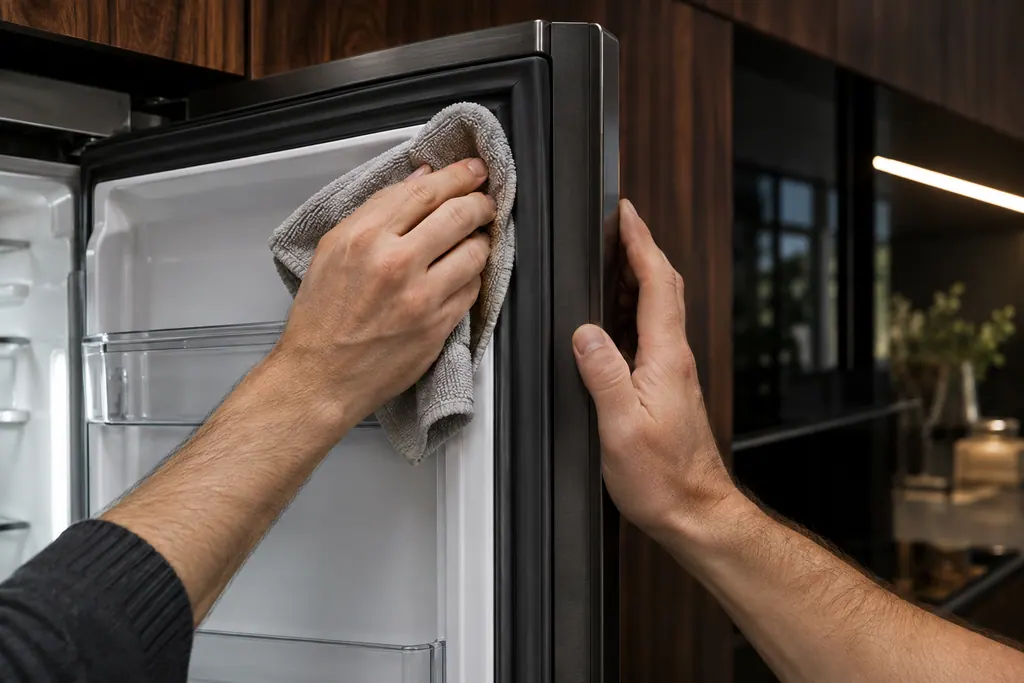
A warm cabinet on a JennAir refrigerator is usually normal: the unit moves heat from the food compartments into the room through condenser loops in the walls and front frame. Heavy use, a hot kitchen, a fresh install or warm groceries make it stronger. Check the condenser if it stays hot. [1]
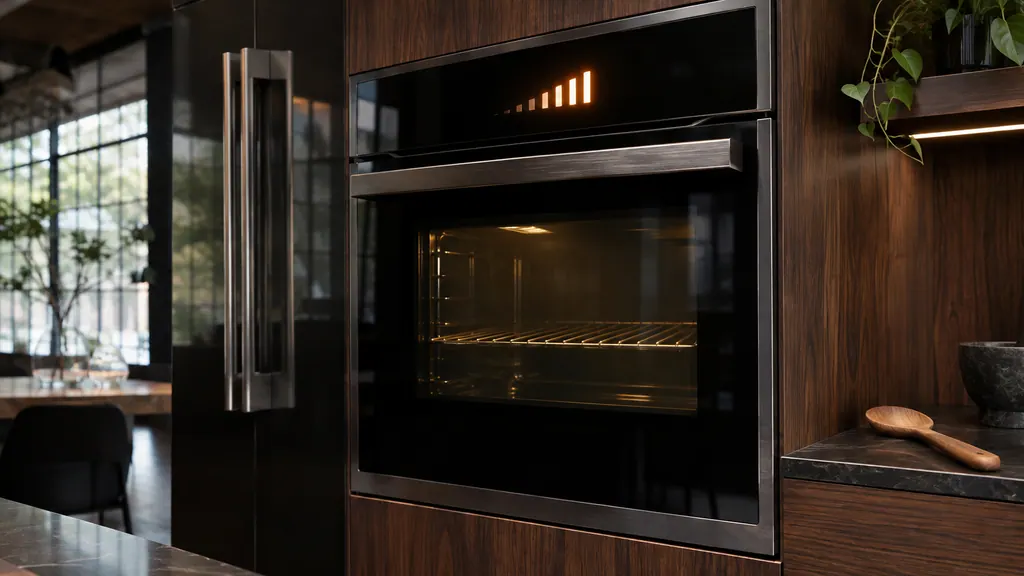
A JennAir oven with a visible bake element normally reaches 350°F in 12 to 15 minutes, give or take 5; a hidden element takes about 20 minutes. Higher temperatures, unused racks, foil, an open door and 208V power all add time. Check those before you suspect the oven. [1][2][3]
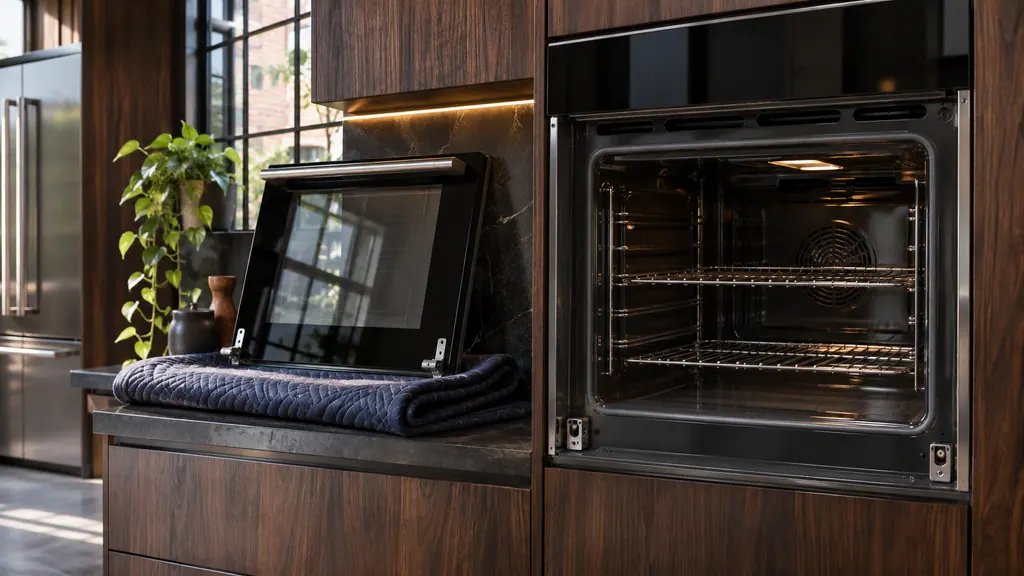
JennAir ovens have two door types: with hinge latches and without. With latches, flip both hinge locks up, partly close the door until it stops, then lift and pull it toward you. Without latches, open to the first stop and lift straight up. Rest the door on a covered surface. [1]
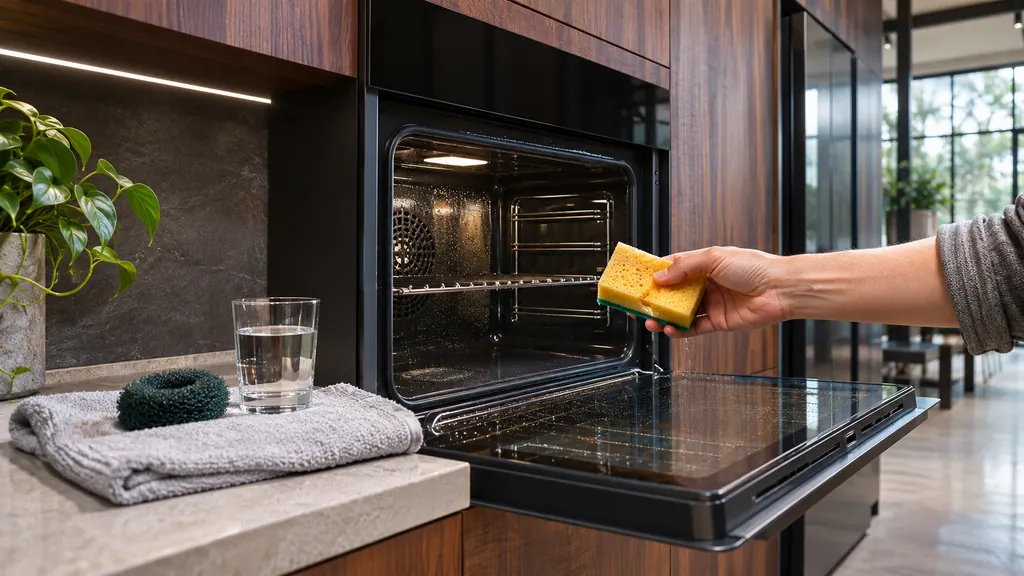
Steam Clean on a JennAir oven uses steam to soften light, fresh soil so you can wipe it out, without oven cleaners or additives. Start it soon after a spill, with the oven cool, the racks out and the door shut. The door stays shut for the whole cycle. [1][2]
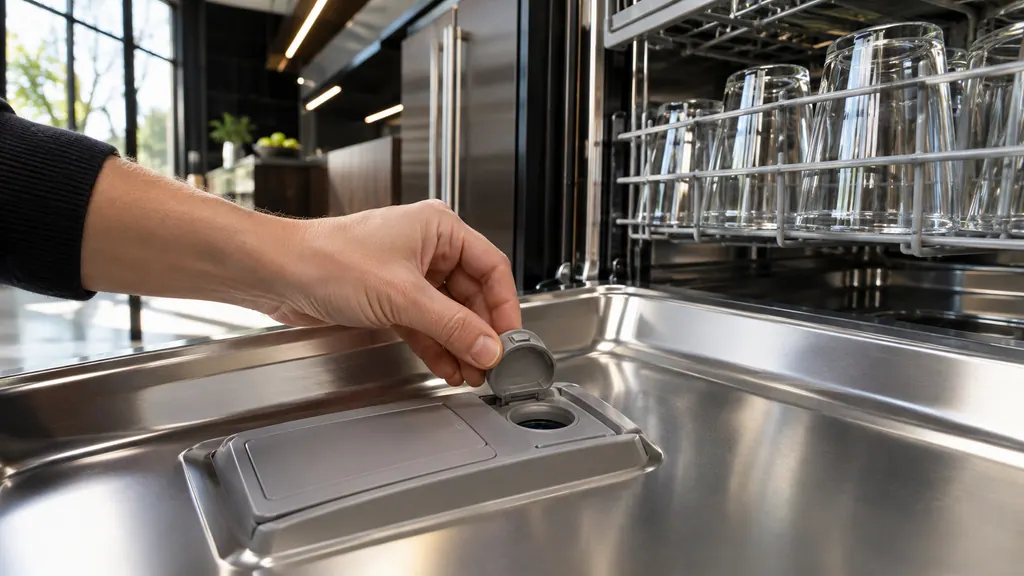
On a JennAir dishwasher, rinse aid works in the final rinse and has an adjustable dose; the factory setting is 2 or 3 and the highest helps with drying or hard-water spots. Models with a salt reservoir also use dishwasher salt for the softener. Etched glass is a reason to lower the dose. [1][4][6]
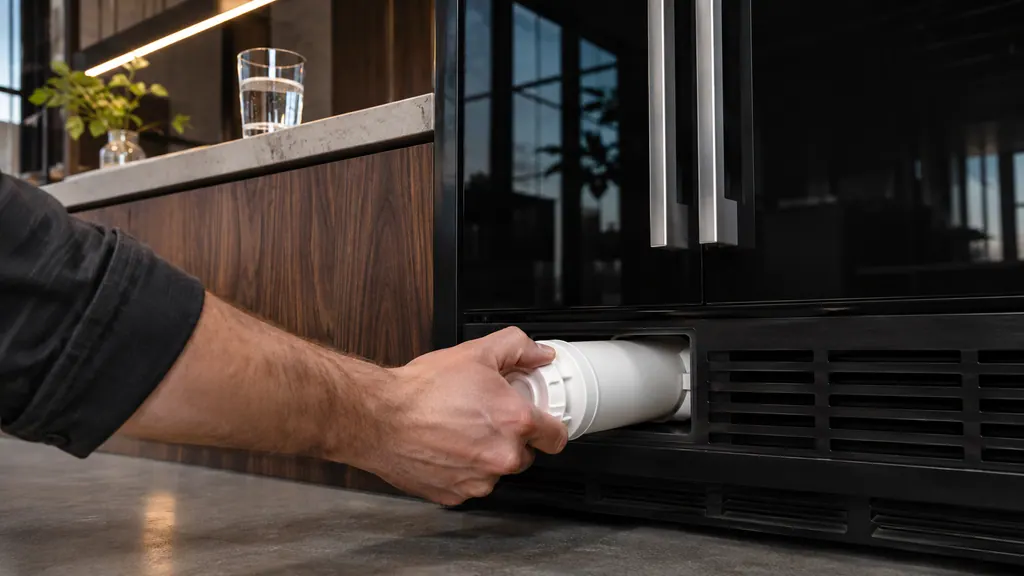
A JennAir refrigerator water filter should be changed about every 6 months, when the indicator light comes on, or sooner if the flow drops. Thin or hollow ice, odd-tasting water and a slow dispenser are signs. Use a genuine everydrop filter, and flush the system after you change it. [1][3][4]
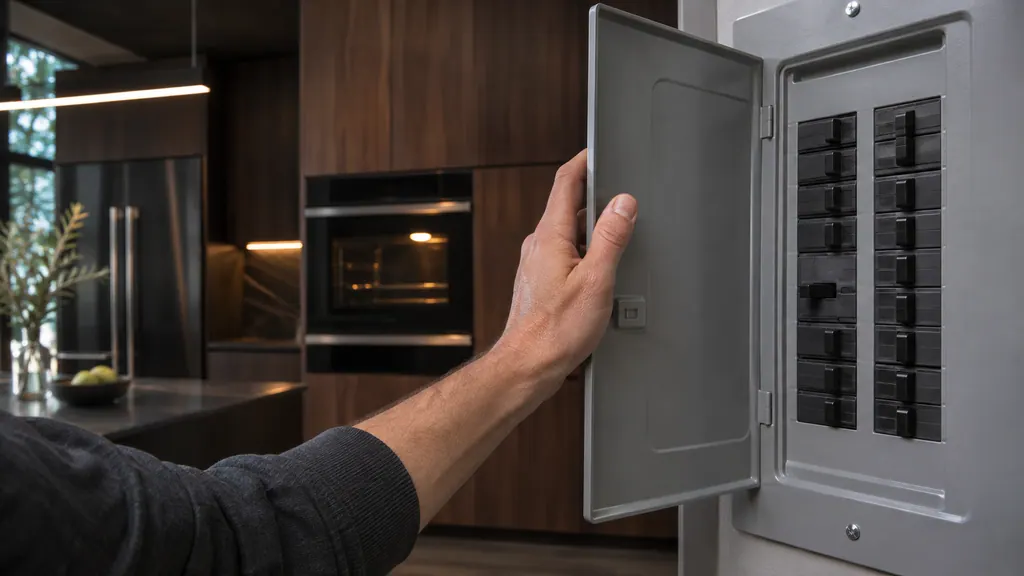
On a JennAir oven, press Cancel first. If the error returns, switch the oven's breaker or fuse off for one minute, switch it back on and watch the display for one minute. One professional-style range page asks for five minutes with the power disconnected. A repeating F9 points to the home wiring.
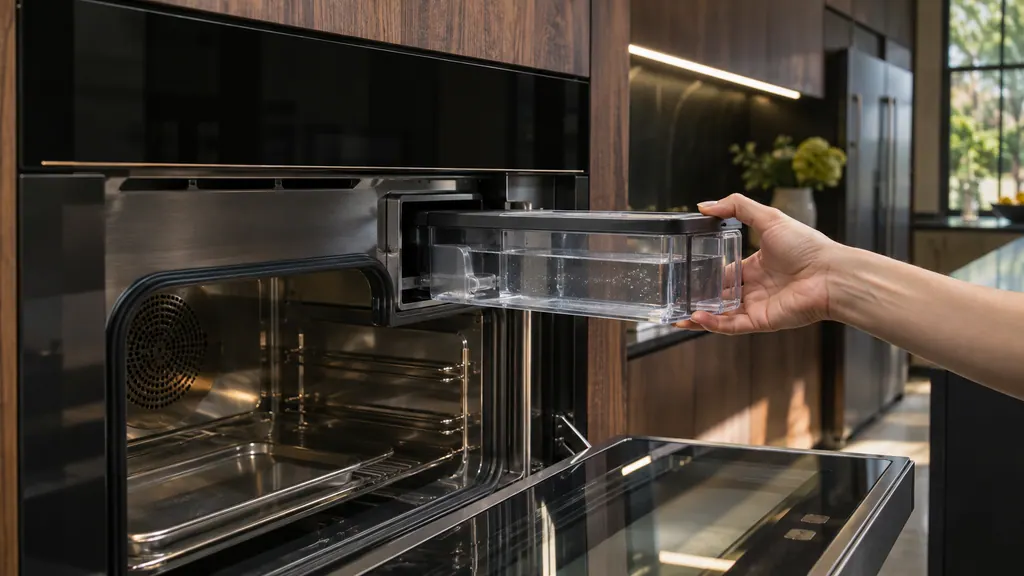
A JennAir steam oven asks for a fresh fill of its water container before each steam cycle and empties the boiler through the Maintenance menu. When Descale is needed shows, run the Descaling cycle with an empty oven and let it finish; it cannot be stopped partway. Water drips and pump noise have simple answers too.
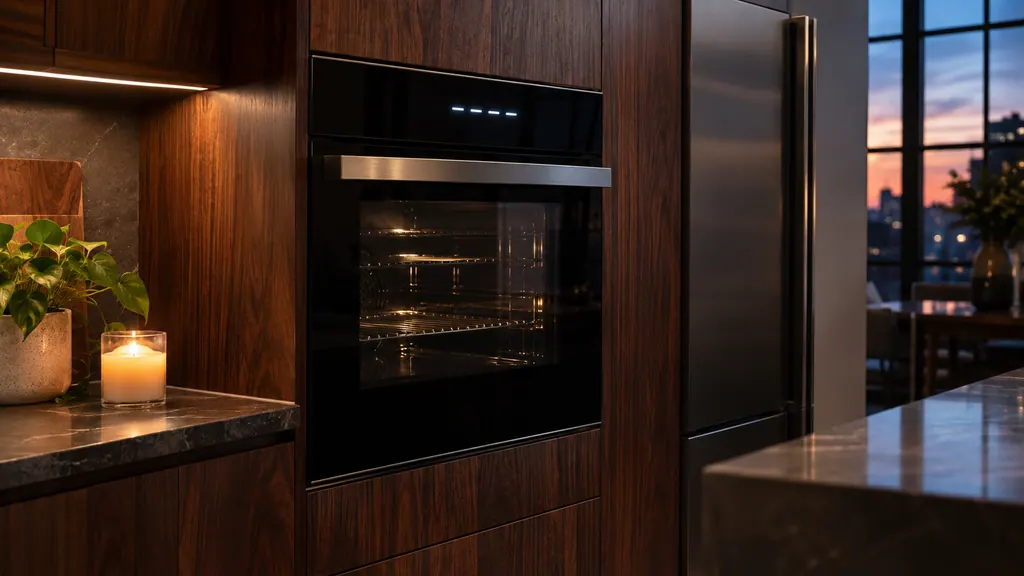
After a power cut a JennAir oven usually shows a flashing time, 12:00 or POWER LOSS. Press CANCEL to clear it, then enter the time. The oven may also be locked or in demo mode, which look like a dead oven but are not. A lasting F9 means a one-minute breaker reset, then a check of the home wiring.
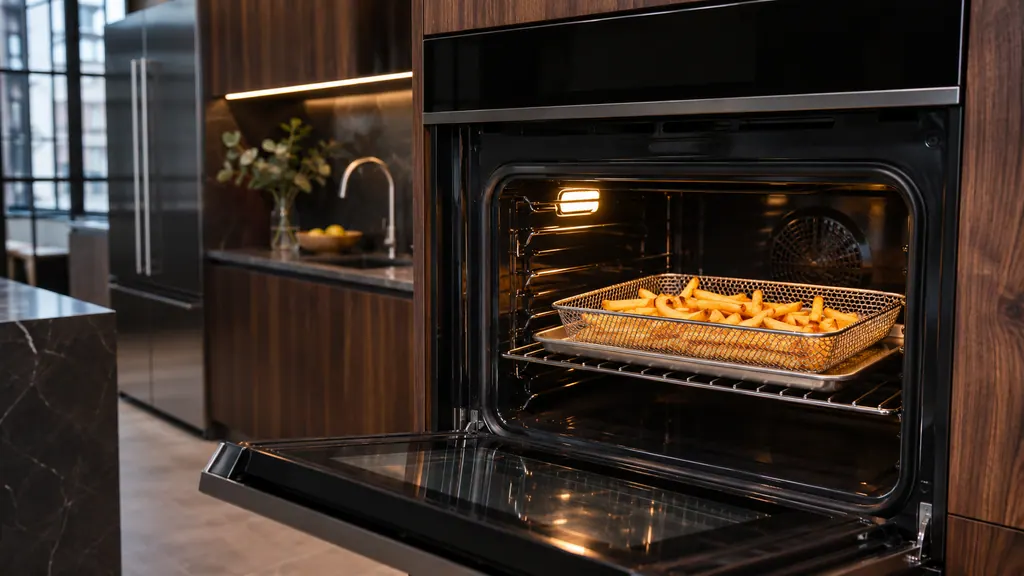
On a JennAir oven, Air Fry is a convection function that moves hot air quickly around the food. Use rack position 3 on a five-position oven or 4 on a seven-position oven, put a tray under the optional basket to catch drips, and expect the convection fan to run. Your model may start it from the controls or the app.
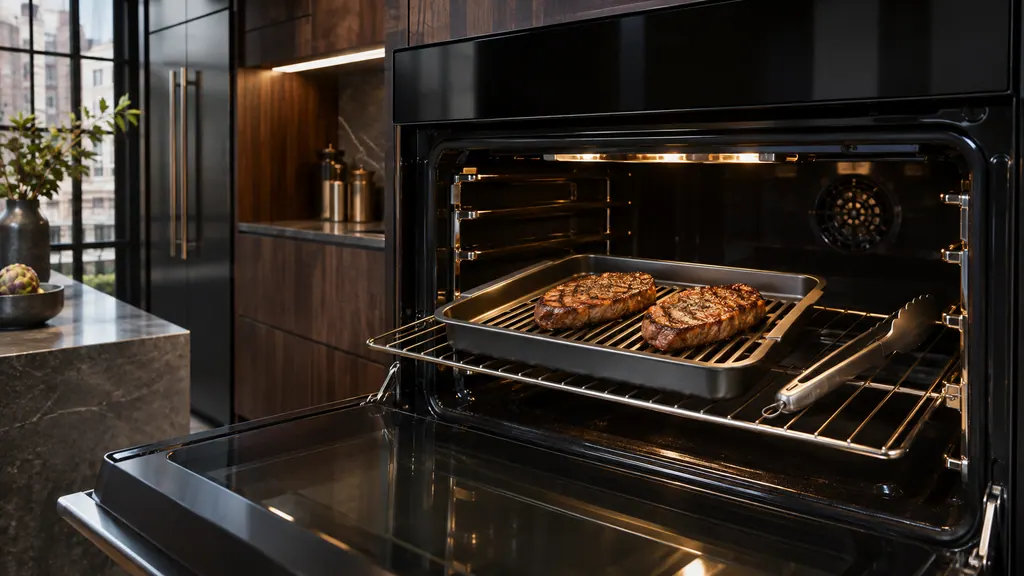
For broiling in a JennAir oven, put the broiler pan and grid on a rack, start at the bottom position and adjust, and keep the door closed because the broil element switches off when it opens. Do not cover the grid with foil, and take the pan out with the food to cut smoke.
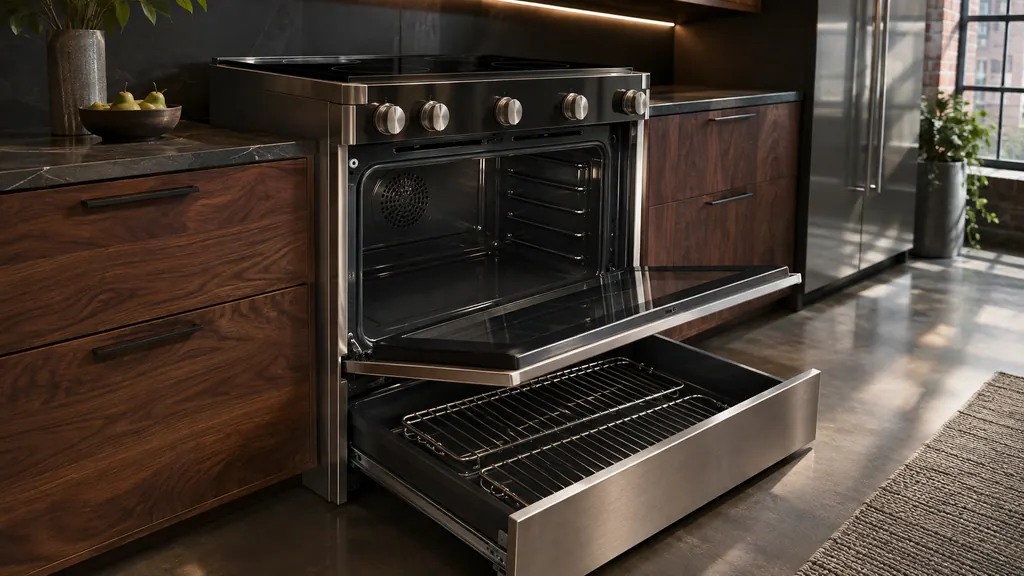
A new JennAir range keeps its racks in the oven cavity, the warming drawer or the storage drawer. A standard 30-inch range typically has two. Place racks before turning the oven on, move them by pulling to the stop, raising the front edge and lifting, and never move a rack that holds bakeware.
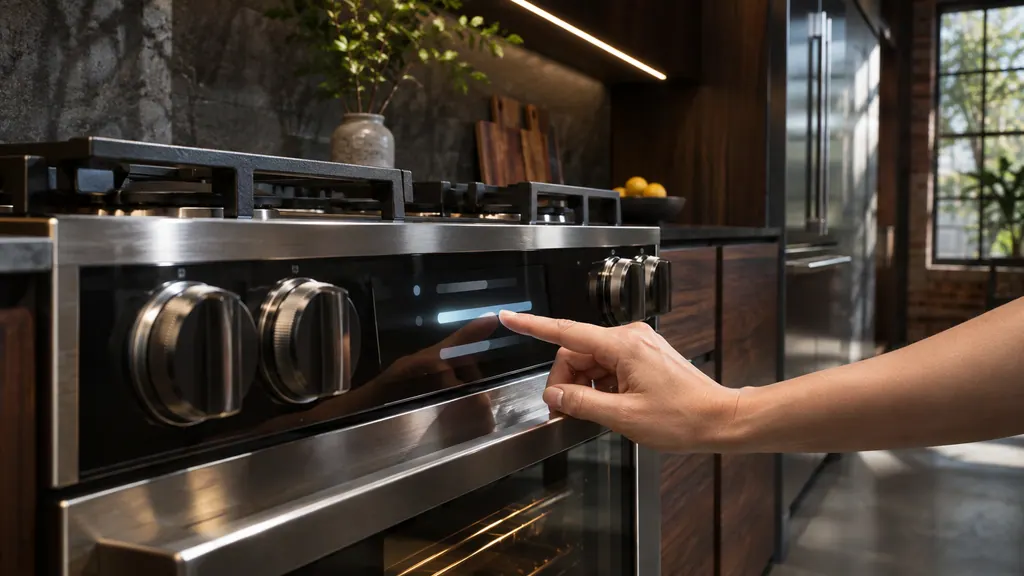
On a JennAir range with a display, the date and time live in Settings, then Preferences, then Time and Date. A C on the display or a limit of 260 degrees means the oven is set to Celsius. Every JennAir oven can run in either unit, and the exact change differs by model, so follow your manual.
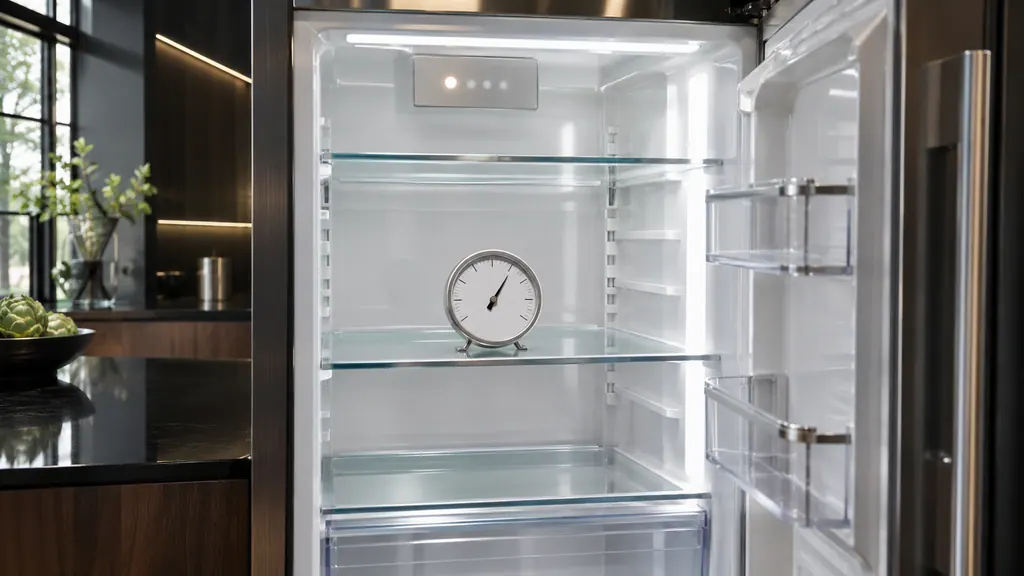
If a JennAir refrigerator lights up but does not cool, it may be in showroom or demo mode, which keeps the display and lights on and cooling off. The exit depends on the control type, such as two buttons held for three seconds or a dial. Check JennAir's page or your manual before pressing anything.
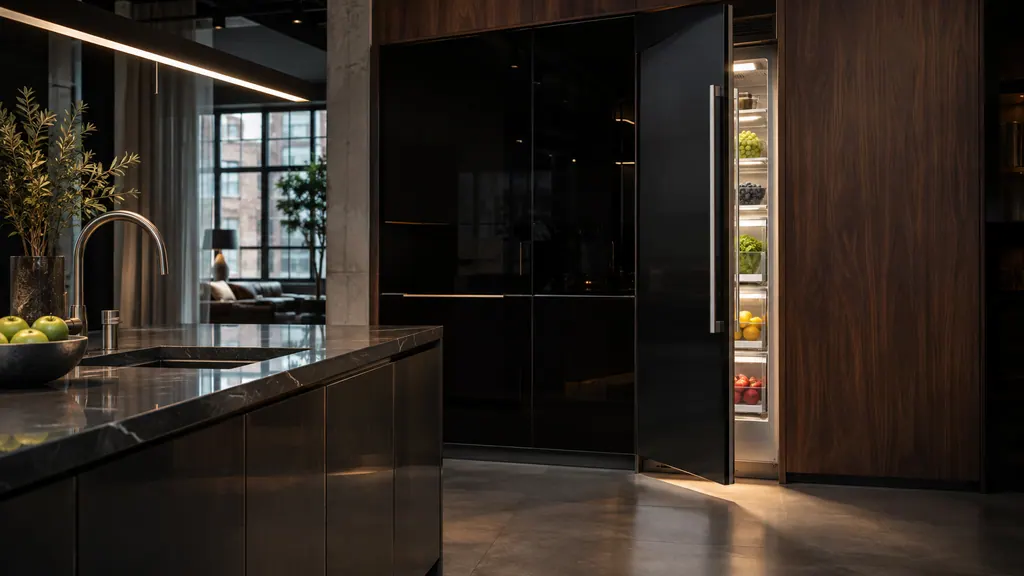
A JennAir column refrigerator or freezer gives three alerts you can act on: Door Open after about five minutes with a door ajar, Over-Temp when temperatures stay high, and Replace Filter when the filter is due. Close the door, check the temperature, replace and reset the filter. F3E0-style codes have no steps.
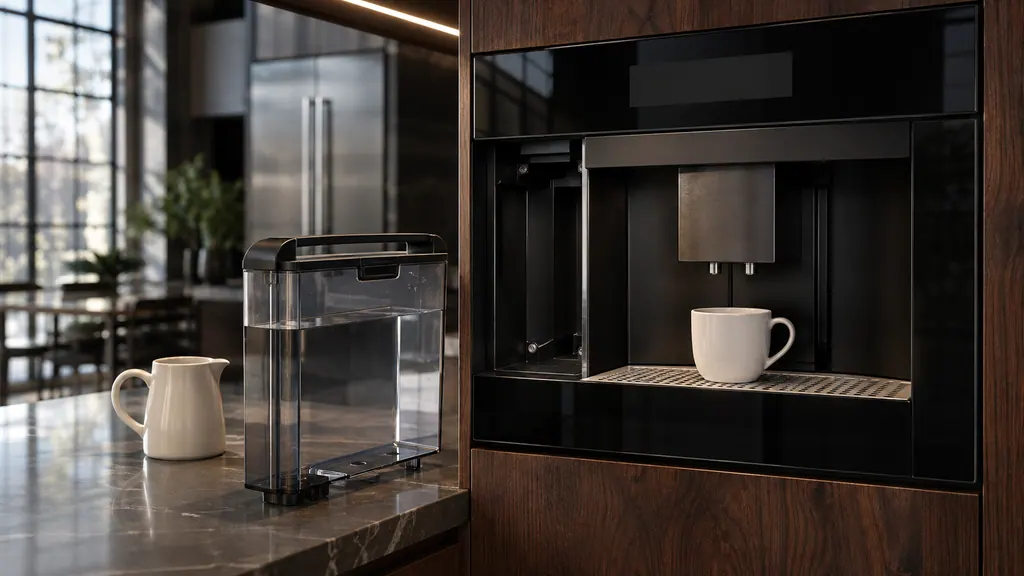
On a JennAir built-in coffee maker, run the automatic descaling cycle when the display says DESCALE!, using a commercial packaged descaler and never vinegar. Clean the brewing unit monthly with plain warm water, no soap, and only with the machine off. Empty the drip tray before the red float rises above the grid.
Load food after the signal, not before. Too little preheating pushes extra heat to the top of the food and over-browns it.
Read the full sequence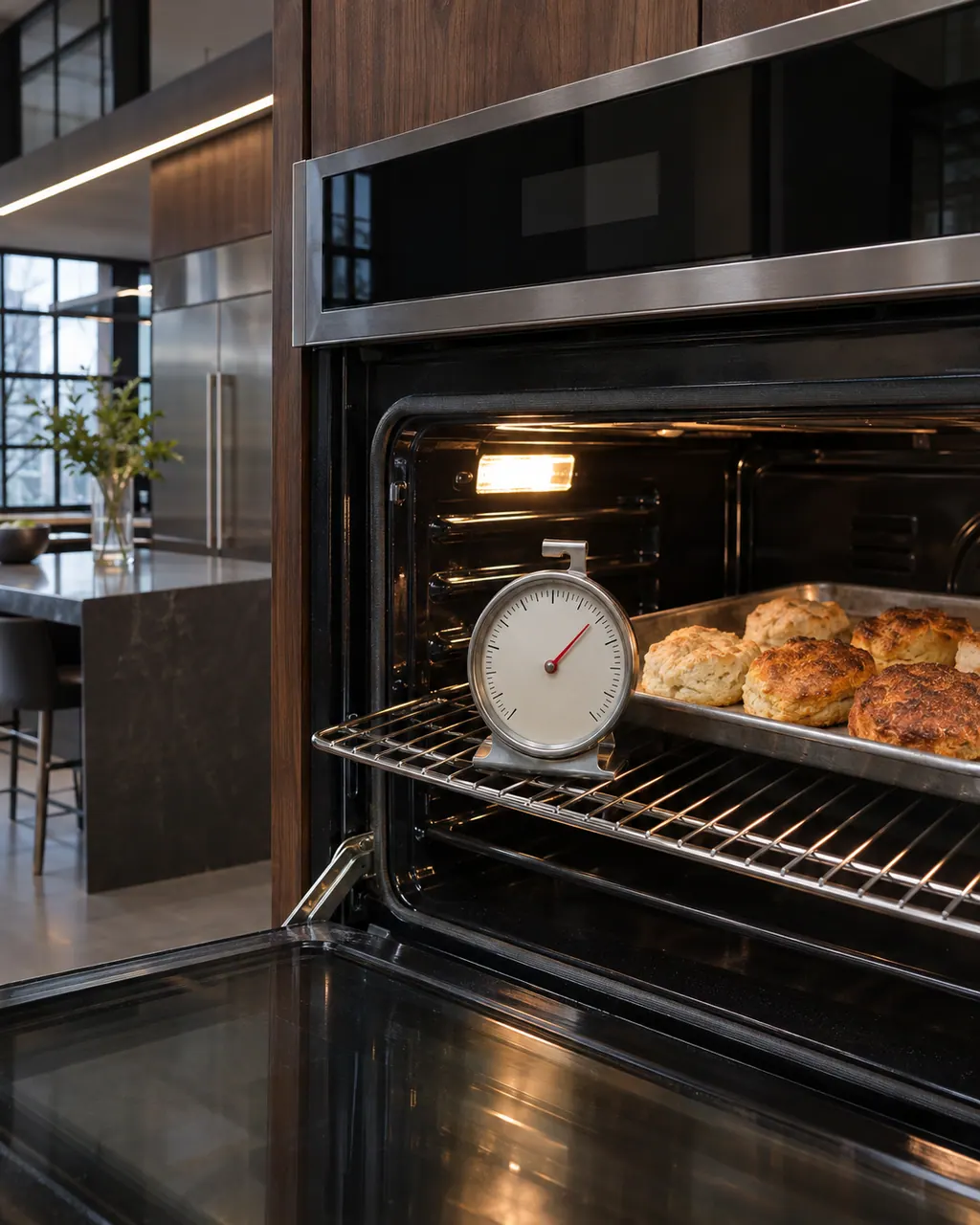
JennAir says not to judge oven temperature with a thermometer, because the elements cycle and most thermometers react too slowly. Check preheat time, racks, pan spacing and foil first, then run the biscuit test before any calibration.
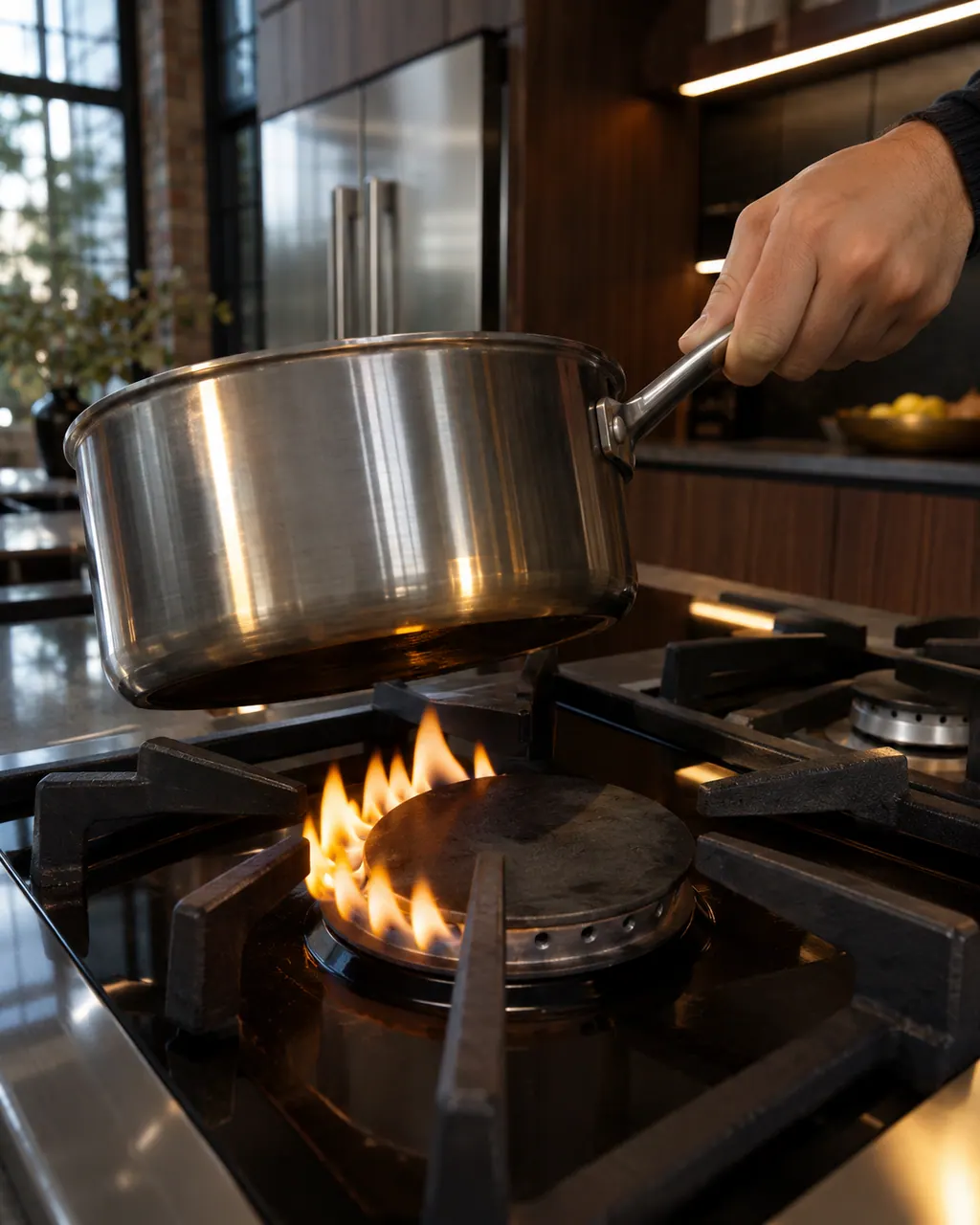
Find your cooktop type first. Glowing that cycles on and off is normal on electric coil and glass tops, and gas flame trouble starts with clean ports and a seated cap. LP conversion or a wrong gas type needs a technician.
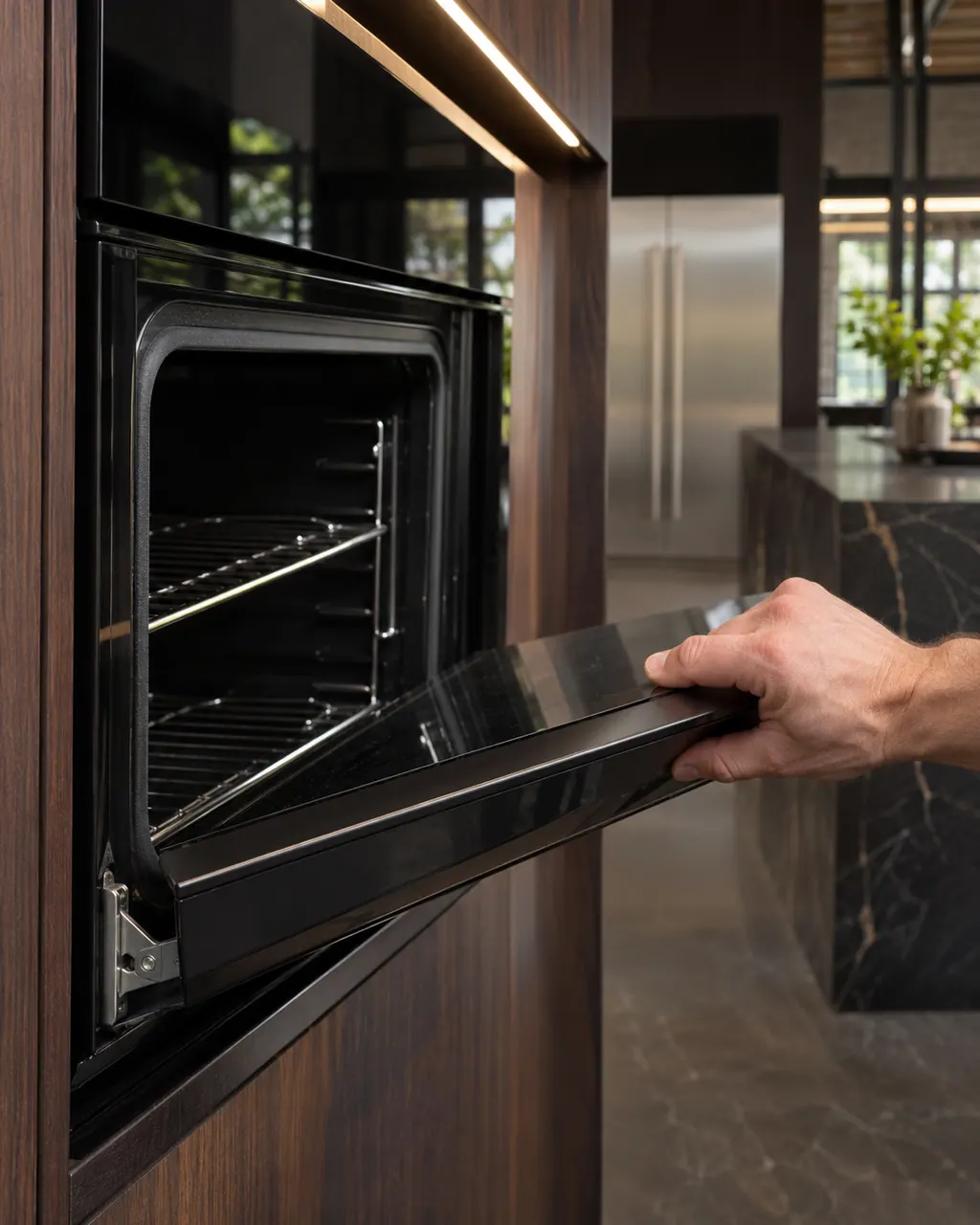
Most JennAir door complaints trace to something blocking the latch, a rack or pan that is not seated, or a door put back on wrong. Moisture on the glass and a rainbow tint are listed as normal and need no repair.
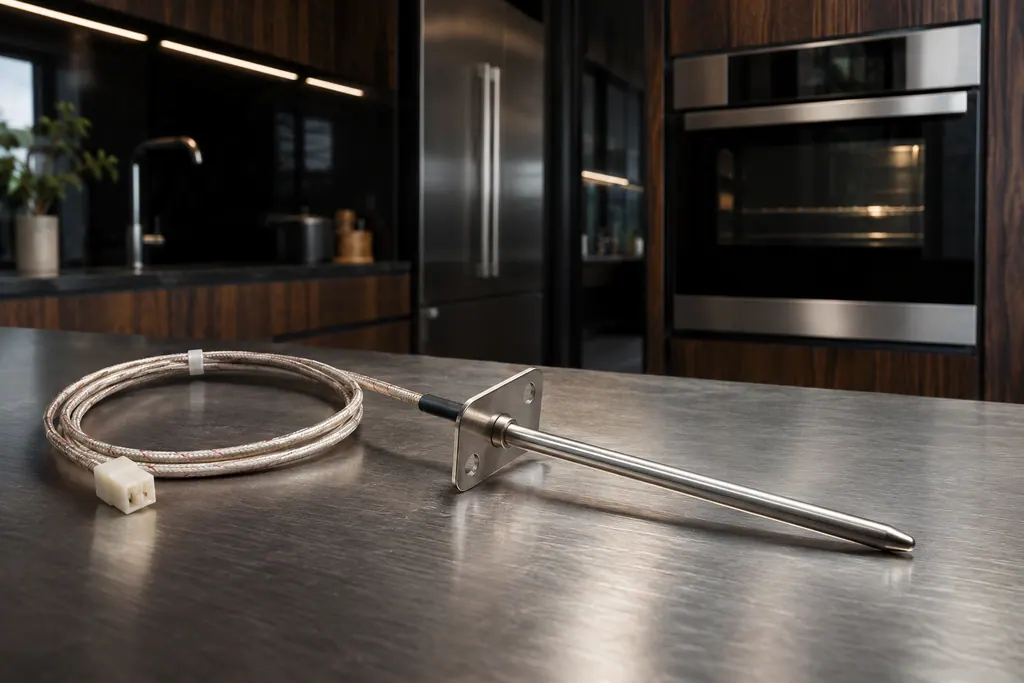
JennAir Product Help ties F1, F2 and several F3 codes to the oven temperature sensor, the control or the wiring between them. The sensor reports cavity heat to the control. The help pages pair it with the control, so one reset is the only owner step.
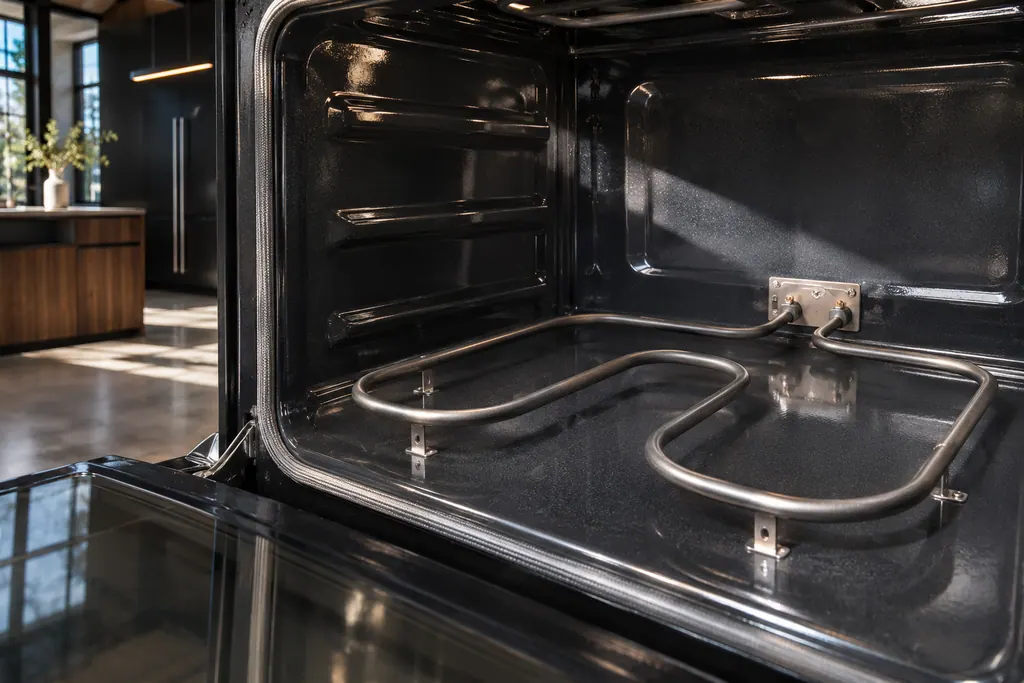
On JennAir ranges, FEE6 names the main cavity bake element and FEE7 the main cavity broil element, each with its wiring. The pages offer one owner step: a one-minute breaker reset. An element that stays cold afterwards needs a technician with the power off.
1c1c is the first row in JennAir's "Starts with 1c" group, and it is the one that names the touch panel (JennAir's user interface) or its wiring. The first step is a sixty-second power reset at the breaker panel; call for service if it returns.
1c2c says the touch controls or the wiring may need attention. Cycle the breaker once, a minute off; if the code returns, schedule a visit.
Seasoned technicians inspect the appliance before suggesting any work. OEM parts are available on order, matched to your model.
If JennAir's manufacturer warranty covers the repair, JennAir itself does the work. We back our own workmanship with a warranty.
Upkeep, everyday use, troubleshooting and codes in plain language. Every guide draws on JennAir Product Help articles named at its foot.
A code on the screen sends you to the codes guide. Strange behavior with no message points to troubleshooting. Wanting to avoid trouble? Read the upkeep guide.
No. Guides stay at owner-level jobs such as filters, racks and gaskets. Panels, wiring, gas lines and sealed systems belong to a technician.
Possibly not. JennAir has revised its controls over time, so each page names the products it covers. Match that against your unit's plate.
Code or symptom, part, service call
JennAir says not to judge oven temperature with a thermometer, because the elements cycle and most thermometers react too slowly. Check preheat time, racks, pan spacing and foil first, then run the biscuit test before any calibration.
Schedule a diagnostic for your model, carried out at the appliance.
Office details, plus the access notes to pass along.