Inside the appliance
Freezer showroom mode. In plain English.
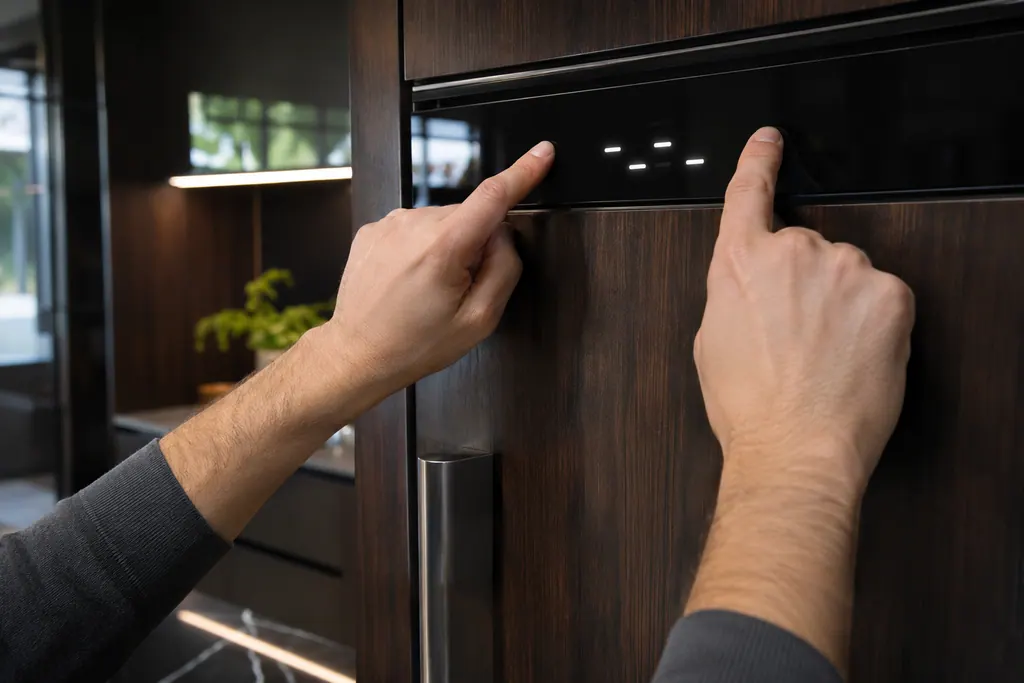
Showroom mode is a display setting that turns the cooling off. JennAir lists it among the checks when a column freezer or refrigerator is not cooling. The control panel still answers most commands but does not carry them out, and the word Showroom lights on the display.
Where it fits.
Freezer showroom mode in the appliance
It is set from the control panel on the column; the word Showroom appears on its display.
The picture shows the kind of component only. It cannot tell you which replacement suits your model.
What you notice when this system needs a look.
A Freezer showroom mode concern may show up with a drop in performance or a code that keeps returning. Testing comes first, before anyone decides the component is to blame.
JennAir refrigerator light not working
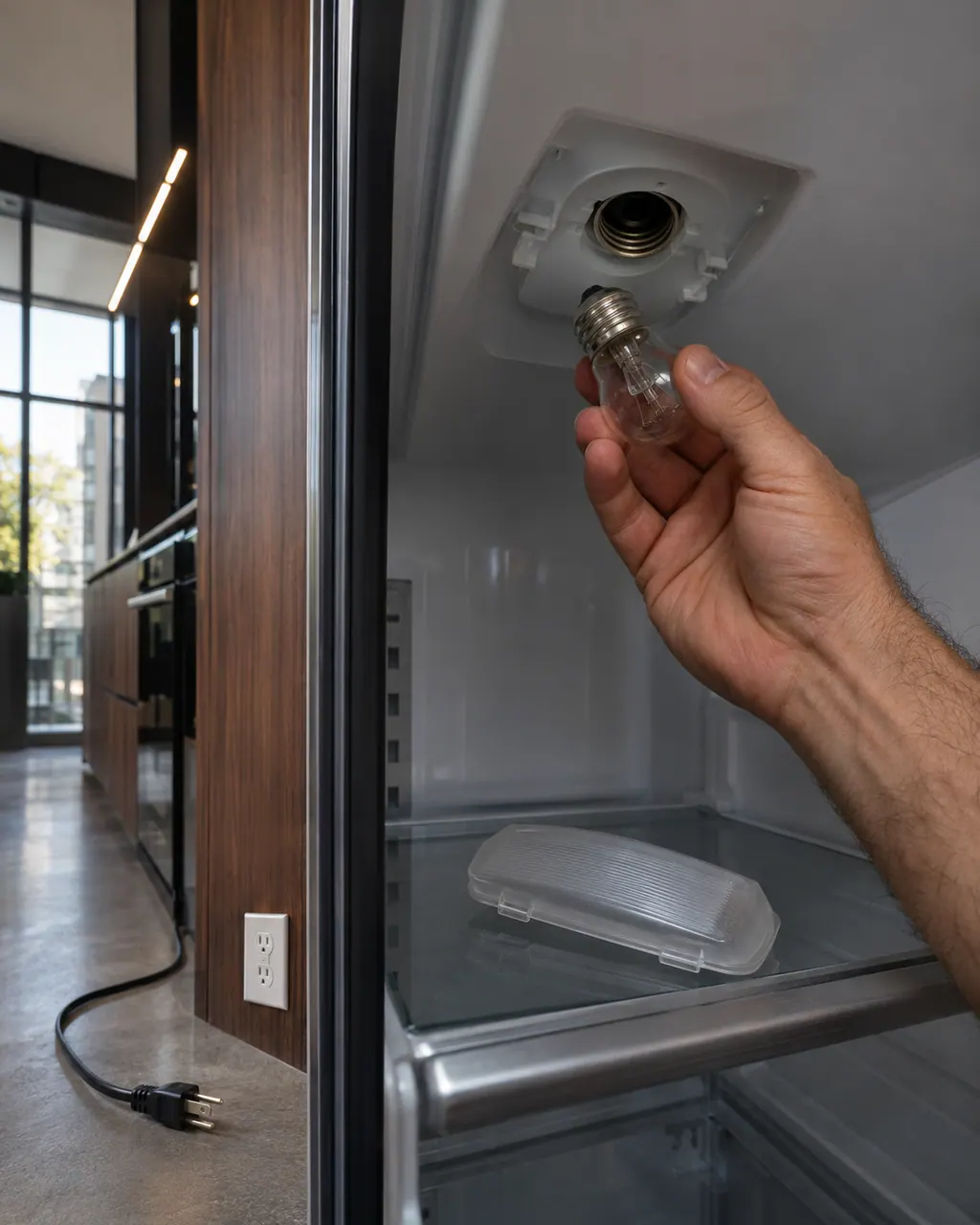
On a JennAir the interior lights turn themselves off after the door has been open 10 minutes. Close every door for 1 minute to reset. Then check the door switch, the wiring plug after a delivery, Sabbath mode and the bulb.
JennAir refrigerator frost and condensation
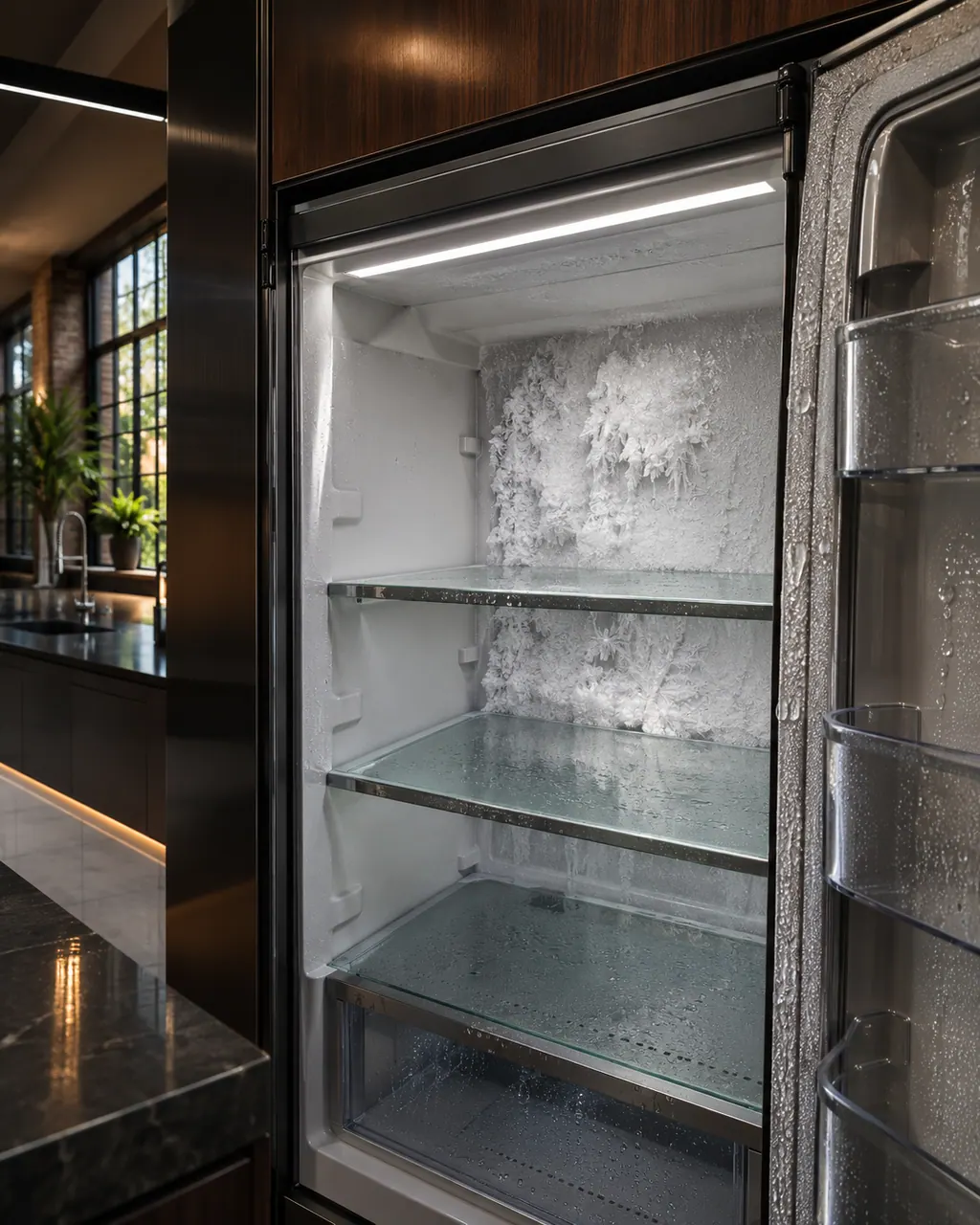
JennAir calls a little moisture normal: small ice droplets on the freezer walls and back panel, and sweat on the center mullion or cabinet flanges in humid weather. Check doors, seals, vents and settings before assuming a defrost problem.
Owner care, within the model instructions.
Turn the appliance off and unplug it before any check you can do yourself. Look out for pooled water and sharp edges. Never touch a wet plug or live area, take off service panels, or go past your model’s owner instructions.
- 1
Read the display
If you turned showroom mode on by accident, the word Showroom shows on the display.
- 2
Toggle the mode
The column pages print the toggle as holding Top Zone and the JennAir logo down together for three seconds.
- 3
Rule out the other causes
The same checklist asks about the power supply, a tripped breaker, the freezer being off and a large amount of new food.
- 4
Give it time
A recently installed unit needs 24 hours to reach proper temperatures, and a big load of warm items can take several hours to settle.
Cleaning or replacement?
Leave internal testing to a technician.
Book us if the unit is not cooling with showroom mode off, power confirmed and the doors sealing.
Arrange a diagnosticSee the neighboring components.
Refrigerator water filter
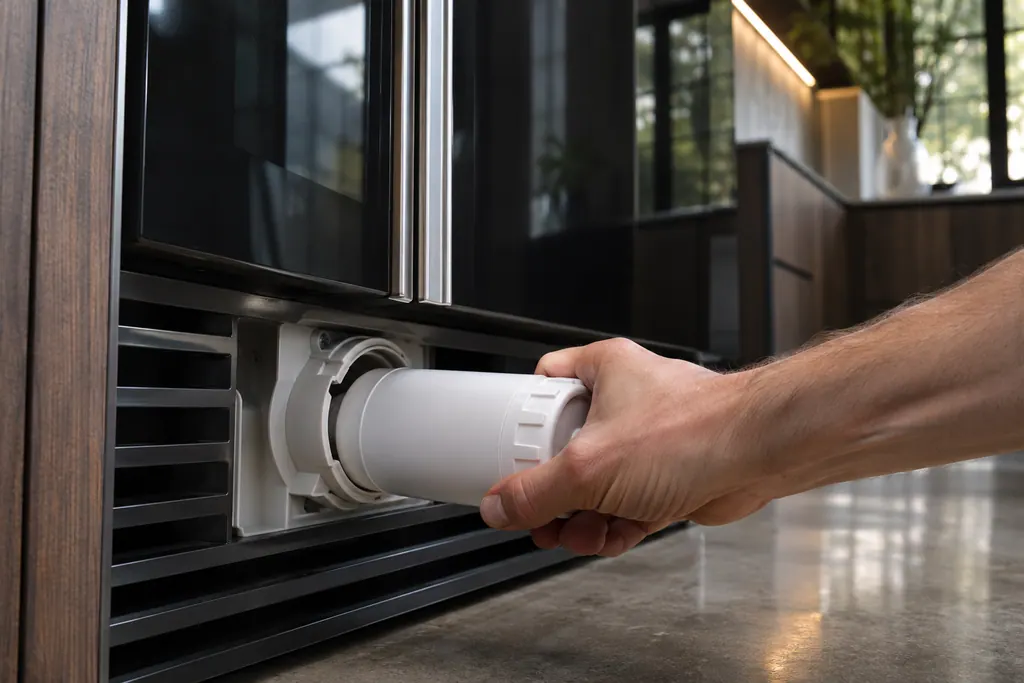
JennAir recommends replacing the refrigerator water filter every 6 months, when the indicator light comes on, or as needed. A clogged or badly seated filter can slow water flow, thin the ice or stop ice. After changing it, you must reset the status light on most models.
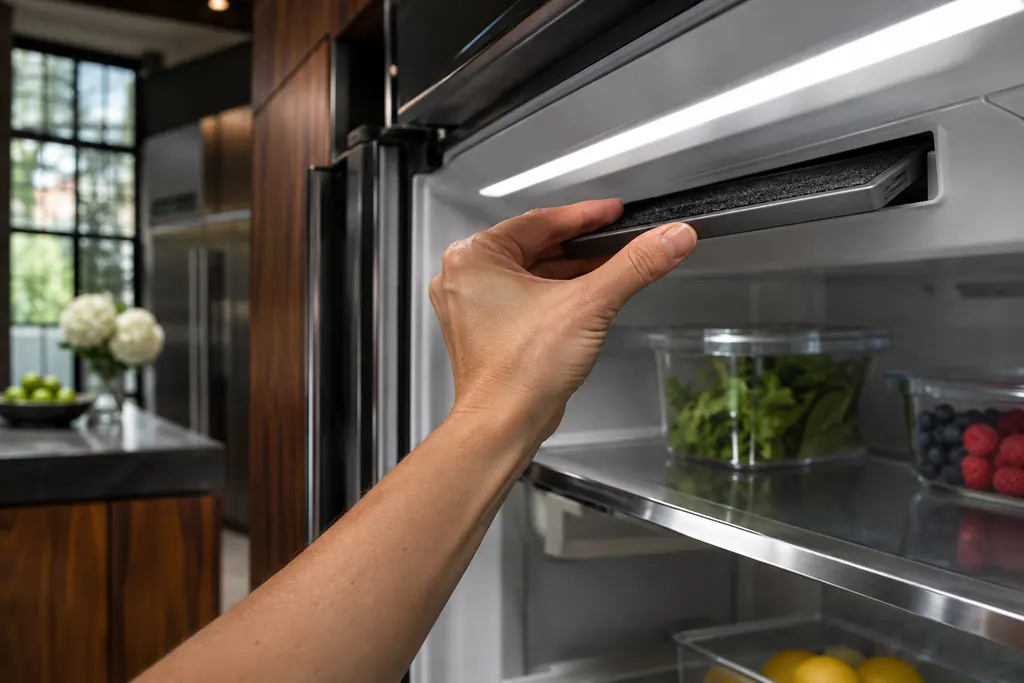
Refrigerator air filter
Some JennAir refrigerators have a Freshflow air filter that reduces food odors. A colored icon shows its status: blue is good, yellow means order a replacement, red means replace it, and flashing red means expired. After a change, hold AIR FILTER for 3 seconds to reset.
Sources and model boundaries.
The Freezer showroom mode guidance rests on these references. Pick the manual that fits your model.
- Not Cooling - All Freezer - Column - Product Help | JennAir
- Not Cooling - All Refrigerator - Column - Product Help | JennAir
- Ice Maker Not Making Ice - Column - Product Help | JennAir
Go by the instructions for your own model. See how we research these pages.
What is showroom mode?
A mode for display in a store. It turns cooling off and disables all functions except the interior lighting.
How do I turn it off?
Hold Top Zone and the JennAir logo down together for three seconds. The Showroom word on the display goes out.
Can it stop the ice maker too?
Yes. The column ice maker page lists showroom or demo mode among the reasons for no ice.
How long until a new column is cold?
The page says to allow 24 hours for proper temperatures after installation.
Code or symptom, part, service call
Tie the message to what comes next.
JennAir column freezer not cooling
JennAir lists six checks for a column freezer that is not cooling: the power supply, the breaker, whether the freezer is turned on, Showroom mode, a big food load, and a new install. A new freezer needs 24 hours, and a large warm load takes hours to settle.
Freezer repair
Schedule a diagnostic for your model, carried out at the appliance.
Find your metro
Office details, plus the access notes to pass along.