What it means
ADD GROUND COFFEE appears when the ground coffee function is selected but the funnel holds no coffee. Slide the coffee system out, add ground coffee through the funnel with the supplied scoop, and start the drink again.
JennAir coffee machine ADD GROUND COFFEE / Grinder and beans
ADD GROUND COFFEE appears when the ground coffee function is selected but the funnel holds no coffee. Slide the coffee system out, add ground coffee through the funnel with the supplied scoop, and start the drink again.
Also shown as ADD GROUND COFFEE
ADD GROUND COFFEE appears when the ground coffee function is selected but the funnel holds no coffee. Slide the coffee system out, add ground coffee through the funnel with the supplied scoop, and start the drink again.
Pull the coffee system out of its housing until the funnel is reachable.
The message returns with coffee in the funnel.
Checks you have ticked / saved in this browser
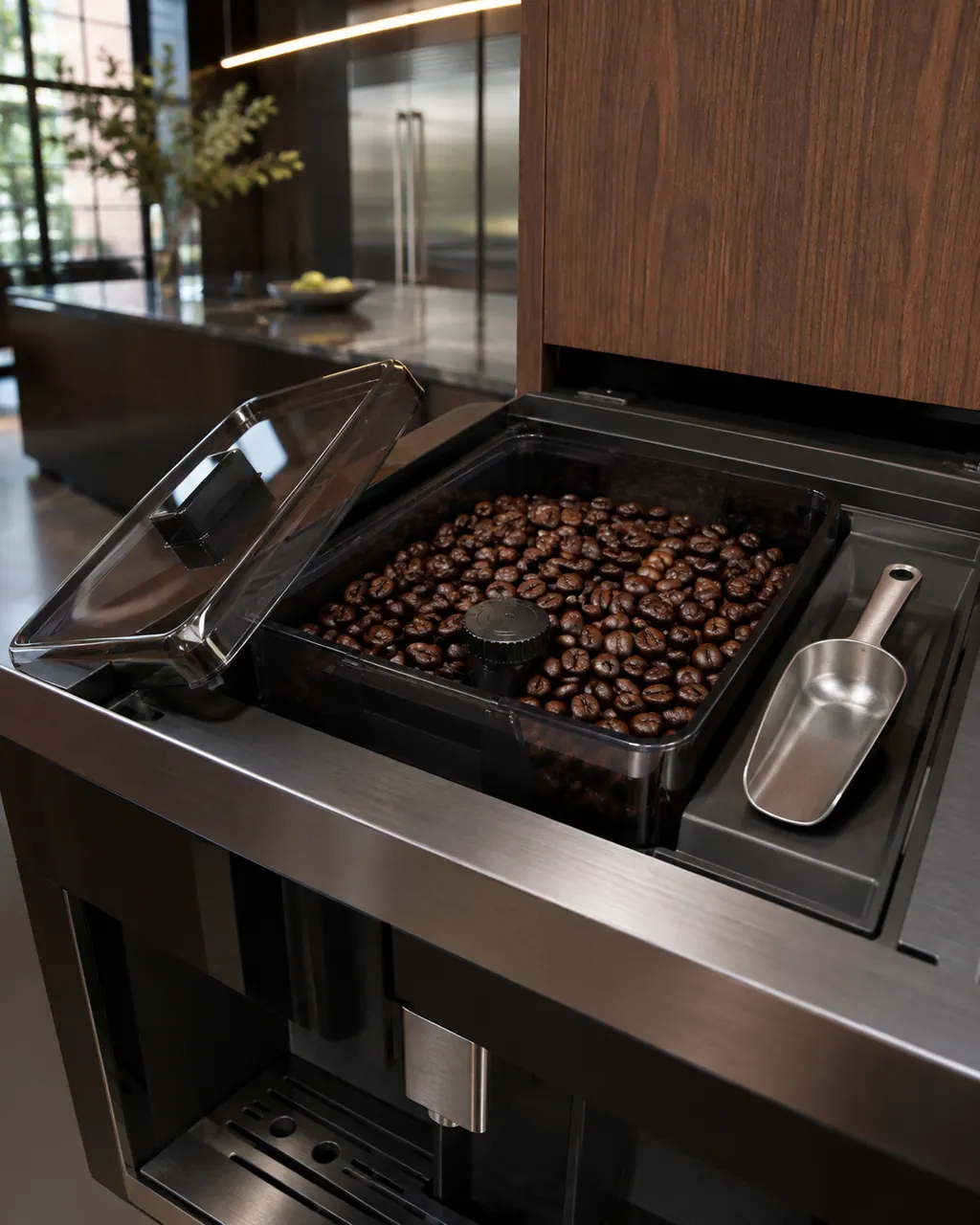
Pull the coffee system out of its housing until the funnel is reachable.

JennAir limits the funnel to one scoop of ground coffee. More than that is not what the page allows.

The page warns against ground coffee unless the ground coffee option is selected. Whole beans go in the bean container.
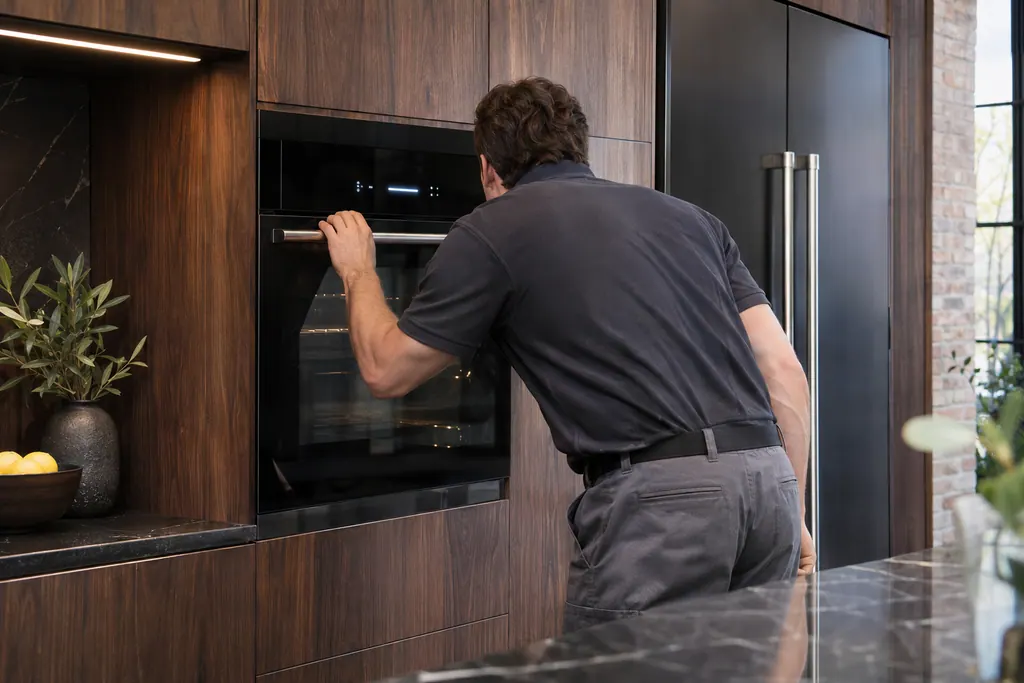
Once coffee is in the funnel the prompt has what it asked for.
Send the model and the checks you have already run, then begin your request from this page.
Book a visit
A simplified drawing, because layouts change with the model. Tap an outlined part to see a photo and the related check.
The ground coffee function has been selected without any coffee placed in the funnel, so the machine is waiting for you rather than reporting a failure.
Read the supporting manualSlide the coffee system out, put ground coffee into the funnel with the scoop provided, and slide it back. JennAir allows one scoop only.
Read the supporting manualYes. FILL BEANS CONTAINER! means the hopper is empty during a bean drink, while ADD GROUND COFFEE belongs to the by-hand ground option.
Read the supporting manualJennAir lists it as a user prompt, with no part named.
Read the supporting manualManufacturer document
JennAir Product Help (producthelp.jennair.com)
dateModified 2025-03-19; PH 10315 / PH 10315 (built-in coffee maker)
Manufacturer document
JennAir Product Help (producthelp.jennair.com)
dateModified 2026-11-06; PH 10313 / PH 10313 (built-in coffee maker, display messages)
Scope: JennAir built-in coffee maker. Read from the JennAir Product Help message page for this code and checked against the overview page of display messages (November 2026).
The ground coffee function was selected on the display, so the machine skips the grinder and waits for coffee in the funnel. Deselect it to return to beans.
One scoop, using only the scoop provided. JennAir says not to add more than one.
JennAir says not to use ground coffee unless the ground coffee option is selected, so empty the funnel rather than storing coffee in it.
If the prompt persists with coffee in the funnel, the machine may not be sensing it. Book a visit and tell us what you added.
Code or symptom, part, service call
FILL BEANS CONTAINER! means the coffee beans have run out. Use the handles to slide the coffee system forward, fill the bean container, and push the system back into the housing.
A display prompt halts brewing until you fix the condition: refill and seat the tank for FILL TANK, empty the grounds container, reseat the brewing unit, close the service door, or adjust a too-fine grind. DESCALE needs the descaling cycle. GENERAL ALARM means clean the inside.
Schedule a diagnostic for your model, carried out at the appliance.
Office details, plus the access notes to pass along.