What it means
GROUND TOO FINE ADJUST MILL means the grind is so fine that the coffee runs off too slowly. Check the tank is seated, turn the grinding adjustment knob one click toward number 7 while the grinder runs, then press OK.
JennAir coffee machine GROUND TOO FINE ADJUST MILL / Grinder and beans
GROUND TOO FINE ADJUST MILL means the grind is so fine that the coffee runs off too slowly. Check the tank is seated, turn the grinding adjustment knob one click toward number 7 while the grinder runs, then press OK.
Also shown as GROUND TOO FINE ADJUST MILL
GROUND TOO FINE ADJUST MILL means the grind is so fine that the coffee runs off too slowly. Check the tank is seated, turn the grinding adjustment knob one click toward number 7 while the grinder runs, then press OK.
The page starts here, because a loose tank also slows flow.
The message returns after the grind is coarser.
Checks you have ticked / saved in this browser
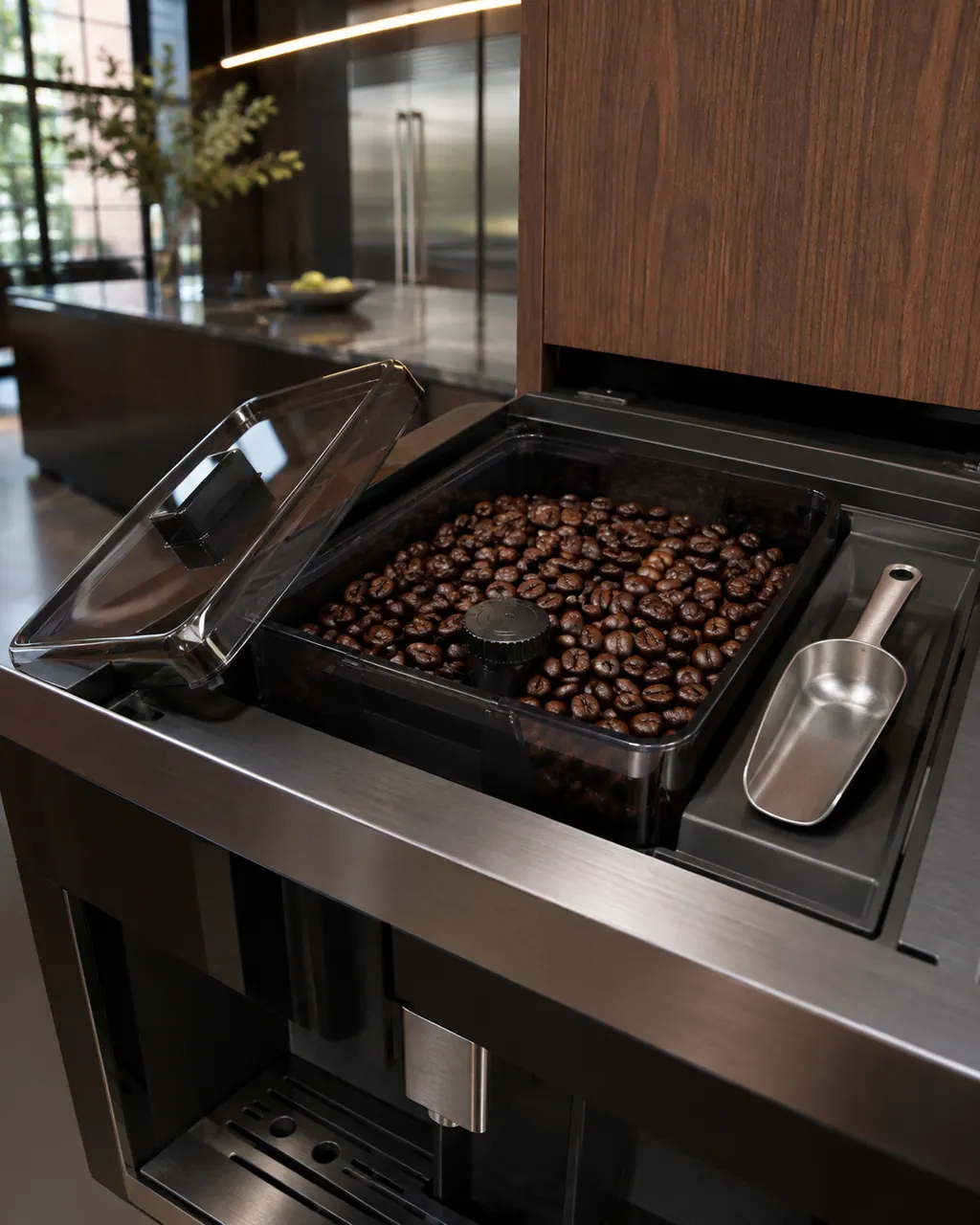
The page starts here, because a loose tank also slows flow.

Rotate one click clockwise toward number 7 while the grinder is running. JennAir says to adjust only while it runs.

JennAir says to click OK several times to reset or restart the coffee maker.
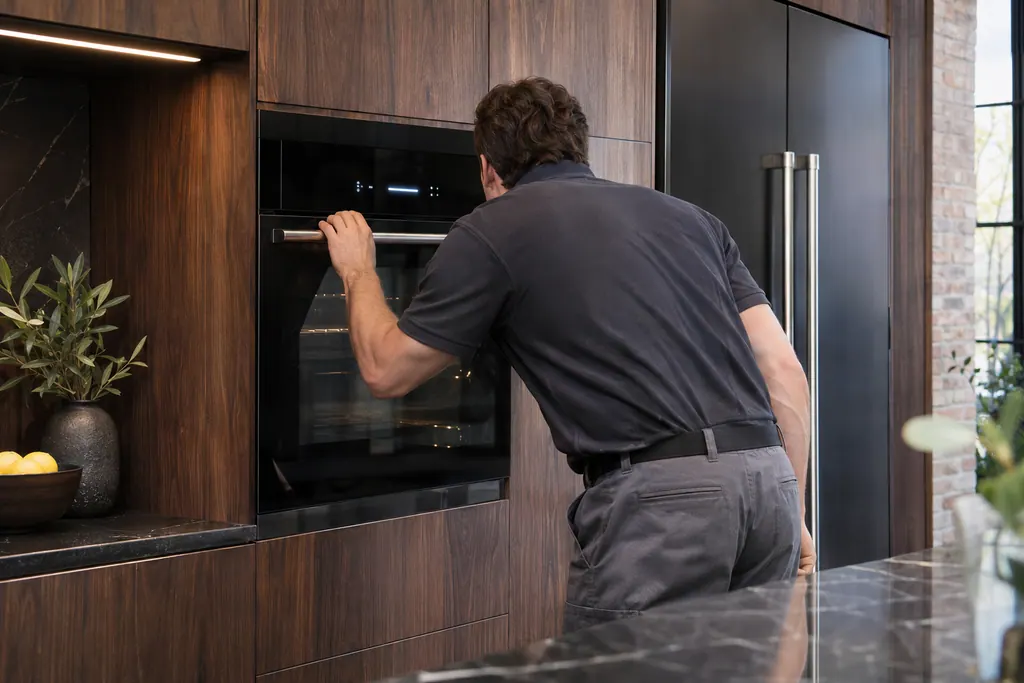
Use the main ON/OFF switch, sometimes called the hidden switch, to power down and up. The machine then runs its self-diagnosis.
Send the model and the checks you have already run, then begin your request from this page.
Book a visit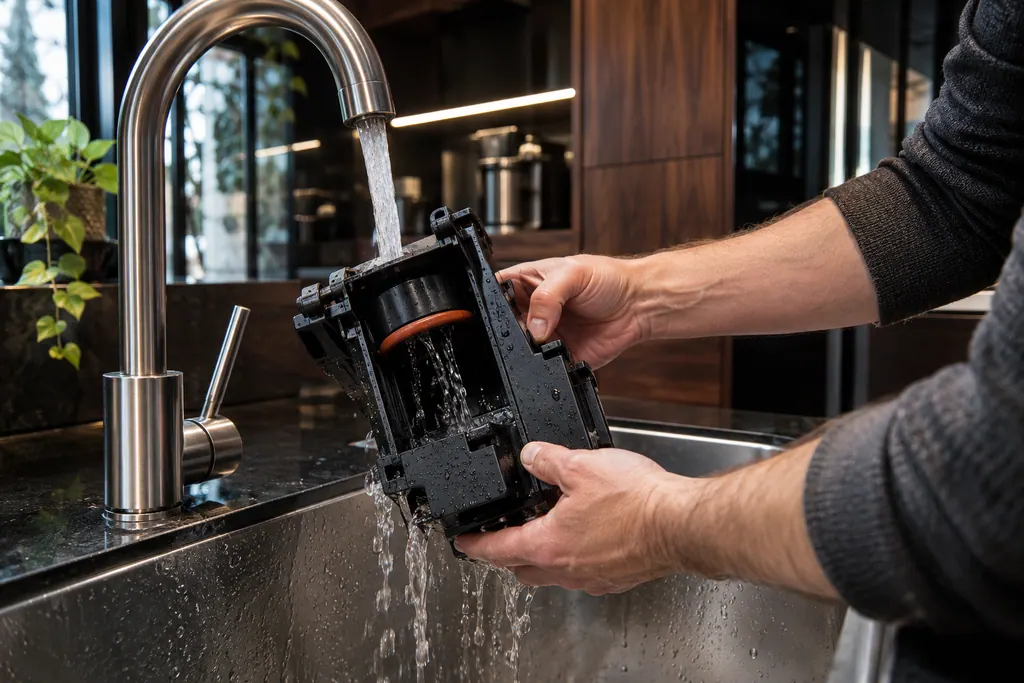
A simplified drawing, because layouts change with the model. Tap an outlined part to see a photo and the related check.
The ground coffee is too fine, so the coffee runs off too slowly.
Read the supporting manualTurn the grinding adjustment knob one click toward number 7 while the grinder is running.
Read the supporting manualPress OK in response to the alarm several times, or switch the machine off and on at the main switch.
Read the supporting manualIf a coarser grind and a reset do not help, the cause is not the grind alone. A blocked path or the brewing unit may be the cause.
Read the supporting manualManufacturer document
JennAir Product Help (producthelp.jennair.com)
dateModified 2021-04-27; PH 10317 / PH 10317 (built-in coffee maker)
Manufacturer document
JennAir Product Help (producthelp.jennair.com)
dateModified 2026-11-06; PH 10313 / PH 10313 (built-in coffee maker, display messages)
Scope: JennAir built-in coffee maker. Read from the JennAir Product Help message page for this code and checked against the overview page of display messages (November 2026).
One click toward number 7, which JennAir describes as clockwise, while the grinder is running.
JennAir notes that the grinder should be adjusted while it runs, so the mill moves without jamming on beans.
It is the main ON/OFF switch, used to power the unit down and up. Each time it is switched on the machine runs a self-diagnosis, then goes to standby.
One at a time. Test a drink after each click rather than moving several at once.
Code or symptom, part, service call
FILL TANK! means the water tank is empty or incorrectly positioned. Fill it with water or push it in as far as it will go. JennAir also says the tank has to be clean so the float can move freely.
A display prompt halts brewing until you fix the condition: refill and seat the tank for FILL TANK, empty the grounds container, reseat the brewing unit, close the service door, or adjust a too-fine grind. DESCALE needs the descaling cycle. GENERAL ALARM means clean the inside.
Schedule a diagnostic for your model, carried out at the appliance.
Office details, plus the access notes to pass along.