Start from the symptom
JennAir coffee machine built-in coffee maker display messages.
A display prompt halts brewing until you fix the condition: refill and seat the tank for FILL TANK, empty the grounds container, reseat the brewing unit, close the service door, or adjust a too-fine grind. DESCALE needs the descaling cycle. GENERAL ALARM means clean the inside.
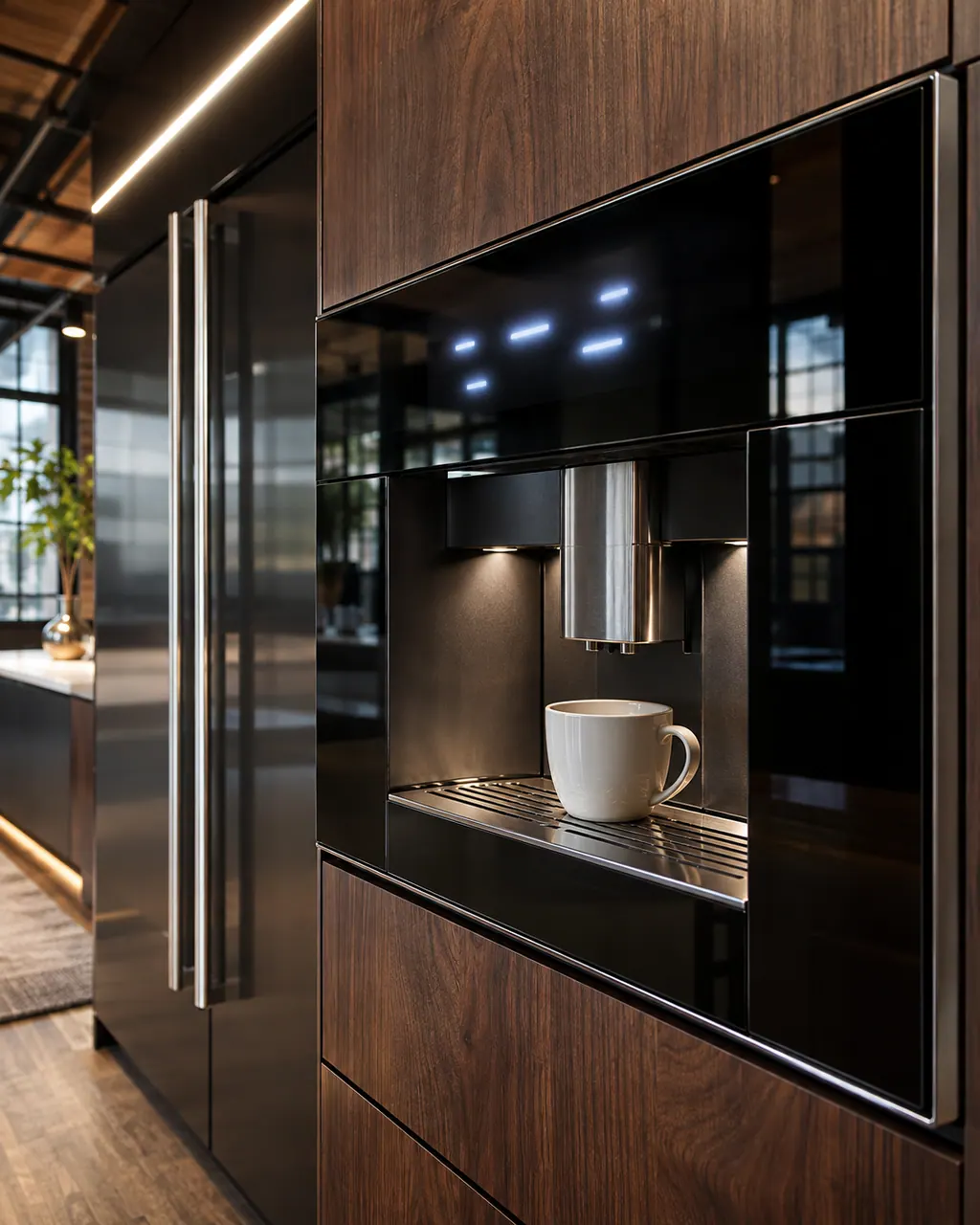
Start with safe observations.
Turn the appliance off and unplug it before any check you can do yourself. Look out for pooled water and sharp edges. Never touch a wet plug or live area, take off service panels, or go past your model’s owner instructions.
- 1
Read the exact message
The prompt names the condition. Each one has a mechanical fix.
- 2
FILL TANK!
Fill the tank to MAX with fresh water and push it in as far as it goes. Check that the float moves freely and is not stuck by limescale.
- 3
EMPTY or INSERT GROUNDS CONTAINER
Pull out the drip tray and container, empty the pucks, wipe and reseat it. Leave the tray out at least 5 seconds so the counter resets.
- 4
INSERT INFUSER / BREWING UNIT
Squeeze the red tabs, align the unit on its track and press PUSH until both red buttons click out.
- 5
GROUND TOO FINE
Run a burst of hot water, then turn the grinder dial one click clockwise (coarser) while the grinder runs.
- 6
DESCALE!
Run the automated descaling cycle with a commercial descaler, not vinegar.
- 7
GENERAL ALARM!
Power down, clean the brewing unit and interior, pull power for 60 seconds, then restart.
More about this symptom.
Why does the machine stop brewing on a message?#
JennAir says the appliance typically halts brewing to protect components from overheating, overflow or airlocks. Clearing the condition resets the sensor and clears the message.
How do I reseat the brewing unit?#
Turn the machine off, open the service door and squeeze the two red release buttons to remove it. Reinsert it on the track and press PUSH until both red buttons click fully outward.
Where does the owner's part of the job end?#
When GENERAL ALARM or a brewing unit message comes back after cleaning and a 60 second power reset. A jammed drive needs diagnosis.
Systems a technician may investigate.
The symptom connects to these parts. What you observed cannot show that any single one has failed.
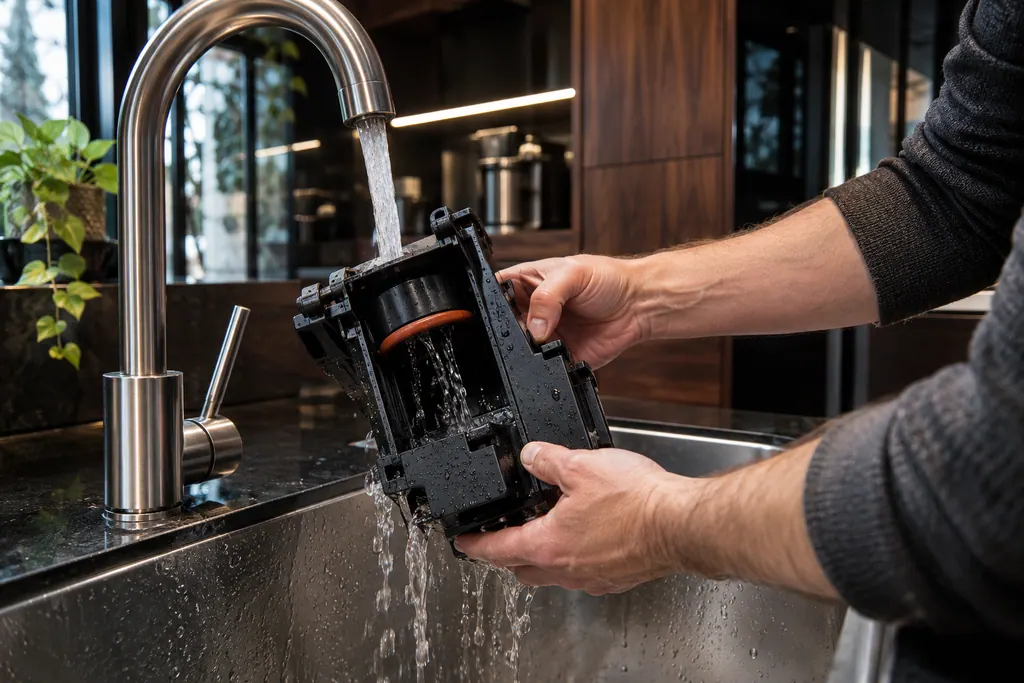
Coffee maker brewing unit
The brewing unit is the infuser that holds the coffee while hot water passes through it. JennAir says to clean it once a month, only with the machine off in Standby, and with warm water only. Soap strips the lubricant the piston needs.
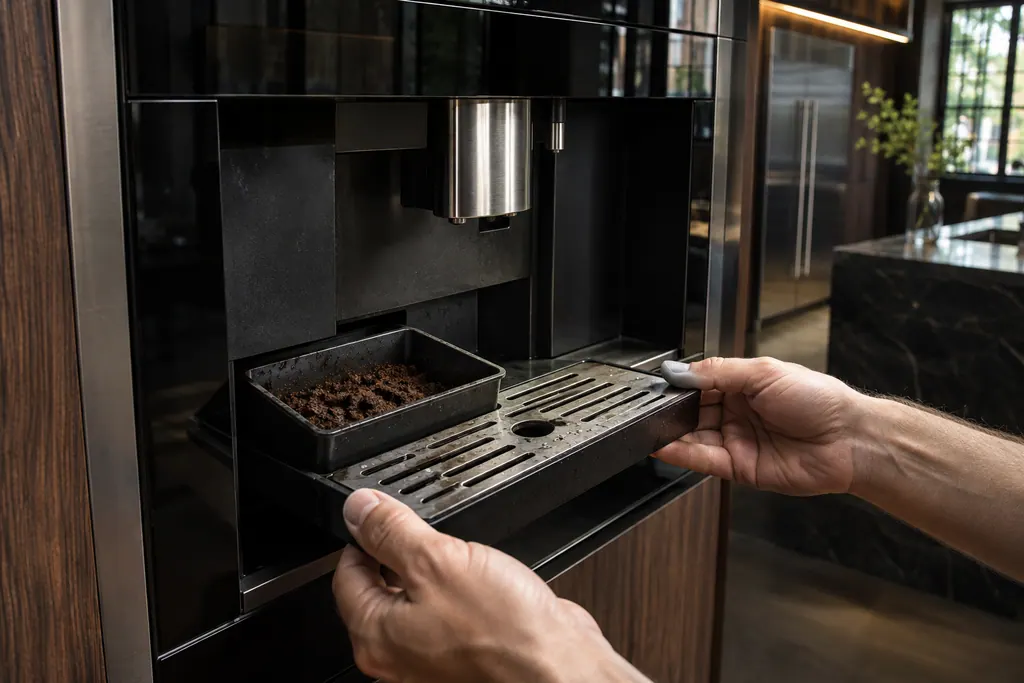
Drip tray and grounds container
The drip tray catches rinse and drain water and the grounds container holds spent pucks. JennAir says to empty the tray before its red float rises above the cup grid, and to empty the grounds whenever the tray comes out.
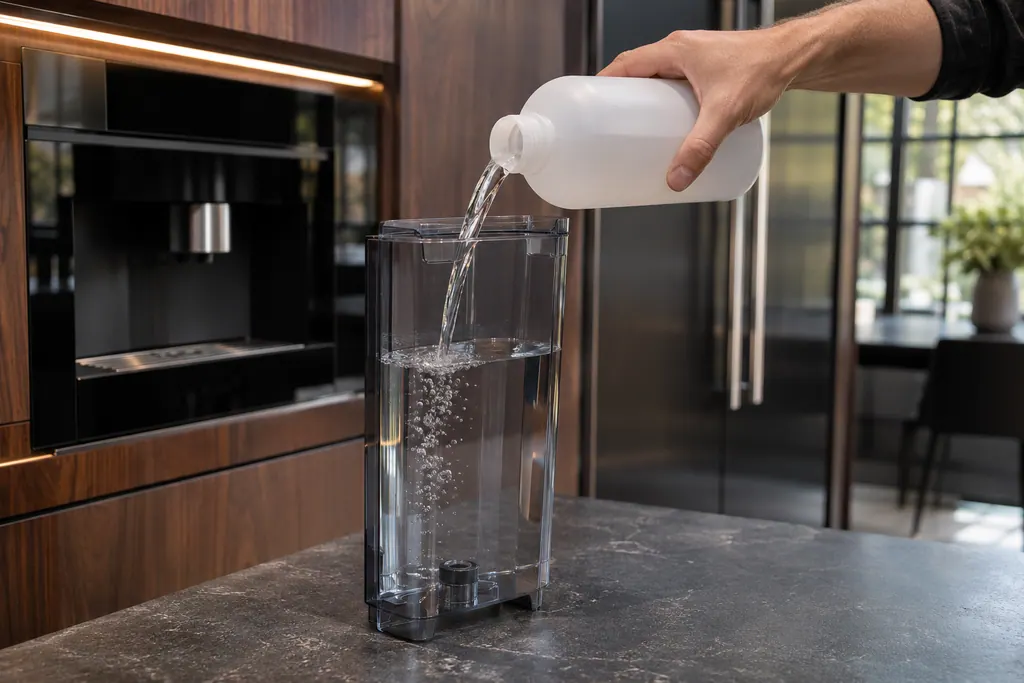
Water tank and descaling
Mineral scale builds up inside the coffee maker’s thermoblock and lines. JennAir’s DESCALE! prompt starts a menu cycle with a commercial descaler, never vinegar. The water tank is filled to MAX before and after, and water hardness is set from a test strip.
If the display adds a code.
No code tied directly to this topic.
No further researched dishwasher code is attached to this topic. Compare your exact message with your model manual and do not stand in a different code from the library.
See the research status
When observation becomes a service request.
Leave internal testing to a technician.
GENERAL ALARM returns after cleaning and a hard reset.
The brewing unit will not seat.
FILL TANK keeps showing with a full tank.
A message appears with water under the machine.
Arrange a diagnosticSources and model boundaries.
The JennAir built-in coffee maker display messages guidance rests on these references. Pick the manual that fits your model.
- Messages Displayed on Built-In Coffee Maker - Product Help | JennAir
- FILL TANK! - Error Code - Built-In Coffee Maker - Product Help | JennAir
- GENERAL ALARM - Error Code - Built-In Coffee Maker - Product Help | JennAir
- Descaling the Coffee Maker - Product Help | JennAir
Go by the instructions for your own model. See how we research these pages.
Why does my JennAir coffee maker say FILL TANK with a full tank?
The tank may not be pushed fully into its bay, or the float at the bottom may be stuck by limescale. Remove the tank, check the float moves freely, fill to MAX and slide it straight in.
What does GENERAL ALARM mean?
JennAir says the inside of the coffee system needs to be cleaned, and describes a jam or internal drive condition. Power down, clean the brewing unit and interior, cut power for 60 seconds, then restart.
Can I use vinegar to descale?
No. JennAir warns that acetic acid can degrade rubber O-rings, corrode boiler seals and leave odors. Use a commercial packaged descaling agent.
What does GROUND TOO FINE mean?
The pump cannot push water through the compacted coffee bed. Dispense hot water to relieve pressure, then turn the grinder dial one click clockwise toward coarser while it runs.
Do I need service for these messages?
Usually not. They are maintenance prompts. If GENERAL ALARM repeats after cleaning and a hard reset, JennAir says to contact service, which for you means booking a technician.
Code or symptom, part, service call
Tie the message to what comes next.
JennAir built-in coffee maker display messages
A display prompt halts brewing until you fix the condition: refill and seat the tank for FILL TANK, empty the grounds container, reseat the brewing unit, close the service door, or adjust a too-fine grind. DESCALE needs the descaling cycle. GENERAL ALARM means clean the inside.
Coffee maker brewing unit
The brewing unit is the infuser that holds the coffee while hot water passes through it. JennAir says to clean it once a month, only with the machine off in Standby, and with warm water only. Soap strips the lubricant the piston needs.
Coffee machine repair
Schedule a diagnostic for your model, carried out at the appliance.
Find your metro
Office details, plus the access notes to pass along.