What it means
CELLAR MODE is a feature, not an error. It boosts humidity above 50% and sets both zones to 55 F (13 C). Hold CELLAR MODE for three seconds to turn it on; press it again to return to your previous settings.
JennAir wine cooler CELLAR MODE / Mode, not a failure
CELLAR MODE is a feature, not an error. It boosts humidity above 50% and sets both zones to 55 F (13 C). Hold CELLAR MODE for three seconds to turn it on; press it again to return to your previous settings.
Also shown as CELLAR MODE
CELLAR MODE is a feature, not an error. It boosts humidity above 50% and sets both zones to 55 F (13 C). Hold CELLAR MODE for three seconds to turn it on; press it again to return to your previous settings.
The feature activates and both UPPER and LOWER zones go to 55 F (13 C).
Humidity does not rise in a suitable room.
Checks you have ticked / saved in this browser
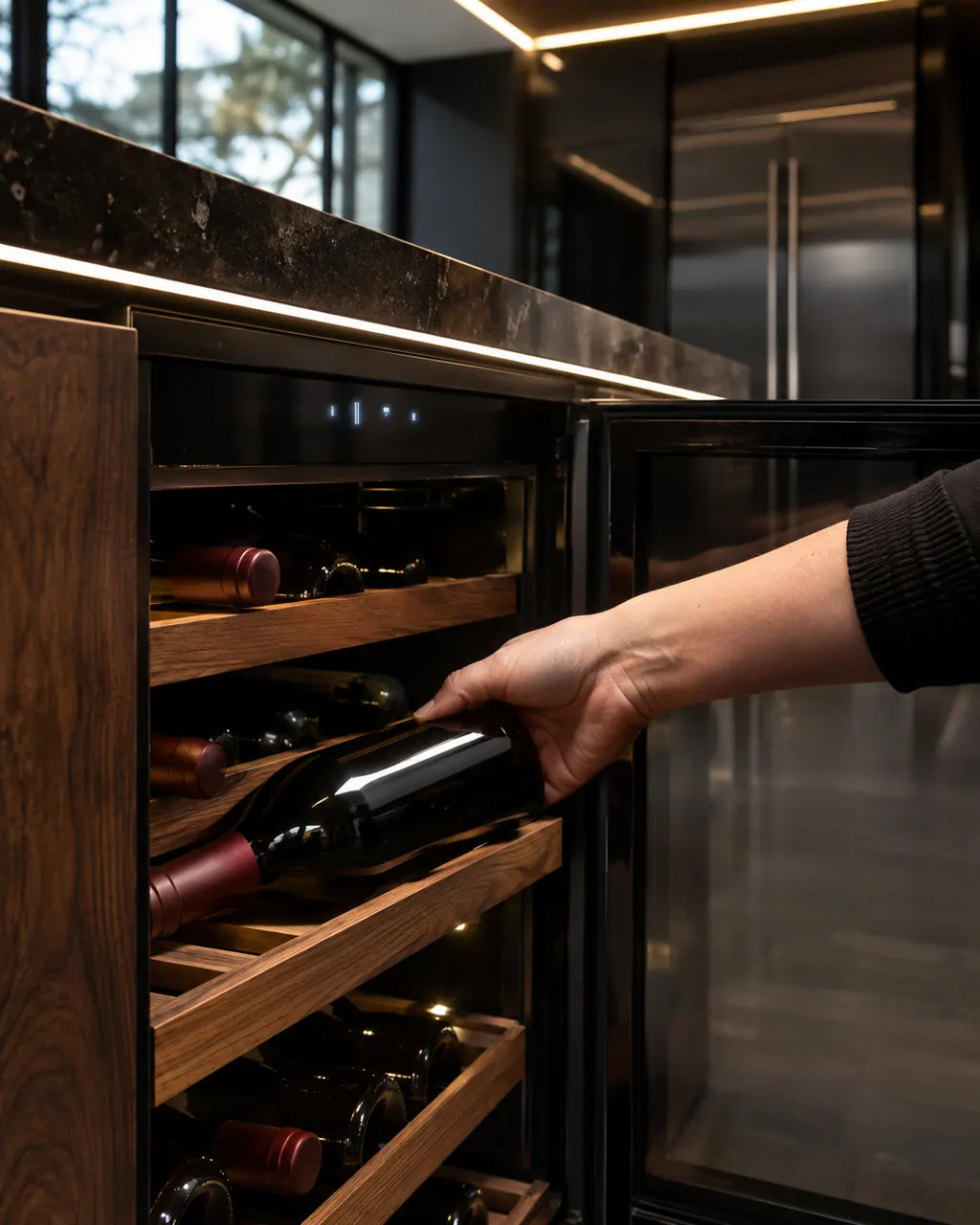
The feature activates and both UPPER and LOWER zones go to 55 F (13 C).

The guide says the room must be about 75 F (24 C) with relative humidity of 50% or more for it to work properly.

Your previous settings return.
Both zones move to 55 F, so a warmer cabinet than your usual set point is expected.
Send the model and the checks you have already run, then begin your request from this page.
Book a visitA simplified drawing, because layouts change with the model. Tap an outlined part to see a photo and the related check.
A feature that boosts humidity above 50% to help preserve vintages.
Read the supporting manualHold CELLAR MODE for three seconds to turn it on. Press it once to turn it off and return to prior settings.
Read the supporting manualThe room has to be near 75 F (24 C) with relative humidity of 50% or higher.
Read the supporting manualIf the cellar cannot reach 55 F in a suitable room, the cooling or humidity system is not performing.
Read the supporting manualManufacturer document
JennAir (use and care guide)
W11324867 Rev. C / p. 12
Scope: JennAir under counter wine cellar in use and care guide W11324867 Rev. C.
It boosts humidity in the wine cellar above 50% to help preserve vintages.
Both zones are set to 55 F (13 C). Humidity is held above 50% but not above 80%.
The guide says the room must be at 75 F (24 C) with 50% relative humidity or more for the function to operate properly.
Press CELLAR MODE and the previous settings come back.
Code or symptom, part, service call
Cool Off on a JennAir wine cellar means cooling is switched off, which is how a new cellar starts when first plugged in. Press COOL ON for three seconds to start cooling and bring up the wine presets and menus.
Over Temp sounds and flashes when a zone stays above its preset range for 10 minutes. The audio stops by itself when temperature returns to normal, and the light flashes until you press Reset Alarm. For HI, LO, E1 or E2, power the unit off for one minute and back on.
Schedule a diagnostic for your model, carried out at the appliance.
Office details, plus the access notes to pass along.