Inside the appliance
Water tank and descaling. In plain English.
Mineral scale builds up inside the coffee maker’s thermoblock and lines. JennAir’s DESCALE! prompt starts a menu cycle with a commercial descaler, never vinegar. The water tank is filled to MAX before and after, and water hardness is set from a test strip.
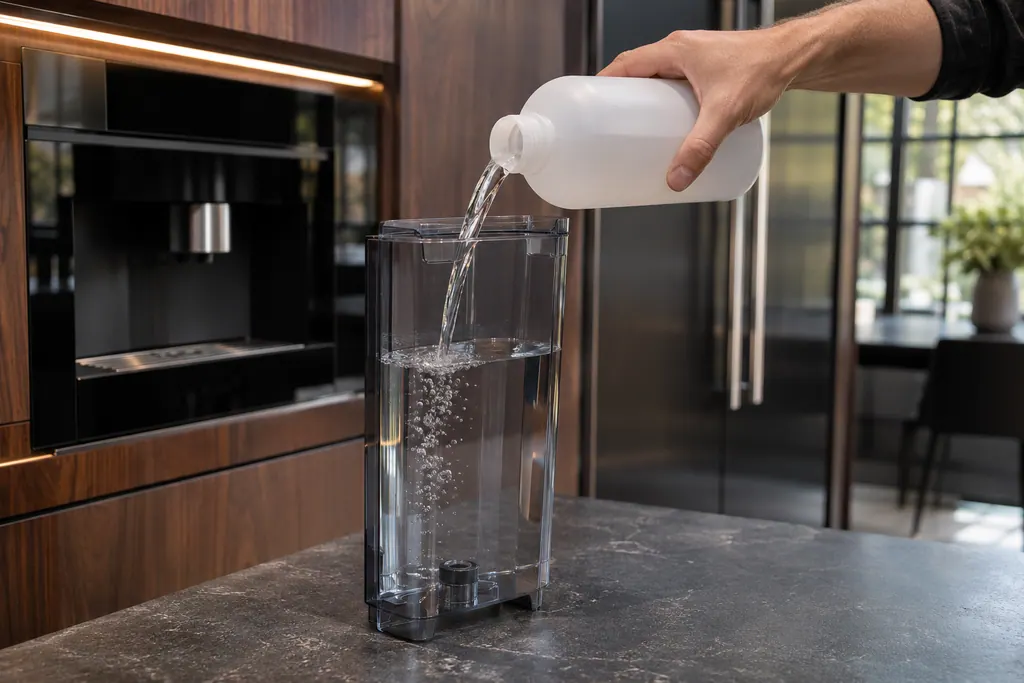
Where it fits.
Water tank and descaling in the appliance
The tank slides into the machine; the hot water spout attaches on the front left.
The picture shows the kind of component only. It cannot tell you which replacement suits your model.
What you notice when this system needs a look.
A Water tank and descaling concern may show up with a drop in performance or a code that keeps returning. Testing comes first, before anyone decides the component is to blame.
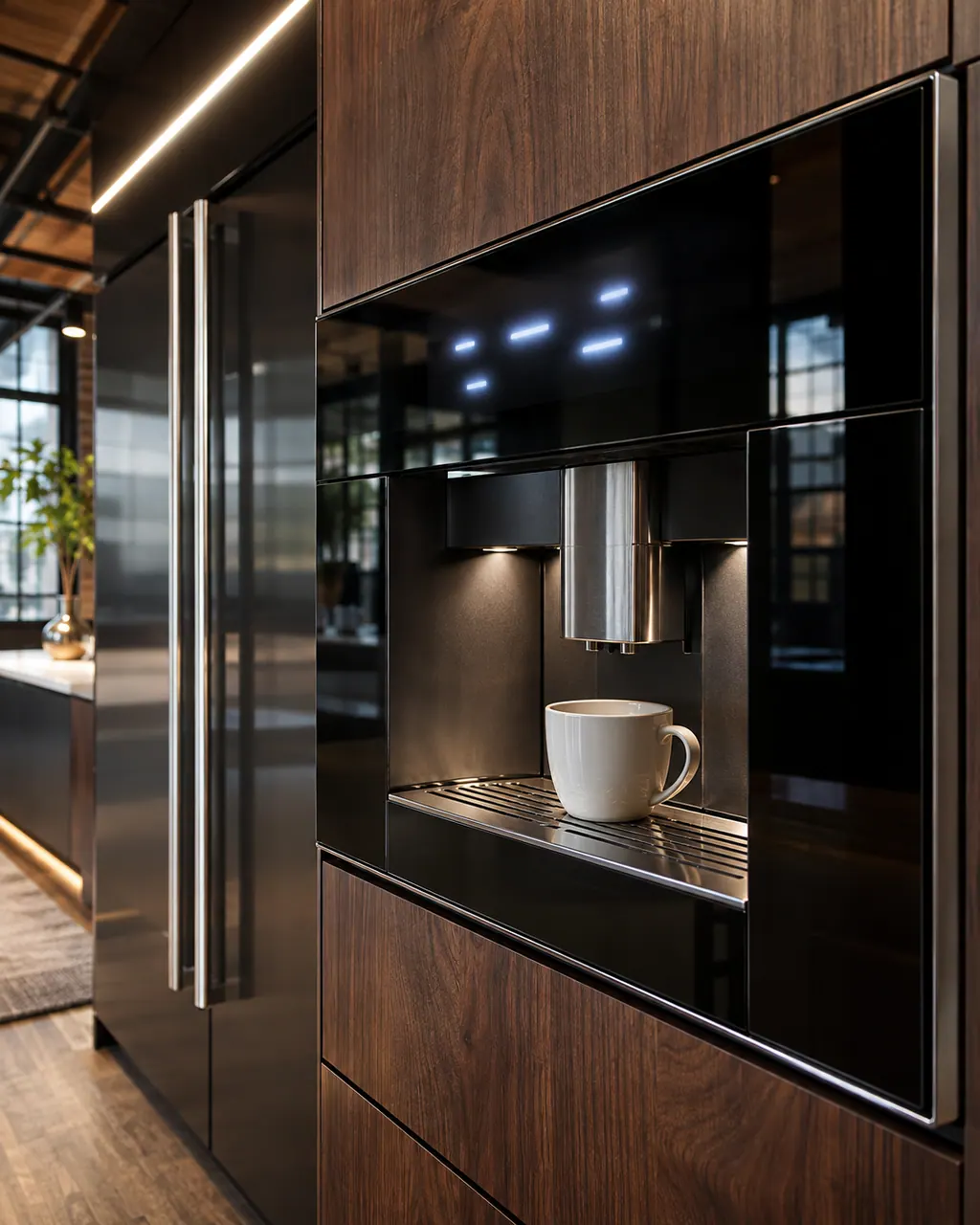
JennAir built-in coffee maker display messages
A display prompt halts brewing until you fix the condition: refill and seat the tank for FILL TANK, empty the grounds container, reseat the brewing unit, close the service door, or adjust a too-fine grind. DESCALE needs the descaling cycle. GENERAL ALARM means clean the inside.
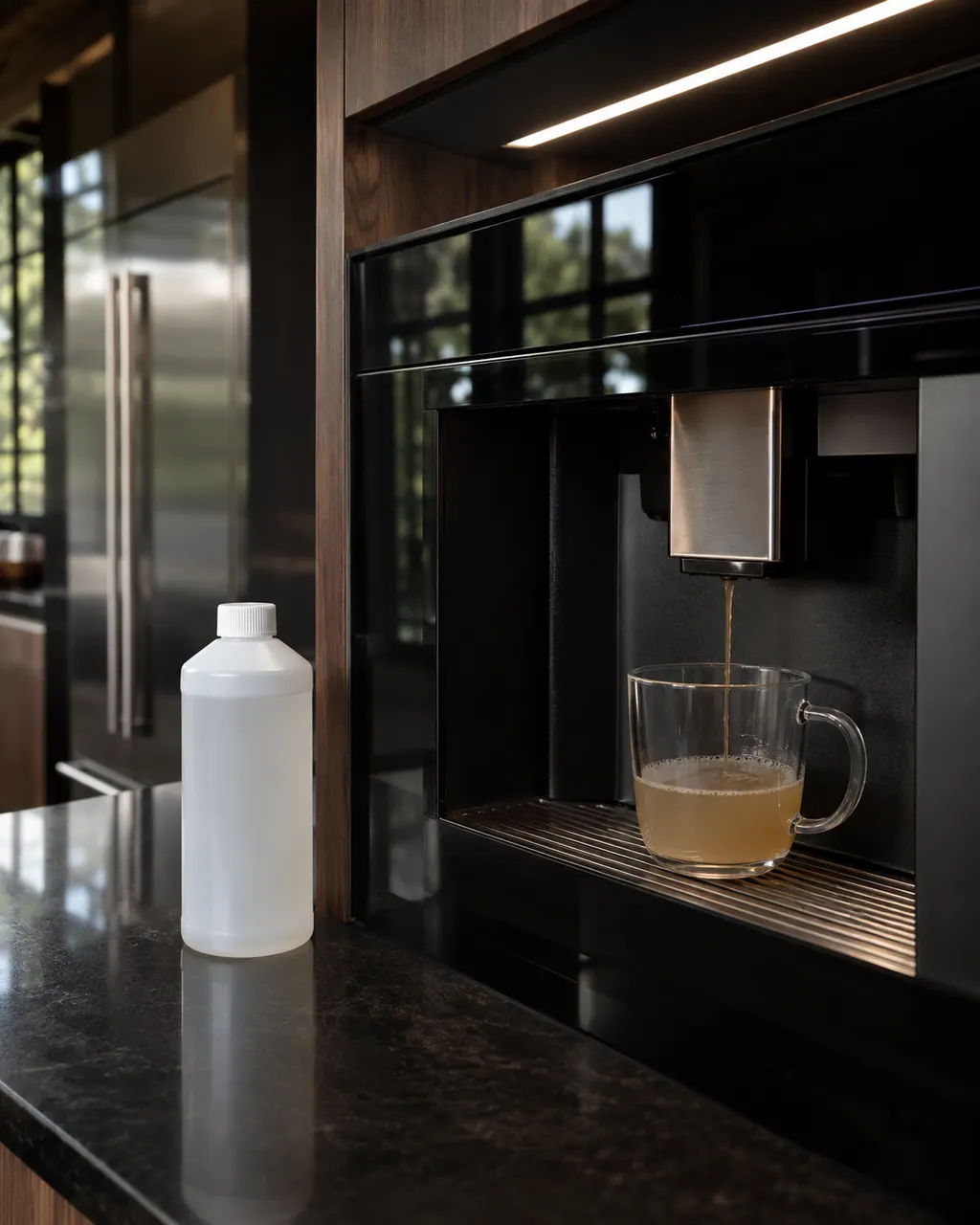
JennAir built-in coffee maker weak, cold or slow coffee
JennAir ties most coffee problems to cold cups, grind fineness, spouts or scale. Cold coffee: pre-warm cups and run a rinse. Weak coffee: grind one click finer. Slow, drop-by-drop coffee: grind one click coarser, clear the spouts and descale.
Owner care, within the model instructions.
Turn the appliance off and unplug it before any check you can do yourself. Look out for pooled water and sharp edges. Never touch a wet plug or live area, take off service panels, or go past your model’s owner instructions.
- 1
Set water hardness
Dip the strip, wait 30 seconds, count the red squares and set the same number of dots under WATER HARDNESS.
- 2
Run the descaling cycle
Attach the hot water spout, choose MENU, DESCALING, press OK, add descaler and water, and place a 2-quart container under the spout.
- 3
Rinse
At RINSING FILL TANK!, empty and rinse the tank and add 3 cups (710 mL) of water. Press OK until RINSING COMPLETE.
- 4
Refill
At FILL TANK!, fill the tank to MAX and seat it fully.
Cleaning or replacement?
Leave internal testing to a technician.
Book us if the cycle is interrupted and the machine still shows DESCALE!.
Book us if coffee is cold or slow after descaling.
Arrange a diagnosticSee the neighboring components.
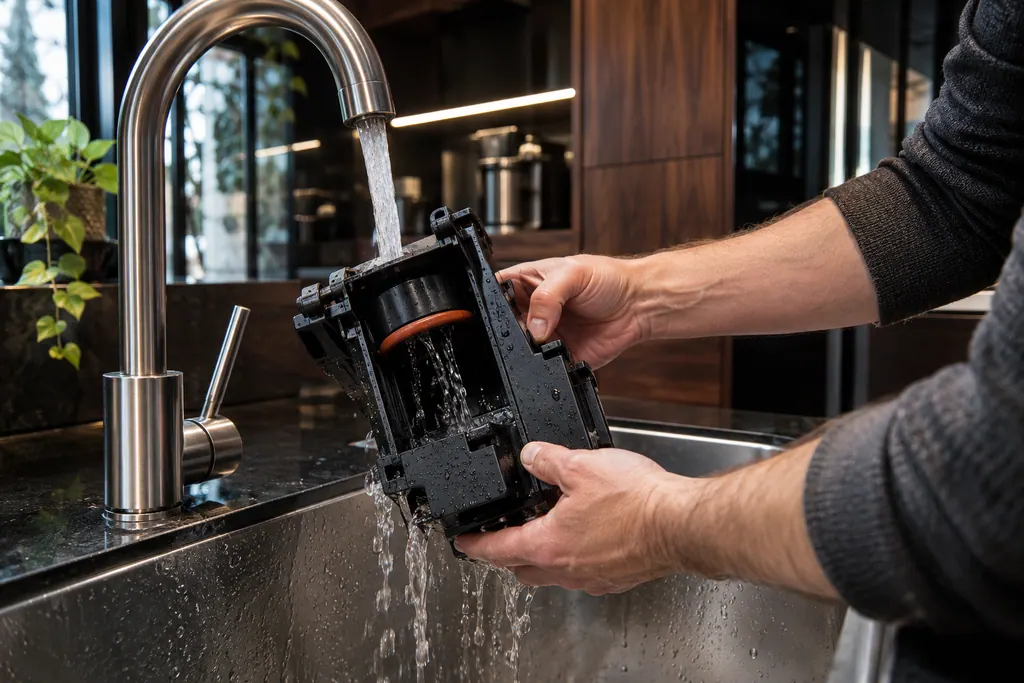
Coffee maker brewing unit
The brewing unit is the infuser that holds the coffee while hot water passes through it. JennAir says to clean it once a month, only with the machine off in Standby, and with warm water only. Soap strips the lubricant the piston needs.
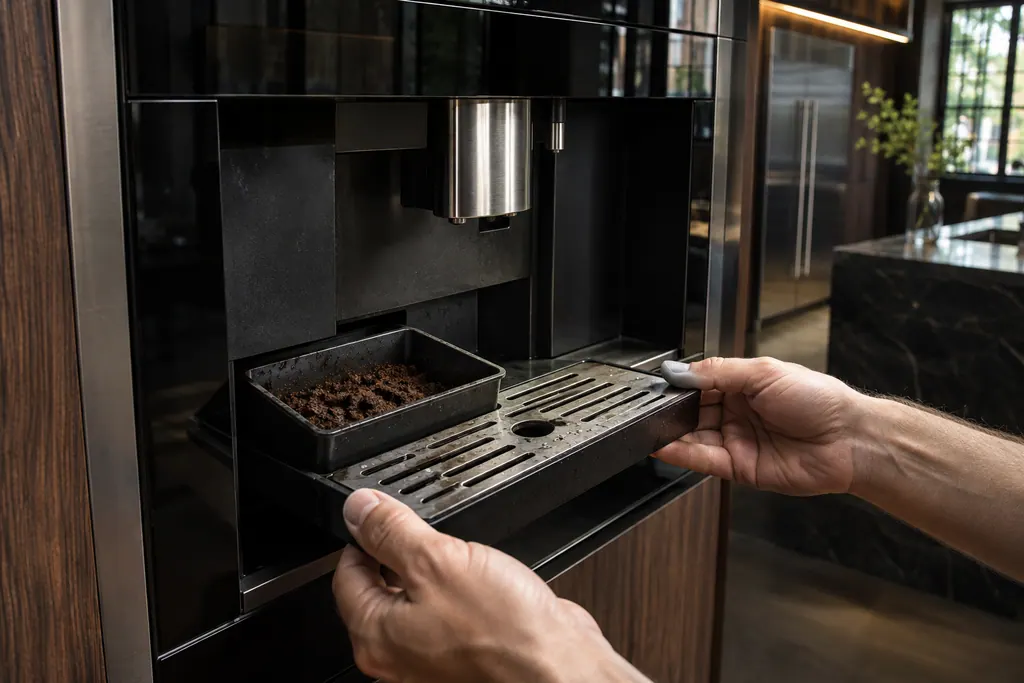
Drip tray and grounds container
The drip tray catches rinse and drain water and the grounds container holds spent pucks. JennAir says to empty the tray before its red float rises above the cup grid, and to empty the grounds whenever the tray comes out.
Sources and model boundaries.
The Water tank and descaling guidance rests on these references. Pick the manual that fits your model.
- Descaling the Coffee Maker - Product Help | JennAir
- Troubleshooting for Built-In Coffee Maker - Product Help | JennAir
- Messages Displayed on Built-In Coffee Maker - Product Help | JennAir
Go by the instructions for your own model. See how we research these pages.
Can I use vinegar?
No. JennAir says the acid can degrade O-rings and seals.
What does FILL TANK! mean?
The tank is empty or not fully seated. Fill to MAX and push it in.
How big a container?
At least 2 quarts (2 L).
Why is my coffee slow or cold?
Scale narrows water lines and lowers temperature. A descale is one of the checks.
Code or symptom, part, service call
Tie the message to what comes next.
JennAir built-in coffee maker display messages
A display prompt halts brewing until you fix the condition: refill and seat the tank for FILL TANK, empty the grounds container, reseat the brewing unit, close the service door, or adjust a too-fine grind. DESCALE needs the descaling cycle. GENERAL ALARM means clean the inside.
Coffee machine repair
Schedule a diagnostic for your model, carried out at the appliance.
Find your metro
Office details, plus the access notes to pass along.