Start from the symptom
JennAir coffee machine built-in coffee maker weak, cold or slow coffee.
JennAir ties most coffee problems to cold cups, grind fineness, spouts or scale. Cold coffee: pre-warm cups and run a rinse. Weak coffee: grind one click finer. Slow, drop-by-drop coffee: grind one click coarser, clear the spouts and descale.
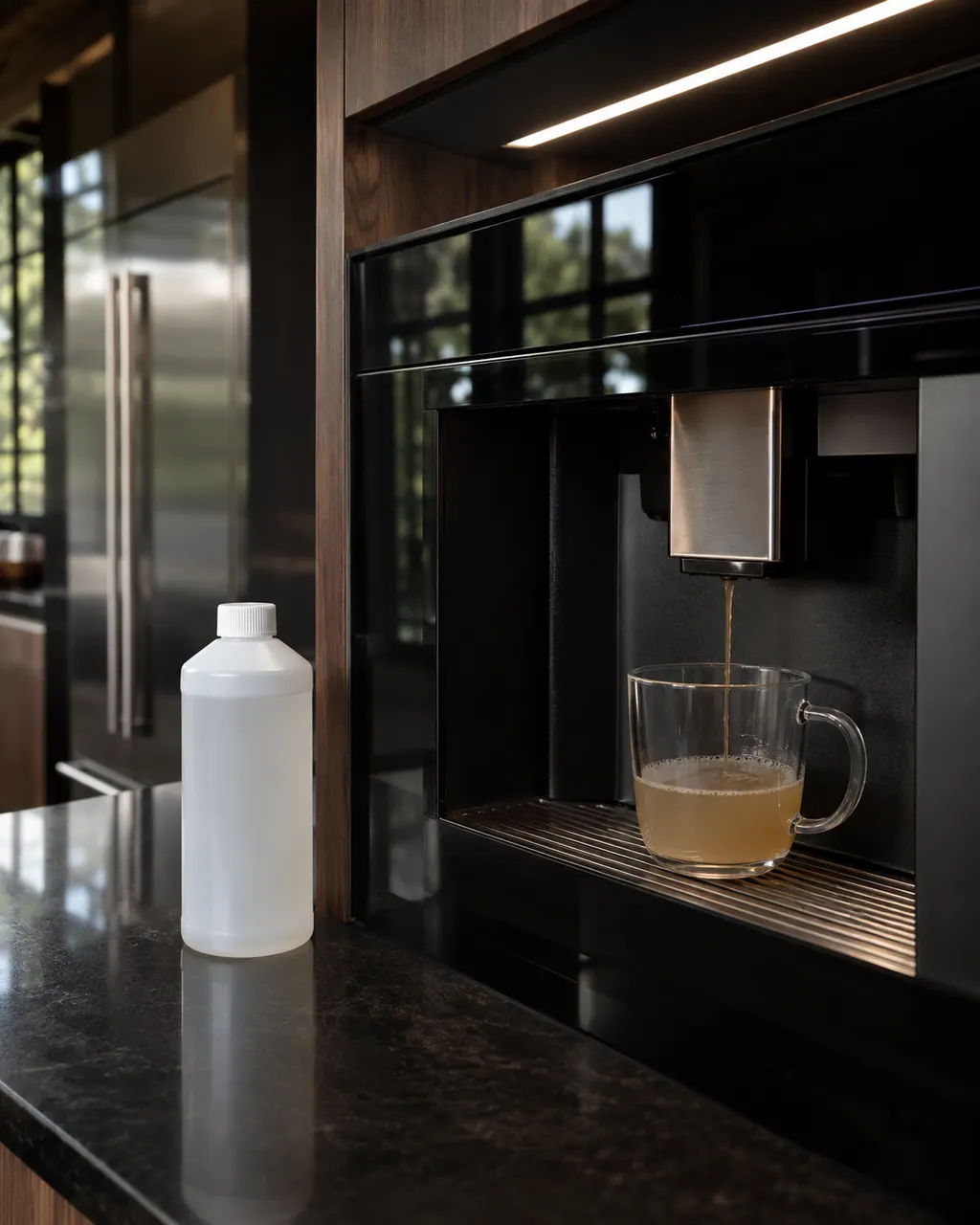
Start with safe observations.
Turn the appliance off and unplug it before any check you can do yourself. Look out for pooled water and sharp edges. Never touch a wet plug or live area, take off service panels, or go past your model’s owner instructions.
- 1
Cold coffee: warm the cups
Cold ceramic draws heat from espresso. Dispense hot water into cups first, or use the cup warmer.
- 2
Cold coffee: rinse and set temperature
If the machine sat idle over 20 minutes, run a manual rinse from the menu. Confirm the temperature setting is HIGH or MAXIMUM.
- 3
Weak coffee: grind finer
Turn the dial one notch counterclockwise, only while the grinder is running. Use beans roasted within 2 to 4 weeks.
- 4
Drop by drop: grind coarser
Turn the dial one notch clockwise while the grinder runs. A powdery grind chokes the pump.
- 5
Clear the spouts
Use a toothpick, pin or small soft brush on the spout openings, then run a rinse cycle.
- 6
Descale
Calcium inside the thermoblock narrows the water lines. Run a full cycle with a commercial descaler.
- 7
Froth and power
Soak a clogged milk nozzle for 10 minutes and use cold milk. For no power, check the master switch and the breaker.
More about this symptom.
How do I adjust the grinder?#
Only while it is running, and one notch at a time. Counterclockwise is finer for weak coffee. Clockwise is coarser for coffee that drips slowly.
Why does descaling matter?#
Scale restricts water pressure, lowers brewing temperature, makes the pump noisy and can cause part failure. Use a commercial descaler, never vinegar.
Which outcome means I should schedule a repair?#
When the machine will not power on after you confirm the master switch and breaker, the grinder screeches, or fluid keeps collecting beneath it.
Systems a technician may investigate.
The symptom connects to these parts. What you observed cannot show that any single one has failed.
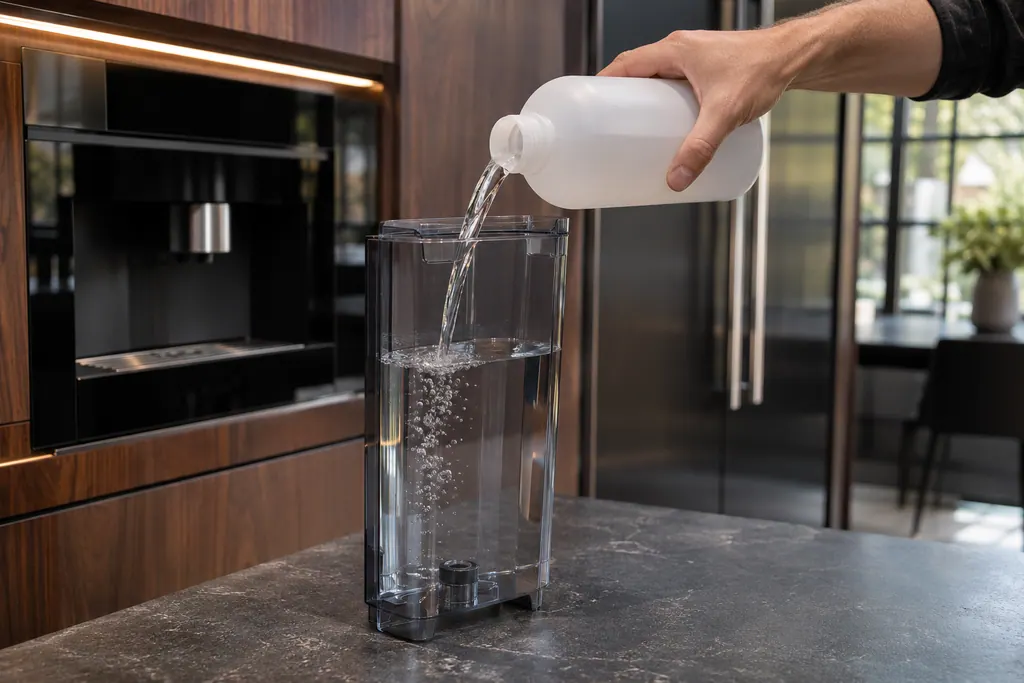
Water tank and descaling
Mineral scale builds up inside the coffee maker’s thermoblock and lines. JennAir’s DESCALE! prompt starts a menu cycle with a commercial descaler, never vinegar. The water tank is filled to MAX before and after, and water hardness is set from a test strip.
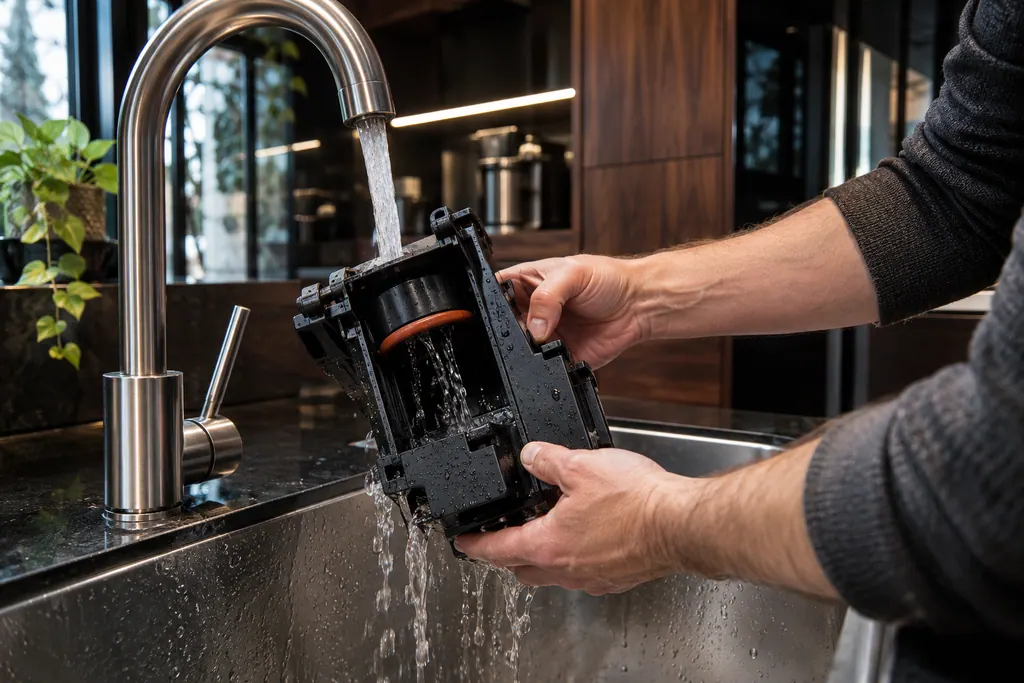
Coffee maker brewing unit
The brewing unit is the infuser that holds the coffee while hot water passes through it. JennAir says to clean it once a month, only with the machine off in Standby, and with warm water only. Soap strips the lubricant the piston needs.
If the display adds a code.
No code tied directly to this topic.
No further researched dishwasher code is attached to this topic. Compare your exact message with your model manual and do not stand in a different code from the library.
See the research status
When observation becomes a service request.
Leave internal testing to a technician.
A loud screech comes from the grinder.
Water or fluid collects under the machine.
The machine will not power on after the master switch and breaker checks.
Coffee is still weak after the grind change and fresh beans.
Arrange a diagnosticSources and model boundaries.
The JennAir built-in coffee maker weak, cold or slow coffee guidance rests on these references. Pick the manual that fits your model.
- Troubleshooting for Built-In Coffee Maker - Product Help | JennAir
- Descaling the Coffee Maker - Product Help | JennAir
Go by the instructions for your own model. See how we research these pages.
Why is my JennAir espresso cold?
The cup, the thermoblock or the settings. Pre-warm the cup, run a rinse if the machine sat idle over 20 minutes, and check the temperature setting is HIGH or MAXIMUM.
Why is my coffee watery with no crema?
JennAir says the coffee is ground too coarsely or the beans are stale. Turn the grinder dial one notch counterclockwise while it runs, and use beans roasted within 2 to 4 weeks.
Why does coffee come out drop by drop?
The grind is too fine or the spouts are clogged with dried coffee oils. Go one notch coarser, clear the spouts with a pin, and descale if it has not been done lately.
What if the grinder screeches?
Power off immediately. A foreign object or stone may be trapped in the conical burrs. JennAir says to vacuum the bean hopper to remove foreign debris.
Why is there water under the machine?
JennAir lists drip tray overflow or a misaligned waste box. Empty the tray before the red float protrudes, and inspect the water tank seal.
Code or symptom, part, service call
Tie the message to what comes next.
JennAir built-in coffee maker display messages
A display prompt halts brewing until you fix the condition: refill and seat the tank for FILL TANK, empty the grounds container, reseat the brewing unit, close the service door, or adjust a too-fine grind. DESCALE needs the descaling cycle. GENERAL ALARM means clean the inside.
Coffee maker brewing unit
The brewing unit is the infuser that holds the coffee while hot water passes through it. JennAir says to clean it once a month, only with the machine off in Standby, and with warm water only. Soap strips the lubricant the piston needs.
Coffee machine repair
Schedule a diagnostic for your model, carried out at the appliance.
Find your metro
Office details, plus the access notes to pass along.