Inside the appliance
Dishwasher control panel. In plain English.
When the buttons on a JennAir dishwasher do nothing, JennAir starts with Control Lock. With the lock set, its light is on and touch commands are ignored. If power reaches the machine and the panel is still dead, JennAir then points at the wiring terminals. A half-minute without power is the last step.
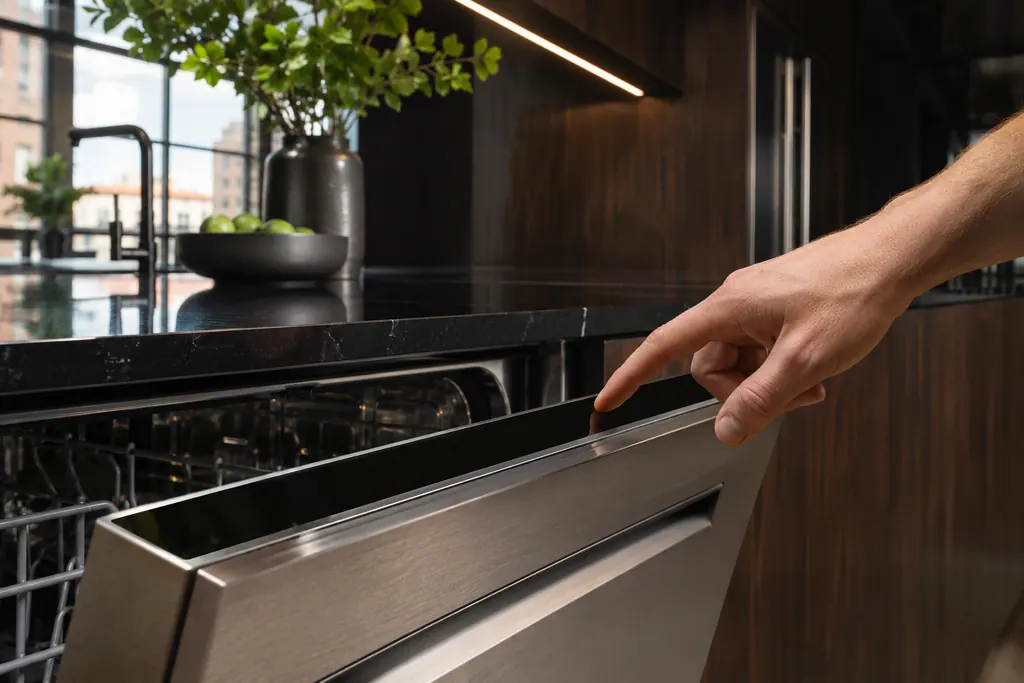
Where it fits.
Dishwasher control panel in the appliance
JennAir's pages do not describe the panel's position.
The picture shows the kind of component only. It cannot tell you which replacement suits your model.
What you notice when this system needs a look.
A Dishwasher control panel concern may show up with a drop in performance or a code that keeps returning. Testing comes first, before anyone decides the component is to blame.
JennAir dishwasher won't start or fill
JennAir's order is power, then the door and lower rack, then water supply, control lock, delay start, and a one-minute reset. A dishwasher that will not fill adds the drain loop height and an interrupted-cycle flash to the list.
JennAir dishwasher lights flashing
Which light flashes decides the answer. A flashing Clean light is usually an F-then-E code, a Sanitize light means the sanitize heat was not reached, and all lights flashing means the door was opened mid-cycle.
Owner care, within the model instructions.
Turn the appliance off and unplug it before any check you can do yourself. Look out for pooled water and sharp edges. Never touch a wet plug or live area, take off service panels, or go past your model’s owner instructions.
- 1
Check for Control Lock
With Control Lock set, its light is lit and a red padlock may glow. Touch is ignored. Your manual shows how to release it on your model.
- 2
Press and hold Control Lock
If the model has a Control Lock button, JennAir's flashing-light page says to press and hold it for three seconds.
- 3
Cycle the power
Disconnect the dishwasher from its supply for thirty seconds: pull the plug, or drop its breaker if it is wired in. Then reconnect.
- 4
Think about a new install
JennAir points to loose terminal block wiring or wire nuts when power is present. Any wiring work needs the install sheet and power off.
Cleaning or replacement?
Leave internal testing to a technician.
The panel stays dead after Control Lock is released and power cycled.
You suspect loose terminal wiring.
Arrange a diagnosticSee the neighboring components.
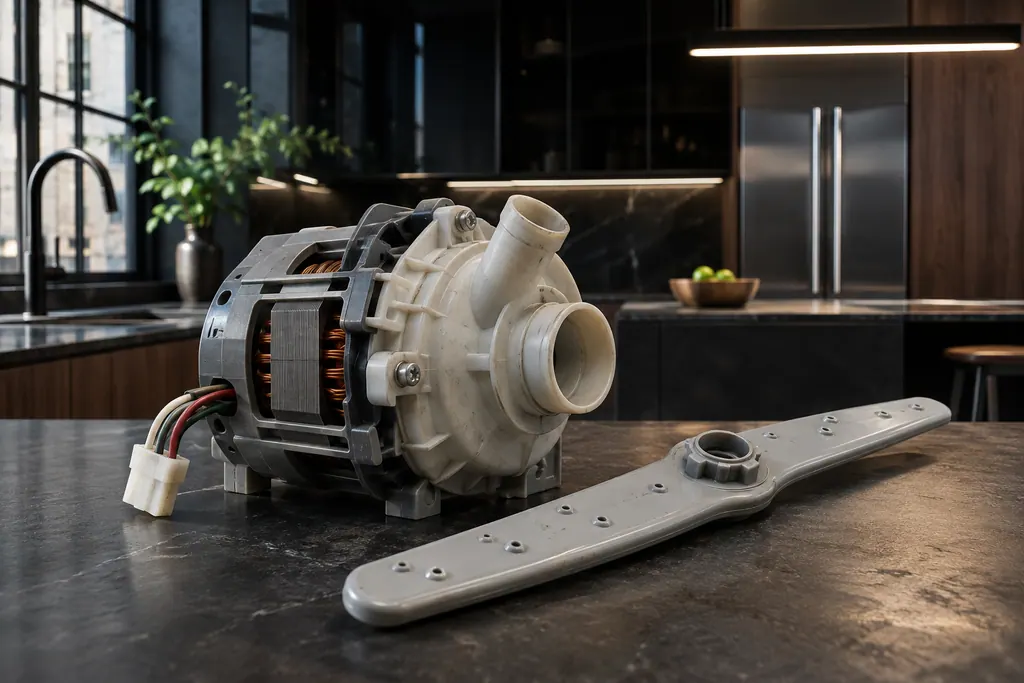
Dishwasher wash motor
The wash motor spins the circulation pump that pushes water to the spray arms. JennAir F7E2 reads "Wash Motor Error". The page gives one step, a power cycle, and says to schedule service if the code comes back.
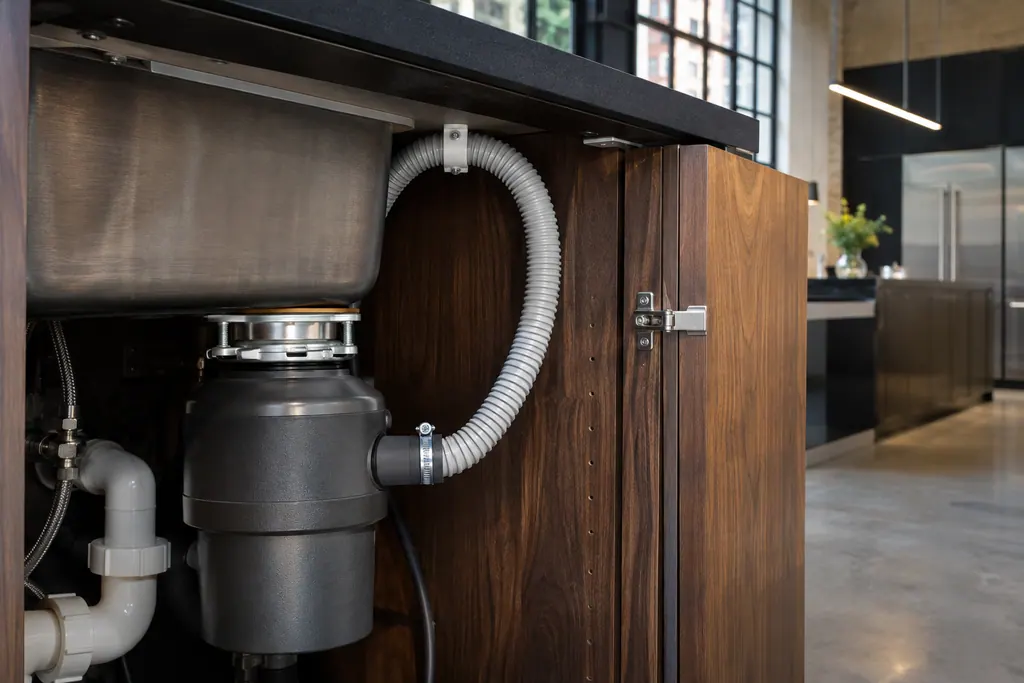
Dishwasher drain motor and hose
JennAir F9E1 is "Long Drain" and F9E2 is "Drain motor error". Before booking, check the drain hose, the disposer knockout plug, the filter and the high loop. These setup problems cause most of the draining complaints the help pages describe.
Sources and model boundaries.
The Dishwasher control panel guidance rests on these references. Pick the manual that fits your model.
- Controls Not Responding - Dishwasher - Product Help | JennAir
- Control Light Flashing - Dishwasher - Product Help | JennAir
Go by the instructions for your own model. See how we research these pages.
Why do my dishwasher buttons do nothing?
Control Lock is JennAir's first suspect. While it is set, its light glows and the panel ignores touch.
How do I release Control Lock?
Press and hold the Control Lock button three seconds if your model has one. Its name and spot vary, so look in your manual.
What if the dishwasher seems to have no power at all?
JennAir warns that a set lock can make the panel look dead. Rule it out, then run the thirty-second power cycle.
Could the wiring be loose?
JennAir names a terminal block or wire nuts that are loose or wired wrong, when power is present but nothing responds.
Code or symptom, part, service call
Tie the message to what comes next.
Control light flashing
The Control light flashes three times when you press a button while the controls are locked. Press and hold the Control Lock button for three seconds, on models that have one, to unlock. If it still flashes, wake the dishwasher from Sleep Mode.
JennAir dishwasher won't start or fill
JennAir's order is power, then the door and lower rack, then water supply, control lock, delay start, and a one-minute reset. A dishwasher that will not fill adds the drain loop height and an interrupted-cycle flash to the list.
Dishwasher repair
Schedule a diagnostic for your model, carried out at the appliance.
Find your metro
Office details, plus the access notes to pass along.