Start from the symptom
JennAir dishwasher won't start or fill.
JennAir's order is power, then the door and lower rack, then water supply, control lock, delay start, and a one-minute reset. A dishwasher that will not fill adds the drain loop height and an interrupted-cycle flash to the list.
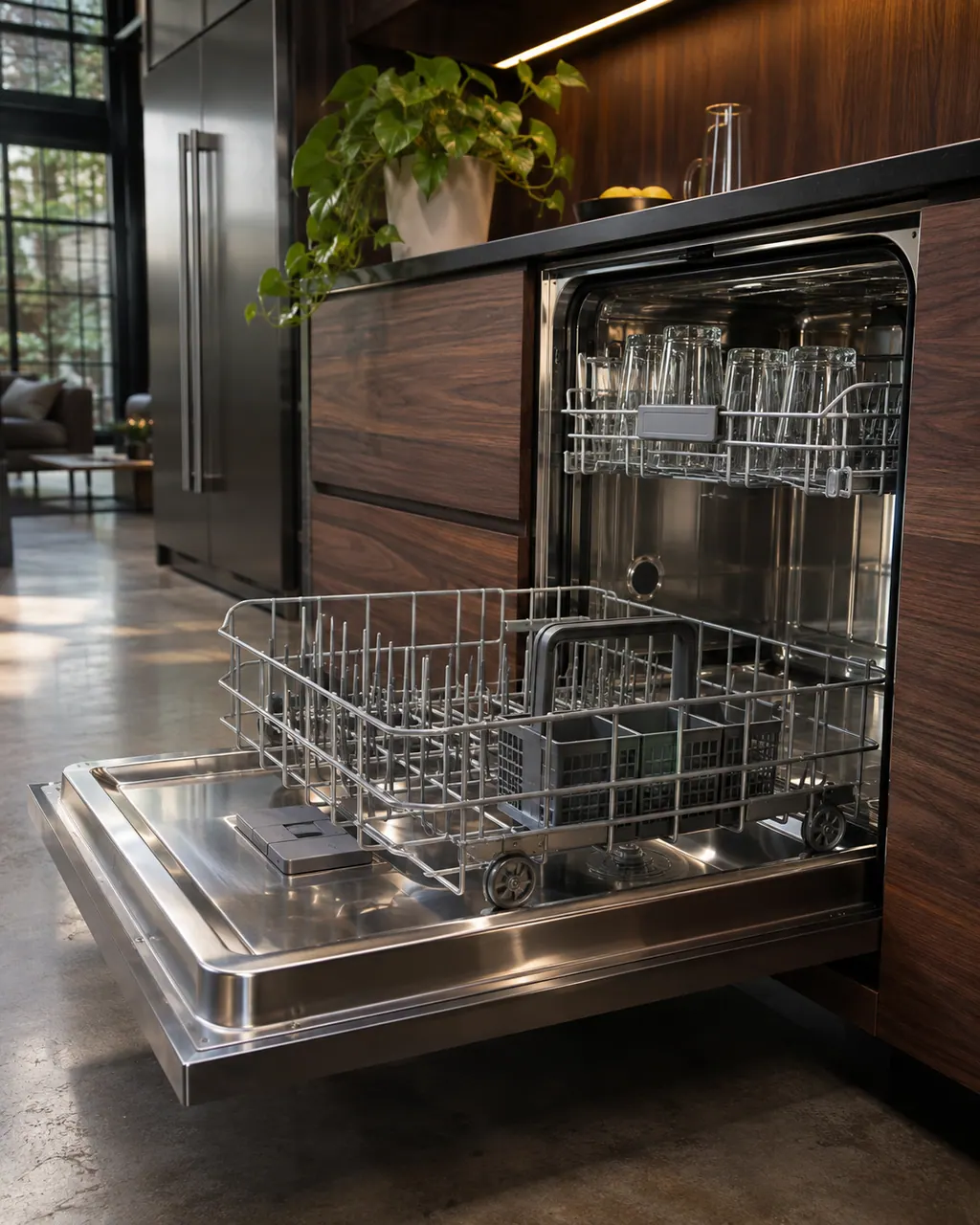
Start with safe observations.
Turn the appliance off and unplug it before any check you can do yourself. Look out for pooled water and sharp edges. Never touch a wet plug or live area, take off service panels, or go past your model’s owner instructions.
- 1
Check power
Make sure it is plugged in, or for a hardwired unit that the breaker has not tripped.
- 2
Latch the door
The door must be closed and latched. A lower rack installed backward can keep the door from latching.
- 3
Open the water supply
If the dishwasher does not detect water the cycle will not start, and the supply valve must be fully open for it to fill.
- 4
Look for control lock or delay
A lit lock icon means the buttons are disabled; hold the Control Lock key for about three seconds. A delay wash waits for its time; press Cancel/Drain to clear it.
- 5
Resume an interrupted cycle
If the door was opened or power dropped, Start/Resume flashes. Press it, then shut the door inside three seconds.
- 6
Check the drain hose height
A hose loop under 20 inches above the floor can siphon water out. It should connect above the drain trap.
- 7
Reset
Press Cancel, then remove power for about one minute by unplugging or switching the breaker off.
Systems a technician may investigate.
We name no part before the visit. After the diagnostic the technician tells you which part, if any, has failed, and matches it to your model and serial number before anything is replaced.
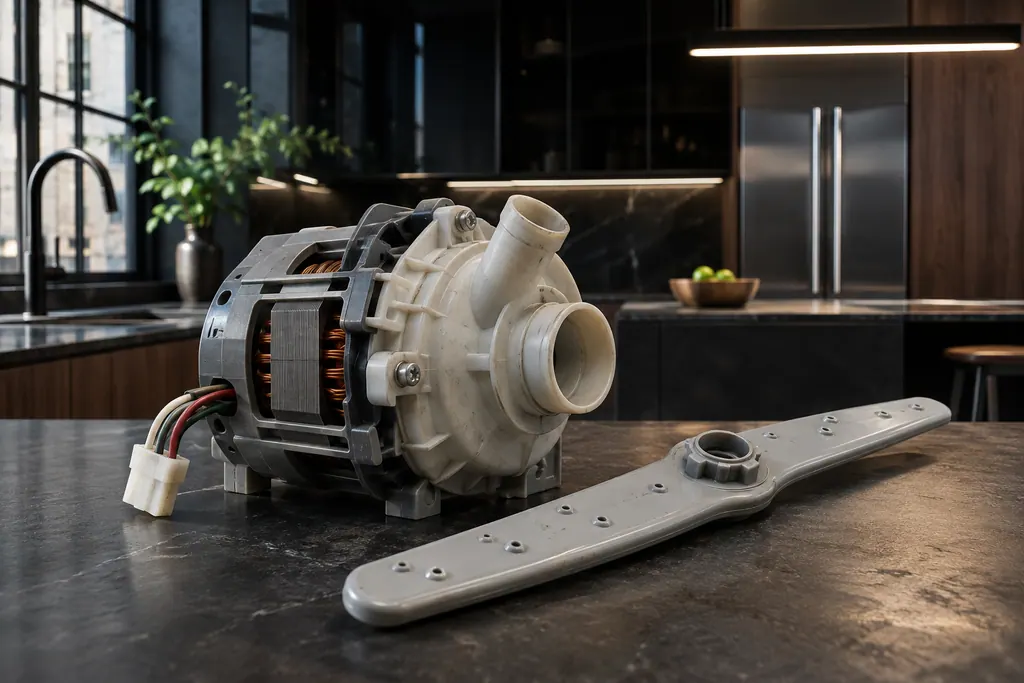
Dishwasher wash motor
The wash motor spins the circulation pump that pushes water to the spray arms. JennAir F7E2 reads "Wash Motor Error". The page gives one step, a power cycle, and says to schedule service if the code comes back.
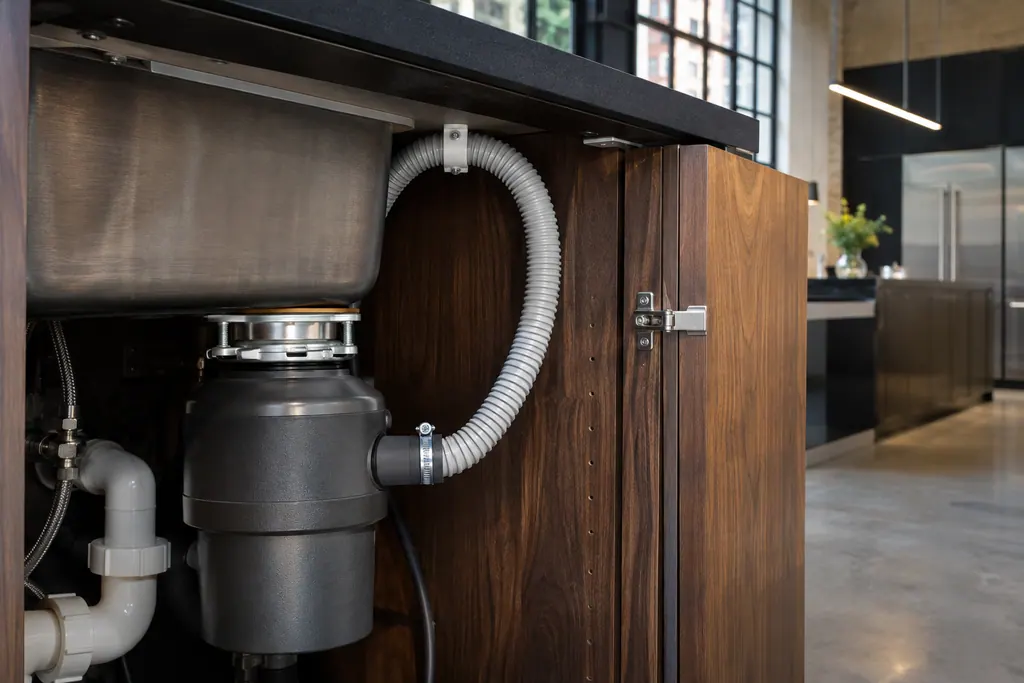
Dishwasher drain motor and hose
JennAir F9E1 is "Long Drain" and F9E2 is "Drain motor error". Before booking, check the drain hose, the disposer knockout plug, the filter and the high loop. These setup problems cause most of the draining complaints the help pages describe.
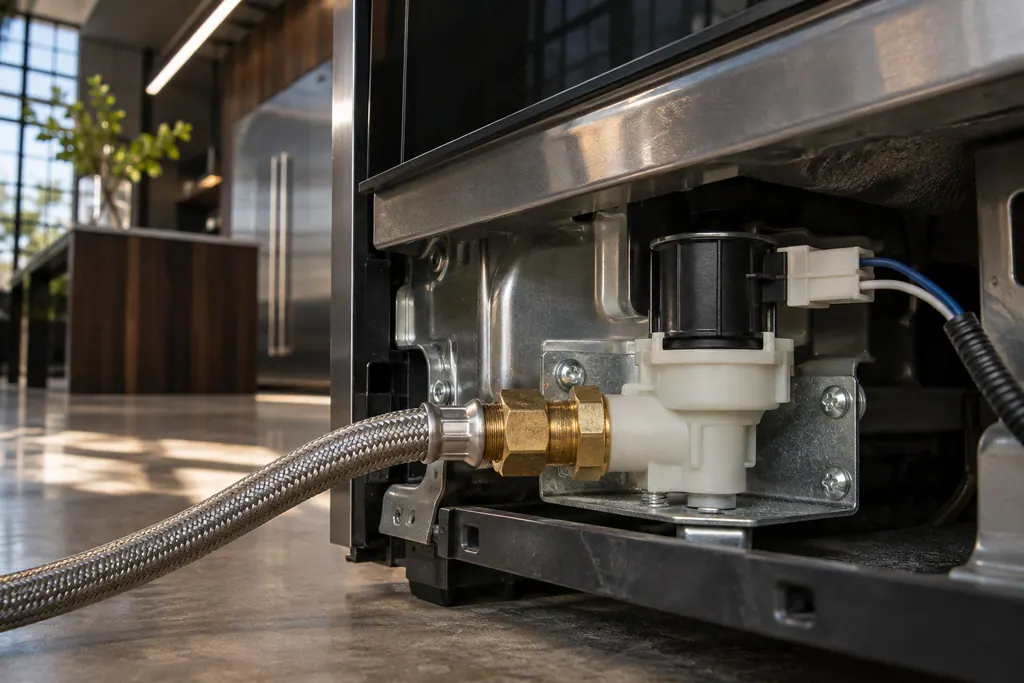
Dishwasher fill valve
The fill valve lets water into the tub. JennAir F8E2 is "Fill Valve Electric Error" and F8E5 is "Fill Valve Stuck Open". F8E5 is urgent: turn off the water if you can, silence the tone with one Cancel press, and keep the door shut and the power on.
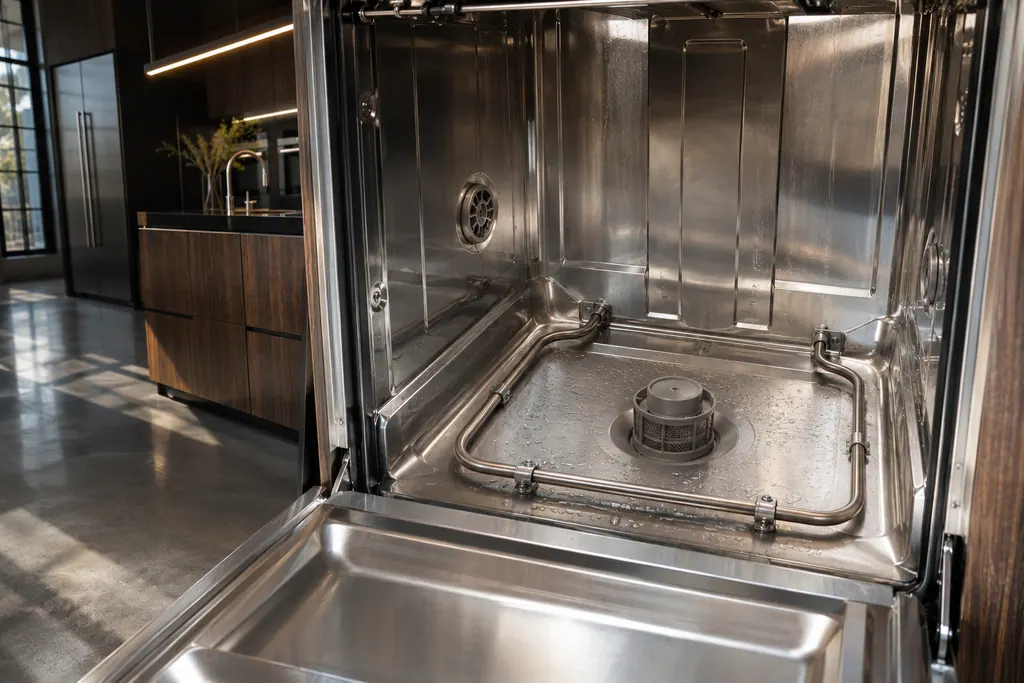
Dishwasher heating system
JennAir F4E2 names the heating system and F4E3 a heating error. Each page gives a power cycle and says to schedule service if the code comes back. A heating code can show up as dishes that are wet or not sanitized, so note the cycle you were running.
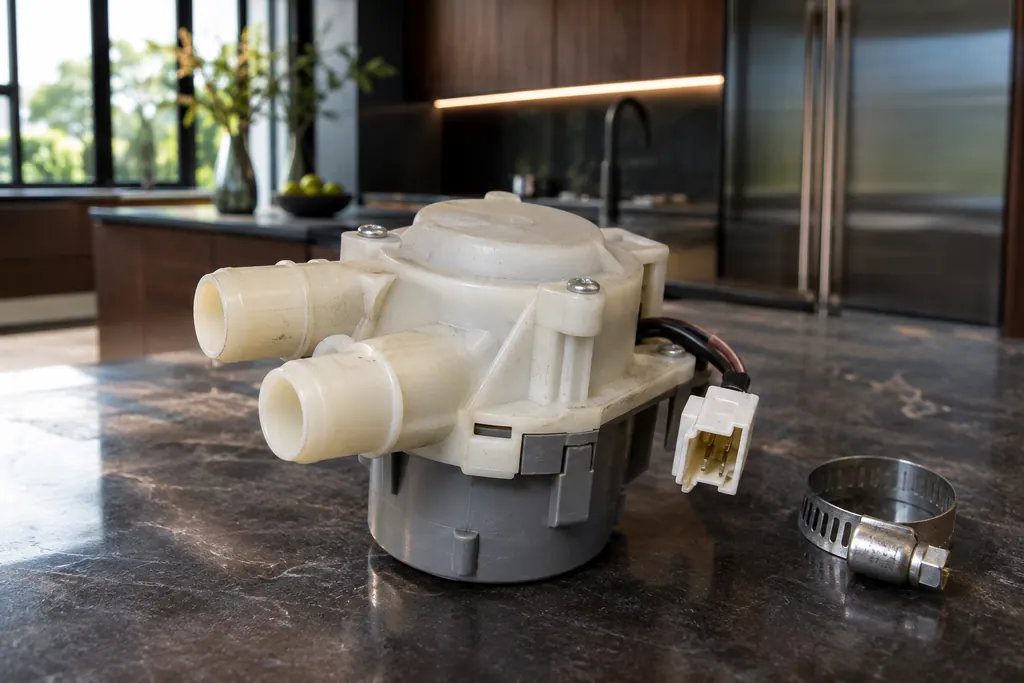
Dishwasher diverter valve
The diverter valve sends water to different spray arms. JennAir FAE4 (also printed F10E4) is "Diverter Valve Error", and FAE5 (F10E5) is "Diverter Leak". For FAE5 the page asks you to look for leaks and connections, press Cancel twice and try a new cycle.
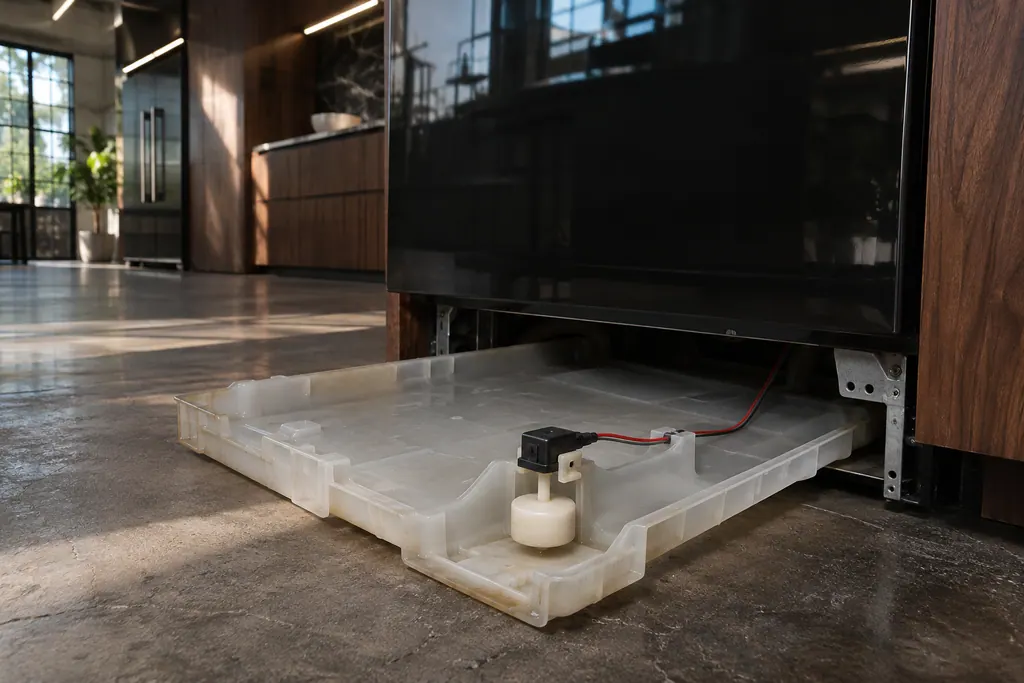
Float switch and drip tray
The float switch watches for too much water. JennAir F6E4 is "Water Float Switch", and the page asks if the dishwasher is level. F8E4 is "Water Detected in Drip Tray": check the supply connection, the float connector and empty the tray.
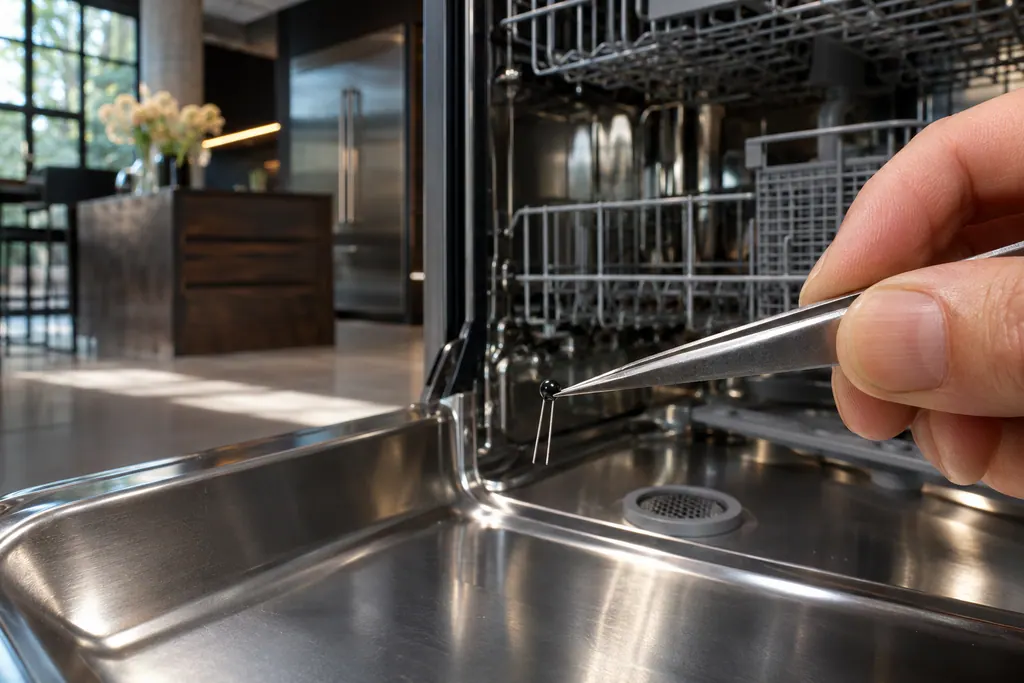
Dishwasher thermistor and OWI sensor
JennAir F3E2 names the thermistor or OWI sensor, the temperature and water sensing part. The page gives a power cycle and says to schedule service if the code returns. It is a good example of a code that names a part and gives the owner a single step.
Dishwasher removable filter
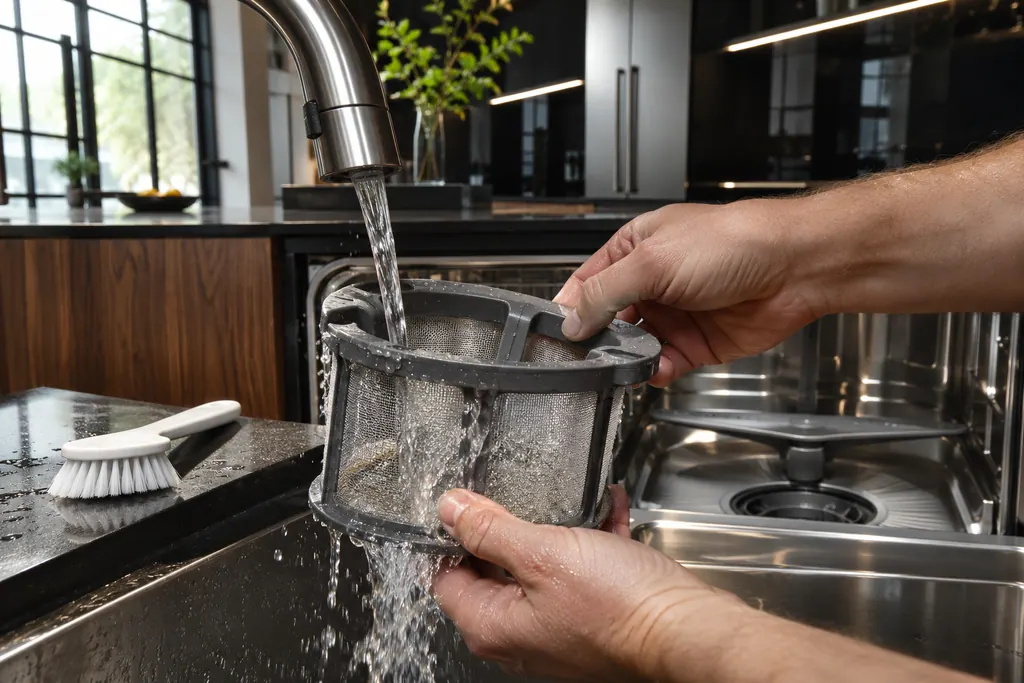
JennAir dishwashers with a removable filter ask you to clean it by hand under running water, with a soft brush for hard-water deposits. Abrasive pads and wire brushes are out, and the dishwasher should not operate without both filters in place.
Read the related care guide.
New dishwasher full of water? Check the install.
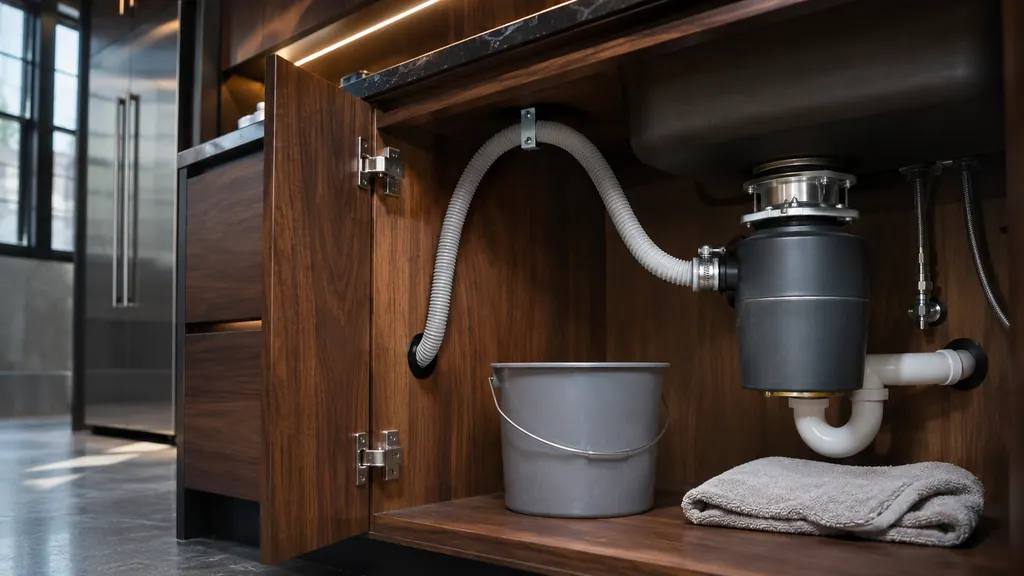
A newly installed JennAir dishwasher that will not drain usually has a setup problem: the disposer knockout plug is still in, the hose is kinked, or the drain loop or air gap is missing. Check those before you suspect the pump. Power the dishwasher off before you touch the hose. [1][2]
Drips under the counter? Steam or a leak.
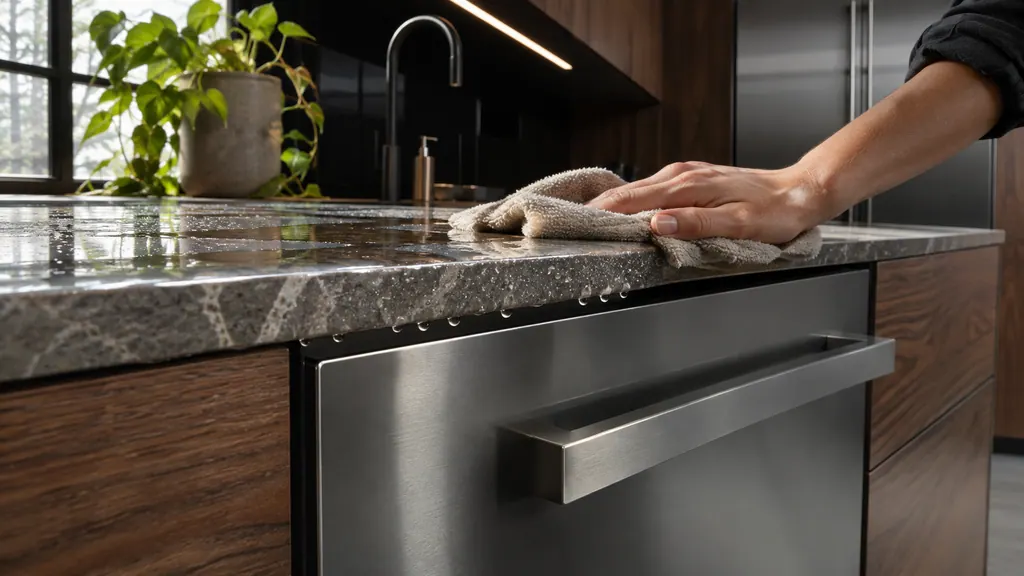
Moisture on the underside of the counter near a JennAir dishwasher is usually condensation: steam from the vent meeting a cooler surface. A leak looks different, with water at the door edge, on the floor or under the unit. Check where the water shows up, and when. [1][2]
When observation becomes a service request.
Leave internal testing to a technician.
The dishwasher stays dead after a reset, shows H2O or a code, or never fills although the supply is open. Schedule a technician visit.
Arrange a diagnosticSources and model boundaries.
The JennAir dishwasher won't start or fill guidance rests on these references. Pick the manual that fits your model.
- Dishwasher Not Starting or Not Operating - Product Help | JennAir
- Using the Control Lock - Dishwasher - Product Help | JennAir
- Using Control Lock - Product Help | JennAir
- Cycle Not Advancing - Product Help | JennAir
- Will Not Fill With Water - Dishwasher - Product Help | JennAir
- Not Filling With Water - Dishwasher - Product Help | JennAir
- Dishwasher Error Codes - Reading - Product Help | JennAir
Go by the instructions for your own model. See how we research these pages.
Why is my JennAir dishwasher completely dead?
Check the plug or breaker, then a lit control lock, then a delayed start. JennAir also lists a backward lower rack that keeps the door from latching.
Why will it not fill with water?
JennAir lists a closed supply valve, an unlatched door with Start/Resume flashing, and a drain loop under 20 inches that lets water siphon out.
How do I reset a JennAir dishwasher?
Press Cancel, then cut power for about one minute at the plug or breaker and restore it. JennAir compares this to restarting a computer.
What does a flashing Start/Resume light mean?
The cycle was interrupted by an opened door or a power drop. Press Start/Resume, then shut the door inside three seconds to continue.
Code or symptom, part, service call
Tie the message to what comes next.
H2O
H2O, also printed F8E1 or H20, tells you the dishwasher cannot sense any water. Open the dishwasher's shutoff valve and straighten any kink in its feed hose, then press Start so it can try filling and carry on.
JennAir dishwasher won't start or fill
JennAir's order is power, then the door and lower rack, then water supply, control lock, delay start, and a one-minute reset. A dishwasher that will not fill adds the drain loop height and an interrupted-cycle flash to the list.
Dishwasher repair
Schedule a diagnostic for your model, carried out at the appliance.
Find your metro
Office details, plus the access notes to pass along.