Inside the appliance
Ice maker bin sensor. In plain English.
The bin sensor monitors the ice level and tells the ice maker when to stop. JennAir places it on the right side wall of the ice storage bin. A dirty or blocked sensor can leave the ice maker making no ice, or overfilling the bin.
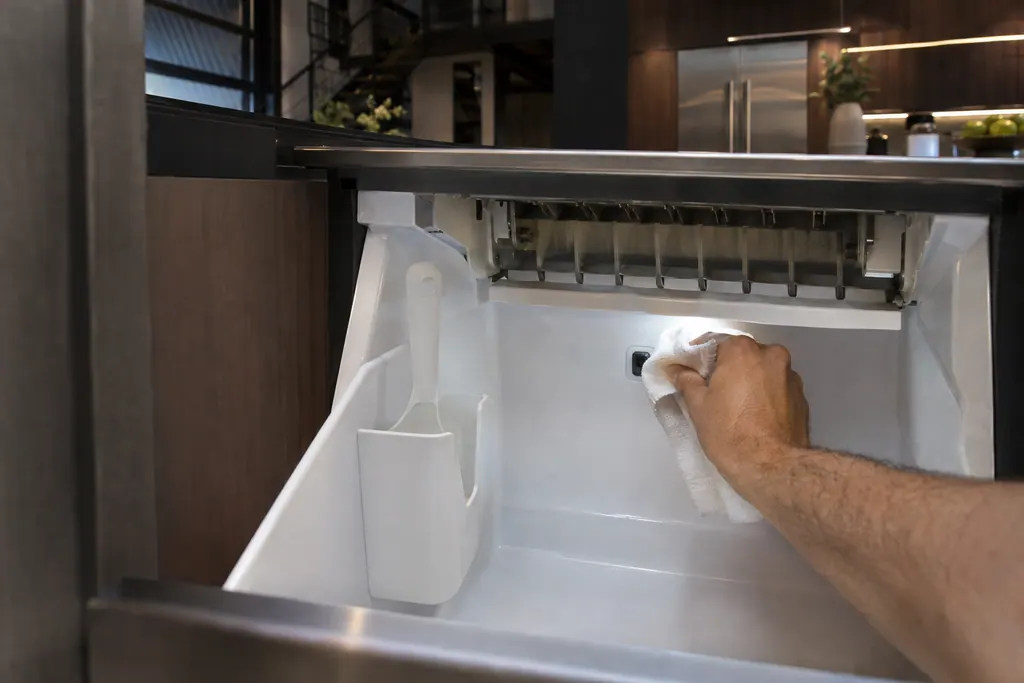
Where it fits.
Ice maker bin sensor in the appliance
It is on the right side wall of the ice storage bin.
The picture shows the kind of component only. It cannot tell you which replacement suits your model.
What you notice when this system needs a look.
A Ice maker bin sensor concern may show up with a drop in performance or a code that keeps returning. Testing comes first, before anyone decides the component is to blame.
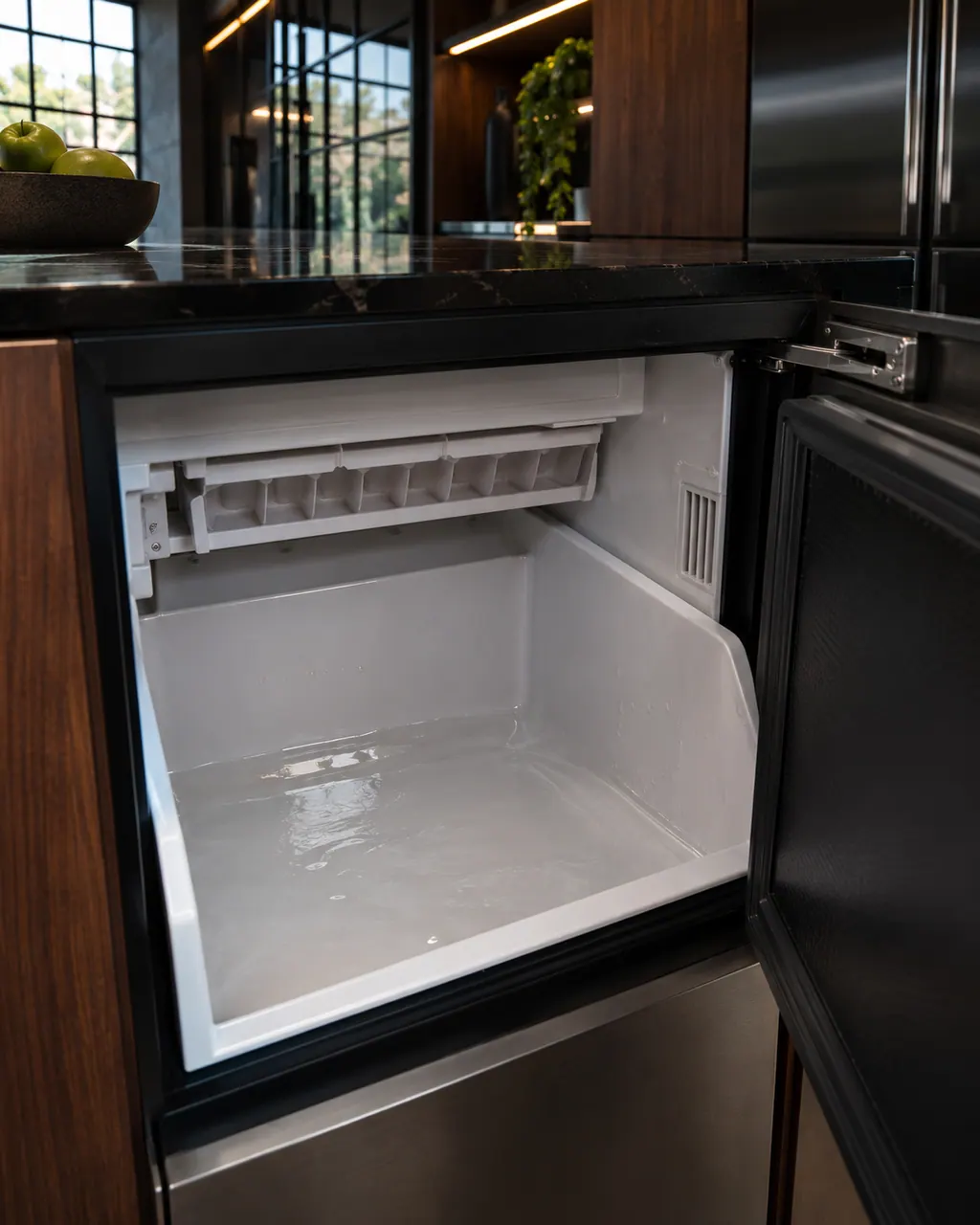
JennAir ice maker not making ice or stopped
When a freestanding ice maker goes quiet, look for a dirty or blocked bin sensor, a cracked or badly locked water filter, or a cleaning cycle that was cut short. Check those, level the unit and restart it. A service light that returns means a repair.
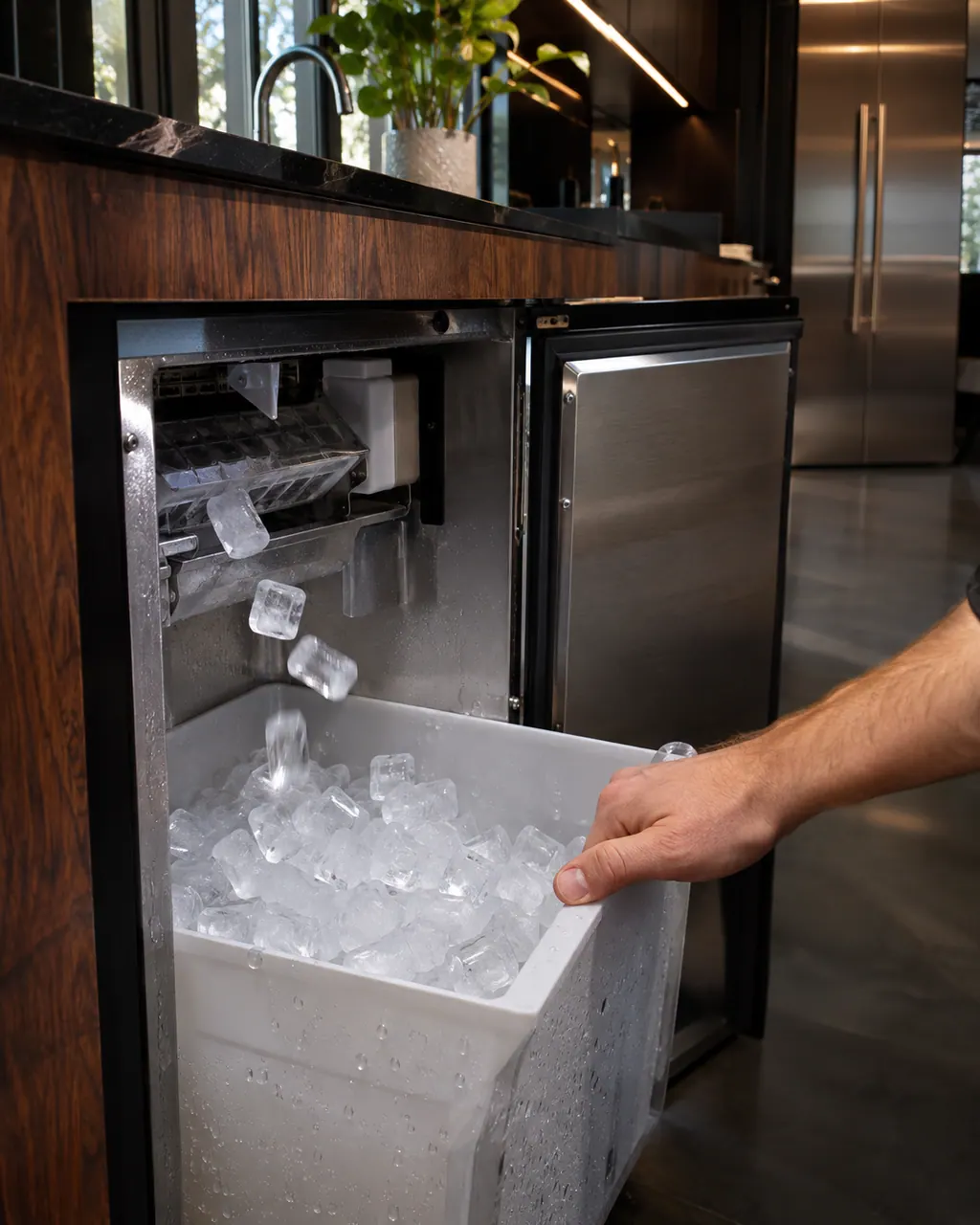
JennAir ice maker noises: normal and not
Most ice maker noises are normal: splashing, water running when it starts, a bang as ice drops, and the reservoir overflowing. A loud high-pitched sound while filling can mean supply pressure above 60 psi, where 50 psi is recommended.
Owner care, within the model instructions.
Turn the appliance off and unplug it before any check you can do yourself. Look out for pooled water and sharp edges. Never touch a wet plug or live area, take off service panels, or go past your model’s owner instructions.
- 1
Clean the sensor
Mineral buildup can cause it to malfunction. Wipe it with a soft towel and warm, soapy water.
- 2
Clear what blocks it
Check that the ice scoop or another item does not block the sensor. JennAir says to store only ice and the scoop in the bin.
- 3
Use the scoop holder
Keep the scoop in its holder so it does not sit in front of the sensor.
- 4
Level the unit
The ice maker has to be level to work. Adjust the leveling legs; for under-counter spots they can also lower the height.
Cleaning or replacement?
Leave internal testing to a technician.
Book us if the sensor is clean and clear and ice still does not stop or start.
Book us if the Service light comes on and returns after you turn the unit off and on.
Arrange a diagnosticSee the neighboring components.
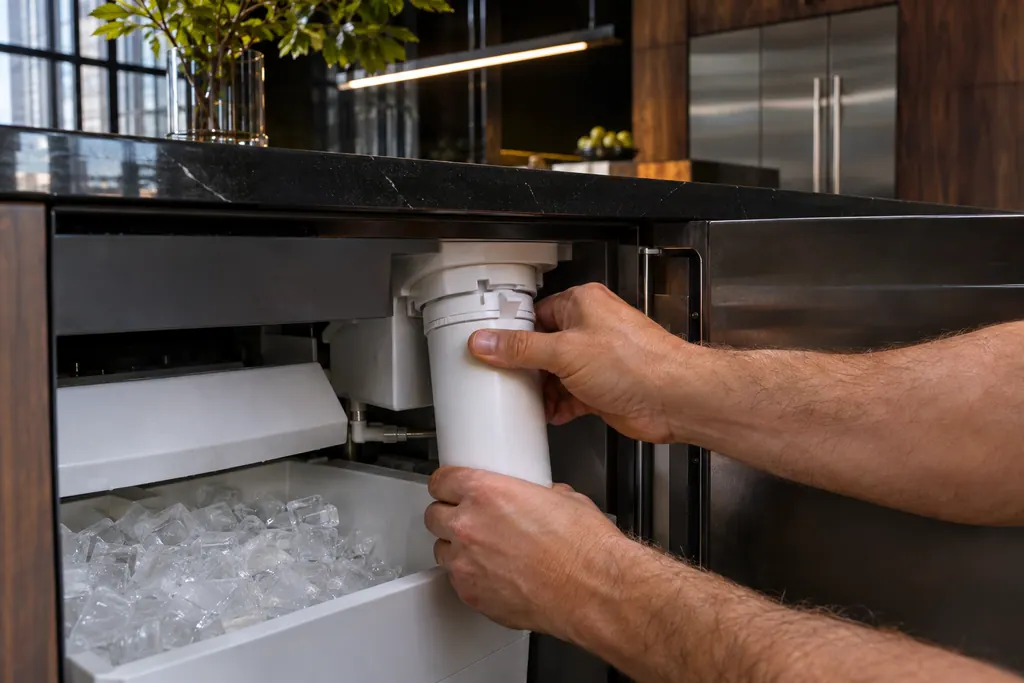
Ice maker water filter
The freestanding ice maker has a water filter on a nine-month life. JennAir wants it swapped then, or sooner if the ice rate drops. The Replace Filter light waits for 9 months or 2,000 gallons of use. A filter that is cracked, loose or missing O-rings can cause thin, small or no ice.
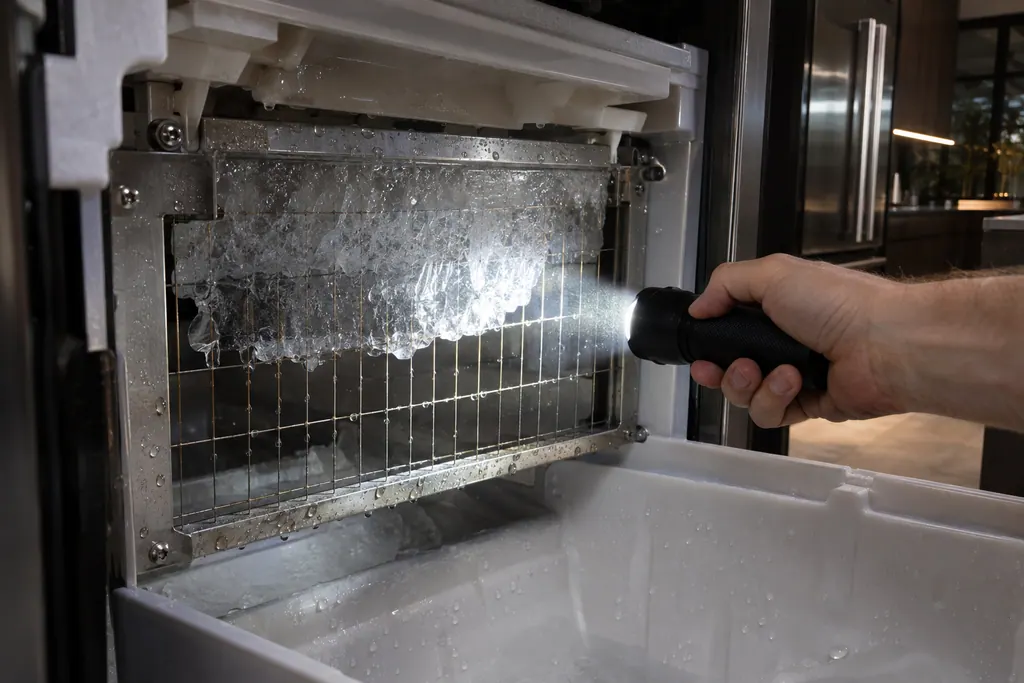
Ice maker cutting grid
The cutting grid divides the ice sheet into cubes after it slides off the evaporator plate. JennAir says ice can stick between the plate and the grid. The listed causes are an unlevel machine, an unplugged grid harness and mineral buildup that needs a clean cycle.
Sources and model boundaries.
The Ice maker bin sensor guidance rests on these references. Pick the manual that fits your model.
- How to Check the Bin Sensor - Product Help | JennAir
- Service Light On- Freestanding Ice Maker - Product Help | JennAir
Go by the instructions for your own model. See how we research these pages.
Where is the bin sensor?
On the right side wall of the ice storage bin, per JennAir.
What does it do?
It detects when the ice reaches a set level so the ice maker runs only as needed.
What if the ice maker overflows?
Clean the sensor, clear any blockage and check the unit is level.
What does the Service light mean?
Service is needed. Turn the ice maker off and on; if the light returns, call for service.
Code or symptom, part, service call
Tie the message to what comes next.
JennAir ice maker not making ice or stopped
When a freestanding ice maker goes quiet, look for a dirty or blocked bin sensor, a cracked or badly locked water filter, or a cleaning cycle that was cut short. Check those, level the unit and restart it. A service light that returns means a repair.
Ice maker repair
Schedule a diagnostic for your model, carried out at the appliance.
Find your metro
Office details, plus the access notes to pass along.