On this page
- No vinegar: it can harm the rubber O-rings and boiler seals. 1
- Set water hardness with the included strip, 1 to 4 dots. 1
- Brewing unit: once a month, only in Standby, warm water only. 2
- Whenever the drip tray comes out, empty the grounds container too. 3
- DESCALE! allows a few more brews but should be answered promptly. 4
What does a JennAir built-in coffee maker need to stay in shape?#
Three routines, all from JennAir's Product Help for the RISE and NOIR built-in coffee systems: a descaling cycle when the display asks, a monthly clean of the brewing unit, and emptying the drip tray and grounds container. 123
None needs tools. Each also has a rule about what not to use, and those rules are where owners most often go wrong.
How do I descale it?#
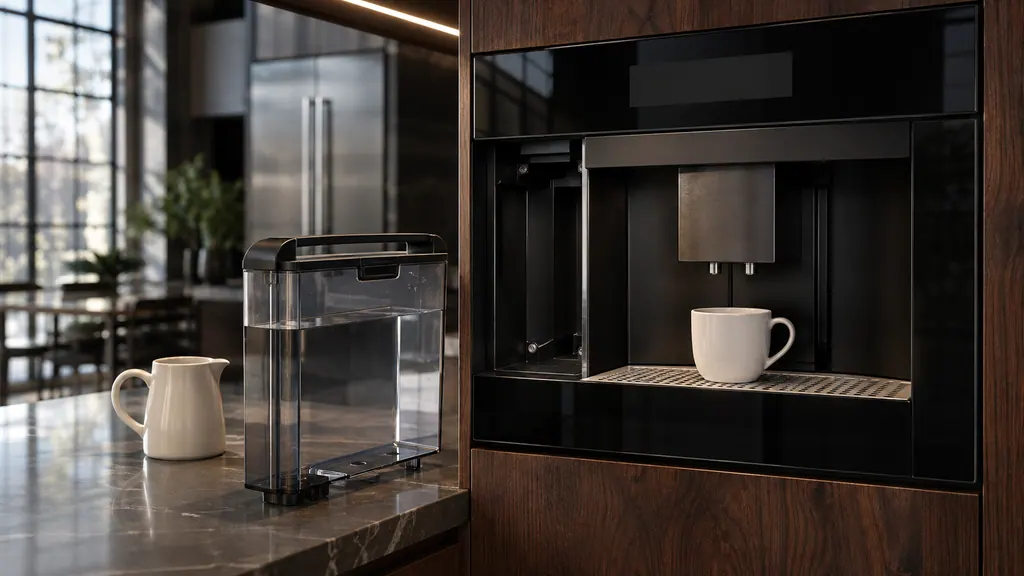
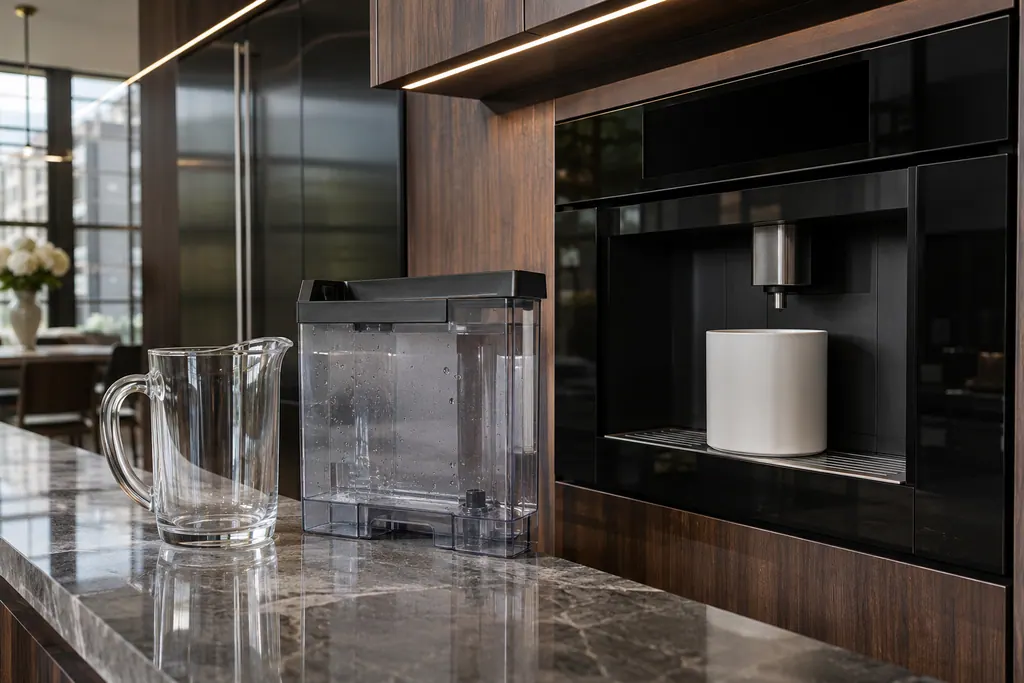
Open MENU, scroll to DESCALING and press OK. Add a commercial packaged coffee descaling solution mixed with water to the tank, put a container of 2 quarts or more under the hot water spout, press OK and let the cycle run. Do not use vinegar. 1
JennAir explains the warning: the acetic acid in household vinegar can degrade internal rubber O-rings, corrode boiler seals and leave odors that taint later coffee. If the cycle is turned off or interrupted before it finishes, it must be restarted from the beginning. 1 That is the opposite of the steam oven descaling guide, where the oven page allows white vinegar. The appliances are different, so follow the page for the one you own.
- 1
- 2
- 3
- 4
- 5
- 6
Why set the water hardness?#
Because it decides how soon the machine asks for descaling. JennAir's page says calibrating the setting makes the maker alert you at the correct interval before scale causes blockages. 1
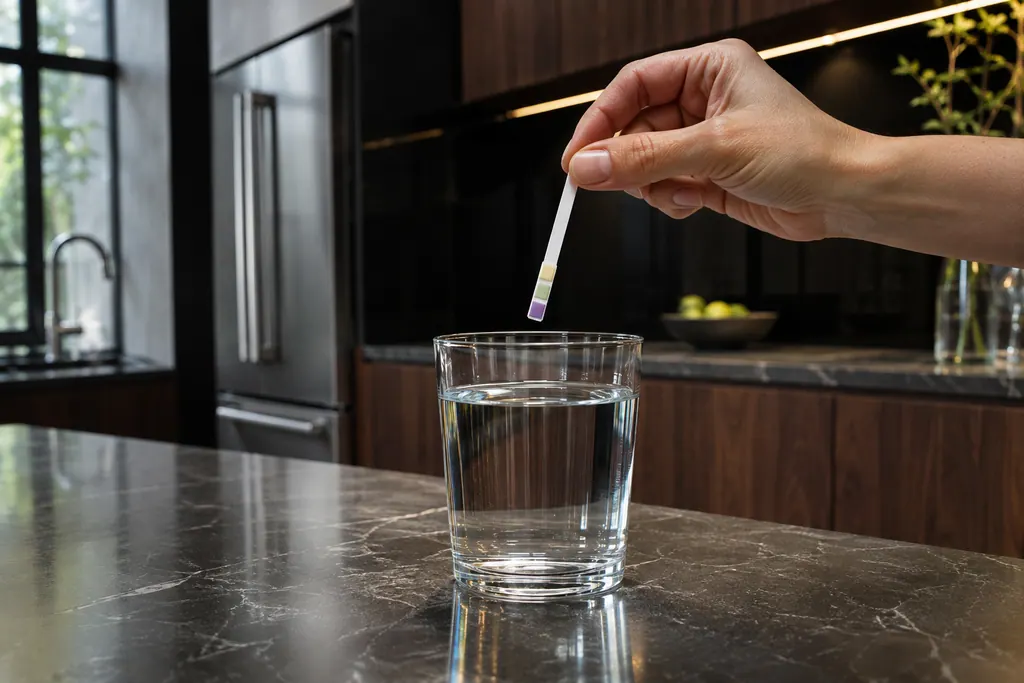
Dip the Total hardness test strip from your literature packet into a cup of tap water for one to two seconds. Remove it, shake off the moisture, wait about 30 seconds and count the red or pink squares, from one to four. 1
Then press MENU, scroll to WATER HARDNESS, press OK, use the arrows to match the number of dots to the number of red squares (three squares, three dots) and press OK. 1
What does DESCALE! mean on the display?#
It means the water hardness threshold has been reached. JennAir's message page says the machine may allow a few additional brews, but descaling should be done promptly through MENU, then DESCALING, to prevent heat transfer problems or clogged lines. 4
JennAir's page on the cycle says that scale builds up in the heating parts, restricts water pressure, lowers brewing temperature, causes noisy pump cycles and can eventually lead to early component failure. 1 That is the reason not to ignore the prompt.
How do I clean the brewing unit?#
Once a month, with the machine off. Press On/Standby, wait for the shutdown rinse to end, open the front service door, slide out the drip tray and grounds container, press the two red release buttons together and pull the unit straight out. Soak it in plain water, rinse and let it air dry. 2
- 1
- 2
- 3
- 4
- 5
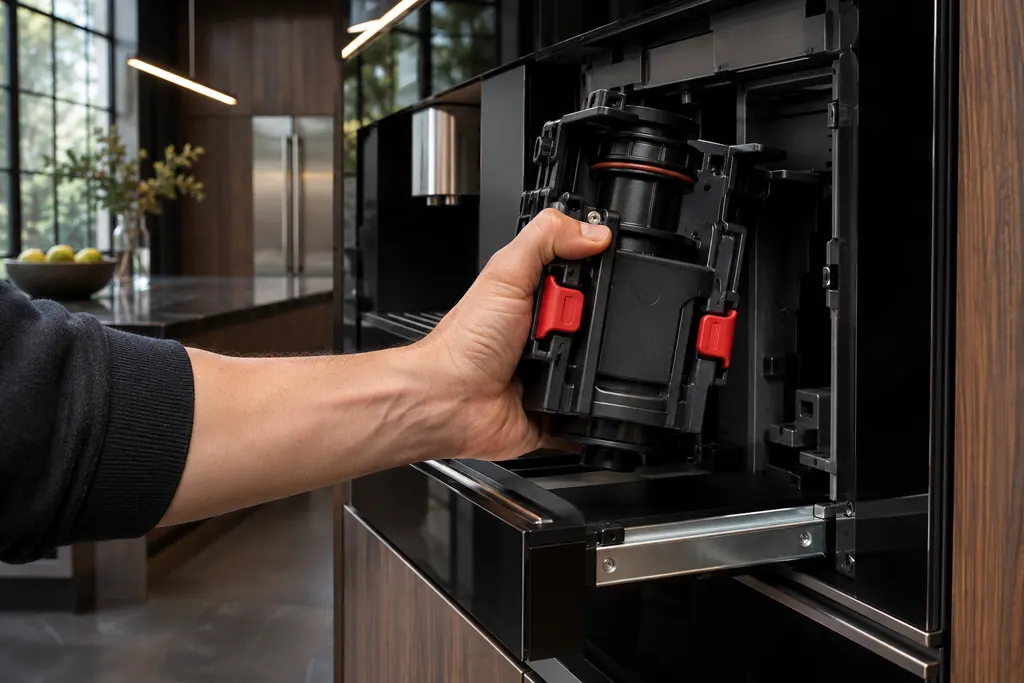
If the unit will not go back in, the page says to squeeze its upper and lower moving parts together to compress it. If it will not lock, press firmly on the PUSH symbol until you hear a click. 2
How do I empty the drip tray and grounds container?#
Pull forward on the spout to open the service door, slide the tray and the container out together, empty both and wipe them with a damp cloth. Whenever the drip tray comes out, the grounds container must be emptied too. 3
Watch the red float on the cup rest. It rises as waste water collects from brewing and the shutdown rinse. JennAir says to empty the tray before the float pokes above the grid, because overflow can leak into the cabinetry around the machine. 3
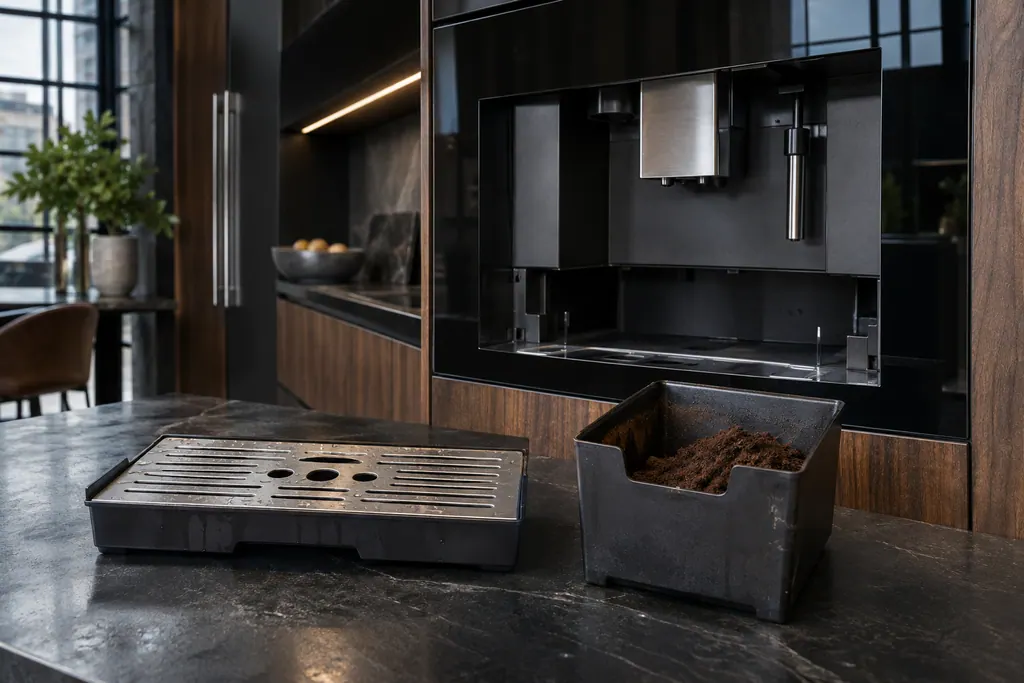
Rinse the metal cup grid under warm tap water and dry it. The page says harsh scouring pads should be avoided, to protect the finish. 3
What do the other display messages mean?#
JennAir's message page covers them. FILL TANK! asks for a full, seated tank. EMPTY GROUNDS CONTAINER asks you to pull out the tray and empty the pucks, leaving the tray out at least five seconds so the counter resets. INSERT INFUSER / BREWING UNIT means the unit is unlatched. 4
For GENERAL ALARM!, the page says to switch the machine off with On/Standby, inspect for loose grounds or objects, and if it does not respond, switch off the breaker for 60 seconds, restore power, reinsert the clean unit and trays, and turn it on. 4
The work we take on is listed on the coffee machine service page.
Sources#
- Descaling the Coffee Maker - Product Help | JennAirJennAir Product Help (producthelp.jennair.com) · dateModified 2026-11-06; PH 1708 · PH 1708
- Cleaning the Brewing Unit - Product Help | JennAirJennAir Product Help (producthelp.jennair.com) · dateModified 2026-11-06; PH 10312 · PH 10312
- Cleaning the Drip Tray and Grounds Container - Product Help | JennAirJennAir Product Help (producthelp.jennair.com) · dateModified 2026-11-06; PH 1711 · PH 1711
- Messages Displayed on Built-In Coffee Maker - Product Help | JennAirJennAir Product Help (producthelp.jennair.com) · dateModified 2026-11-06; PH 10313 · PH 10313