On this page
Which JennAir steam oven messages are routine?#
Four of them. Empty and Refill Water Container, Temperature Reached Insert Food, Descale is needed and Please Remove and Empty Container are prompts from the oven, not errors, and each has a simple owner action. 1234
| Message | What it means | What you do |
|---|---|---|
| Empty and Refill Water Container | A reminder before any steam cycle | Empty and refill the container 2 |
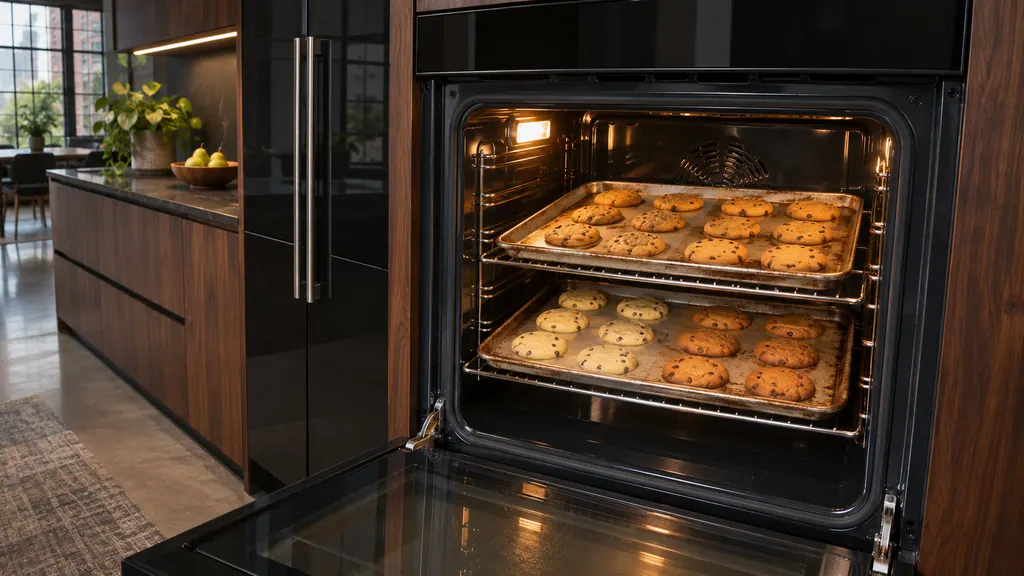
| Temperature Reached Insert Food | Preheat has finished | Open the door, add the food, close it and press START 4 |
| Descale is needed | The oven needs cleaning and descaling | Run the Descaling cycle 1 |
| Please Remove and Empty Container | A Drain or descaling cycle has ended | Empty the container, put it back, press OK 3 |
A letter-and-number code on the display is a different matter, covered near the end.
How do I empty and refill the water container?#
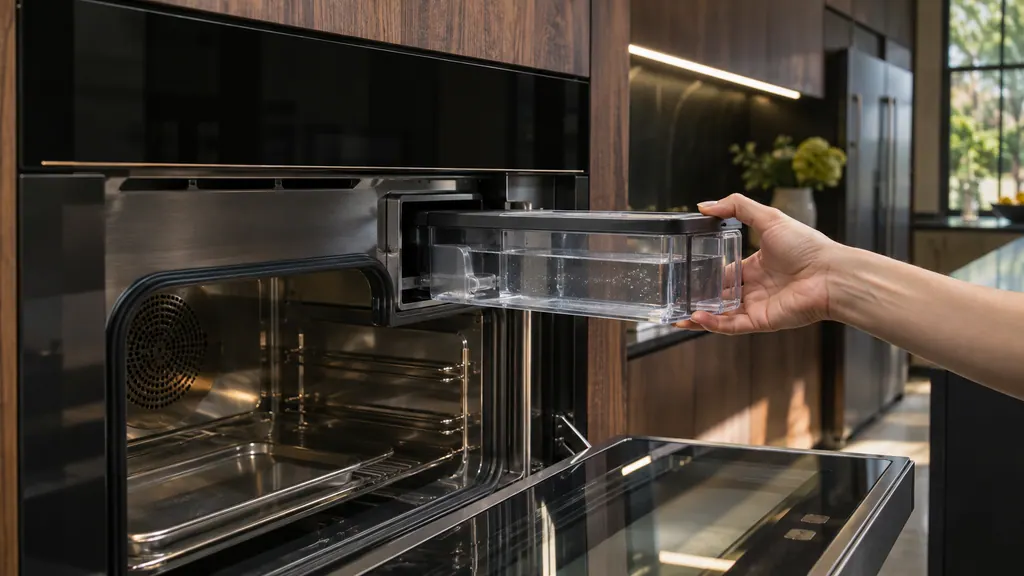
Open the door, lift the container and pull it toward you while keeping it horizontal so the last water drains from the valve seat. Refill it with fresh tap water or still bottled water to the MAX mark, then push it back until it is firmly seated. 2
The reminder appears before any steam cycle on purpose. JennAir's page says to empty and replace the container after each use, because that keeps condensation from building up inside the oven. 2
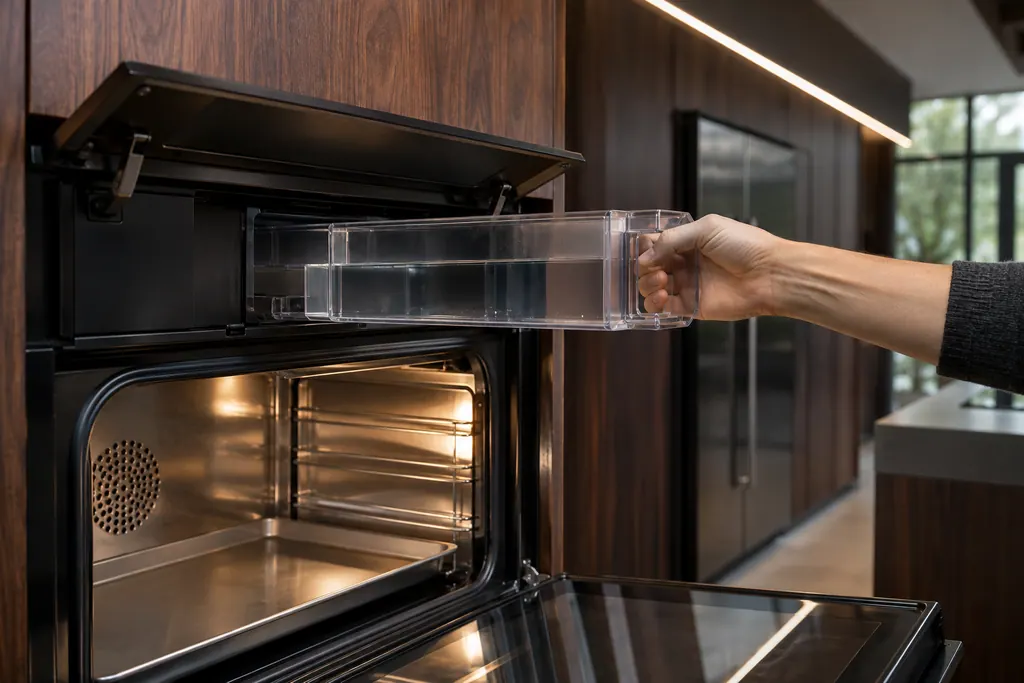
Distilled water and other liquids are not allowed in the container. 2
The container and the water pipe are not dishwasher safe. The cleaning page says to clean the container with a sponge and mild detergent, and to soak the water pipe in water with liquid detergent. 9 Remember that when you are tempted to put them in with the plates.
What does "Descale is needed" ask me to do?#
It asks you to run the Descaling cycle from the Maintenance menu. Empty the oven, mix 34 oz of water with 8.5 oz of descaler or white vinegar in the container, press OK and let the cycle finish. Do not interrupt it. 1
- 1
- 2
- 3
- 4
- 5
JennAir's page says that no residue should be present in the system afterward, and that the oven is then descaled and ready to use. 1 Because the cycle cannot be stopped partway, start it when you will not need the oven for a while.
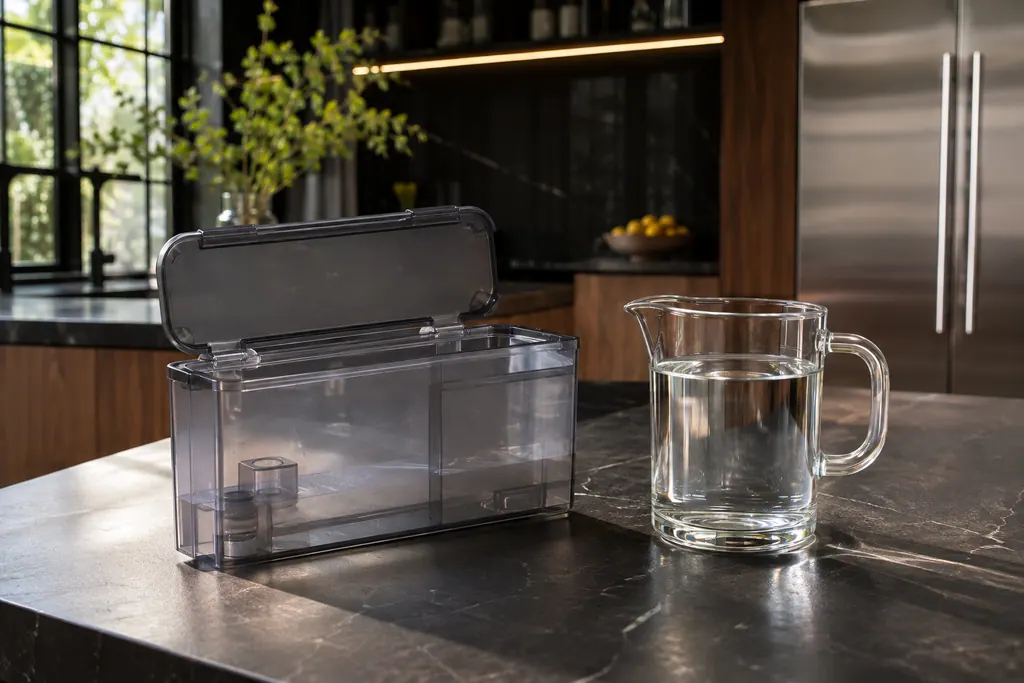
The page gives no interval for descaling. The oven tells you when it is time, so do not guess at a calendar date.
Why will my steam oven not drain?#
The oven may be too hot, or the container may still be full. JennAir's Not Draining page says the drain function does not start if the boiler is above 140°F (60°C), and the drain cycle does not start if the water container was not emptied. 5
Once the temperature drops below 140°F (60°C), the page says the oven begins to drain automatically. 5 If you need to drain by hand, the Drain function sits in the same Maintenance menu: choose it, and the display shows the cycle status. At the end, Please remove and empty container appears, and you empty the container and press OK. 3
The same page raises a third cause: calibration. Water boils at different temperatures at different altitudes, so the oven must be calibrated to the local air pressure before first use. A permanent installation needs this once, but an oven that has moved somewhere with a different altitude must be calibrated again before it is used. 5
To calibrate, fill the container to MAX with fresh tap water, open Maintenance, select Calibrate and press START. The page warns not to open the door until the whole process is complete, and to let the oven cool, wipe the damp parts and empty the container afterward. 5
Why is there water dripping or condensation?#
Usually from the container or from ordinary condensation. JennAir lists four checks: whether a drain cycle is due, whether the container was overfilled, whether it was removed level, and whether this is just condensation in the cavity. 6
Do not fill the container past the MAX line. If it comes out tilted, water left inside can drip from the valve seat. 6 Cooking wet foods adds to it: the interior page notes that moisture may form on the glass side of the door and its seal during long cooking times or when cooking on several levels. Let the oven cool, then dry the inside of the door with a cloth or sponge. 8
For condensation, the Water Dripping page says to use the sponge supplied with the oven to wipe off residual condensation, and to do it only after the oven has cooled. 6
Is the loud water pump a problem?#
No. The Water Pump Noise page says the sound is normal. The pump that fills and drains the steam boiler sounds louder while it pumps air at first and quieter once water fills the pump again. 7
If the pump is making a different kind of noise, or runs when you have not started a cycle, that is not what this page describes. Note when it happens and book a visit.
What if the display shows a code instead?#
Then it is an error, not a prompt. JennAir's steam oven pages for F2, F3, F5, F8, F9 and F13 give the same owner step: power down at the breaker for one minute, power up, start a cycle and watch for a minute. 10 Full steps are in the power reset guide.
The F7 page lists the F7 E0 to E4 codes. The steam oven water system entry explains the parts involved, and the work we take on is listed on our oven service page.
Sources#
- Descale is needed - Wall Oven - Product Help | JennAirJennAir Product Help (producthelp.jennair.com) · dateModified 2024-11-08; PH 13434 · PH 13434
- Empty and Refill Water Container - Wall Oven - Product Help | JennAirJennAir Product Help (producthelp.jennair.com) · dateModified 2024-11-08; PH 13435 · PH 13435
- Please Remove and Empty Container - Wall Oven - Product Help | JennAirJennAir Product Help (producthelp.jennair.com) · dateModified 2024-11-08; PH 13436 · PH 13436
- Temperature Reached Insert Food - Wall Oven - Product Help | JennAirJennAir Product Help (producthelp.jennair.com) · dateModified 2024-11-08; PH 13437 · PH 13437
- Not Draining - Wall Oven - Product Help | JennAirJennAir Product Help (producthelp.jennair.com) · dateModified 2024-11-08; PH 13444 · PH 13444
- Water Dripping or Condensation - Wall Oven - Product Help | JennAirJennAir Product Help (producthelp.jennair.com) · dateModified 2024-11-08; PH 13445 · PH 13445
- Water Pump Noise - Wall Oven - Product Help | JennAirJennAir Product Help (producthelp.jennair.com) · dateModified 2026-06-29; PH 13446 · PH 13446
- Interior or Cavity - Wall Oven - Product Help | JennAirJennAir Product Help (producthelp.jennair.com) · dateModified 2025-02-17; PH 13433 · PH 13433
- Accessories - Wall Oven - Product Help | JennAirJennAir Product Help (producthelp.jennair.com) · dateModified 2025-02-17; PH 13431 · PH 13431
- F2 - Wall Oven - Product Help | JennAirJennAir Product Help (producthelp.jennair.com) · dateModified 2024-11-08; PH 13439 · PH 13439