On this page
- Demo mode disables cooling while the display and lights work. 123
- Signs: no cooling after hours, quiet compressor, sometimes Demo or Showroom on screen. 123
- The method varies by model, and the pages group it by control type. 123
- COOLING OFF on a French-door model is a separate, simple toggle. 4
- If it does not take, unplug for two minutes and try again, per one page. 3
What is showroom mode on a JennAir refrigerator?#
It is a feature, also called demo mode, that powers the display and the lights while it disables cooling. Retailers use it so shoppers can try the controls without the compressor running. JennAir's pages for top-freezer, bottom-freezer and side-by-side models describe it the same way. 123
JennAir's pages say the purpose is in-store display: the control panel and interior lights run, but cooling is prevented to conserve energy and protect the sealed system when the appliance is not in use. 123
If your refrigerator lights up but is not getting cold, the pages say it may be in this mode. 123
How can I tell the refrigerator is in demo mode?#
Four signs, all from JennAir's pages. The refrigerator and freezer do not cool even after you change the temperature settings, the compressor and fans stay off or run in a limited way, the display and lights work as usual, and temperatures do not drop after several hours. 123
You may also hear little or no compressor noise. Some models show Demo, Showroom or Shwrm on the display. 123
None of this proves demo mode is the cause on its own. What points to it is the combination: a working display and lights, with no cooling and little sound from the compressor.
How do I turn demo mode off?#
It depends on the control type, and JennAir says so plainly: setting and removing demo mode varies by model number, and the owner's manual has the exact instructions for yours. 123 The pages then list methods, grouped by dispenser or control type.
The entries fall into a few patterns. Some hold two buttons together for three seconds, for example LIGHT with LOCK, or FREEZER TEMP with FRIDGE TEMP. One top-freezer entry holds the TEMPERATURE SETTING button for four seconds and describes all the lights coming on for a second. Some use a dial that is turned to OFF or 0. 1
Other entries need a short wait: a side-by-side entry holds FREEZER TEMP and REFRIGERATOR TEMP for five seconds until the indicator lights blink in sequence. 3
| Refrigerator style | Examples the page lists |
|---|---|
| Top freezer | Hold TEMPERATURE SETTING for four seconds; turn a dial to OFF; hold TEMP for three seconds; set MAX and hold SW1 for five seconds 1 |
| Bottom freezer | Hold LIGHT and FAST COOL for three seconds; hold both temperature buttons for three seconds; hold the DRAWER and °F/°C buttons; press and hold COOLING ON/OFF 2 |
| Side by side | Hold LIGHT and LOCK for three seconds; hold the freezer and refrigerator temperature keys for five seconds; hold LOCK and FILTER; turn the dials to 0 - OFF 3 |
These are samples, not a full list, and the pages say the names and the method change with the model.
- 1
- 2
- 3
- 4
- 5
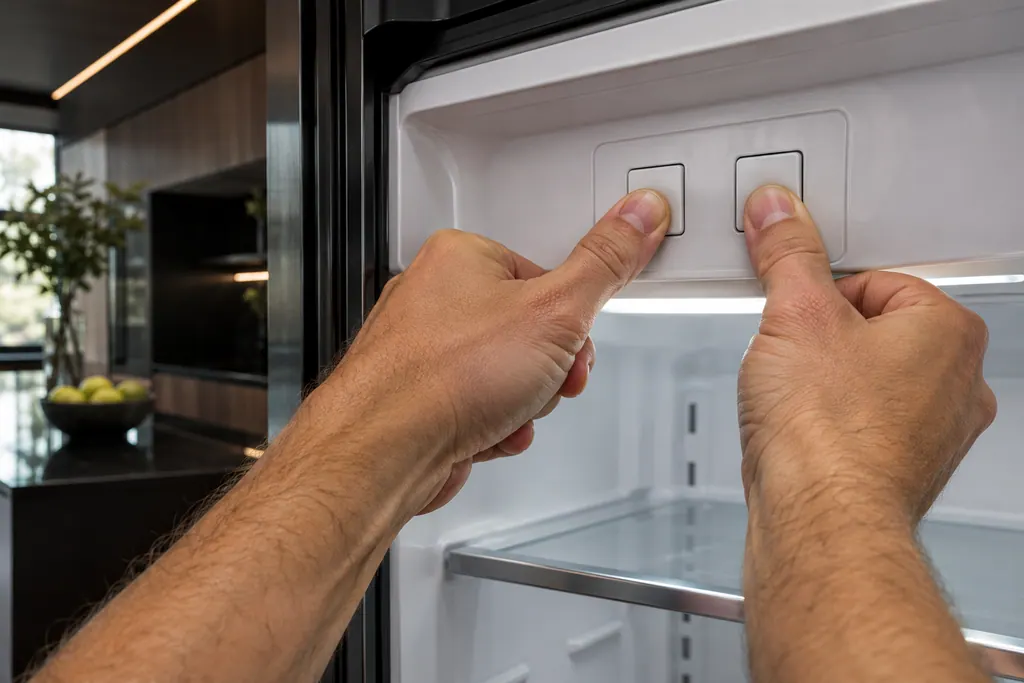
The pages put the directions under one heading, for entering or exiting the mode. So check the display after each try, and do not repeat a combination without looking at what it did. 23
What if my panel does not match any entry?#
Use the owner's manual. JennAir's pages say that button names can vary, and that if the steps do not match your control panel, the manual explains how to disable demo mode on your exact model. 123
Your model number is the way to find the right manual. If you cannot find one, ask us for a visit and name the type: top freezer, bottom freezer, side by side or French door.
The demo pages cover top-freezer, bottom-freezer and side-by-side models. Column models have their own alerts; the column refrigerator alarms guide explains them.
Does a power cut put the refrigerator into demo mode?#
JennAir's pages do not say so. What they do say, on the French-door Cooling Off page, is that some refrigerators need to be turned back on manually after a power outage or surge. 4 If cooling is off after an outage and no demo or showroom message shows, that page is the one to read.
Is COOLING OFF the same thing?#
Not quite, but the effect is similar. JennAir's page for French-door refrigerators says that when cooling is turned off, the refrigerator and freezer will not cool, and COOLING OFF appears on the display. 4
A common method to switch it is to press and hold LOCK and MEASURED FILL at the same time for three seconds, and repeat to turn cooling back on. The page warns to press both at exactly the same time, to avoid locking the dispenser or changing other settings. It also says methods vary by model. 4
The page adds two other reasons a refrigerator may not cool: some need to be turned back on manually after a power outage or surge, and a refrigerator can be turned off accidentally while cleaning. 4
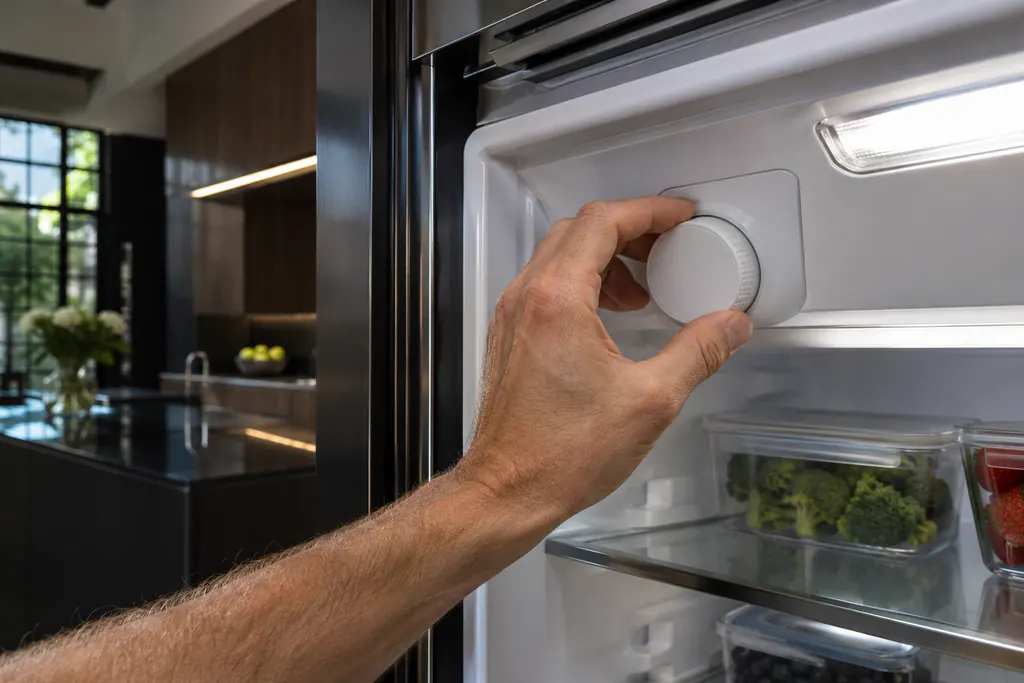
The Cooling Off entry lists it with the other refrigerator messages.
When is it not showroom mode?#
When the right steps do not bring cooling back, or when the display shows no demo or COOLING OFF message and the refrigerator is still warm. Note the exact message, if any, and the model number. 1234
The work we take on is listed on the refrigerator service page, and the freezer not freezing page lists the other checks for a warm fridge.
Sources#
- Demo Mode - Top Freezer Refrigerator - Product Help | JennAirJennAir Product Help (producthelp.jennair.com) · dateModified 2026-03-25; PH 13677 · PH 13677
- Demo Mode - Bottom Freezer Refrigerator - Product Help | JennAirJennAir Product Help (producthelp.jennair.com) · dateModified 2026-03-25; PH 13709 · PH 13709
- Demo Mode - Side by Side Refrigerator - Product Help | JennAirJennAir Product Help (producthelp.jennair.com) · dateModified 2026-03-25; PH 14199 · PH 14199
- Cooling Off Indicator Light - Refrigerator - Product Help | JennAirJennAir Product Help (producthelp.jennair.com) · dateModified 2024-04-25; PH 1228 · PH 1228