Start from the symptom
JennAir beverage center CL or LO and error displays.
CL or LO means the internal temperature is too low. JennAir asks three questions: is the door fully closed, was it restocked with a large warm load, and was there a power outage. Then power down for one minute and back up. HI, LO, E1 and E2 get the same restart.
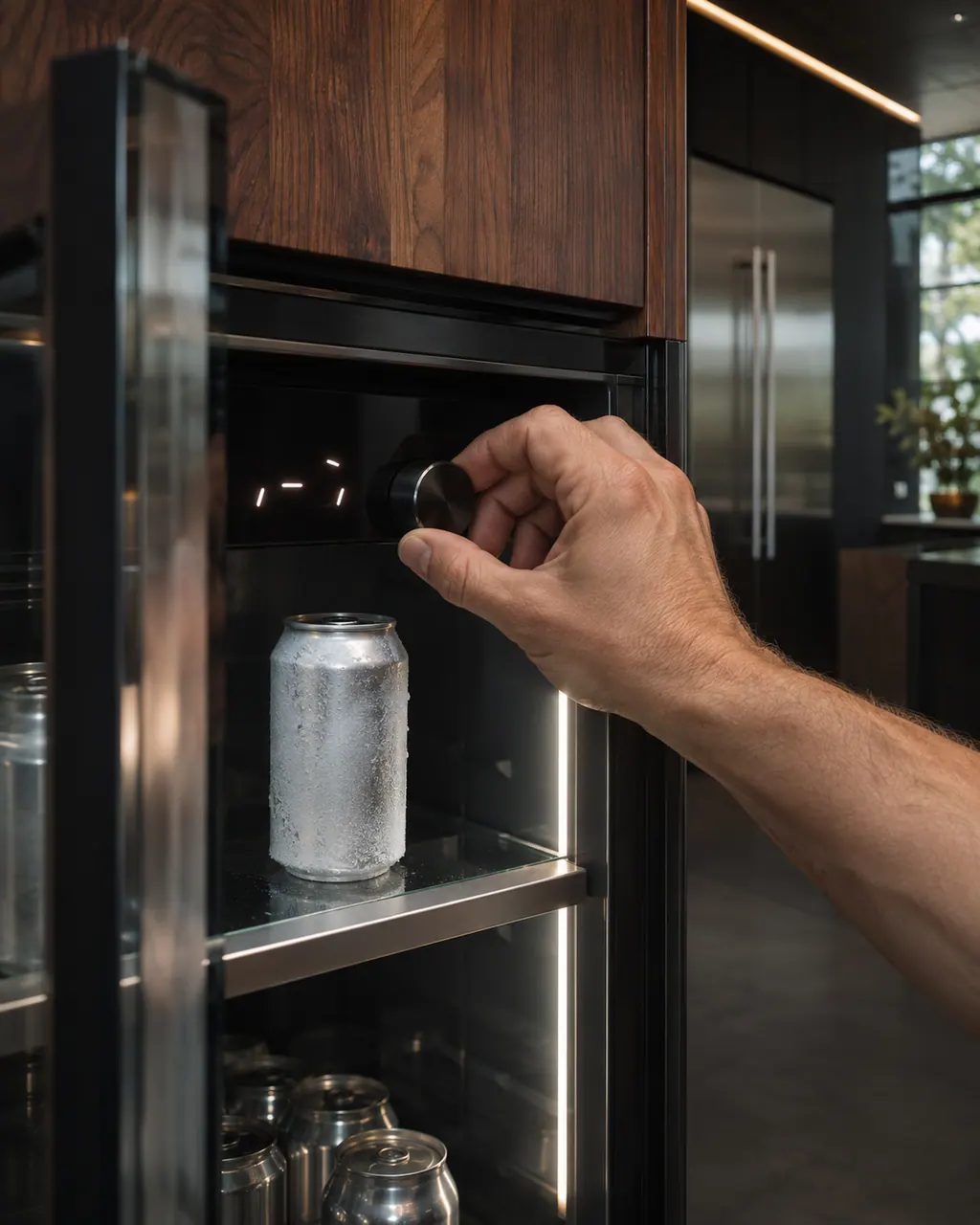
Start with safe observations.
Turn the appliance off and unplug it before any check you can do yourself. Look out for pooled water and sharp edges. Never touch a wet plug or live area, take off service panels, or go past your model’s owner instructions.
- 1
Check the door
Is the door fully closed? Has it been open for an extended period?
- 2
Think about the last restock
Adding a large load of warm or room-temperature items can lower the temperature.
- 3
Think about an outage
After a power outage, allow time for the temperature to stabilize.
- 4
Cycle the power
Shut off the breaker or pull the plug for a minute, then bring power back.
- 5
Monitor for a minute
Watch the display for one minute to make sure the code does not show again.
- 6
Same restart for HI, LO, E1, E2
Those displays call for the same one-minute power cycle.
More about this symptom.
What does JennAir ask about CL or LO?#
If the door is shut tight or was left ajar for a while, if a big warm load went in, and if the power went out.
What is the restart procedure?#
Power the unit down at the breaker or by unplugging it for one minute, power it up, then monitor for one minute to see that the code does not display again.
Which findings are worth telling the technician?#
If the code returns after the restart, or E1 or E2 shows again. The knowledge base gives no further steps, so the next one is a technician's diagnosis.
Systems a technician may investigate.
The symptom connects to these parts. What you observed cannot show that any single one has failed.
If the display adds a code.
No code tied directly to this topic.
No further researched dishwasher code is attached to this topic. Compare your exact message with your model manual and do not stand in a different code from the library.
See the research statusFollow the care instructions written for this appliance.
When observation becomes a service request.
Leave internal testing to a technician.
The code returns within a minute of restarting.
E1 or E2 shows again.
Drinks freeze or stay warm after the restart.
The door will not close fully.
Arrange a diagnosticSources and model boundaries.
The JennAir beverage center CL or LO and error displays guidance rests on these references. Pick the manual that fits your model.
- CL or LO Error Code - Beverage Center - Product Help | JennAir
- HI or LO Error Code - Beverage Center - Product Help | JennAir
- E1 Error Code - Beverage Center - Product Help | JennAir
- E2 Error Code- Beverage Center - Product Help | JennAir
Go by the instructions for your own model. See how we research these pages.
What does CL or LO mean on my JennAir beverage center?
JennAir says it indicates the internal temperature is too low. Check that the door is fully closed, think about recent restocking and any power outage, then power-cycle the unit.
Can a restock cause the code?
Yes. Adding a large load of warm or room-temperature items can lower the internal temperature reading. Give the unit time to settle after loading.
How do I power-cycle the beverage center?
Shut off the breaker or pull the plug for a minute. Restore power and watch the unit for a minute to see whether the code returns.
What about E1 or E2?
JennAir gives only the power cycle for both: off for one minute, back on, and watch for one minute. If either returns, the unit needs diagnosing.
Is it normal after a power outage?
The article asks you to allow time for the temperature to stabilize. If the code is still there after the power cycle, book a technician.
Code or symptom, part, service call
Tie the message to what comes next.
JennAir beverage center CL or LO and error displays
CL or LO means the internal temperature is too low. JennAir asks three questions: is the door fully closed, was it restocked with a large warm load, and was there a power outage. Then power down for one minute and back up. HI, LO, E1 and E2 get the same restart.
Beverage center low temperature alert
CL or LO on a JennAir beverage center means the internal temperature is too low. JennAir’s checks are the door, a recent restock with warm items and a power outage. Then it asks for a one-minute power cycle.
Beverage center repair
Schedule a diagnostic for your model, carried out at the appliance.
Find your metro
Office details, plus the access notes to pass along.