What it means
Cool Off means cooling is switched off, not that something has failed. It is how a new JennAir beverage center starts after it is first plugged in. Press COOL ON for three seconds to turn the beverage center on.
JennAir beverage center Cool Off / Mode, not a failure
Cool Off means cooling is switched off, not that something has failed. It is how a new JennAir beverage center starts after it is first plugged in. Press COOL ON for three seconds to turn the beverage center on.
Also shown as Cool Off
Cool Off means cooling is switched off, not that something has failed. It is how a new JennAir beverage center starts after it is first plugged in. Press COOL ON for three seconds to turn the beverage center on.
Hold it until the control wakes.
Cool On does not start cooling after the 3-second hold.
Checks you have ticked / saved in this browser
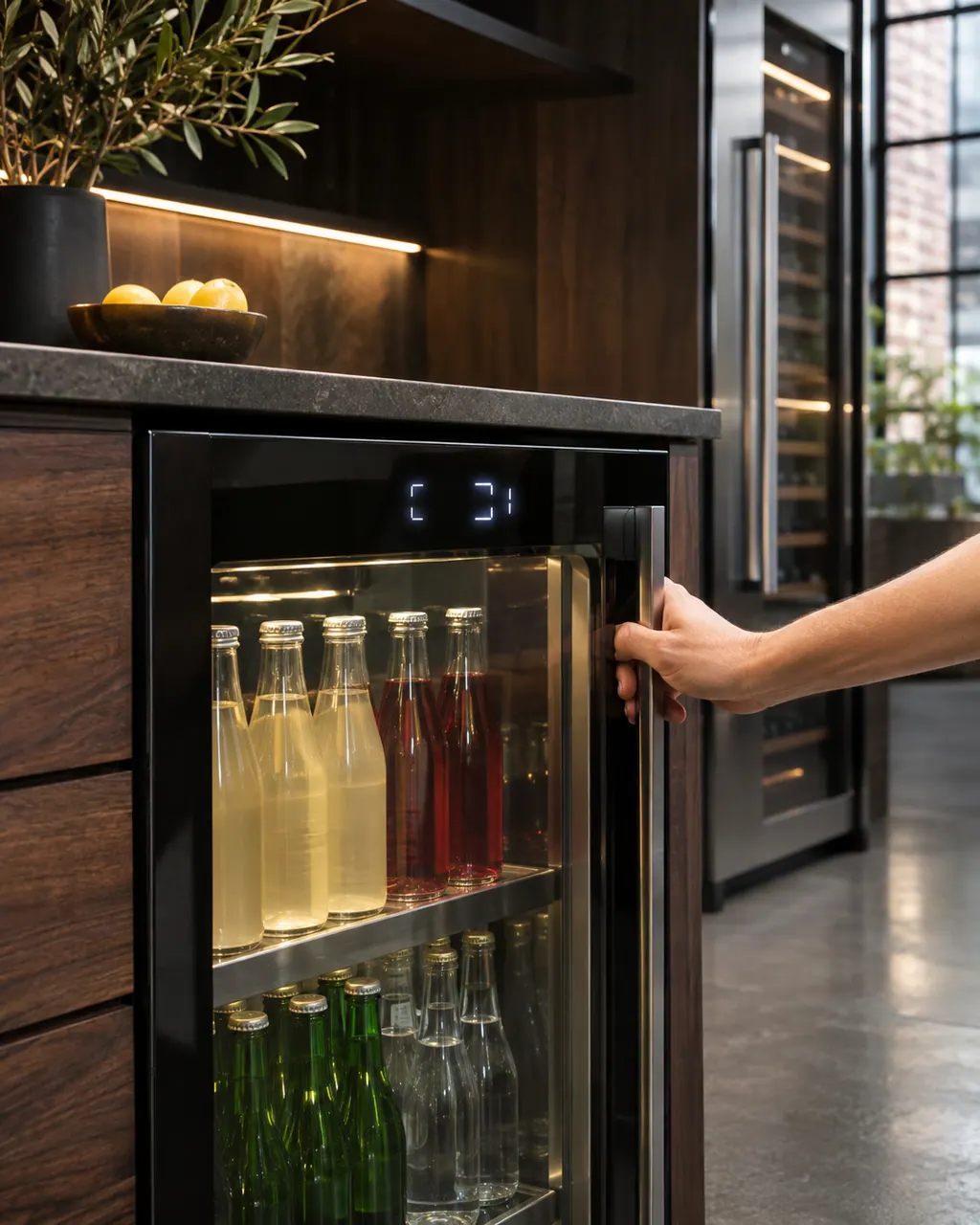
Hold it until the control wakes. All menus and recommended temperatures then appear.

Lock hides every control except Cool On and Cool Off, which can look like a stuck panel.

The guide says to wait at least 24 hours between temperature adjustments.
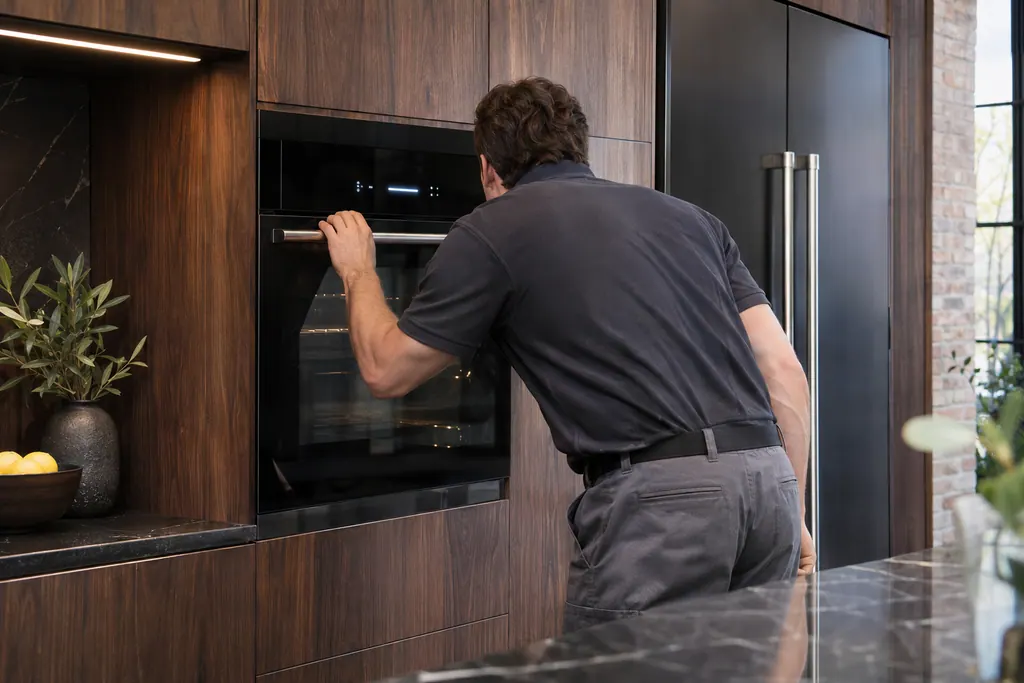
If Cool Off appeared on its own and the controls seem to work, showroom mode may be on. Hold COOL ON and SABBATH together for 3 seconds.
Send the model and the checks you have already run, then begin your request from this page.
Book a visitA simplified drawing, because layouts change with the model. Tap an outlined part to see a photo and the related check.
Cooling is off. The guide says the control starts in Cool Off mode the first time the unit is plugged in.
Read the supporting manualPress COOL ON for three seconds. The full menus and recommended temperatures then appear.
Read the supporting manualThe guide lists 37 F (3 C) for the upper compartment and 50 F (10 C) for the lower. Wait at least 24 hours between adjustments.
Read the supporting manualIf cooling does not start after the 3-second hold, or the cabinet stays warm after a full day, the control or the sealed system needs a technician.
Read the supporting manualManufacturer document
JennAir (use and care guide)
W11325206 Rev. C / p. 11
Scope: JennAir under counter beverage center (RISE, NOIR and panel-ready models) in use and care guide W11325206 Rev. C.
The guide says the first time it is plugged in, the control is in Cool Off mode and only Cool On and Cool Off display.
Press COOL ON for three seconds. All menus and recommended temperature settings then show.
The guide gives 37 F (3 C) for the upper compartment and 50 F (10 C) for the lower, with adjustable ranges for each.
Yes. The guide says an accidental showroom mode makes Cool Off light up while the controls seem to work.
Code or symptom, part, service call
MAX COOL is a feature, not an error. It drives the cabinet to its lowest temperature for 24 hours. Press MAX COOL to turn it on, and press it again to turn it off and return to your previous settings.
CL or LO means the internal temperature is too low. JennAir asks three questions: is the door fully closed, was it restocked with a large warm load, and was there a power outage. Then power down for one minute and back up. HI, LO, E1 and E2 get the same restart.
Schedule a diagnostic for your model, carried out at the appliance.
Office details, plus the access notes to pass along.