JennAir beverage center Showroom Mode / Mode, not a failure

JennAir beverage-center
error Showroom Mode

Beverage-center / display referenceShowroom Mode

Showroom Mode is meant only for display in a retail store. If you switched it on by accident, Cool Off lights on the display and the controls appear to work while the unit does not cool. Hold COOL ON and SABBATH together for three seconds to exit.

Also shown as Showroom Mode

Last reviewed

Beverage-center / display referenceShowroom Mode
Meaning
Showroom Mode is meant only for display in a retail store. If you switched it on by accident, Cool Off lights on the display and the controls appear to work while the unit does not cool. Hold COOL ON and SABBATH together for three seconds to exit.

Who handles it
Information only
Related codes
Source
Under Counter Beverage Center Use and Care Guide W11325206C

What JennAir beverage center Showroom Mode means.

What it means

Showroom Mode is meant only for display in a retail store. If you switched it on by accident, Cool Off lights on the display and the controls appear to work while the unit does not cool. Hold COOL ON and SABBATH together for three seconds to exit.
What you can safely check

The guide says Cool Off lights up when showroom mode is on.

When to call a technician

The cabinet is warm after exiting showroom mode.

Checks you have ticked / saved in this browser

Safe checks, in order.

0 of 4 checks done
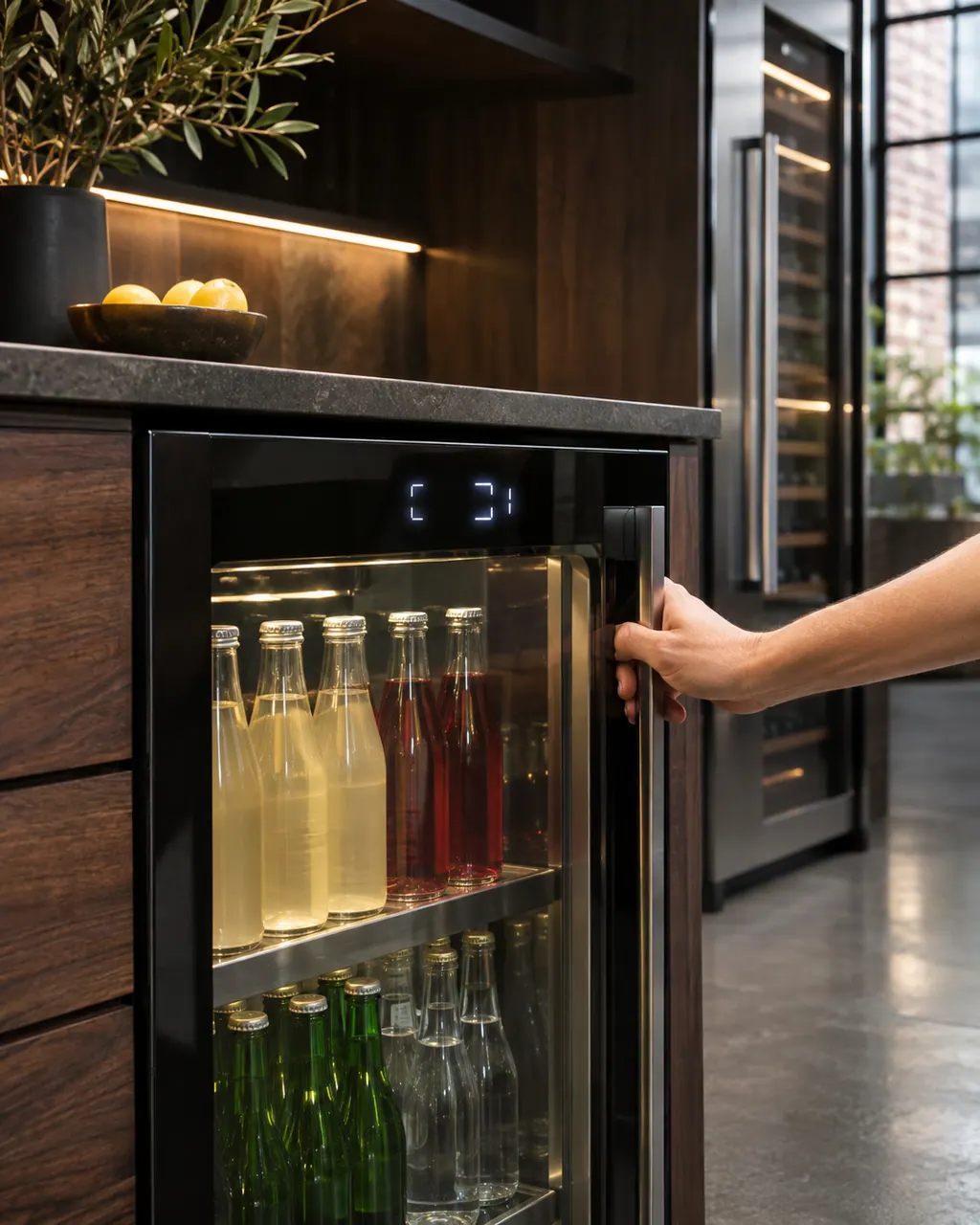
  1. JennAir beverage center Showroom Mode: A hand on the handle of an undercounter glass-door beverage center with lit display characters above and neatly shelved bottles inside.
    Illustration. Follow your model’s instructions.
    Before you begin

    Look for Cool Off on the display

    The guide says Cool Off lights up when showroom mode is on.

  2. The black glass control strip of a built-in wall oven above its stainless handle
    Illustration. Follow your model’s instructions.
    Check 2

    Hold COOL ON and SABBATH together

    Keep both pressed for three seconds.

  3. Over the shoulder view of a person holding a tablet with a blank checklist, a refrigerator behind.
    Illustration. Follow your model’s instructions.
    Check 3

    Check the cabinet starts cooling

    Give it time. The guide advises 24 hours between temperature changes.

  4. A technician reading a built-in oven display
    Illustration. Follow your model’s instructions.
    Check 4

    Check Sabbath and Lock afterward

    Both can leave the panel looking dark or restricted, so confirm neither is on.

Still showing Showroom Mode?

Send the model and the checks you have already run, then begin your request from this page.

Book a visit

Cooling and defrost.

Conceptual Refrigerator sectionEvaporatorDrain panControl panel123
  1. 1Evaporator
  2. 2Drain pan
  3. 3Control panel

A simplified drawing, because layouts change with the model. Tap an outlined part to see a photo and the related check.

A little more context.

What is Showroom Mode on a JennAir beverage center?

A mode used only when the beverage center is on display in a retail store.

Read the supporting manual

The manual behind the message.

Manufacturer document

Under Counter Beverage Center Use and Care Guide W11325206C

JennAir (use and care guide)

W11325206 Rev. C / p. 12

Scope: JennAir under counter beverage center in use and care guide W11325206 Rev. C.

Here to help

Good questions.
Clear answers.

Talk to our team
Why does my beverage center not cool?

If showroom mode was turned on by accident, the controls look normal but cooling is off.

How did showroom mode get switched on?

The guide says unintentional activation is possible. A two-key press such as COOL ON with SABBATH is the exit, so a similar press may have turned it on.

How do I exit showroom mode?

Press and hold COOL ON and SABBATH at the same time for three seconds.

What if that does not work?

Book a visit and say what the display shows when you hold the keys.

Let’s take care of it.

Something on the display?
Send us the details.