What it means
F21 on a JennAir radiant, electric or induction cooktop points to the cooktop overheating. Verify the installation, let the cooktop cool for about five minutes, then switch the breaker off for one minute and on again.
JennAir cooktop F21 / Temperature and overheat
F21 on a JennAir radiant, electric or induction cooktop points to the cooktop overheating. Verify the installation, let the cooktop cool for about five minutes, then switch the breaker off for one minute and on again.
Also shown as F21
F21 on a JennAir radiant, electric or induction cooktop points to the cooktop overheating. Verify the installation, let the cooktop cool for about five minutes, then switch the breaker off for one minute and on again.
Do not stack items on or against a cooktop that reported overheating, and leave the wiring to a technician.
F21 returns after the cooktop has cooled.
Checks you have ticked / saved in this browser
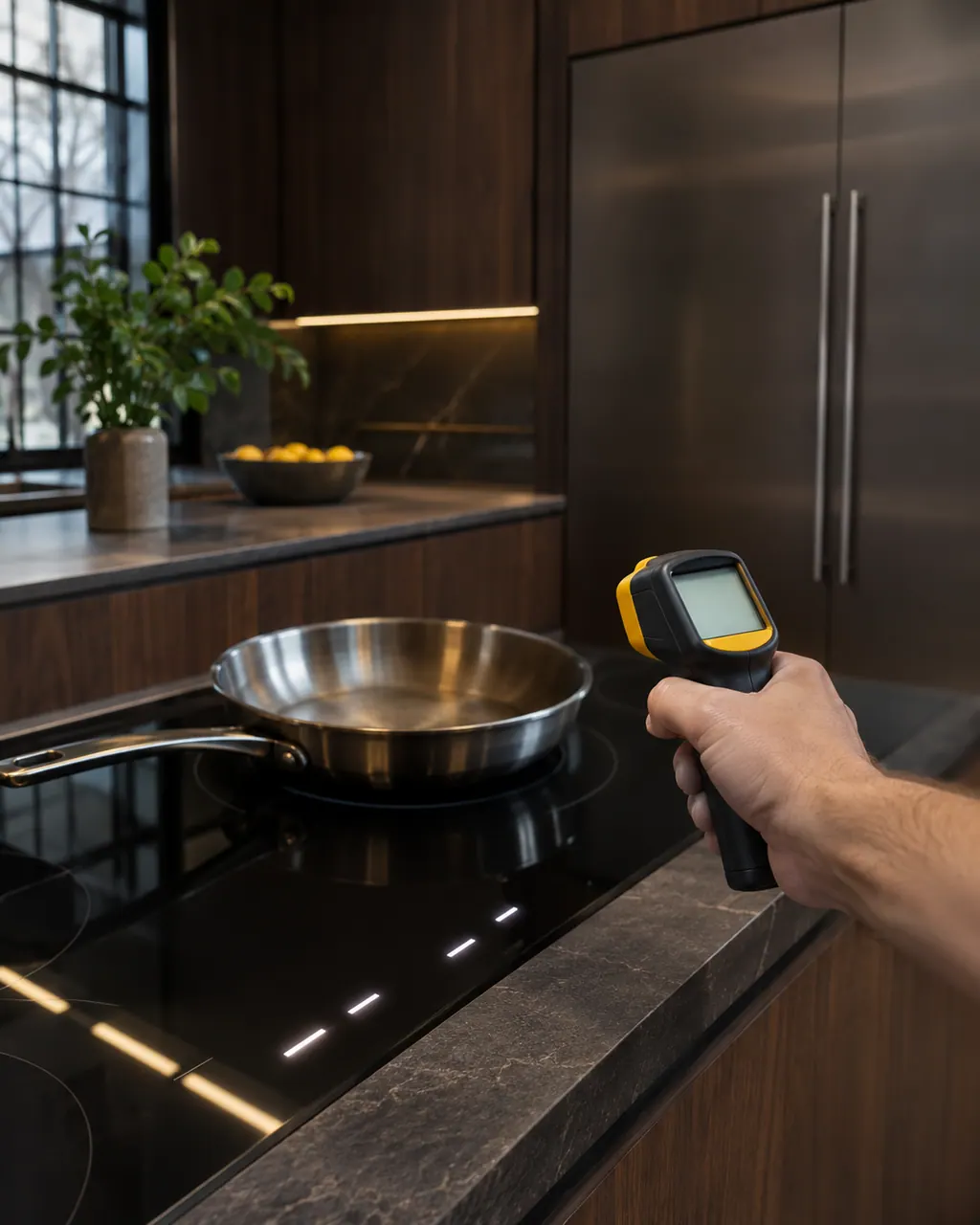
Let the cooktop cool for about five minutes, as JennAir says.
The page asks you to verify installation. Check that the area around the cooktop is not blocked.

Once it has cooled, cut power at the breaker for a minute, restore it, and keep watch for a minute to see whether the code comes back.

Run one zone briefly and see whether F21 returns.
Send the model and the checks you have already run, then begin your request from this page.
Book a visitA simplified drawing, because layouts change with the model. Tap an outlined part to see a photo and the related check.
There may be a problem with the cooktop overheating.
Read the supporting manualVerify the installation and allow the cooktop to cool for about five minutes.
Read the supporting manualOnce it has cooled, cut power at the breaker for a minute, restore it, and keep watch for a minute to see whether the code comes back.
Read the supporting manualIf F21 returns after a cool-down and reset, the cause is not one hot session. JennAir lists no part, so a technician has to measure.
Read the supporting manualManufacturer document
JennAir Product Help (producthelp.jennair.com)
dateModified 2022-03-24; PH 11902 / PH 11902 (radiant, electric and induction cooktop)
Scope: JennAir radiant, electric and induction cooktops (PH 11902).
There may be a problem with the cooktop overheating. JennAir asks you to verify the installation and let it cool.
About five minutes, per the page.
Not while F21 shows. Let it cool, reset, and book a visit if it returns.
No. The page lists the overheating condition and the reset only.
Code or symptom, part, service call
E2 on a JennAir induction cooktop means the cooktop has overheated. The control panel switches off because the electronics reached too high a temperature. Wait for the cooktop to cool before using it, and check you were not heating an empty pan.
Clicking with no flame points to a short list: Control Lockout after a power loss, a closed gas shut-off, a knob not turned to Ignite, moisture, or clogged ports. On a first start JennAir says to turn one knob for a moment so air leaves the line.
Schedule a diagnostic for your model, carried out at the appliance.
Office details, plus the access notes to pass along.