Start from the symptom
JennAir cooktop gas cooktop burner clicks but will not light.
Clicking with no flame points to a short list: Control Lockout after a power loss, a closed gas shut-off, a knob not turned to Ignite, moisture, or clogged ports. On a first start JennAir says to turn one knob for a moment so air leaves the line.
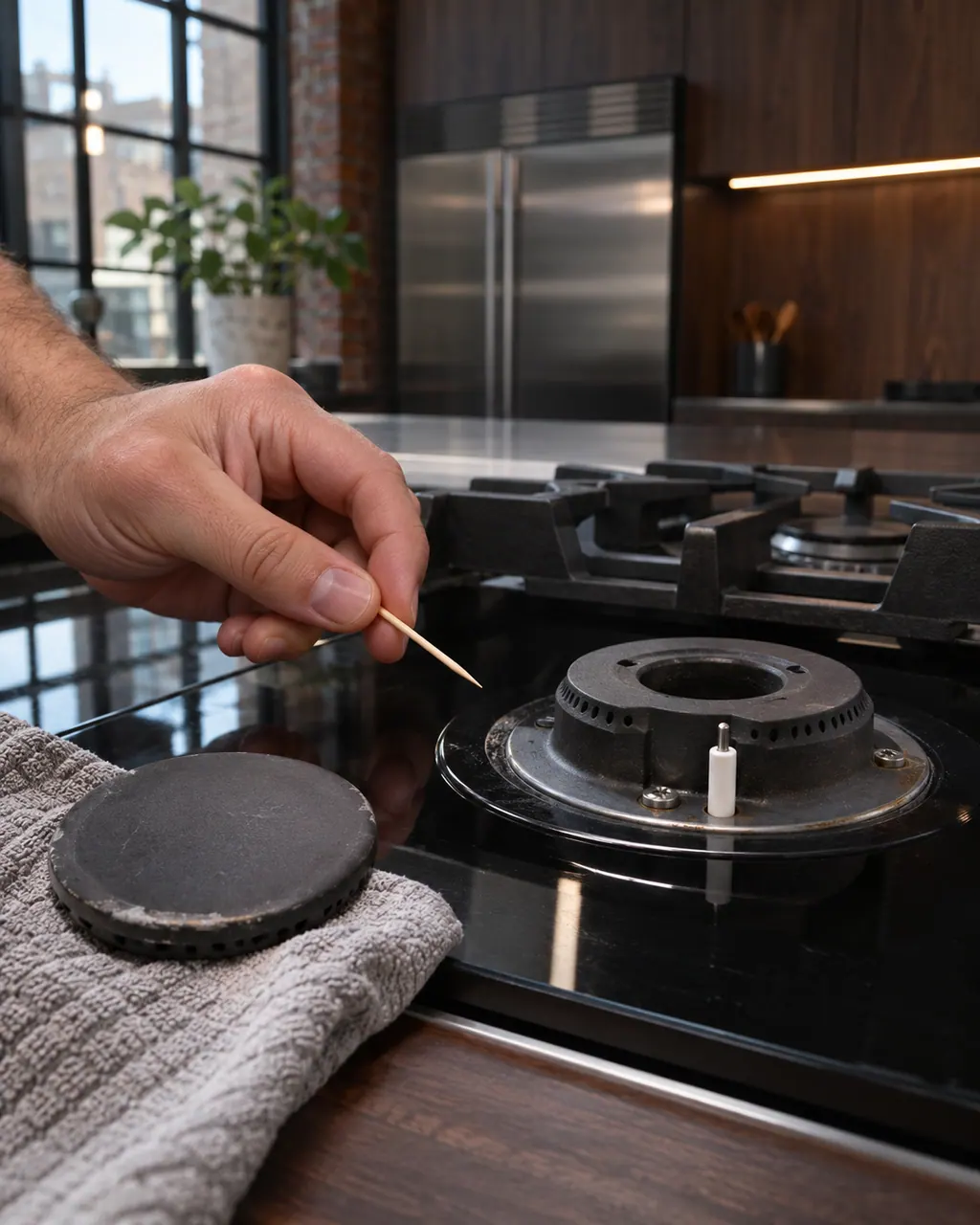
Start with safe observations.
Turn the appliance off and unplug it before any check you can do yourself. Look out for pooled water and sharp edges. Never touch a wet plug or live area, take off service panels, or go past your model’s owner instructions.
- 1
Smell for gas first
Smelling gas means no burner and no switches. Leave the room and ring the gas company from a safe distance. The checks below are for a cooktop with no odor.
- 2
Look for Control Lockout
Following a power failure or unplugging, certain models come up in Control Lockout with Locked on the display. Three seconds on the lock key frees it; the indicator goes dark and one long tone plays.
- 3
Check the main gas valve
Find the shut-off valve in the cabinet below or beside the cooktop. A handle parallel to the line means gas flows. Perpendicular means it is cut off.
- 4
Use the Ignite position
Press the knob and rotate it counterclockwise to Ignite, wait for flame, then choose a setting from Hi to Lo. The igniter sparks only at Ignite.
- 5
Let moisture dry
Cleaning or a spill can leave moisture in the switches or burner ports. Let it dry out, or use a hair dryer on its cool setting.
- 6
Clear clogged ports
JennAir says to use a straight pin without enlarging or distorting the port. A wooden toothpick is not allowed.
- 7
Downdraft installed?
A downdraft blower can pull the flame off the igniter. Slow the blower, or turn the burner up.
More about this symptom.
What does JennAir check first when burners click but do not light?#
Whether Control Lockout is active, especially after a power failure. After that: gas supply and shut-off, moisture, knob position and clogged ports.
How do I check the main gas shut-off valve?#
Find it in the cabinet below or next to the cooktop. On most single-lever ball valves, the handle parallel to the line is open. Do not kink or pinch a flexible supply line while you look.
When is it a service call?#
If lockout, gas, moisture, knob and ports test fine and the burner stays dark. JennAir says burner adjustment belongs to a repair specialist.
Systems a technician may investigate.
The symptom connects to these parts. What you observed cannot show that any single one has failed.
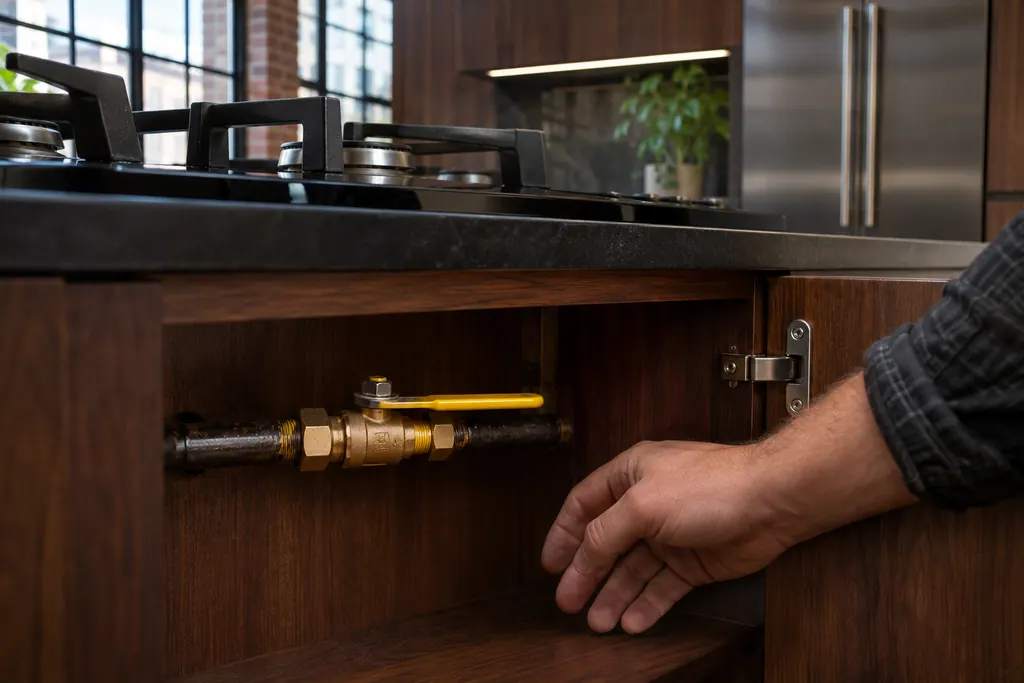
Main gas shut-off valve
The main gas shut-off valve feeds the cooktop. JennAir says to confirm it is ON if the cooktop does not work. With a lever ball valve, the handle in line with the pipe means gas flows, and across the pipe means it is cut off.
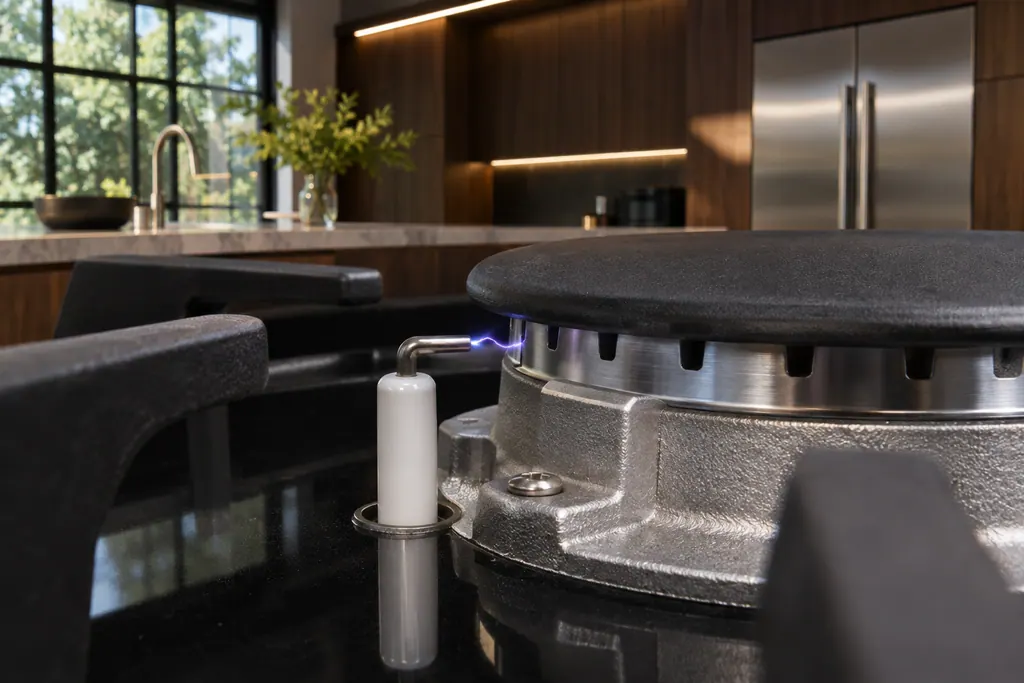
Surface burner igniter
JennAir cooktops light with electronic igniters, not standing pilots. Push the knob in and turn it counterclockwise to Ignite, wait for the flame, then set Hi to Lo. Some models re-ignite a burner that goes out, and a downdraft can make them keep sparking.
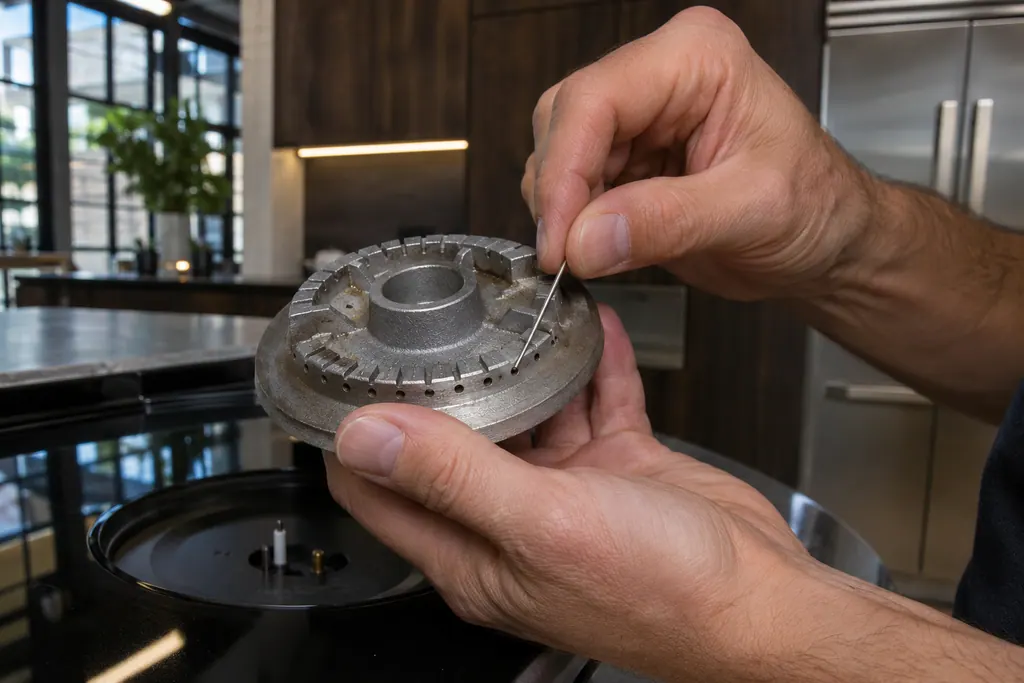
Gas burner ports
Burner ports are the small openings that let gas flow out to the flame. JennAir says clogged or damp ports can make burners click but not light. Clean clogged ports with a straight pin, and do not widen or bend them.
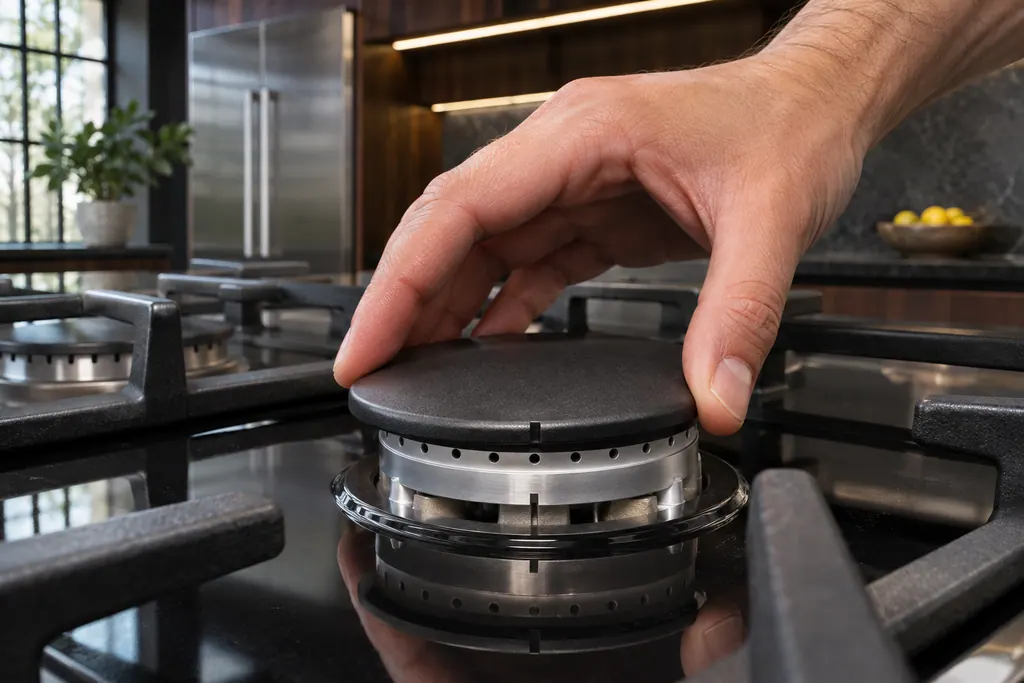
Gas burner cap
The burner cap sits on the burner base and shapes the flame. JennAir says it must be seated to light and perform properly, with the right cap on the right base. A clean cap, especially underneath, helps avoid poor ignition and uneven flames.
If the display adds a code.
No code tied directly to this topic.
No further researched dishwasher code is attached to this topic. Compare your exact message with your model manual and do not stand in a different code from the library.
See the research statusWhen observation becomes a service request.
Leave internal testing to a technician.
Gas is coming from the burner and the burner will not light.
All burners fail together after the shut-off valve, lockout and moisture are ruled out.
The igniter keeps sparking on a burner that is already lit.
You cannot find or turn the gas shut-off valve.
Arrange a diagnosticSources and model boundaries.
The JennAir gas cooktop burner clicks but will not light guidance rests on these references. Pick the manual that fits your model.
- Gas Burners are Clicking but Not Lighting - Product Help | JennAir
- Checking the Main Gas Valve - Product Help | JennAir
- Lighting the Burners - Electronic Ignition - Product Help | JennAir
Go by the instructions for your own model. See how we research these pages.
Why do my JennAir burners click but not light?
JennAir lists a Control Lockout after a power loss, a closed gas shut-off, moisture in the switches or ports, a knob away from Ignite, and clogged ports. Check them in that sequence and leave the gas parts alone.
What is Control Lockout?
On certain models the surface burners come back locked when power returns, with Locked showing. The knobs click yet nothing lights. A 3 second press on the lock key frees them.
Which tool clears a clogged port?
A straight pin, per JennAir, without enlarging or distorting the port. Do not use a wooden toothpick. If the burner needs adjusting, a technician has to do it.
Can wet knobs stop the igniter?
Yes. Damp switches or burner ports after cleaning or a spill can stop ignition. Let the area dry; taking off the knobs and fanning the shaft with cool air speeds that up.
Does my downdraft vent affect the flame?
It can. The blower may push the flame off the igniter and keep it sparking on a burner that is already lit. Slow the blower or turn that burner up.
Code or symptom, part, service call
Tie the message to what comes next.
JennAir gas cooktop burner clicks but will not light
Clicking with no flame points to a short list: Control Lockout after a power loss, a closed gas shut-off, a knob not turned to Ignite, moisture, or clogged ports. On a first start JennAir says to turn one knob for a moment so air leaves the line.
Gas burner ports
Burner ports are the small openings that let gas flow out to the flame. JennAir says clogged or damp ports can make burners click but not light. Clean clogged ports with a straight pin, and do not widen or bend them.
Cooktop repair
Schedule a diagnostic for your model, carried out at the appliance.
Find your metro
Office details, plus the access notes to pass along.