JennAir ice maker Replace Filter blinking / Water supply and fill

JennAir ice-maker
error Replace Filter blinking

Ice-maker / display referenceReplace Filter blinking

The Replace Filter icon flashes the whole time water is dispensing until you change the filter. After 14 days without a change it blinks seven times and three tones sound at the end of dispensing. Replace the filter, then hold FILTER RESET for three seconds.
Also shown as Replace Filter blinking

Last reviewed

Ice-maker / display referenceReplace Filter blinking
Meaning
The Replace Filter icon flashes the whole time water is dispensing until you change the filter. After 14 days without a change it blinks seven times and three tones sound at the end of dispensing. Replace the filter, then hold FILTER RESET for three seconds.

Who handles it
Maintenance due
Source
Column Refrigeration Use and Care Guide W11362247C

What JennAir ice maker Replace Filter blinking means.

What it means

The Replace Filter icon flashes the whole time water is dispensing until you change the filter. After 14 days without a change it blinks seven times and three tones sound at the end of dispensing. Replace the filter, then hold FILTER RESET for three seconds.

What you can safely check

The Water Filtration System section covers the steps.

When to call a technician

The icon keeps flashing after a new filter and reset.

Checks you have ticked / saved in this browser

Safe checks, in order.

0 of 4 checks done
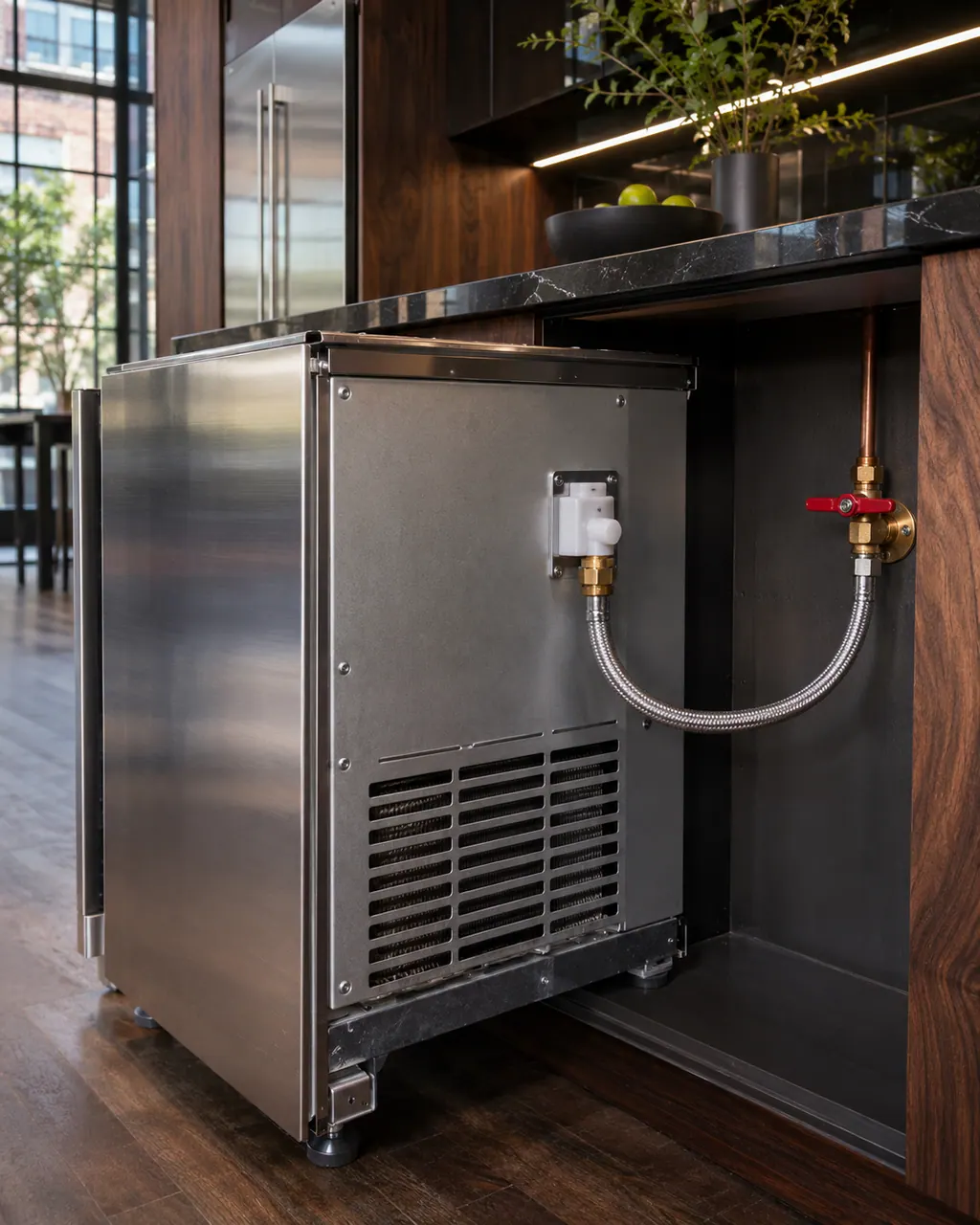
  1. JennAir ice maker Replace Filter blinking: Rear of an undercounter ice maker pulled out of its cabinet, with a white inlet valve, braided supply line and a red-handled shut-off valve on the wall.
    Illustration. Follow your model’s instructions.
    Before you begin

    Replace the water filter

    The Water Filtration System section covers the steps.

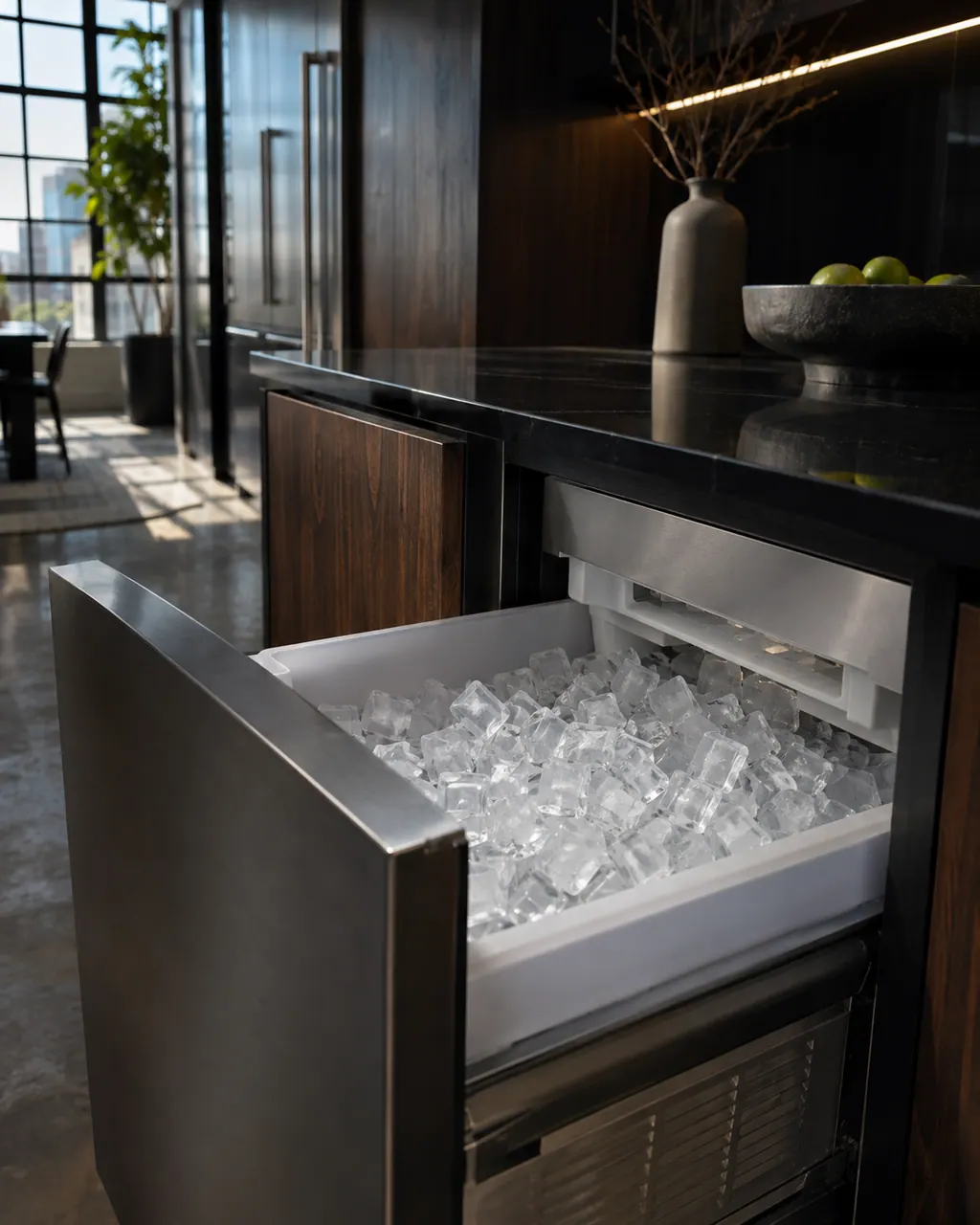
  2. Ice makers in a thoughtfully designed home
    Illustration. Follow your model’s instructions.
    Check 2

    Hold FILTER RESET for 3 seconds

    The Replace Filter indicator turns off after the countdown.

  3. The black glass control strip of a built-in wall oven above its stainless handle
    Illustration. Follow your model’s instructions.
    Check 3

    Do not skip the reset

    The icon stays lit if the reset is never completed.

  4. Over the shoulder view of a person holding a tablet with a blank checklist, a refrigerator behind.
    Illustration. Follow your model’s instructions.
    Check 4

    Dispense a glass of water

    Confirm the icon stays off during dispensing.

Still showing Replace Filter blinking?

Send the model and the checks you have already run, then begin your request from this page.

Book a visit

Ice maker cycle.

Conceptual Ice maker sectionWater inletEvaporator plateIce bin and bin sensorDrain pumpControl12345
  1. 1Water inlet
  2. 2Evaporator plate
  3. 4Drain pump
  4. 5Control

A simplified drawing, because layouts change with the model. Tap an outlined part to see a photo and the related check.

A little more context.

What does Replace Filter blinking mean on a JennAir column freezer?

The filter needs changing. The icon flashes constantly while water is dispensing.

Read the supporting manual

What happens if I wait?

After 14 days the icon blinks seven times and an alert tone sounds three times at the end of dispensing.

Read the supporting manual

The manual behind the message.

Manufacturer document

Column Refrigeration Use and Care Guide W11362247C

JennAir (use and care guide)

W11362247 Rev. C / p. 10

Scope: JennAir column freezer in use and care guide W11362247 Rev. C (Filter Reset, item 8).

Here to help

Good questions.
Clear answers.

Talk to our team
Why does it flash only while dispensing?

The guide says the icon flashes constantly from the beginning to the end of dispensing.

What happens after two weeks?

After 14 days without a change, the icon blinks seven times and a tone sounds three times at dispensing end.

Why is the icon still on after a new filter?

Replace Filter remains lit if the reset was not completed.

How do I reset?

Press and hold FILTER RESET for three seconds.
Let’s take care of it.

Something on the display?
Send us the details.