What it means
F13 on a JennAir steam wall oven comes with a reset only, and no cause is printed. Switch the oven breaker off for one minute, turn it back on, start a cycle and watch the oven for a minute. If F13 returns, book a technician.
JennAir oven F13 / Reset only
F13 on a JennAir steam wall oven comes with a reset only, and no cause is printed. Switch the oven breaker off for one minute, turn it back on, start a cycle and watch the oven for a minute. If F13 returns, book a technician.
Also shown as F13
F13 on a JennAir steam wall oven comes with a reset only, and no cause is printed. Switch the oven breaker off for one minute, turn it back on, start a cycle and watch the oven for a minute. If F13 returns, book a technician.
Open nothing and wait until the cavity and water container area are cool before handling the oven.
F13 returns after the reset.
Checks you have ticked / saved in this browser
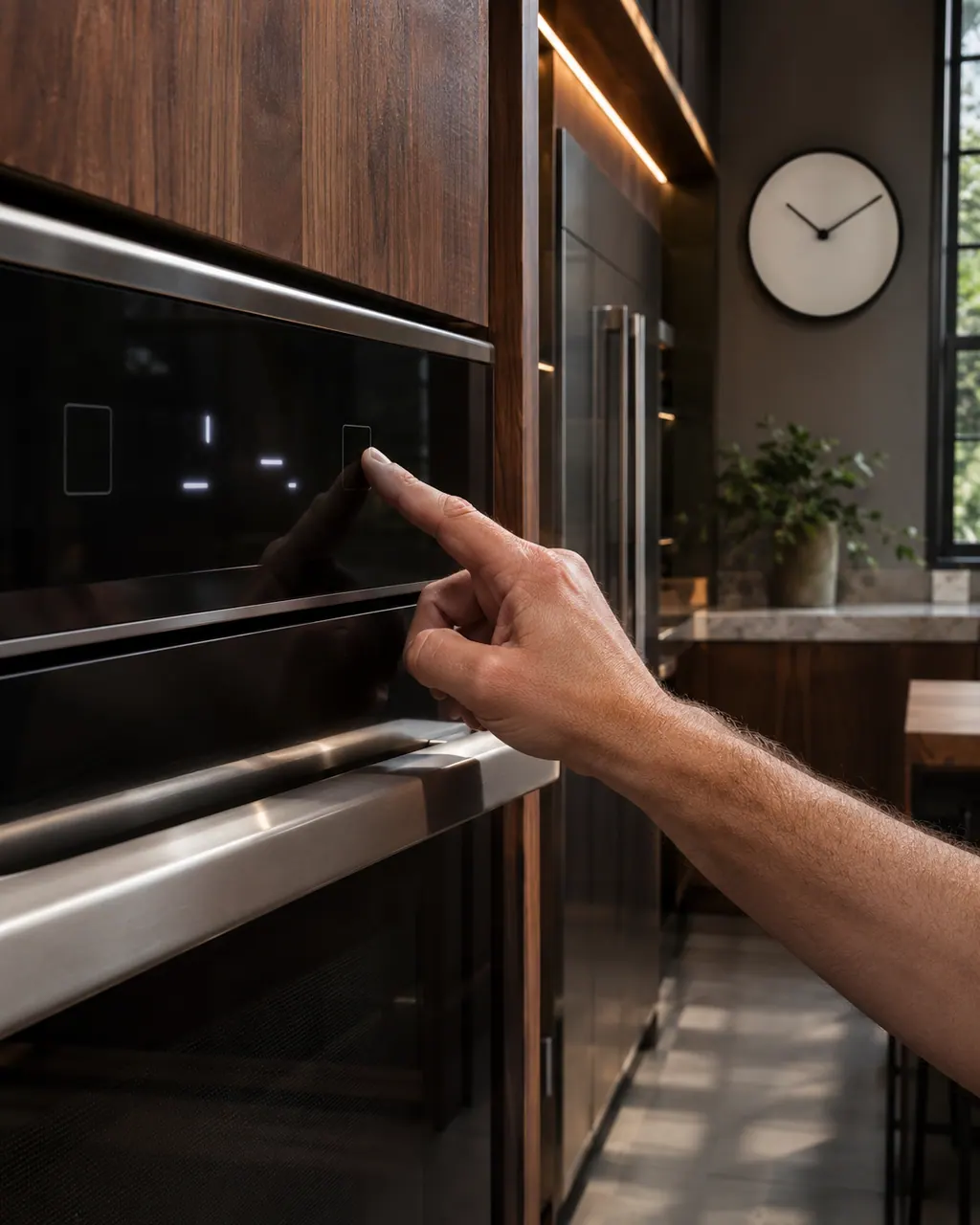
Open nothing and wait until the cavity and water container area are cool before handling the oven.

Use the breaker feeding the wall oven, not the kitchen lighting circuit, and count a full minute.

JennAir asks you to start a cycle after power returns and monitor the oven for a minute. A short steam or bake cycle is fine.

Note it is a steam oven and what cycle you were running when F13 appeared.
Send the model and the checks you have already run, then begin your request from this page.
Book a visit

A simplified drawing, because layouts change with the model. Tap an outlined part to see a photo and the related check.
JennAir prints only a reset for F13 and names no failed part.
Read the supporting manualBreaker off for one minute, back on, start a cycle and watch for one minute. Verify the oven runs normally.
Read the supporting manualThe wall oven F1 E-codes name specific parts, but F13 is a steam oven row with no cause line. Do not borrow meanings.
Read the supporting manualIf F13 returns after the reset, or the steam oven will not run cycles.
Read the supporting manualManufacturer document
JennAir Product Help (producthelp.jennair.com)
dateModified 2024-11-08; PH 13438 / PH 13438 (steam oven)
Scope: JennAir steam wall oven only. Read from JennAir Product Help PH 13438.
No. The steam oven page gives only a reset procedure.
If the oven runs normally after the reset, yes. A repeat means stop and book a technician.
The page does not ask for it. Follow normal care for the container.
No. F1 is a separate row for ranges and wall ovens with a sensor and control.
Code or symptom, part, service call
F1 lists the temperature sensor and the control, or the wiring between them on both JennAir ranges and wall ovens. The first step is a sixty-second power reset at the breaker panel; call for service if it returns.
JennAir says not to judge oven temperature with a thermometer, because the elements cycle and most thermometers react too slowly. Check preheat time, racks, pan spacing and foil first, then run the biscuit test before any calibration.
Schedule a diagnostic for your model, carried out at the appliance.
Office details, plus the access notes to pass along.