Before work starts
Before any work begins, the technician tells you what is needed and settles the cost with you. A built-in appliance may need to be examined on site before that figure is firm.
Independent appliance repair
We repair JennAir wall ovens (single, double, combination and steam), freestanding and slide-in ranges, rangetops and professional-style ranges. Tell us the exact code, including the E part, and whether it is a range or a wall oven, then book a technician.

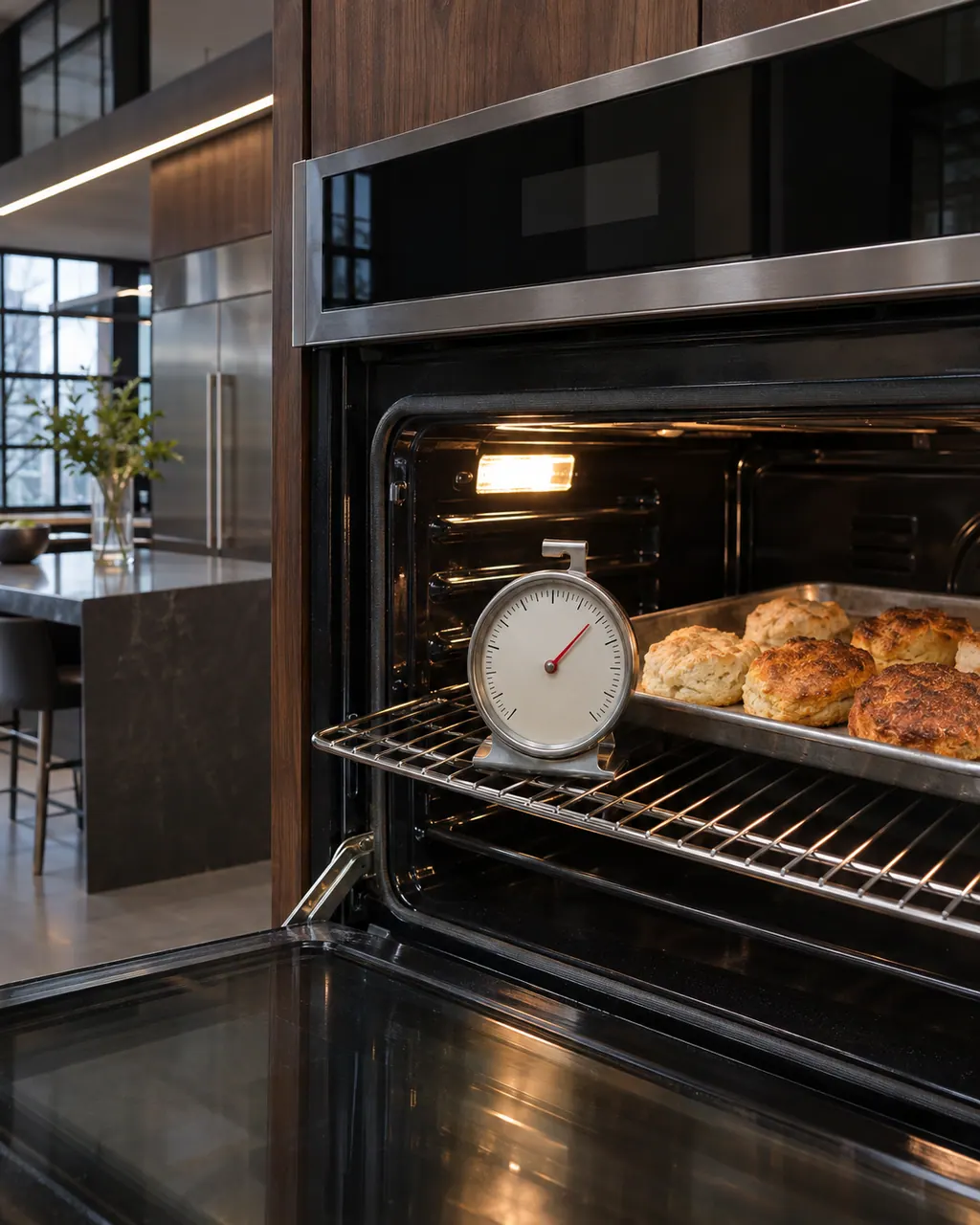
JennAir says not to judge oven temperature with a thermometer, because the elements cycle and most thermometers react too slowly. Check preheat time, racks, pan spacing and foil first, then run the biscuit test before any calibration.
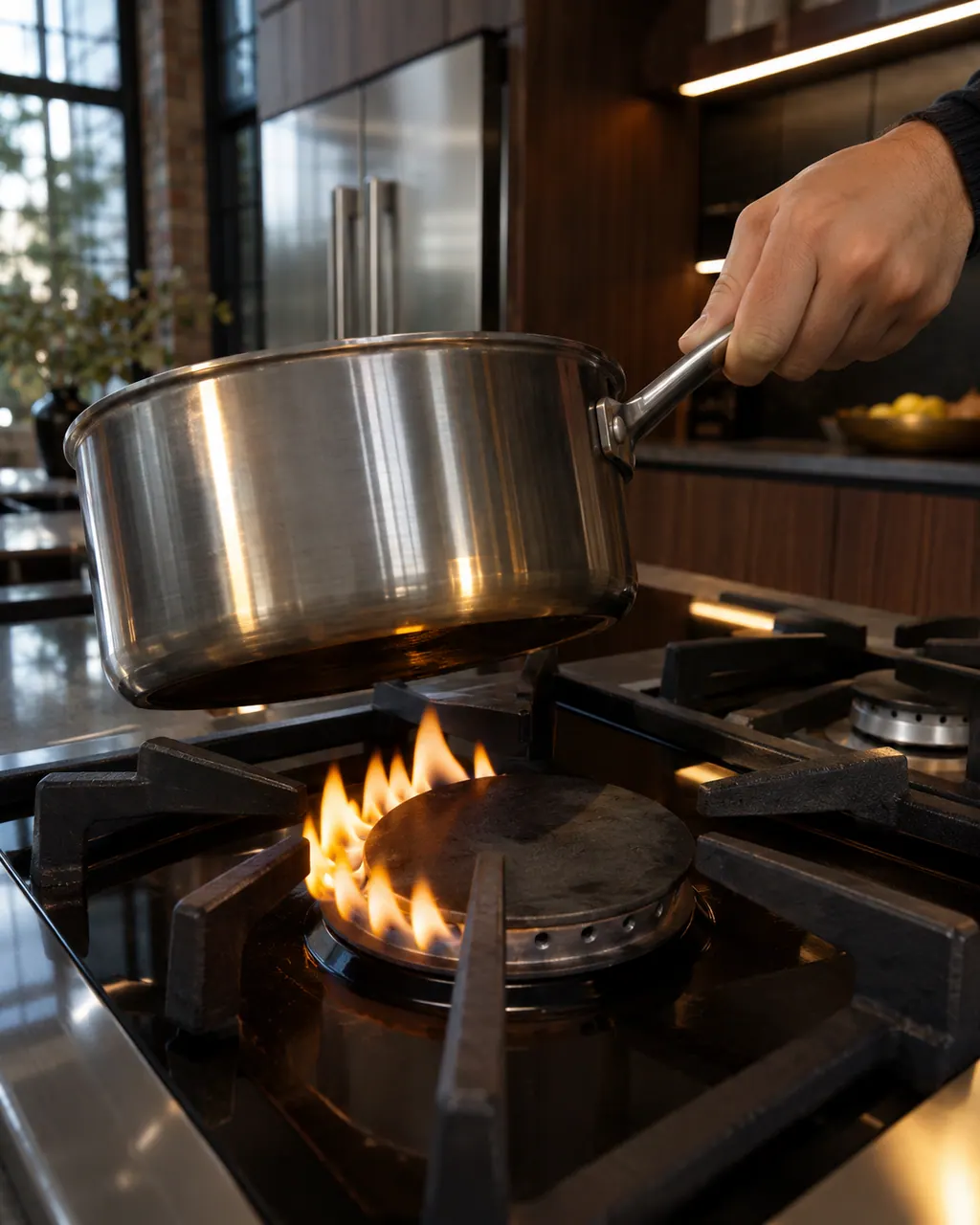
Find your cooktop type first. Glowing that cycles on and off is normal on electric coil and glass tops, and gas flame trouble starts with clean ports and a seated cap. LP conversion or a wrong gas type needs a technician.
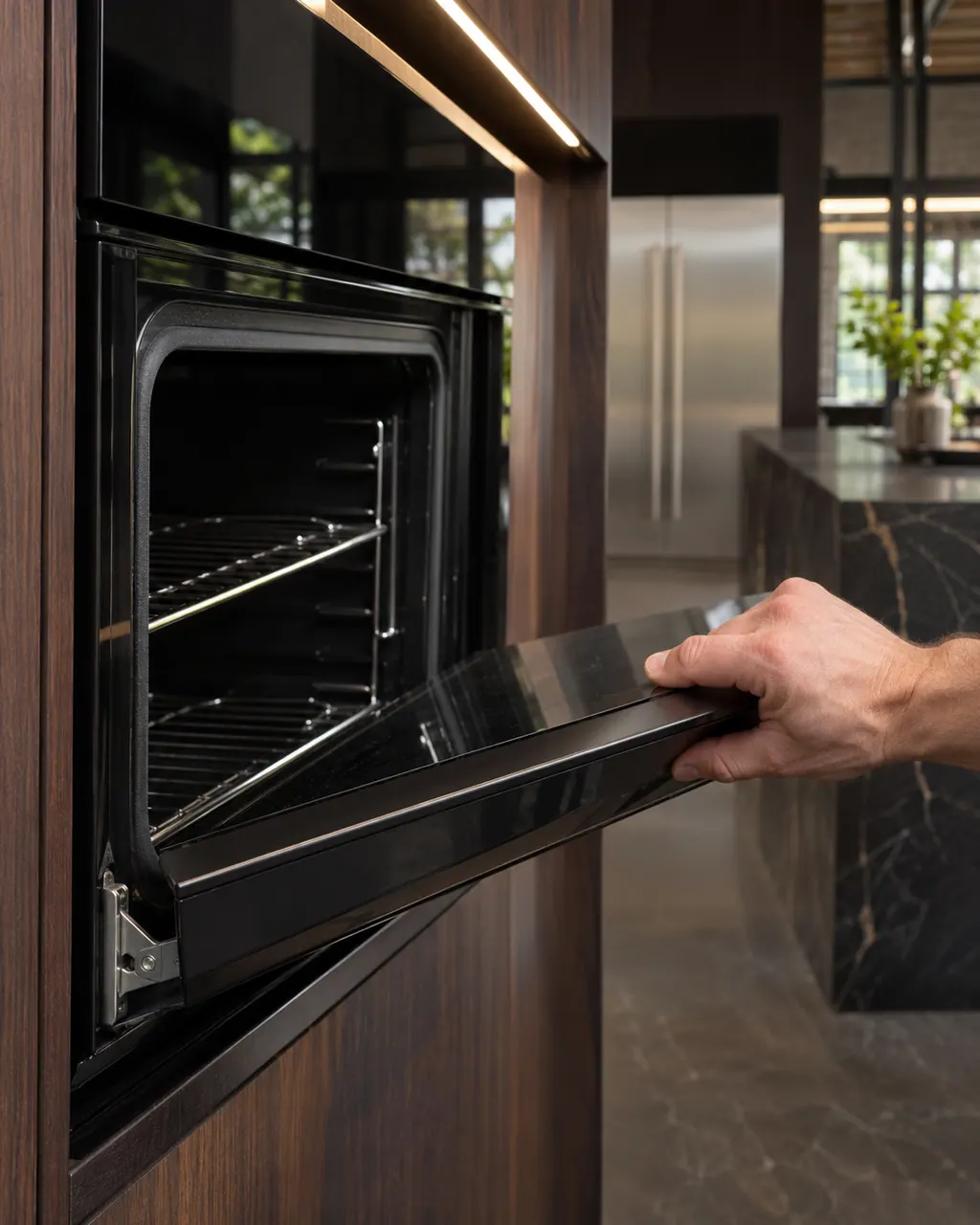
Most JennAir door complaints trace to something blocking the latch, a rack or pan that is not seated, or a door put back on wrong. Moisture on the glass and a rainbow tint are listed as normal and need no repair.
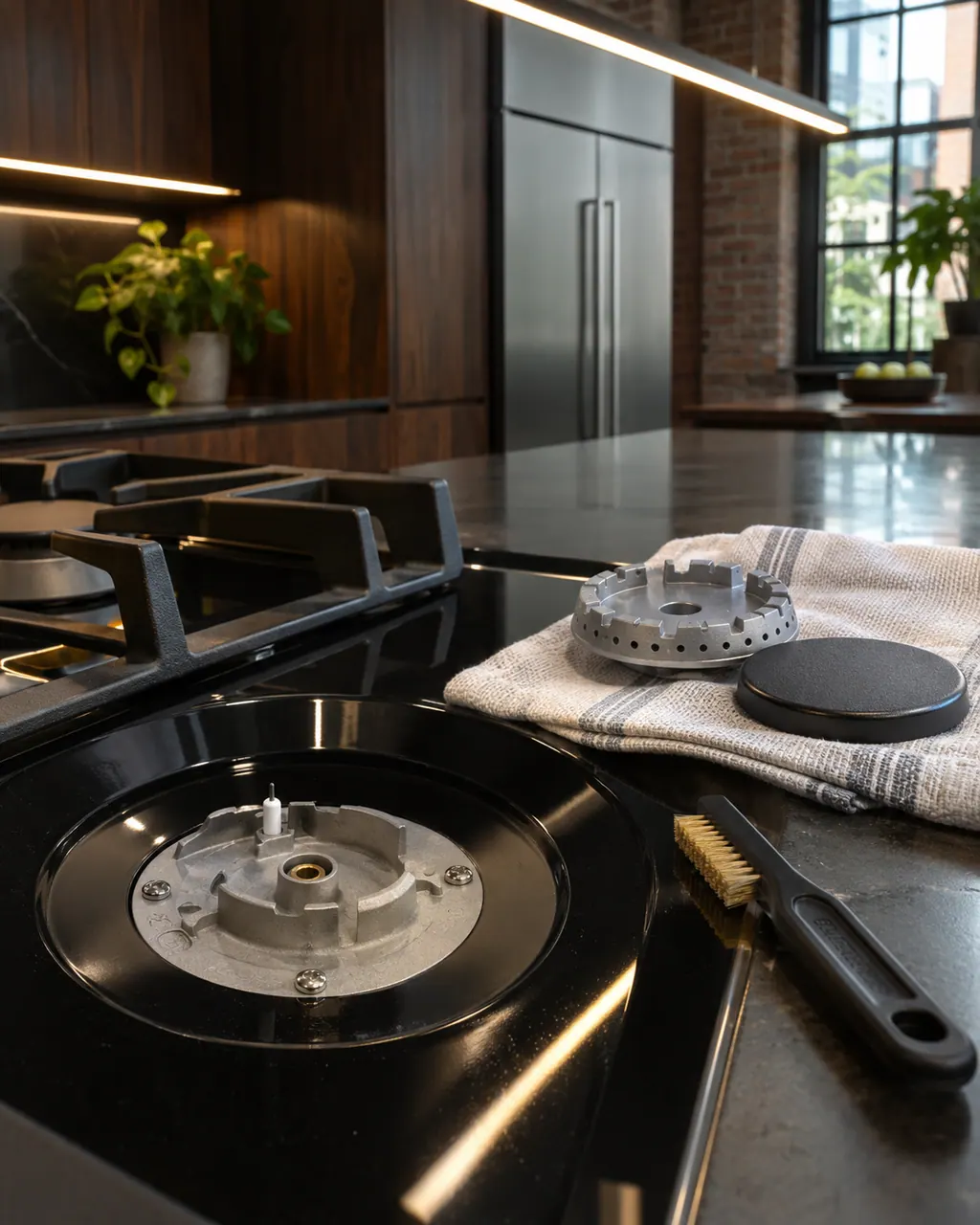
JennAir's order for a gas burner that clicks or will not light starts at the gas shut-off, then the circuit, moisture, a cap that sits crooked and clogged ports. Clicking from all burners at once is normal when one is lit.
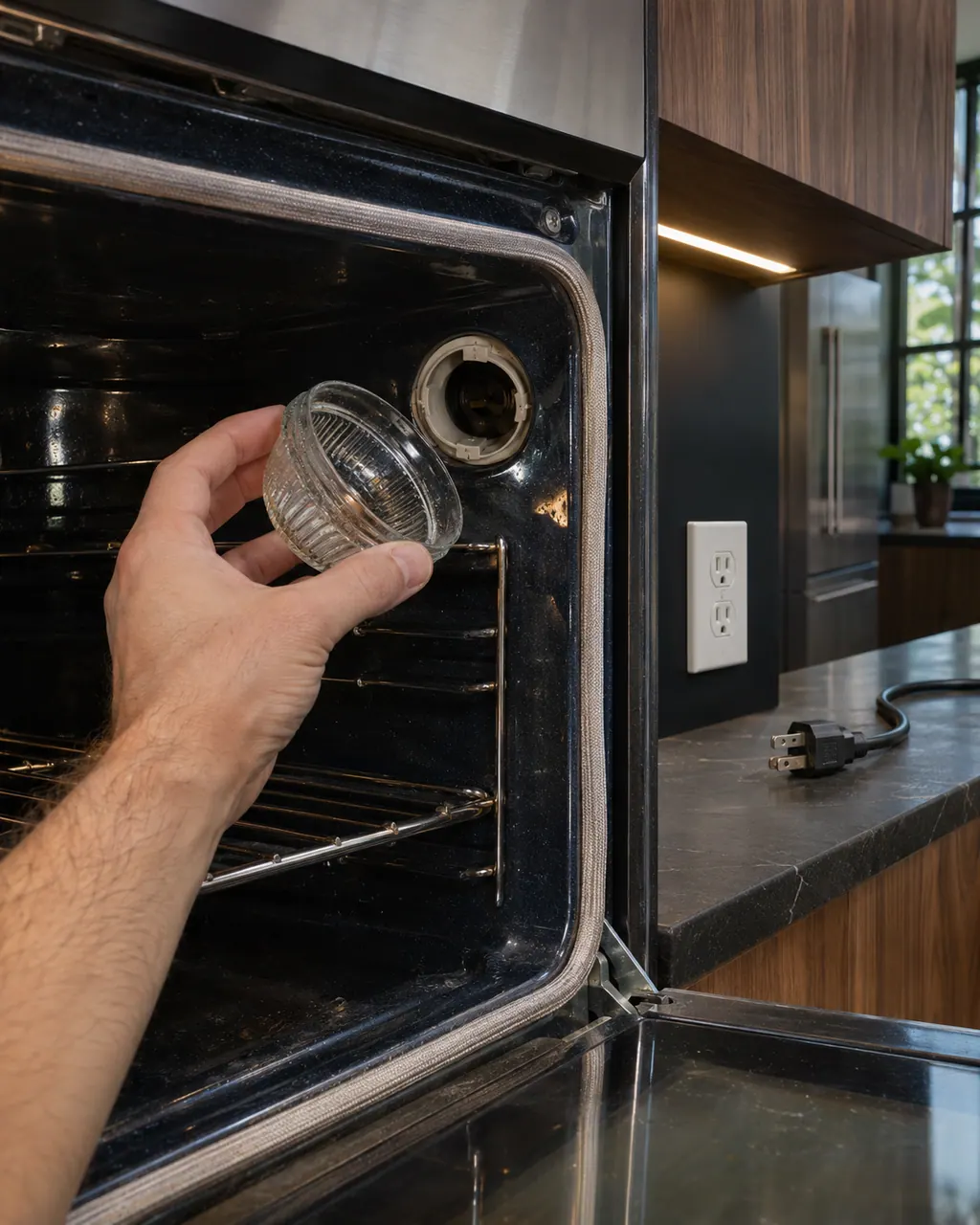
Where JennAir publishes a bulb procedure, the oven light is a 40-watt appliance bulb, and the power must be off before you touch it. If the light will not go off, check that the door is truly shut and the latch is not blocked.
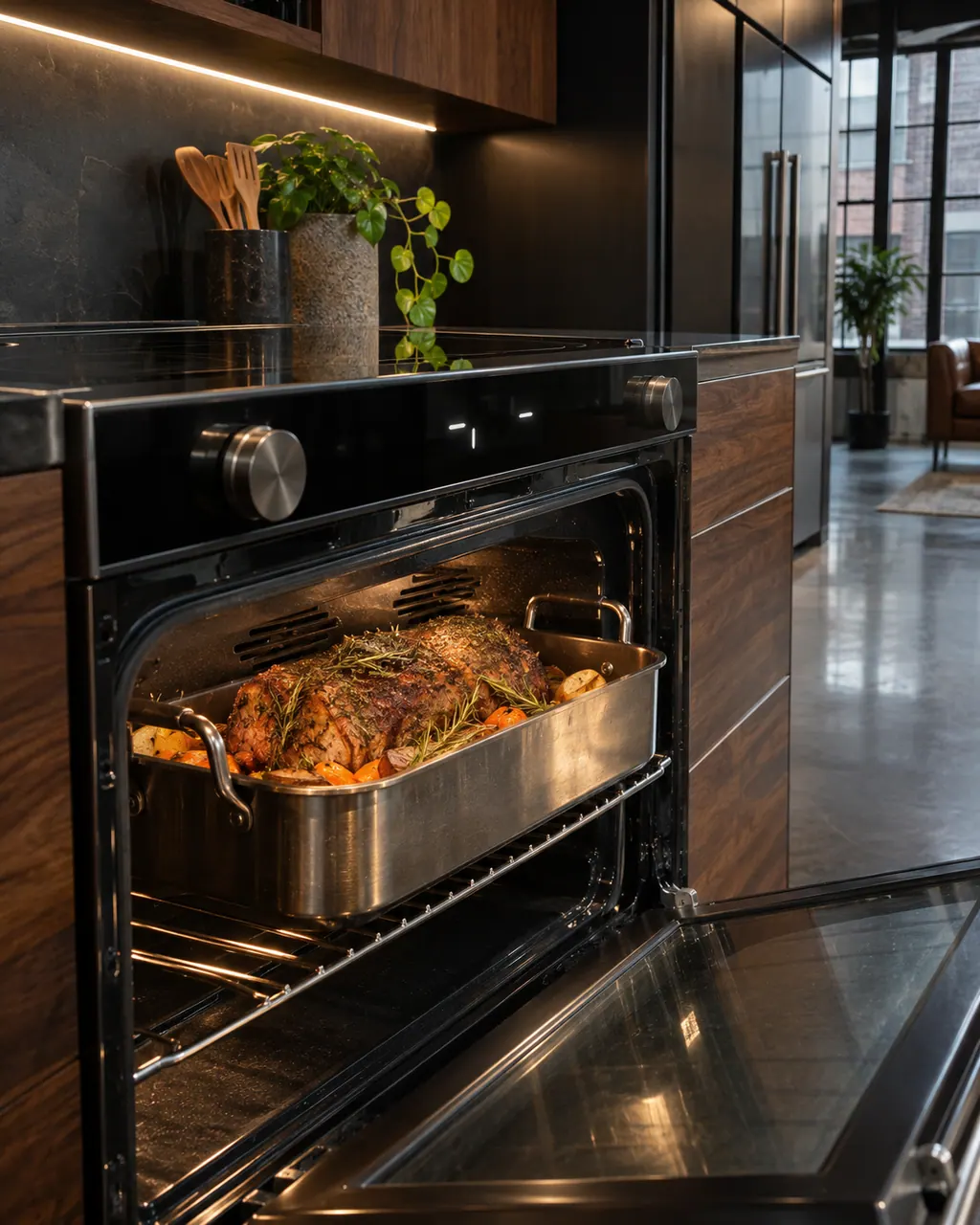
A JennAir oven that appears to shut off is usually doing one of three normal things: cycling its elements, losing heat because the door is open, or the door switch sensing an unseated door. Check those before suspecting a failure.
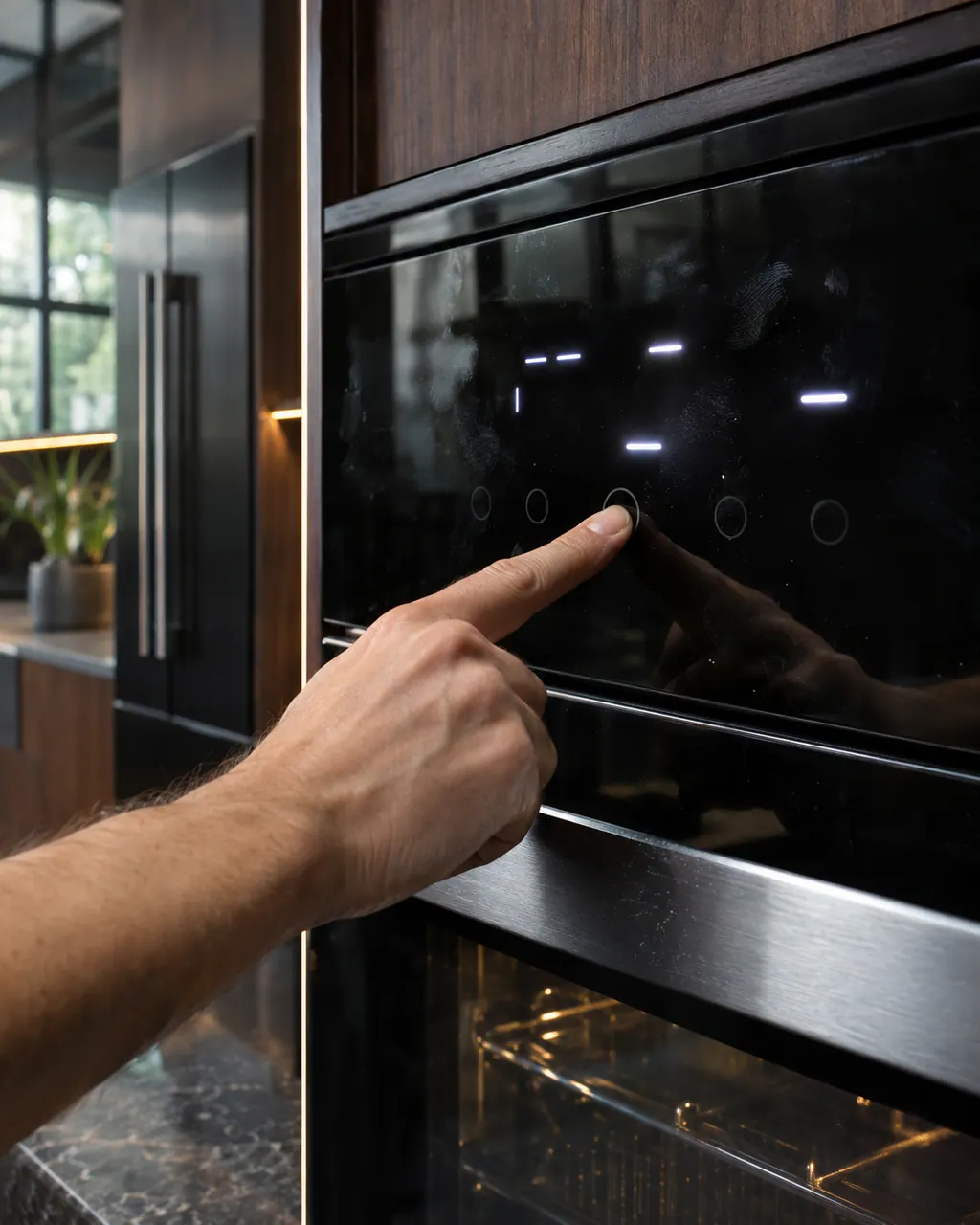
Check the JennAir message first. LOC means the control lock is on, a flashing time or POWER LOSS only needs the clock set, and a running cooling fan after a cycle is normal. A one-minute breaker reset clears many control glitches.
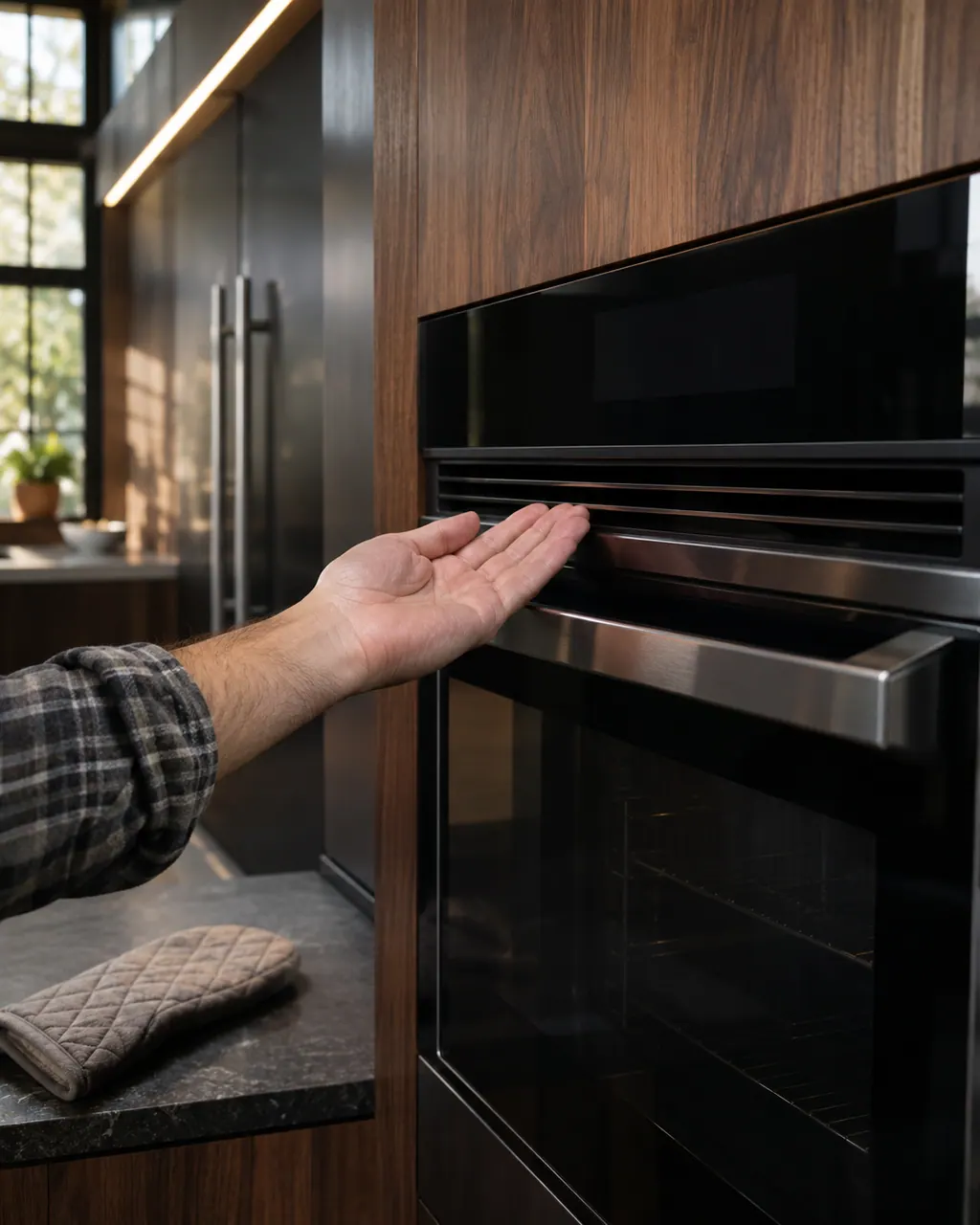
A fan running in a JennAir oven is usually normal. The convection fan can run during preheat on plain bake, and the cooling fan can run after a cycle, with a hum. Check that you picked a convection cycle before assuming it failed.
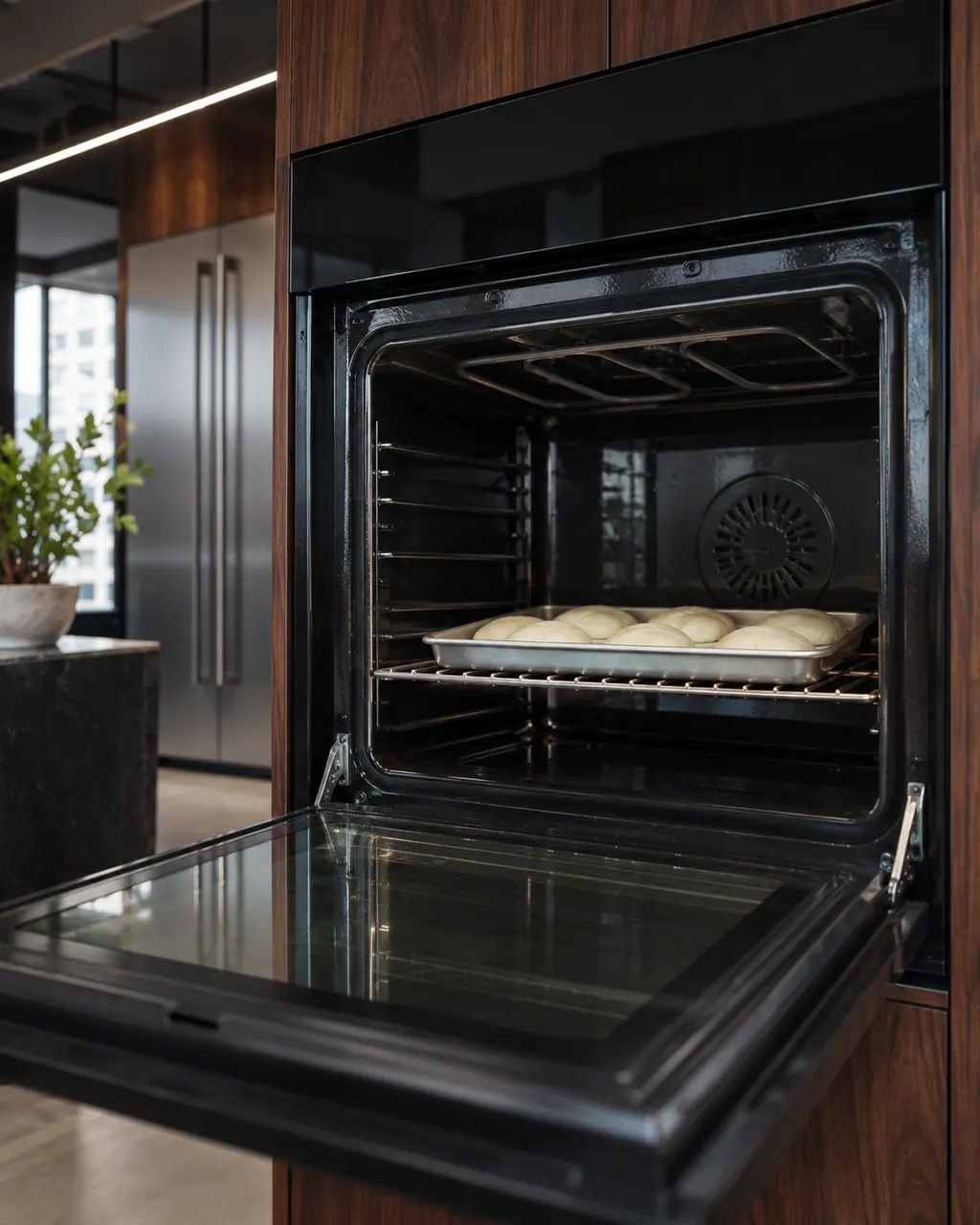
Start with what JennAir lists: the door is fully closed, the breaker is on, a new install is wired correctly, and for gas the main valve is open. Elements cycling on and off is normal, and the control must not be locked or in demo mode.
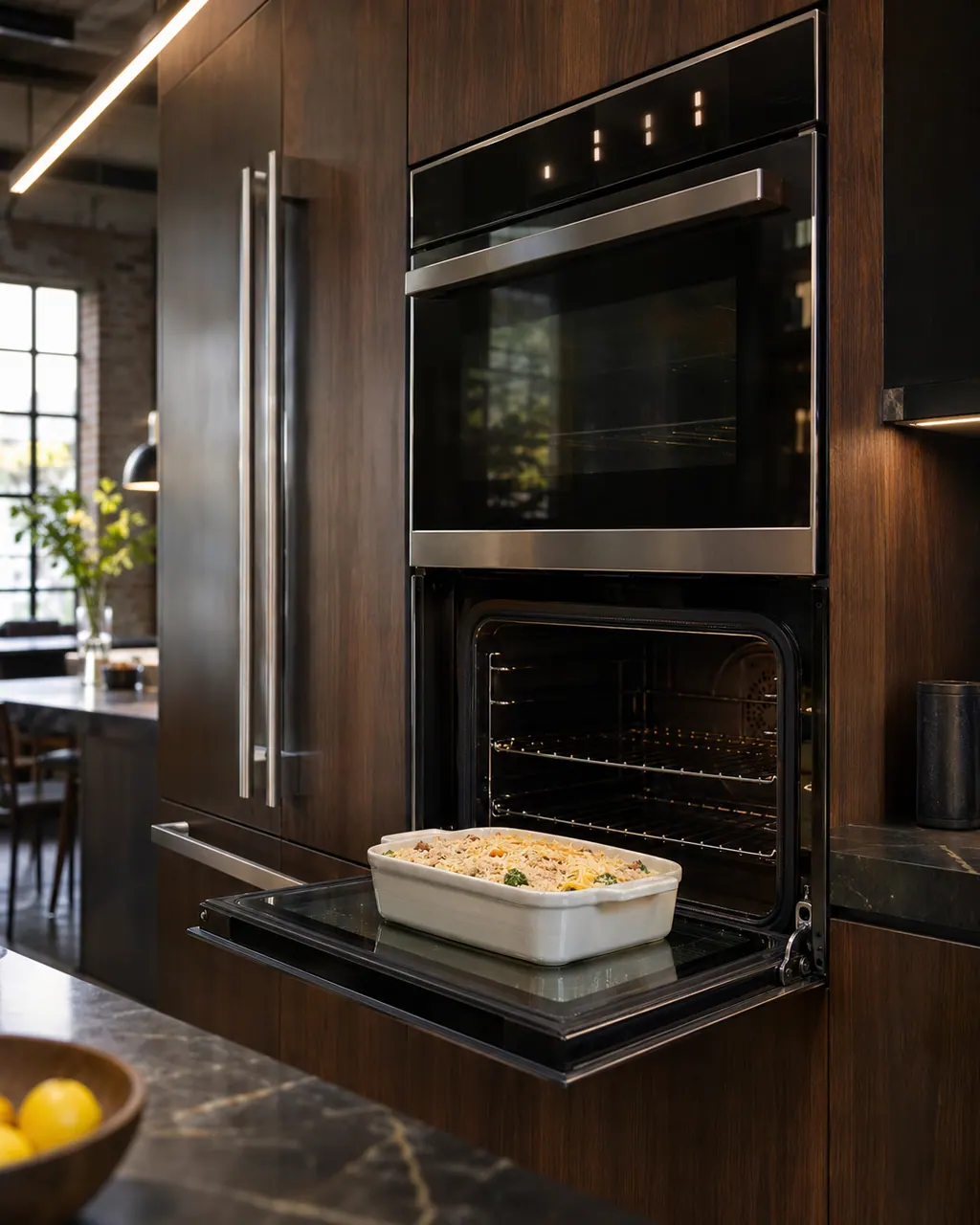
If nothing on a JennAir oven responds, JennAir's order is power and supply first: new-install wiring or the gas valve, the breaker, a recent outage, then the control lock, a delayed start and demo mode.
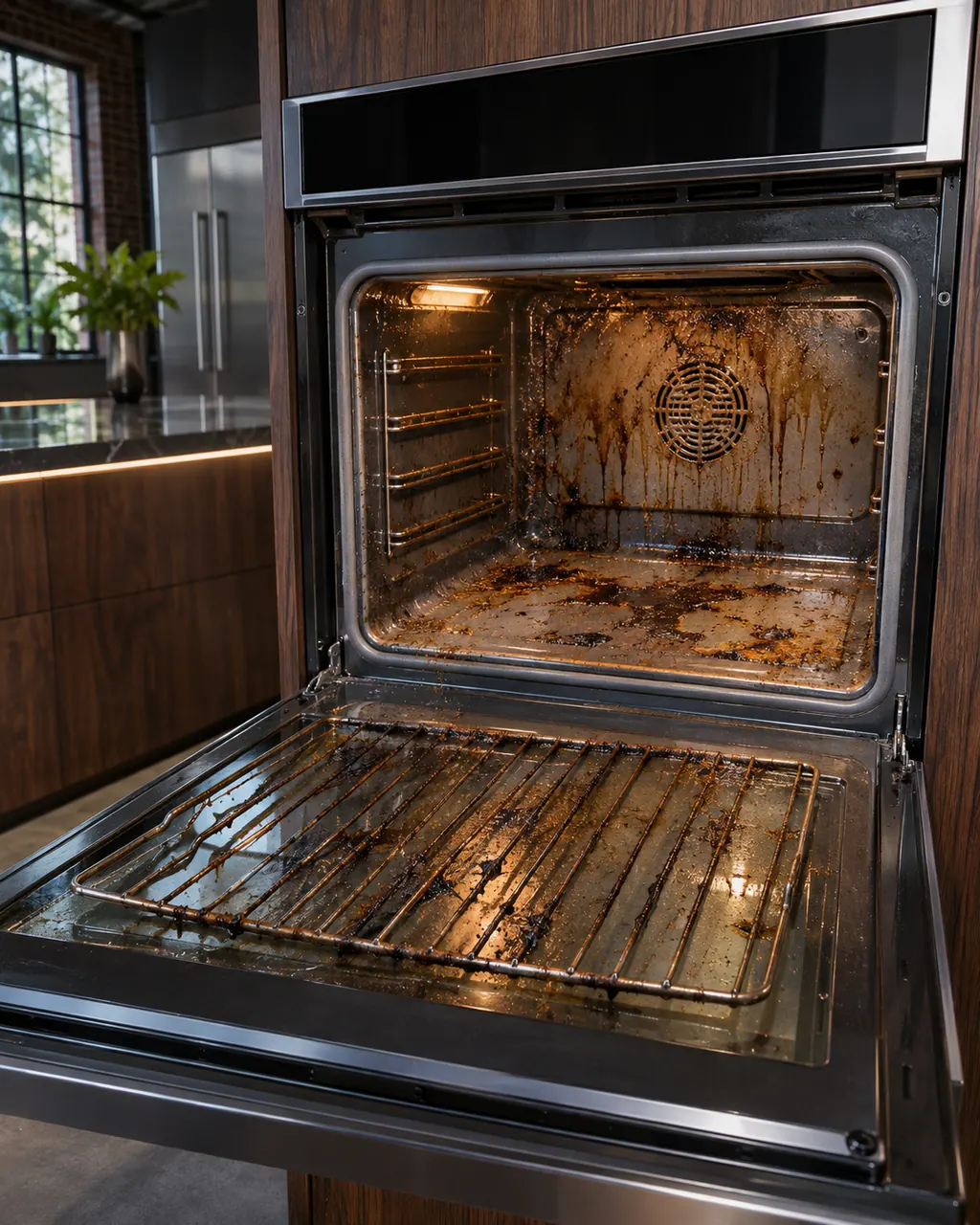
JennAir ovens may have a steam clean, a high-temperature clean or an AquaLift cycle, and each has its own preparation. Most problems are a locked door, a cycle started on a hot oven, or smoke from heavy soil.
No further researched dishwasher code is attached to this topic. Compare your exact message with your model manual and do not stand in a different code from the library.
See the research statusWe name no part before the visit. After the diagnostic the technician tells you which part, if any, has failed, and matches it to your model and serial number before anything is replaced.
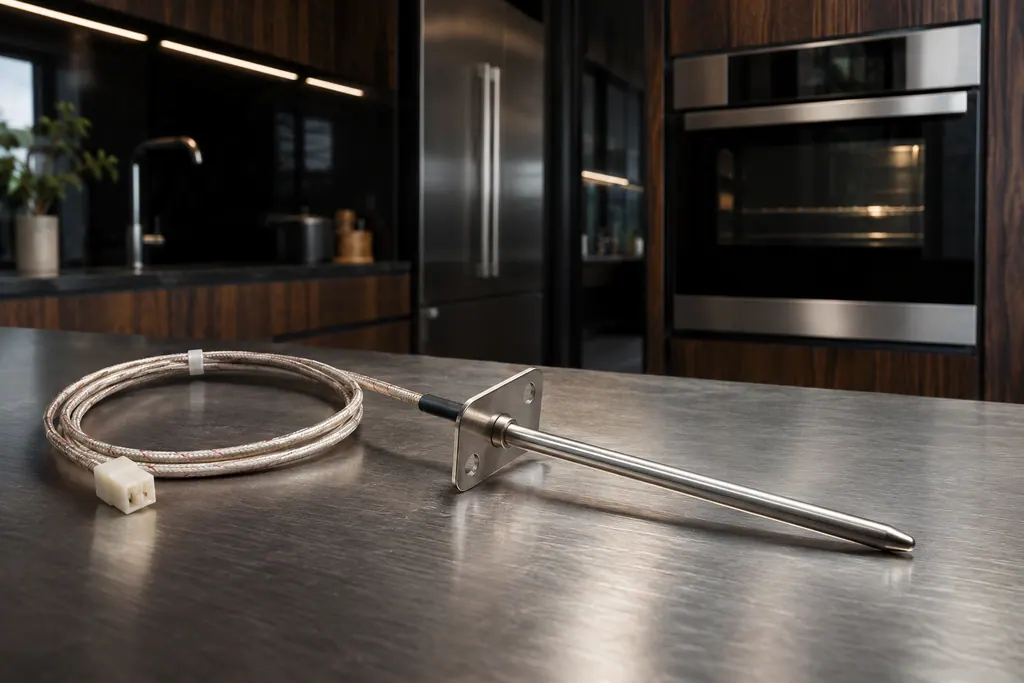
JennAir Product Help ties F1, F2 and several F3 codes to the oven temperature sensor, the control or the wiring between them. The sensor reports cavity heat to the control. The help pages pair it with the control, so one reset is the only owner step.
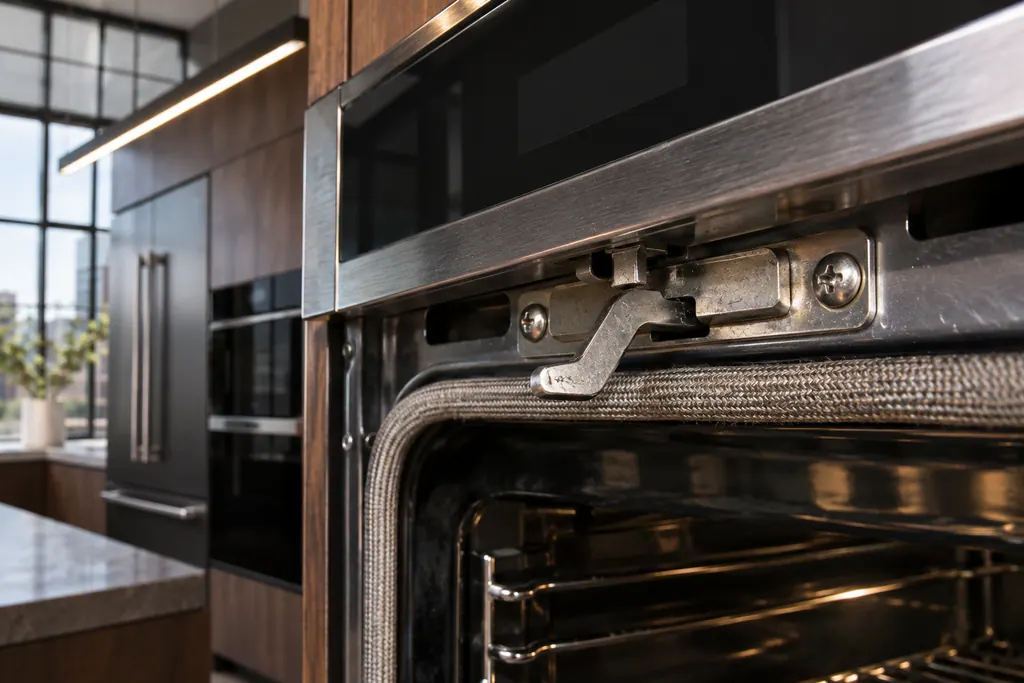
The latch assembly and its door switch lock the oven door for self-clean and report that the door is closed. JennAir lists them for F5 codes and F7 E0, and for the locked-door and door-will-not-close pages. A bent latch arm is one check you can do yourself.

The electronic control is the board that manages the oven functions. JennAir names it in F1 E1, F3 and F4 codes, and as the shared suspect in many sensor and keypad codes. The help pages give one owner step, a one-minute power-down, and do not name a repair.
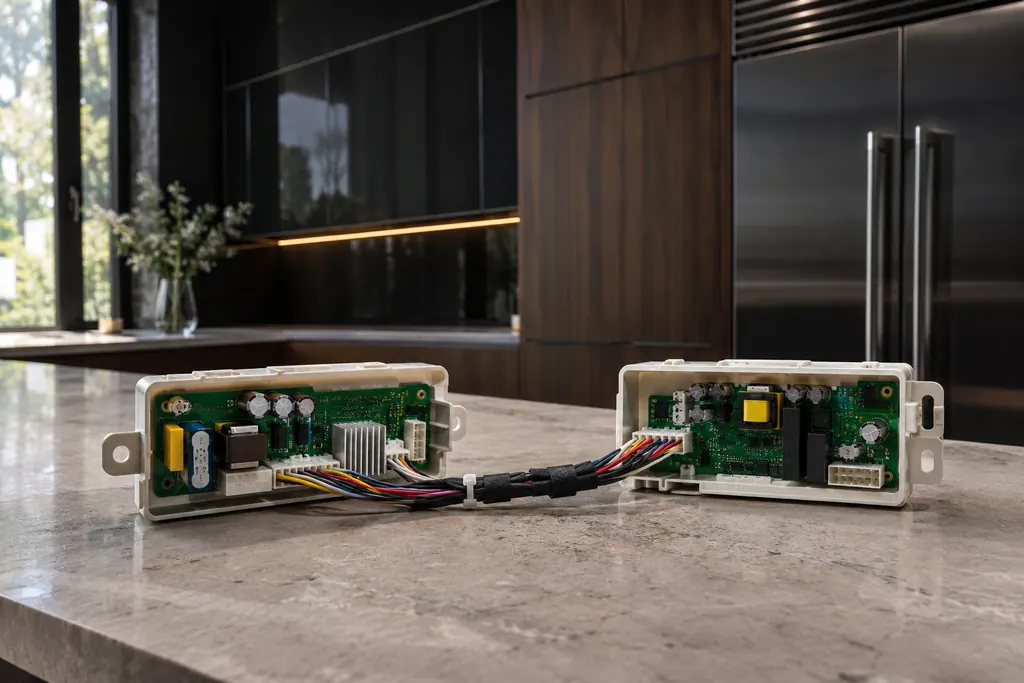
JennAir ranges and wall ovens with several cavities use an appliance manager that coordinates the oven controls. The F6 family names it, sometimes with the converter control or the user interface. The pages admit there are many possible reasons, then give one reset.
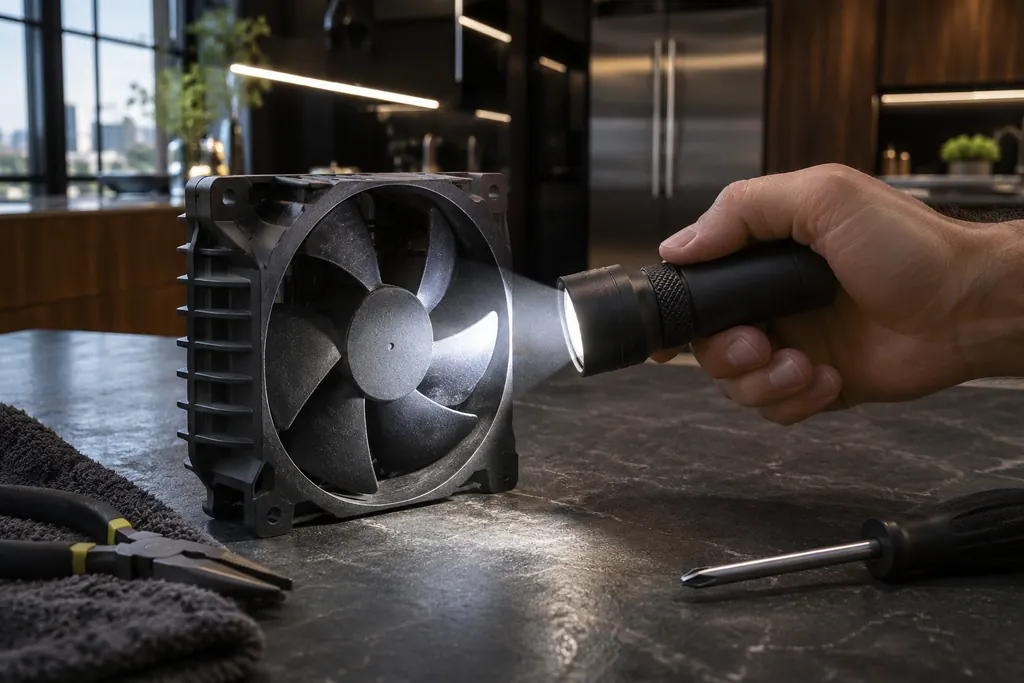
JennAir ovens run a cooling fan during and after use, and the pages say that humming is normal. An F8 E0 code is different: it says the fan speed is too low and points to an airflow restriction, the fan or its wiring. Check for blocked airflow, reset, then book.
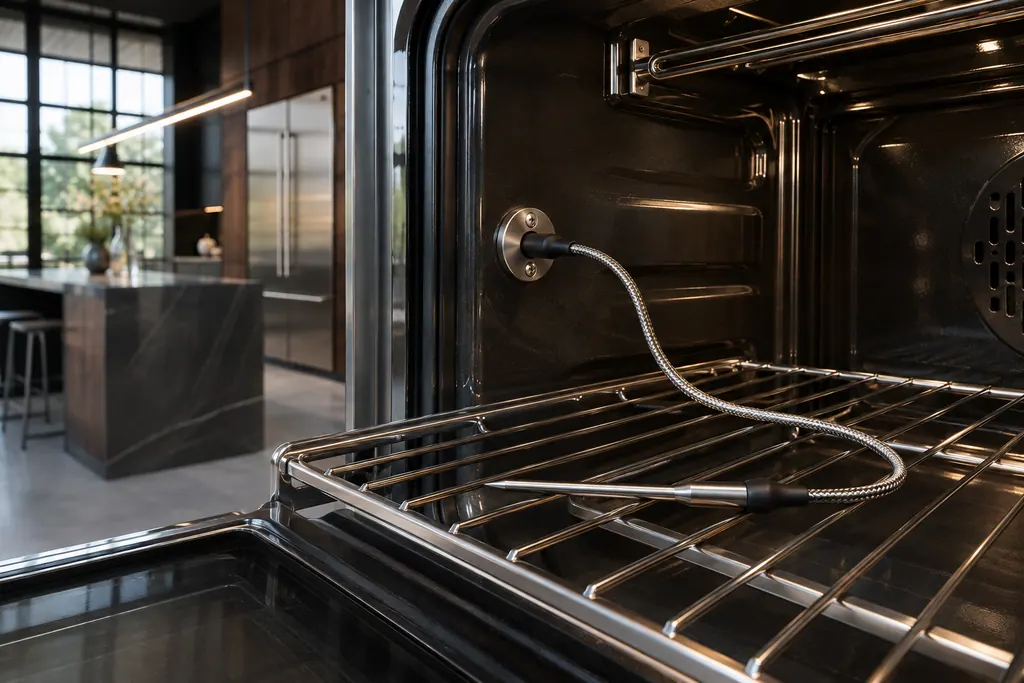
Several JennAir F3 and F8 codes come from the meat probe. The pages ask you to confirm the probe is seated in its receptacle, and on some wall ovens to check a power attachment on the roll-out rack. These are quick owner checks before any reset.

The user interface is the keypad or touch panel you press. JennAir lists it in the F2 family (F2 E0 to F2 E6), where F2 E1 often means a key is stuck or held too long. The help pages suggest checking cooktop grates on some ranges, then a one-minute reset.
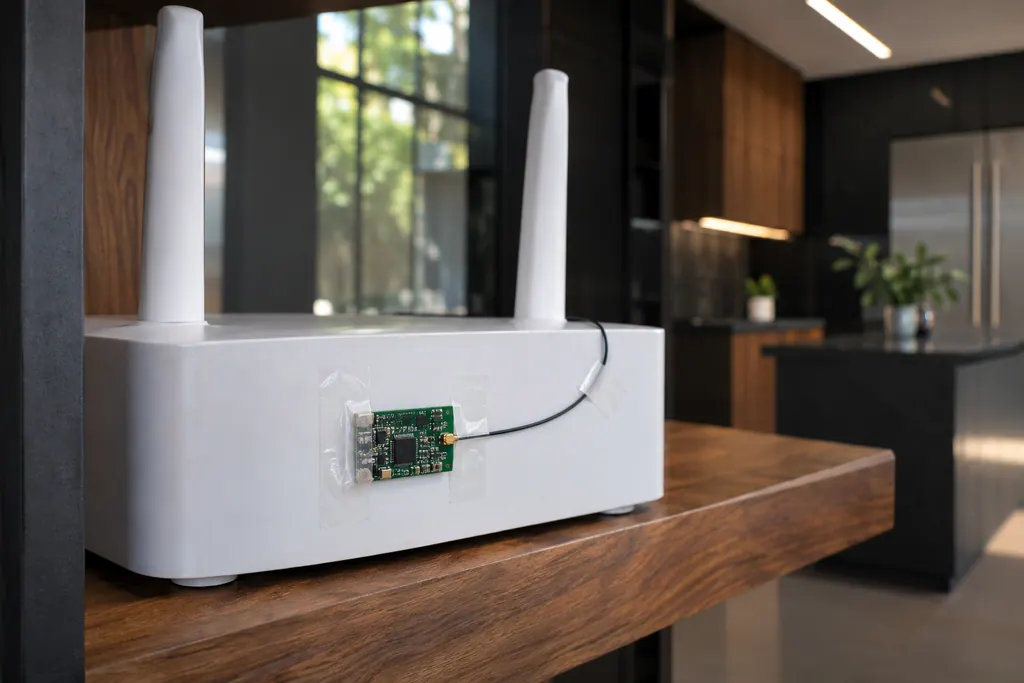
The Wi-Fi module links a connected JennAir oven to your router. FC E1 to FC E3 mean the appliance could not connect; FC E4 and FC E5 name the antenna; FC E6 and FC E9 name the power module. A router restart is the first owner step; the oven itself still bakes.
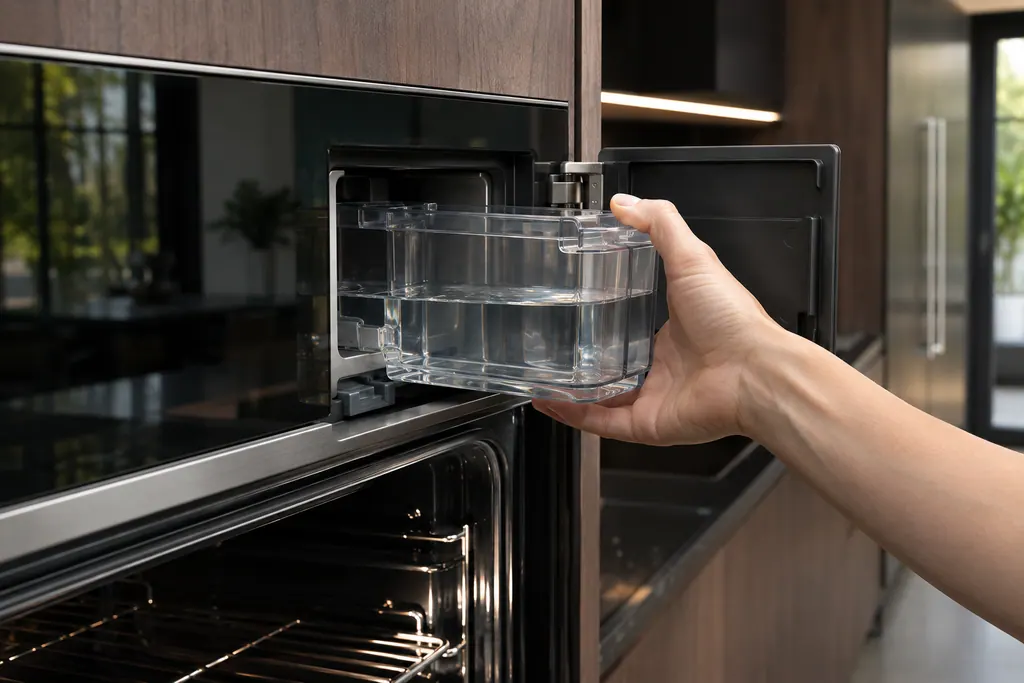
Wall ovens with steam keep water in a removable container and a boiler. JennAir names the water level sensor, the boiler temperature sensor, the water filter and the conductivity sensor in F7 E0 to F7 E4. The routine messages (descale, refill, empty) are owner tasks.
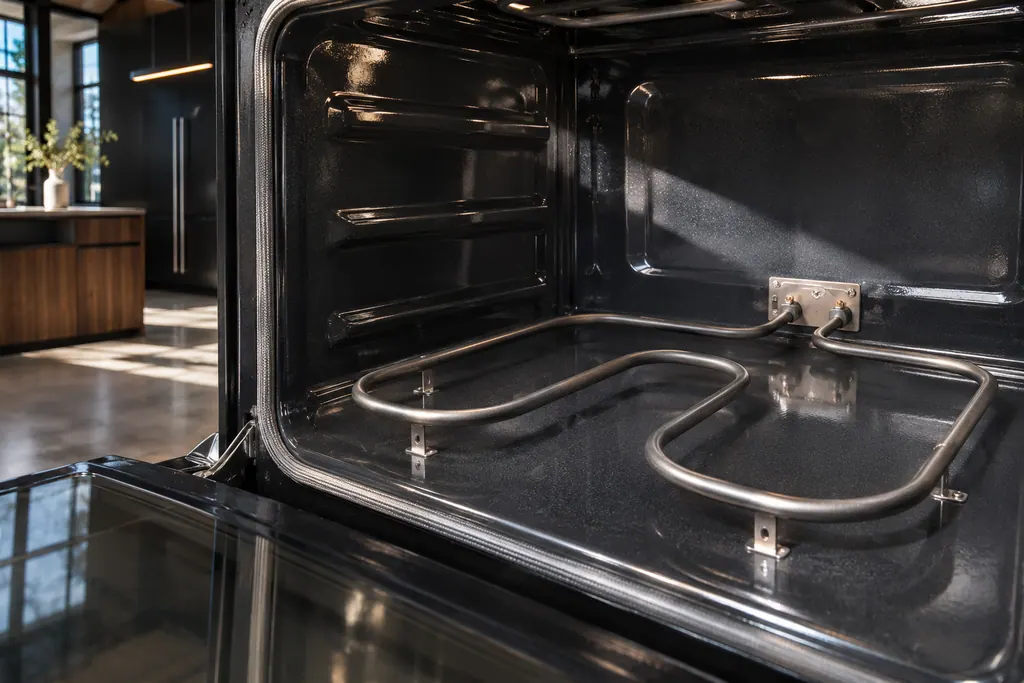
On JennAir ranges, FEE6 names the main cavity bake element and FEE7 the main cavity broil element, each with its wiring. The pages offer one owner step: a one-minute breaker reset. An element that stays cold afterwards needs a technician with the power off.
What happens on a visit.
No surprises in your kitchen.
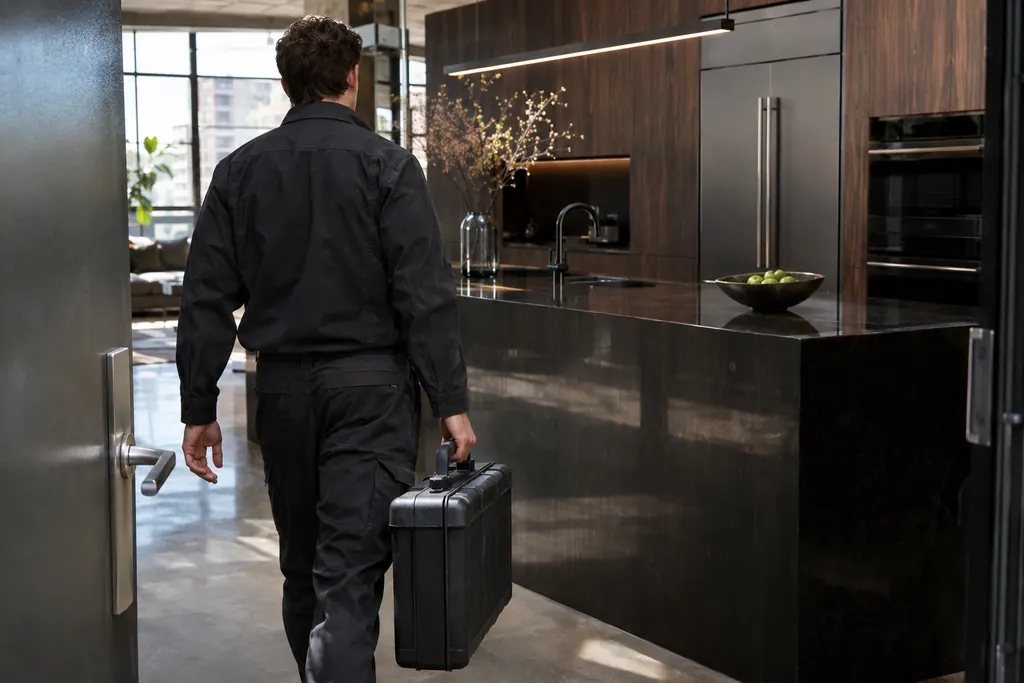
Tell us which appliance, what the display shows and where it is installed. A photo of the model plate helps.
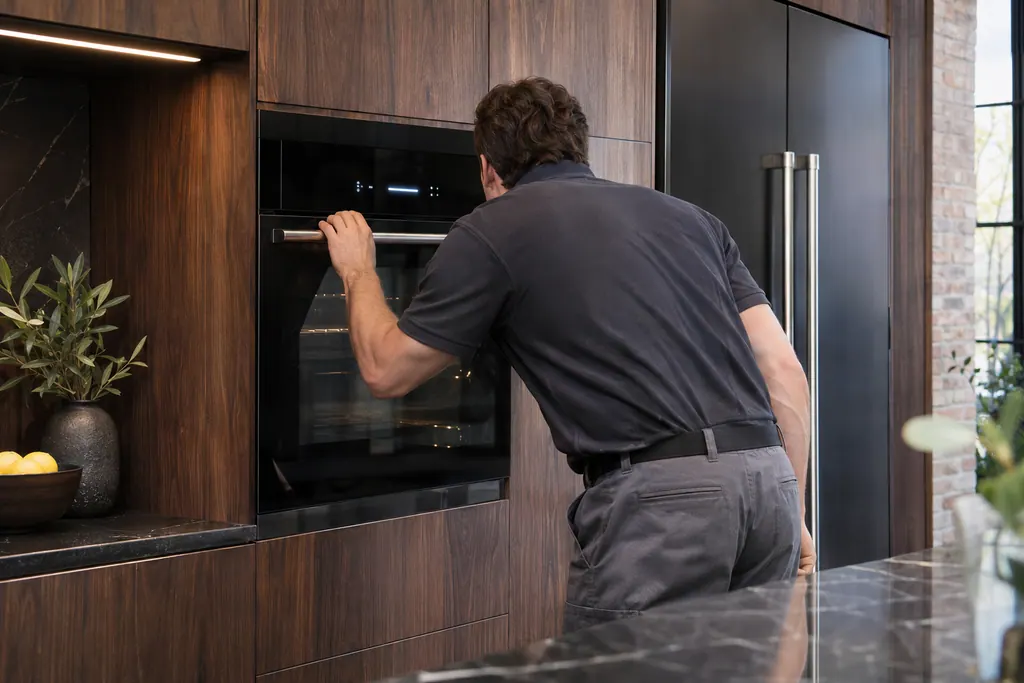
The technician inspects the unit, explains the likely cause and agrees the cost with you before starting.
When the work is done, the technician tests the appliance and walks you through what was fixed.
JennAir prints the same F string with different meanings by product type. F9 on a wall oven points at wiring to the house supply; F9-1 to F9-3 on a freestanding range name the door latch. Note the model type with the code.
Product Help for ranges and wall ovens says to switch the breaker off for one minute. The professional-style range pages split: the 2024 edition says one minute, the October 2025 edition says five. We tell you which applies.
An oven that will not heat can have Control Lock, Demo Mode or a Delayed Start set. A newly installed electric range should have its terminal block wiring checked against the installation sheet.
JennAir lists 12 to 15 minutes to reach 350 degrees F with all racks in. Unused racks, a hidden bake element, a 208 V supply and a cold room all stretch it. A thermometer is not a reliable check.
For a drift in temperature, the calibration pages describe a biscuit test and an adjustment of up to 30 degrees F on models that offer it. Run it before assuming a part has failed.
Press Cancel, wait 20 to 30 seconds, and let a hot cavity cool for 30 to 90 minutes before moving the latch arm. Never force it.
Book us when the F-code reappears following the power reset.
Book us if the display shows F9, which can mean the house wiring or a latch, before you keep resetting the breaker.
Book us for a door that stays locked after the oven cools, or a latch arm that looks bent.
If you smell gas, leave the home and call your gas utility or 911 before you call us. Do not operate switches.
Arrange a diagnosticBefore any work begins, the technician tells you what is needed and settles the cost with you. A built-in appliance may need to be examined on site before that figure is firm.
If JennAir's manufacturer warranty covers the repair, JennAir itself does the work. We back our own workmanship with a warranty.
Yes. That includes single and double wall ovens, combination ovens, steam ovens, freestanding and slide-in ranges, rangetops and professional-style ranges. Add the model to your booking.
The pages name a part group, such as the temperature sensor, the control or the door latch, plus the wiring. They do not pick one part, so a technician tests to find it.
On a wall oven it most often means incorrect wiring at the home supply. On a range it can name the door latch. Do not keep resetting; book a visit.
If the manufacturer’s warranty still covers your oven, that claim goes to them. After coverage ends, a visit with us starts with a price you approve before any work.
We advise against it. Several pages tie F5 and F6 codes to self-clean, so clear the code and book first.
Code or symptom, part, service call
JennAir says not to judge oven temperature with a thermometer, because the elements cycle and most thermometers react too slowly. Check preheat time, racks, pan spacing and foil first, then run the biscuit test before any calibration.
JennAir Product Help ties F1, F2 and several F3 codes to the oven temperature sensor, the control or the wiring between them. The sensor reports cavity heat to the control. The help pages pair it with the control, so one reset is the only owner step.
Schedule a diagnostic for your model, carried out at the appliance.
Office details, plus the access notes to pass along.