Inside the appliance
Oven keypad and user interface. In plain English.
The user interface is the keypad or touch panel you press. JennAir lists it in the F2 family (F2 E0 to F2 E6), where F2 E1 often means a key is stuck or held too long. The help pages suggest checking cooktop grates on some ranges, then a one-minute reset.

Where it fits.
Oven keypad and user interface in the appliance
The front panel of the oven or range, with a ribbon connection to the control behind it.
The picture shows the kind of component only. It cannot tell you which replacement suits your model.
What you notice when this system needs a look.
A Oven keypad and user interface concern may show up with a drop in performance or a code that keeps returning. Testing comes first, before anyone decides the component is to blame.
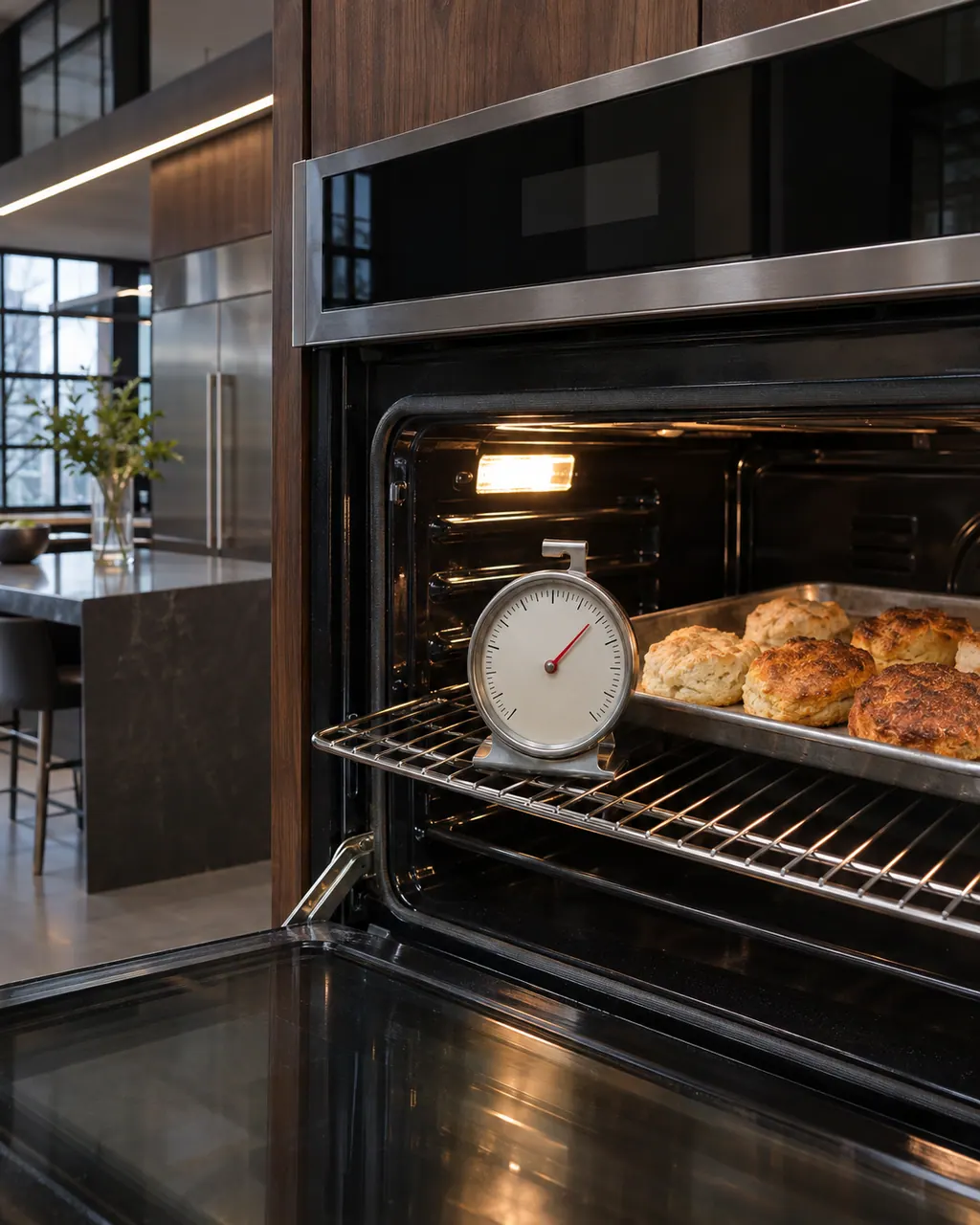
JennAir oven temperature problems
JennAir says not to judge oven temperature with a thermometer, because the elements cycle and most thermometers react too slowly. Check preheat time, racks, pan spacing and foil first, then run the biscuit test before any calibration.
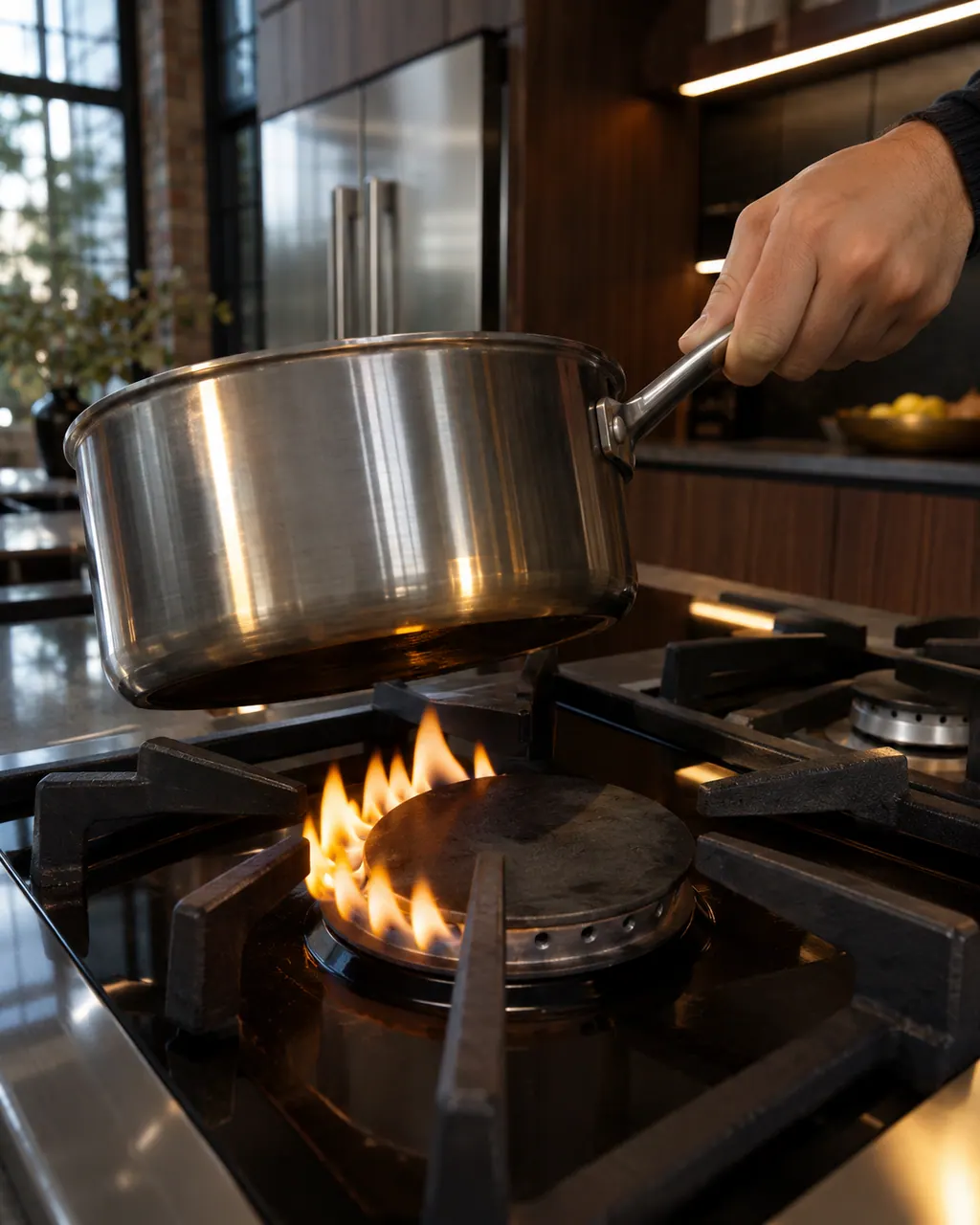
JennAir range burner problems
Find your cooktop type first. Glowing that cycles on and off is normal on electric coil and glass tops, and gas flame trouble starts with clean ports and a seated cap. LP conversion or a wrong gas type needs a technician.
Owner care, within the model instructions.
Turn the appliance off and unplug it before any check you can do yourself. Look out for pooled water and sharp edges. Never touch a wet plug or live area, take off service panels, or go past your model’s owner instructions.
- 1
Check for a held key
The F2 E1 text says a key may be stuck or pressed for too long. Clean around the panel and make sure nothing is resting on it.
- 2
Look at the grates on a range
The range F2 E1 page asks you to rock each cooled grate corner to corner. A wobbling grate may be backwards. Rotate it and cycle the power.
- 3
Reset the power
Breaker off one minute, on again, then monitor for a minute, as the pages direct.
- 4
Mention moisture or cleaning
If the panel was wiped with liquid before the code, say so. The pages do not discuss it, but it helps the technician.
Cleaning or replacement?
Leave internal testing to a technician.
Book us if F2 returns after the grates and keys check out.
Book us if some touch zones respond and others do not.
Book us if the display flickers or the oven beeps with no key pressed.
Arrange a diagnosticSee the neighboring components.
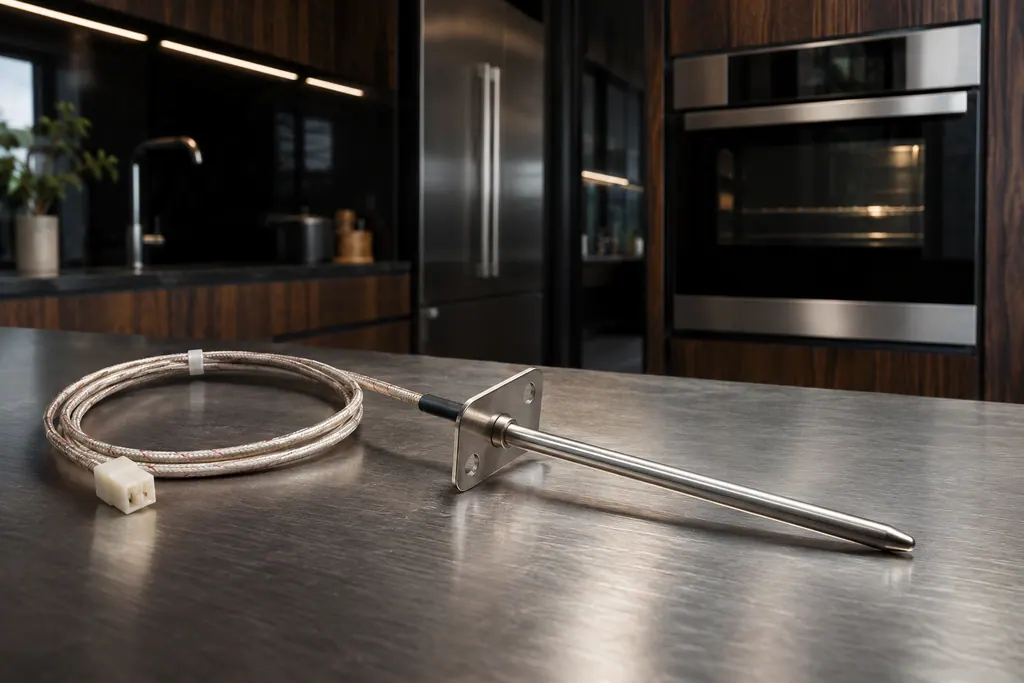
Oven temperature sensor
JennAir Product Help ties F1, F2 and several F3 codes to the oven temperature sensor, the control or the wiring between them. The sensor reports cavity heat to the control. The help pages pair it with the control, so one reset is the only owner step.
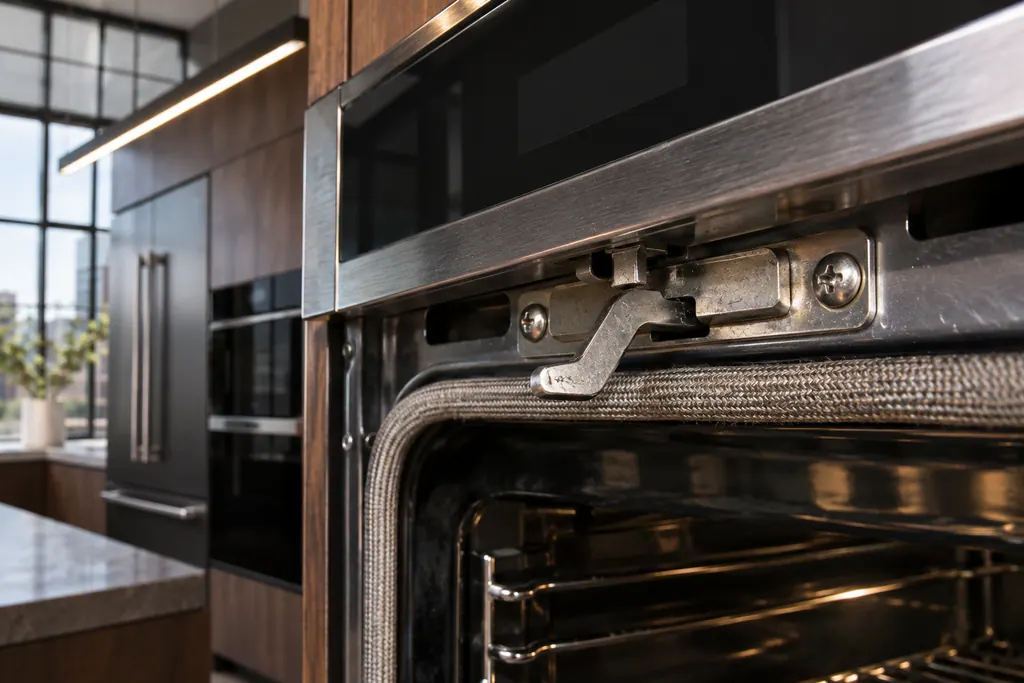
Oven door latch assembly
The latch assembly and its door switch lock the oven door for self-clean and report that the door is closed. JennAir lists them for F5 codes and F7 E0, and for the locked-door and door-will-not-close pages. A bent latch arm is one check you can do yourself.
Sources and model boundaries.
The Oven keypad and user interface guidance rests on these references. Pick the manual that fits your model.
- F2 E1 - Error Code - Range - Product Help | JennAir
- F2 E1 - Wall Oven - Product Help | JennAir
- F2 - Wall Oven - Product Help | JennAir
Go by the instructions for your own model. See how we research these pages.
What does F2 E1 mean on a JennAir range?
The page says there may be a problem with the user interface or keypad, the control or the wiring, and it adds a check of the cooktop grates.
Why check grates for a keypad code?
The range page lists it. A grate that sits wrong may press on a switch. Rock the cooled grate and rotate it if it wobbles.
Is the F2 family the same on every model?
No. F2 E0 to F2 E6 exist across ranges and wall ovens, and each page names its parts. Check the page for your appliance type.
Can I clean the panel with a spray?
The cached pages give no cleaning advice for the panel. Use the care steps in your owner literature.
Code or symptom, part, service call
Tie the message to what comes next.
JennAir oven temperature problems
JennAir says not to judge oven temperature with a thermometer, because the elements cycle and most thermometers react too slowly. Check preheat time, racks, pan spacing and foil first, then run the biscuit test before any calibration.
Oven repair
Schedule a diagnostic for your model, carried out at the appliance.
Find your metro
Office details, plus the access notes to pass along.