What it means
On a JennAir professional-style range, only the Start button lit and solid means Sabbath Mode is on. It is not an error. Only the Bake cycle runs, as one continuous cycle, with no tones. To leave the mode, follow the exit steps below.
JennAir oven Start button solid light (Sabbath) / Professional-style range light
On a JennAir professional-style range, only the Start button lit and solid means Sabbath Mode is on. It is not an error. Only the Bake cycle runs, as one continuous cycle, with no tones. To leave the mode, follow the exit steps below.
Also shown as Start button solid light (Sabbath)
On a JennAir professional-style range, only the Start button lit and solid means Sabbath Mode is on. It is not an error. Only the Bake cycle runs, as one continuous cycle, with no tones. To leave the mode, follow the exit steps below.
If the oven light does not turn on, the range may be in Sabbath Mode.
The range still behaves as in Sabbath Mode after you have followed the exit steps.
Checks you have ticked / saved in this browser
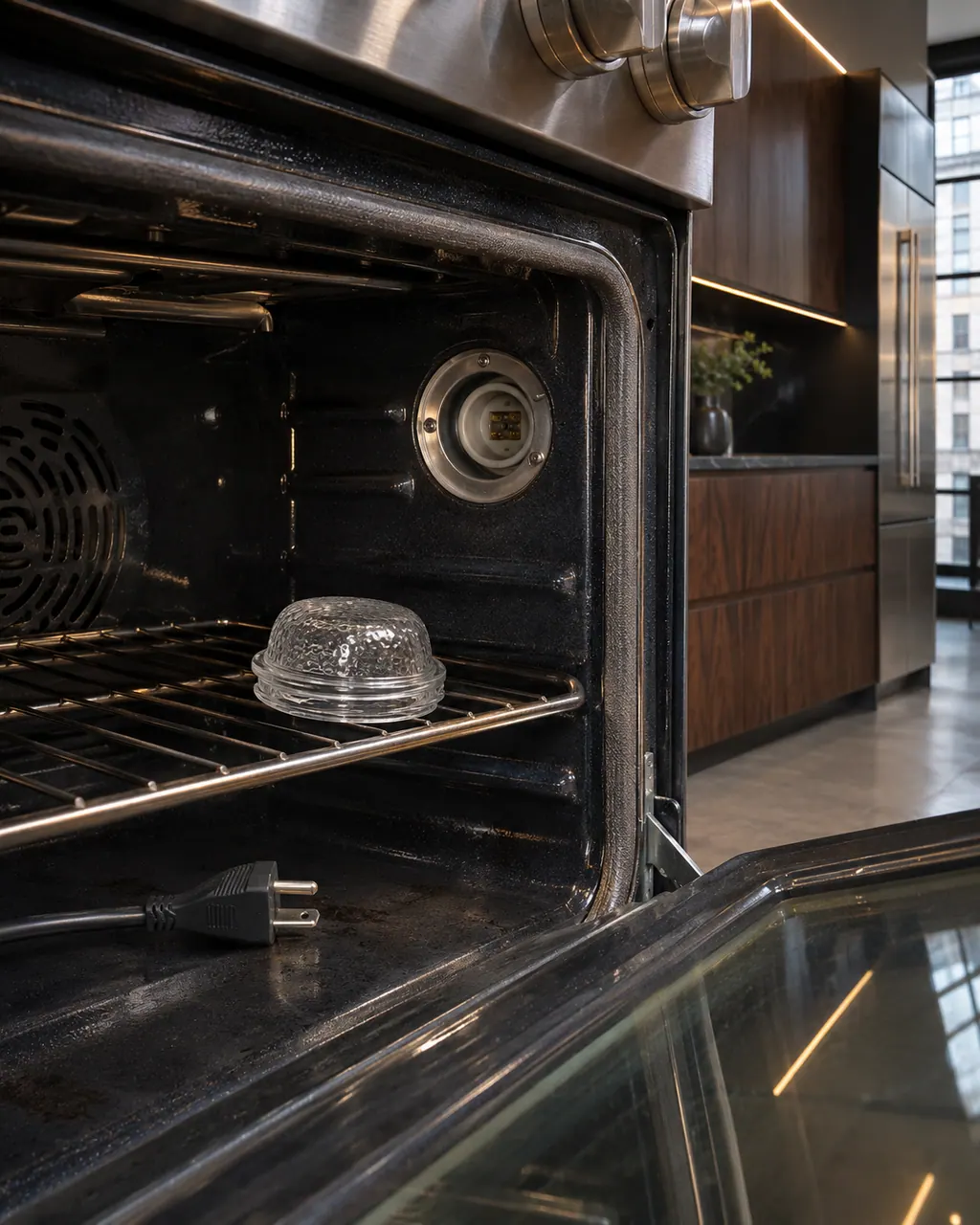
If the oven light does not turn on, the range may be in Sabbath Mode. JennAir lists this beside a solid Start button and no cycle other than Bake. [2]

In Sabbath Mode only the Start button is lit, in a solid state. Other cooking and cleaning cycles cannot be selected. [1]

Start the cycle, let it run about 1 minute, cancel it, then turn the Temp knob to OFF. [1]

The second JennAir page adds a last step: press Start 7 times within 10 seconds. [2]
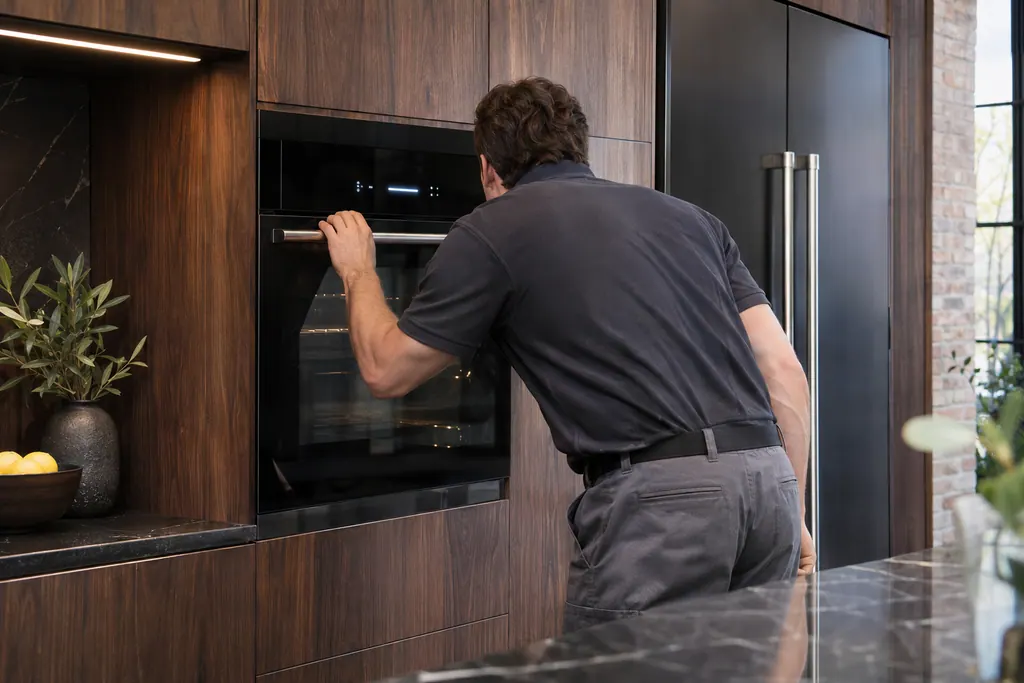
If the range still acts as in Sabbath Mode after the exit steps, book a technician.
Send the model and the checks you have already run, then begin your request from this page.
Book a visit

A simplified drawing, because layouts change with the model. Tap an outlined part to see a photo and the related check.
It means Sabbath Mode is on. JennAir's page says the mode configures the oven so that certain features are disabled, and only the Start button stays lit, in a solid state.
Read the supporting manualOnly the Bake cycle, as one continuous cycle. All other cooking and cleaning cycles are disabled and no tones sound.
Read the supporting manualStart the cycle, let it run for about 1 minute and cancel it. Then turn the Temp knob to OFF.
Read the supporting manualA blinking Start button with steady white controls usually means Start was pressed before it was flashing. The fix is to turn the Mode knob to a new position, set Temp to OFF, pick the mode and temperature and wait for Start to flash.
Read the supporting manualManufacturer document
JennAir Product Help (producthelp.jennair.com)
dateModified 2025-10-01; PH 13113 / PH 13113 (professional-style range)
Manufacturer document
JennAir Product Help (producthelp.jennair.com)
dateModified 2025-10-01; PH 13114 / PH 13114 (professional-style range)
Applies to JennAir professional-style ranges (knob and Start button controls). Sources: Product Help PH 13113 (Start button, solid light) and PH 13114 (white blinking lights, which also covers Sabbath). Neither page prints a time limit for the mode.
No. JennAir's page describes it as the normal look of Sabbath Mode: only the Start button is lit, solid, with all other lights off. [1]
In Sabbath Mode only the Bake cycle runs, as one continuous cycle. JennAir says all other cooking and cleaning cycles are disabled. [1]
In Sabbath Mode the oven light does not turn on or off when the door opens or closes or the light switch is used. JennAir lists this as a sign of the mode. [1][2]
Turn the Mode knob to Bake, then press Start 7 times within 10 seconds. JennAir's page prints no time limit for how long the mode stays on. [1]
Yes. JennAir's page says to turn the Temp knob to the new temperature. Turning it to OFF is part of the exit steps. [1]
Code or symptom, part, service call
Sabbath, Sab, 5Ab, 5A7 or 5A6 on a JennAir range or wall oven means Sabbath Mode is on. It keeps the oven in a Bake setting until turned off and disables other cooking and cleaning cycles, tones and timers. Cancel it from the control as your Owner's Manual describes.
JennAir says not to judge oven temperature with a thermometer, because the elements cycle and most thermometers react too slowly. Check preheat time, racks, pan spacing and foil first, then run the biscuit test before any calibration.
Schedule a diagnostic for your model, carried out at the appliance.
Office details, plus the access notes to pass along.