JennAir oven White blinking lights, Start button / Professional-style range light

JennAir oven
error White blinking lights, Start button

Oven / display referenceWhite blinking lights, Start button

Solid white controls with a blinking Start button on a JennAir professional-style range usually mean Start was pressed before it began to flash. Rotate Mode to a new position, return Temp to Off, choose again and wait for Start to flash. White blinking while the oven climbs to a raised temperature is normal.

Also shown as White blinking lights, Start button

Last reviewed

Oven / display referenceWhite blinking lights, Start button
Meaning
Solid white controls with a blinking Start button on a JennAir professional-style range usually mean Start was pressed before it began to flash. Rotate Mode to a new position, return Temp to Off, choose again and wait for Start to flash. White blinking while the oven climbs to a raised temperature is normal.

Who handles it
Information only
Source
White Blinking Lights- Commercial Range - Product Help | JennAir

What JennAir oven White blinking lights, Start button means.

What it means

Solid white controls with a blinking Start button on a JennAir professional-style range usually mean Start was pressed before it began to flash. Rotate Mode to a new position, return Temp to Off, choose again and wait for Start to flash. White blinking while the oven climbs to a raised temperature is normal.

What you can safely check

Move off the current setting.

When to call a technician

The pattern returns after correct steps.

Checks you have ticked / saved in this browser

Safe checks, in order.

0 of 4 checks done
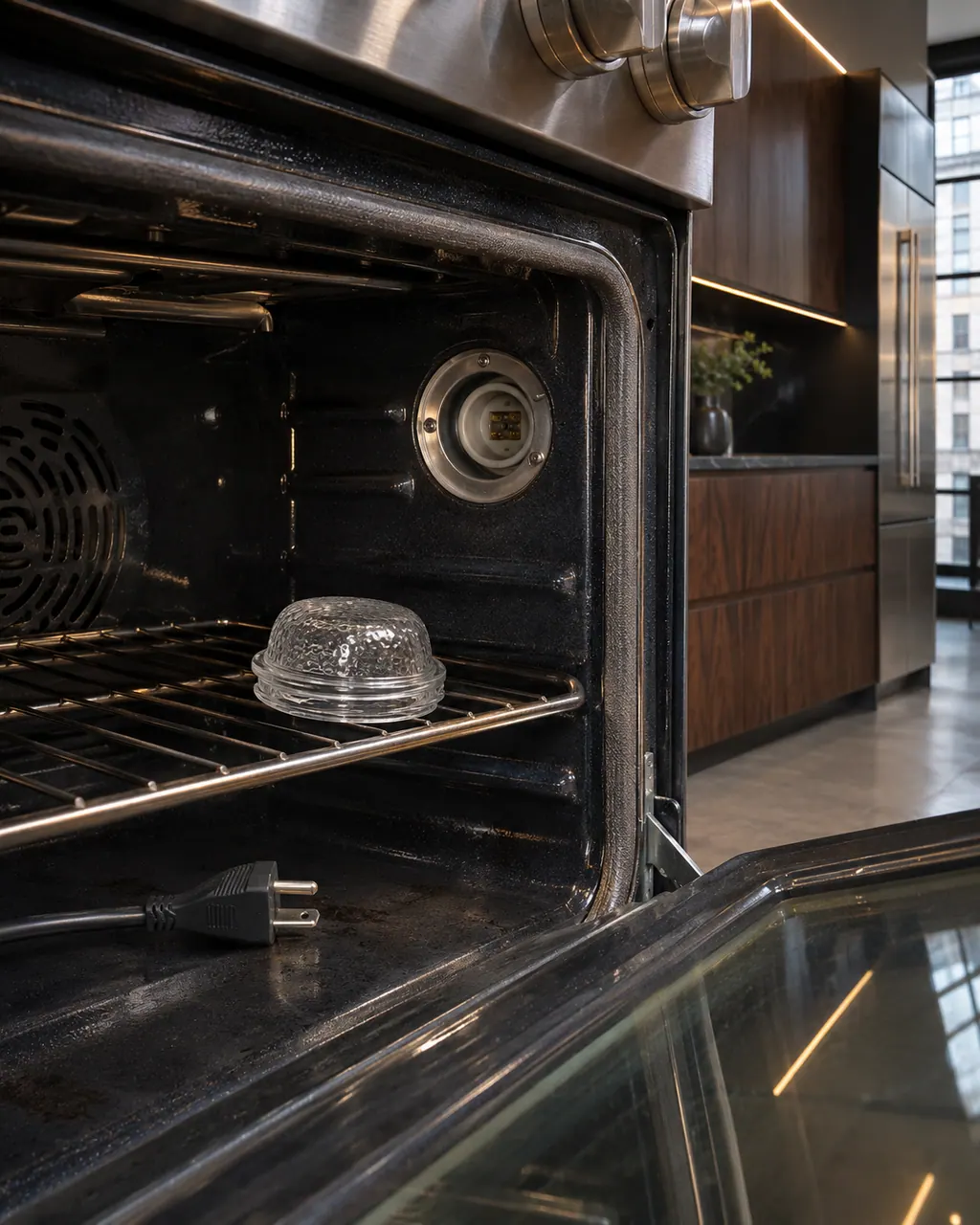
  1. JennAir oven White blinking lights, Start button: Inside a range oven the lamp cover sits on the rack beside an empty lamp socket, with an unplugged power cord lying on the oven floor.
    Illustration. Follow your model’s instructions.
    Before you begin

    Rotate Mode to a new position

    Move off the current setting.

  2. Ranges & ovens in a thoughtfully designed home
    Illustration. Follow your model’s instructions.
    Check 2

    Return Temp to Off

    Clear the temperature.

  3. The black glass control strip of a built-in wall oven above its stainless handle
    Illustration. Follow your model’s instructions.
    Check 3

    Choose mode and temperature again

    Pick a valid pair.

  4. Over the shoulder view of a person holding a tablet with a blank checklist, a refrigerator behind.
    Illustration. Follow your model’s instructions.
    Check 4

    Wait for Start to flash, then press

    Do not press early.

Still showing White blinking lights, Start button?

Send the model and the checks you have already run, then begin your request from this page.

Book a visit

The touch panel and control.

Conceptual Range / oven sectionKeypad / touch panelControl boardElement wiring123
  1. 3Element wiring

A simplified drawing, because layouts change with the model. Tap an outlined part to see a photo and the related check.

A little more context.

Is blinking white while heating a problem?

No. When the oven is climbing to a raised temperature, it is normal.

Read the supporting manual

The manual behind the message.

Manufacturer document

White Blinking Lights- Commercial Range - Product Help | JennAir

JennAir Product Help (producthelp.jennair.com)

dateModified 2025-10-01; PH 14140 / PH 14140 (professional-style range)

Manufacturer document

White Blinking Lights- Commercial Range - Product Help | JennAir

JennAir Product Help (producthelp.jennair.com)

dateModified 2025-10-01; PH 13114 / PH 13114 (professional-style range)

PH 14140, 13114: WHITE-BLINKING-LIGHTS-START-BUTTON, pro-range.

Here to help

Good questions.
Clear answers.

Talk to our team
Is this an error?

No. Solid white controls with a blinking Start button usually mean Start was pressed before it began to flash, so the selection never locked in. It is not an F-code.

What is normal here?

White blinking while the oven climbs to a raised temperature is normal and needs no action. Only a pattern that returns after you have followed the steps in order is worth a visit.

Do I need to reset power?

No. The fix is in the controls: rotate Mode to a new position, return Temp to Off, choose again and wait for Start to flash before pressing it. No breaker reset is part of those steps.

Are there two editions?

Yes. JennAir has two pages on this pattern for the professional-style range, one from 2024 and one from 2025, and the steps here follow both.

Let’s take care of it.

Something on the display?
Send us the details.

