Inside the appliance
Gas burner ports. In plain English.
Burner ports are the small openings that let gas flow out to the flame. JennAir says clogged or damp ports can make burners click but not light. Clean clogged ports with a straight pin, and do not widen or bend them.
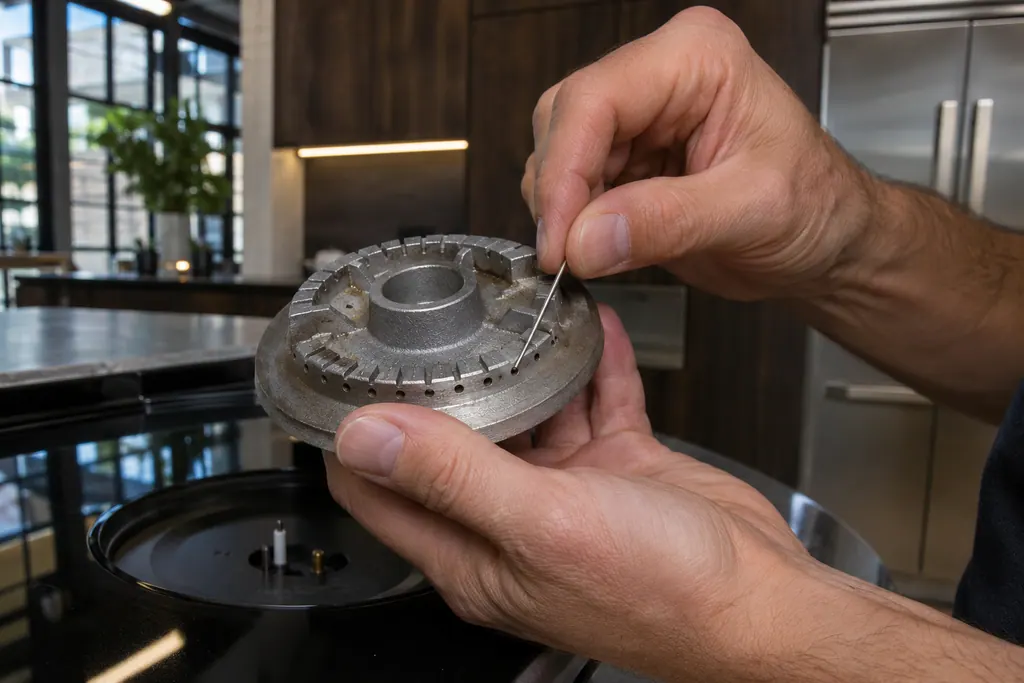
Where it fits.
Gas burner ports in the appliance
The pages name the burner ports without a position. They are part of the burner.
The picture shows the kind of component only. It cannot tell you which replacement suits your model.
What you notice when this system needs a look.
A Gas burner ports concern may show up with a drop in performance or a code that keeps returning. Testing comes first, before anyone decides the component is to blame.
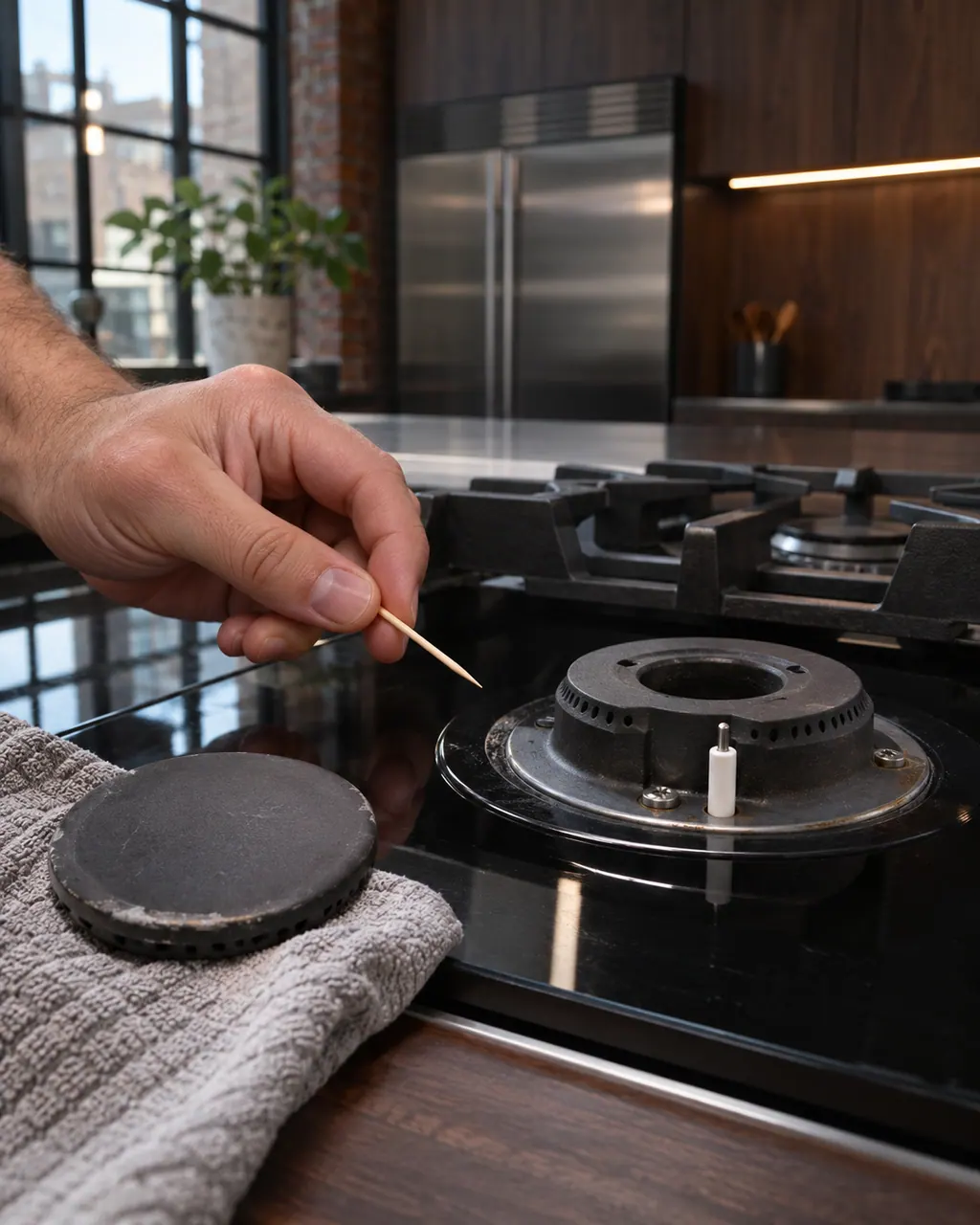
JennAir gas cooktop burner clicks but will not light
Clicking with no flame points to a short list: Control Lockout after a power loss, a closed gas shut-off, a knob not turned to Ignite, moisture, or clogged ports. On a first start JennAir says to turn one knob for a moment so air leaves the line.
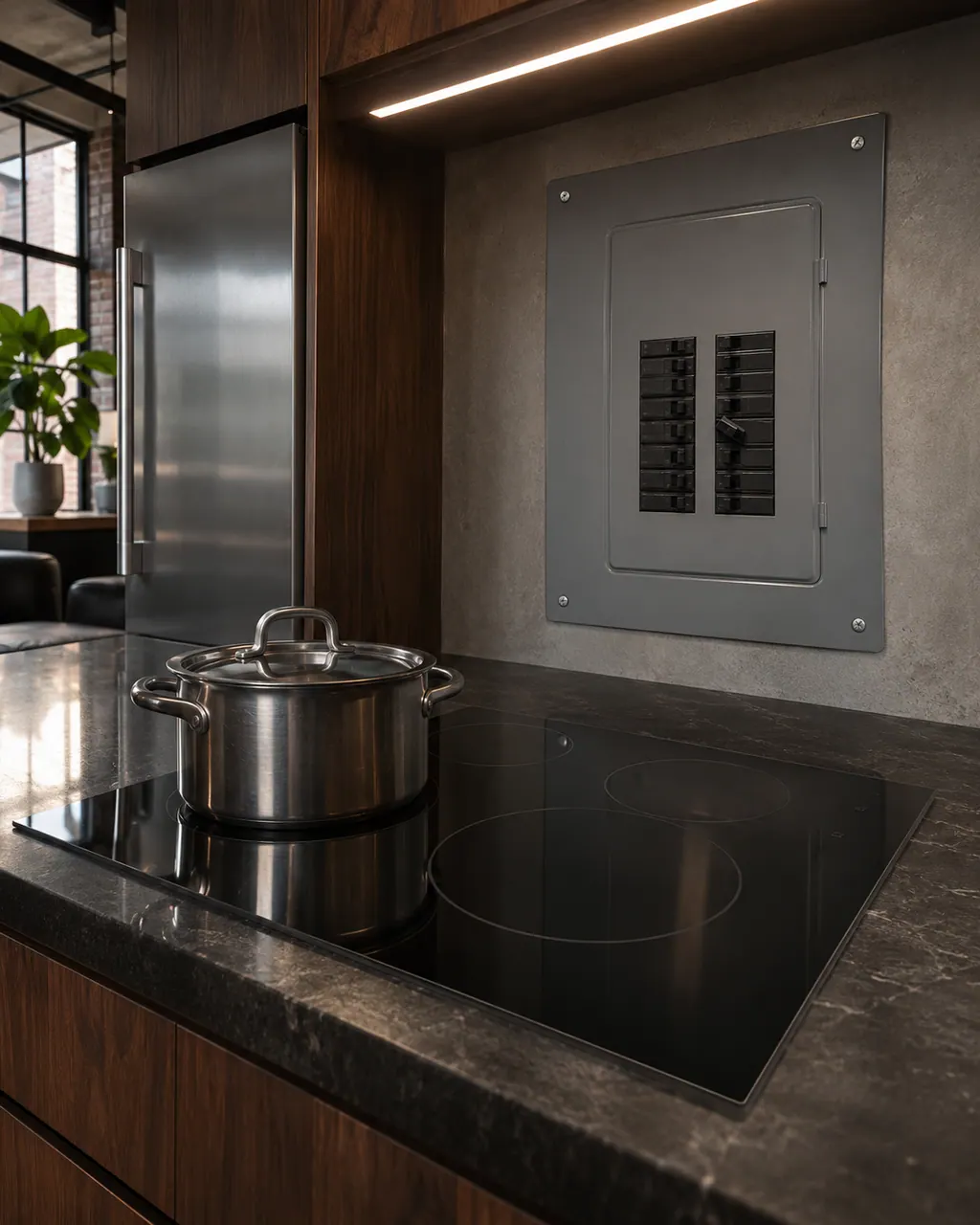
JennAir cooktop not powering on or nothing works
For a cooktop that does nothing, JennAir starts with the controls, the control or cooktop lock, the cord and the breaker. On an electric cooktop, turn the breaker off for one minute and back on. On a gas cooktop, also confirm that gas reaches it and the shut-off valve stands open.
Owner care, within the model instructions.
Turn the appliance off and unplug it before any check you can do yourself. Look out for pooled water and sharp edges. Never touch a wet plug or live area, take off service panels, or go past your model’s owner instructions.
- 1
Dry them out
Moisture from cleaning or a spill can keep a burner from lighting. Let it dry, or blow cool air from a hair dryer on the area.
- 2
Clear a clog
Use a straight pin, needle or small-gauge wire. A wooden toothpick can break off and block gas flow.
- 3
Keep them whole
Do not enlarge or distort the port, and do not clean burner parts in the dishwasher.
- 4
Check the knob
The igniter only sparks to light the gas when the knob is at the Ignite position.
Cleaning or replacement?
Leave internal testing to a technician.
Book us if burners still click without lighting after the ports are dry and clear.
Book us if you smell gas: leave the area and shut off the gas first.
Arrange a diagnosticSee the neighboring components.
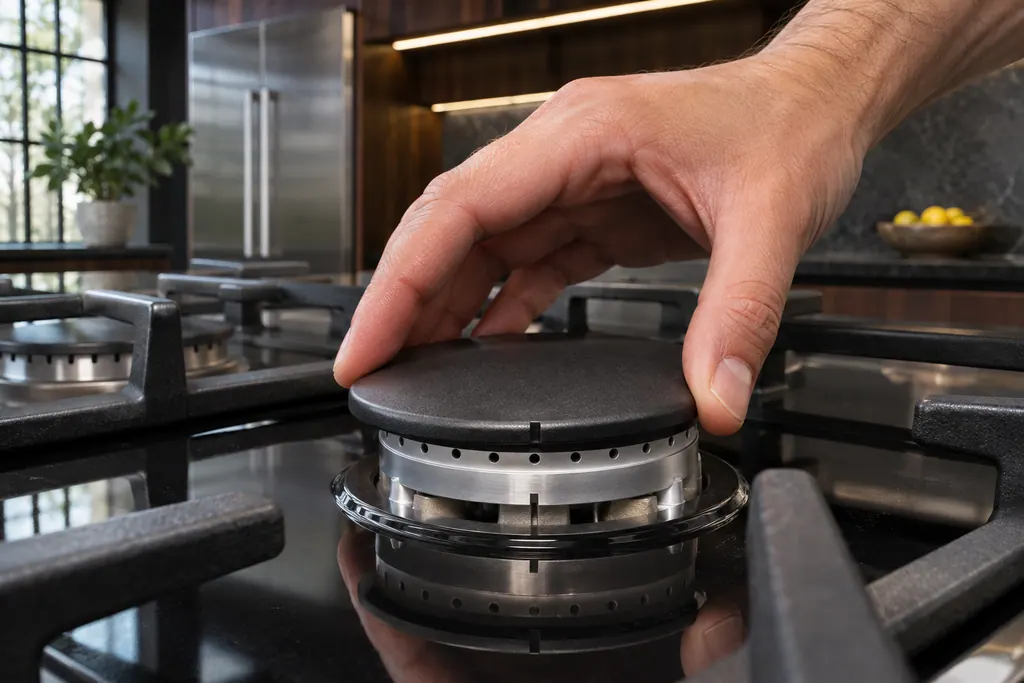
Gas burner cap
The burner cap sits on the burner base and shapes the flame. JennAir says it must be seated to light and perform properly, with the right cap on the right base. A clean cap, especially underneath, helps avoid poor ignition and uneven flames.
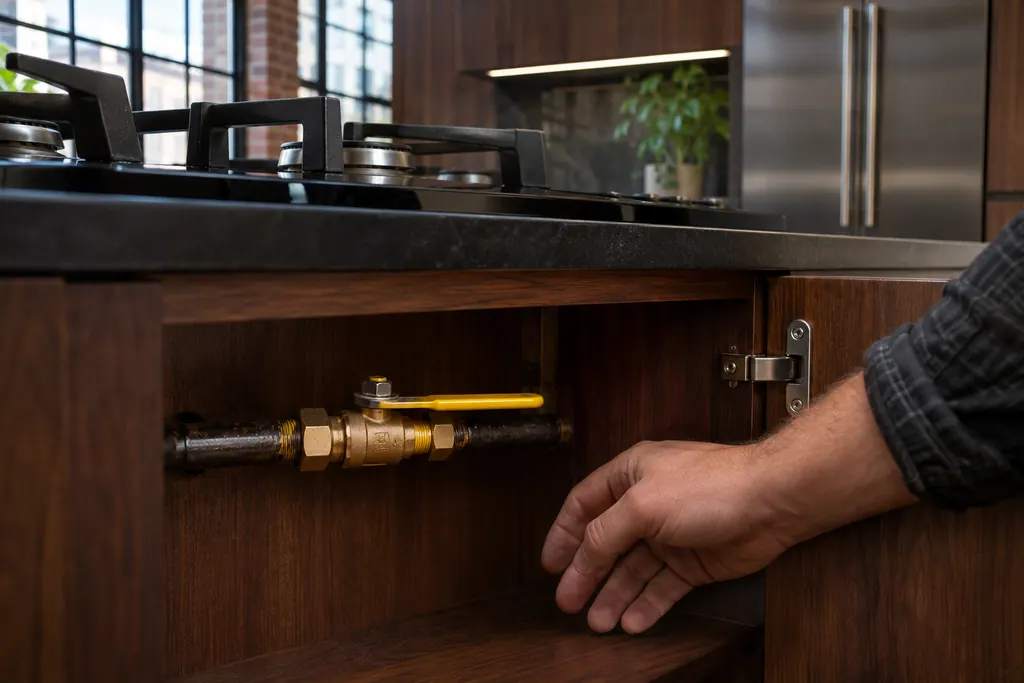
Main gas shut-off valve
The main gas shut-off valve feeds the cooktop. JennAir says to confirm it is ON if the cooktop does not work. With a lever ball valve, the handle in line with the pipe means gas flows, and across the pipe means it is cut off.
Sources and model boundaries.
The Gas burner ports guidance rests on these references. Pick the manual that fits your model.
- Gas Burners are Clicking but Not Lighting - Product Help | JennAir
- None of the Burners are Lighting - Commercial Range - Product Help | JennAir
- Surface Burner(s) Sparking or Clicking - Commercial Range - Product Help | JennAir
Go by the instructions for your own model. See how we research these pages.
Why does my burner click but not light?
JennAir lists a control lockout, clogged or damp ports, a knob not at Ignite, a new gas line and the main gas valve.
What do I clean ports with?
A straight pin, needle or small-gauge wire. Not a wooden toothpick.
Can burner parts go in the dishwasher?
No. The range page says not to clean them there.
How do I dry a damp burner?
Let it dry, or use cool air from a hair dryer.
Code or symptom, part, service call
Tie the message to what comes next.
JennAir gas cooktop burner clicks but will not light
Clicking with no flame points to a short list: Control Lockout after a power loss, a closed gas shut-off, a knob not turned to Ignite, moisture, or clogged ports. On a first start JennAir says to turn one knob for a moment so air leaves the line.
Cooktop repair
Schedule a diagnostic for your model, carried out at the appliance.
Find your metro
Office details, plus the access notes to pass along.