Inside the appliance
Professional-style range Temp/Mod knob. In plain English.
On JennAir professional-style ranges, the Temp/Mod knob has a light. Solid white means a valid mode and temperature; blinking white with a tone means an invalid combination; blinking amber means the oven is too hot to proof or a 100-degree drop is under way.
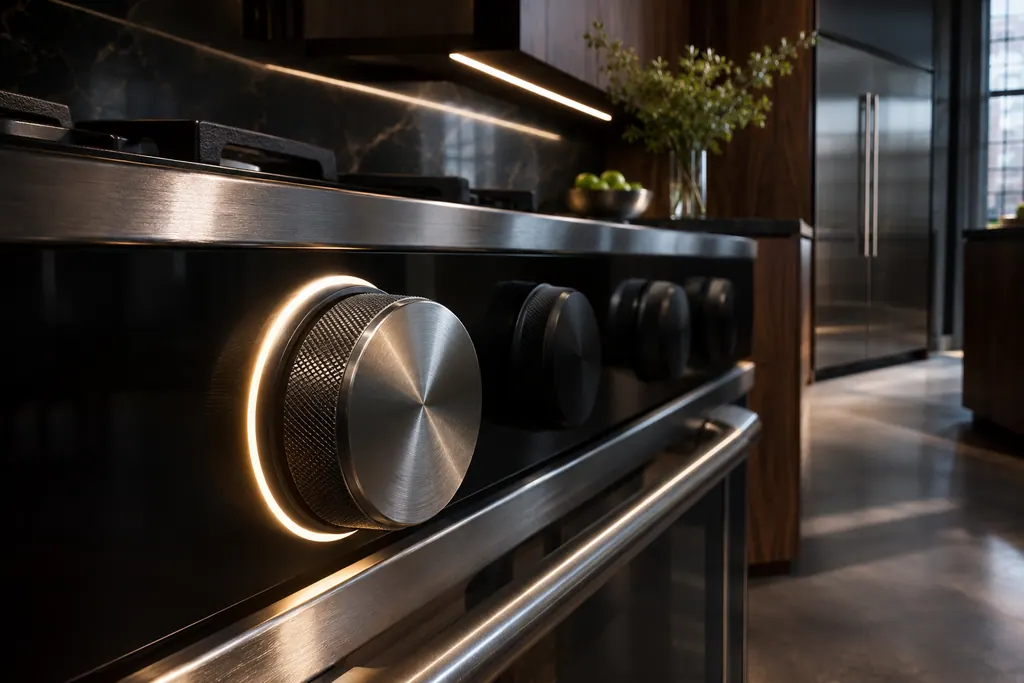
Where it fits.
Professional-style range Temp/Mod knob in the appliance
The Temp/Mod knob is on the control panel of the professional-style range.
The picture shows the kind of component only. It cannot tell you which replacement suits your model.
What you notice when this system needs a look.
A Professional-style range Temp/Mod knob concern may show up with a drop in performance or a code that keeps returning. Testing comes first, before anyone decides the component is to blame.
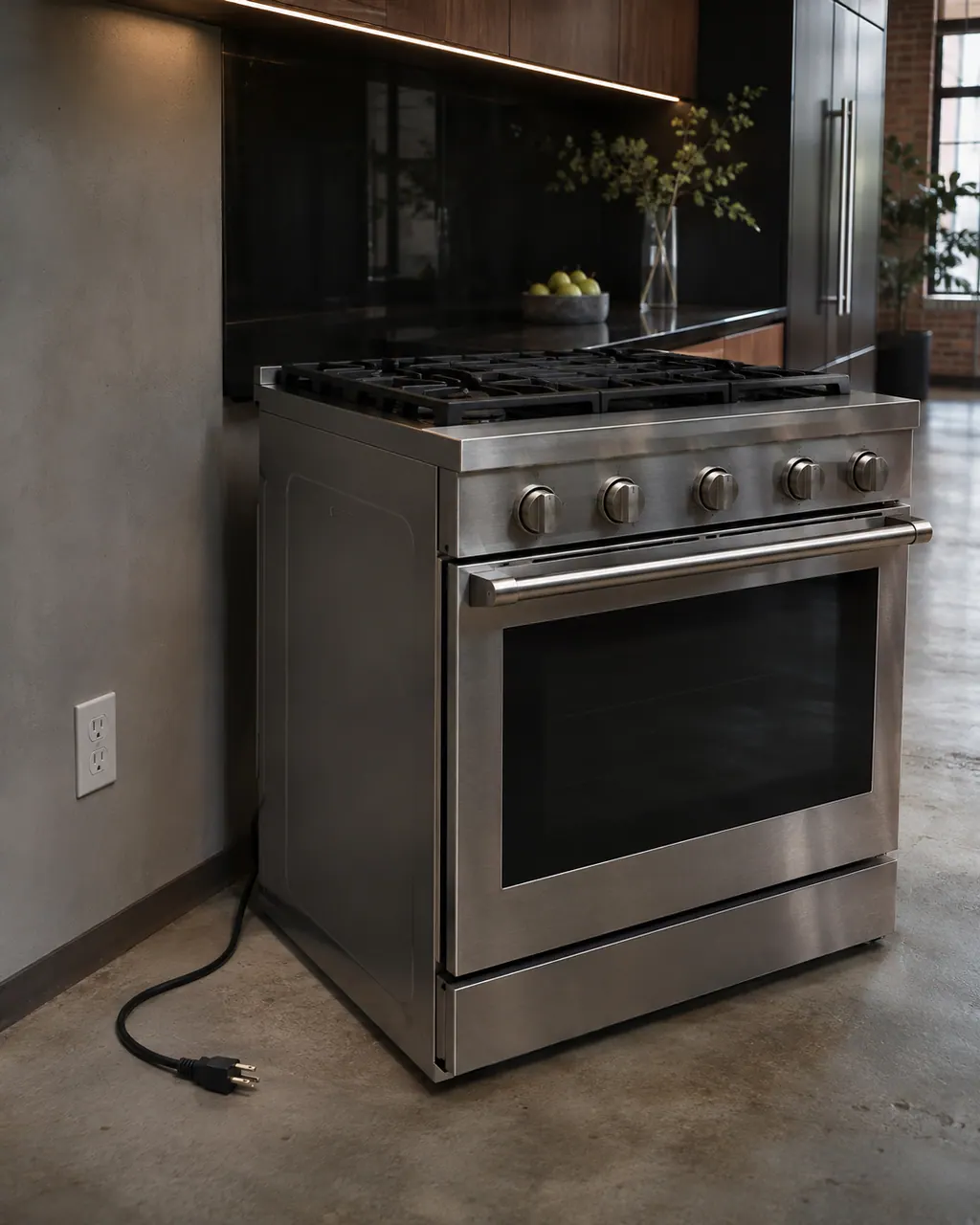
JennAir range not working at all
For a JennAir range that does nothing, JennAir lists the power first, then the lock, a delayed start and Demo Mode. On a new electric install, check the cord strain relief and terminal block wiring. After an outage, turn the breaker off for one minute.
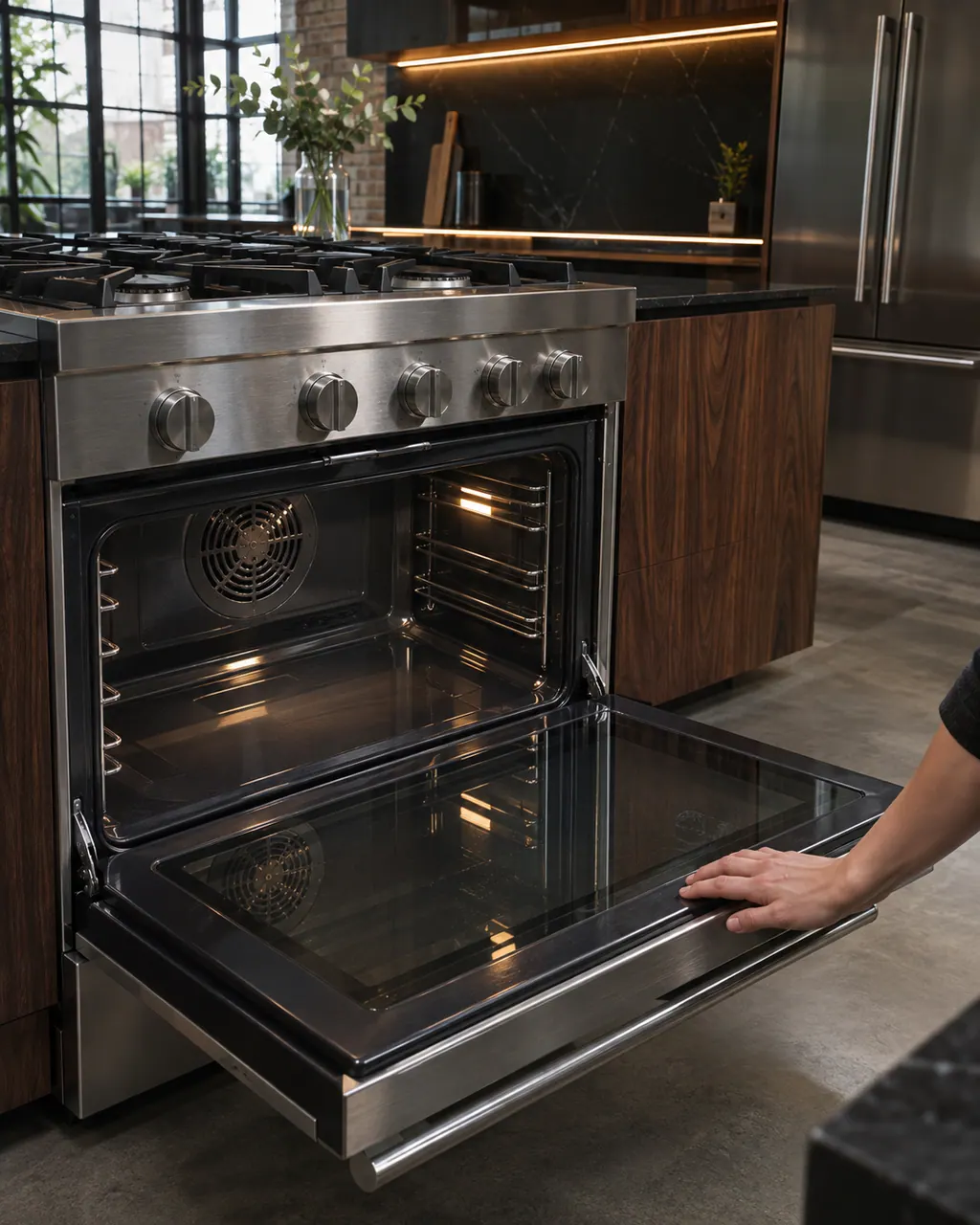
JennAir range oven noises: clicks, pops, whooshes, fans
Most oven sounds on a JennAir gas range are normal: ignitor clicks every 1 to 3 minutes, a pop as the gas valve opens, a whoosh when gas ignites, popping as metal heats, and cooling or convection fan sound. A fan that keeps running after the oven goes off is normal too.
Owner care, within the model instructions.
Turn the appliance off and unplug it before any check you can do yourself. Look out for pooled water and sharp edges. Never touch a wet plug or live area, take off service panels, or go past your model’s owner instructions.
- 1
Read the color
Solid white: valid selection. Pulsing white after Start: preheating. Solid white at the end of preheat.
- 2
Fix a blinking white
An invalid mode and temperature quickly blinks the light and sounds a tone every 30 seconds until you choose a valid pair. The functions table lists valid pairs.
- 3
Wait on amber
Blinking amber is not a fault: the oven is too hot to proof, or a drop of 100 degrees or more, such as Bake 450 to 350, is in progress.
- 4
Listen for tones
Tones sound at power on, off, a valid start, an invalid selection, end of preheat and errors.
Cleaning or replacement?
Leave internal testing to a technician.
Book us if the knob lights stay amber with the oven cool, or error tones sound with a valid setting.
Arrange a diagnosticSee the neighboring components.
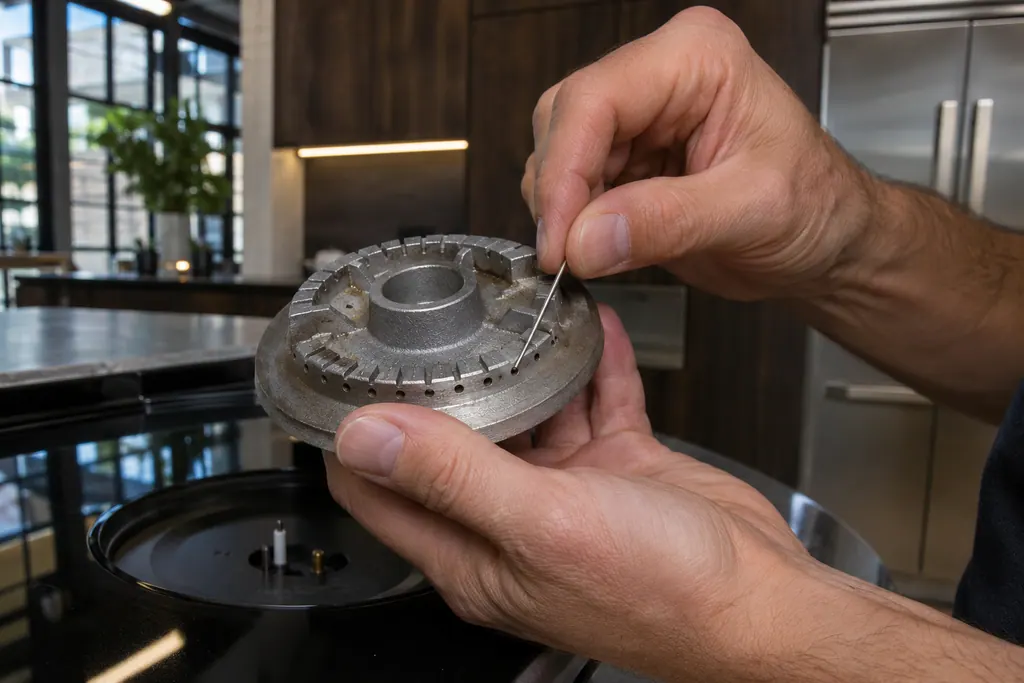
Gas burner ports
Burner ports are the small openings that let gas flow out to the flame. JennAir says clogged or damp ports can make burners click but not light. Clean clogged ports with a straight pin, and do not widen or bend them.
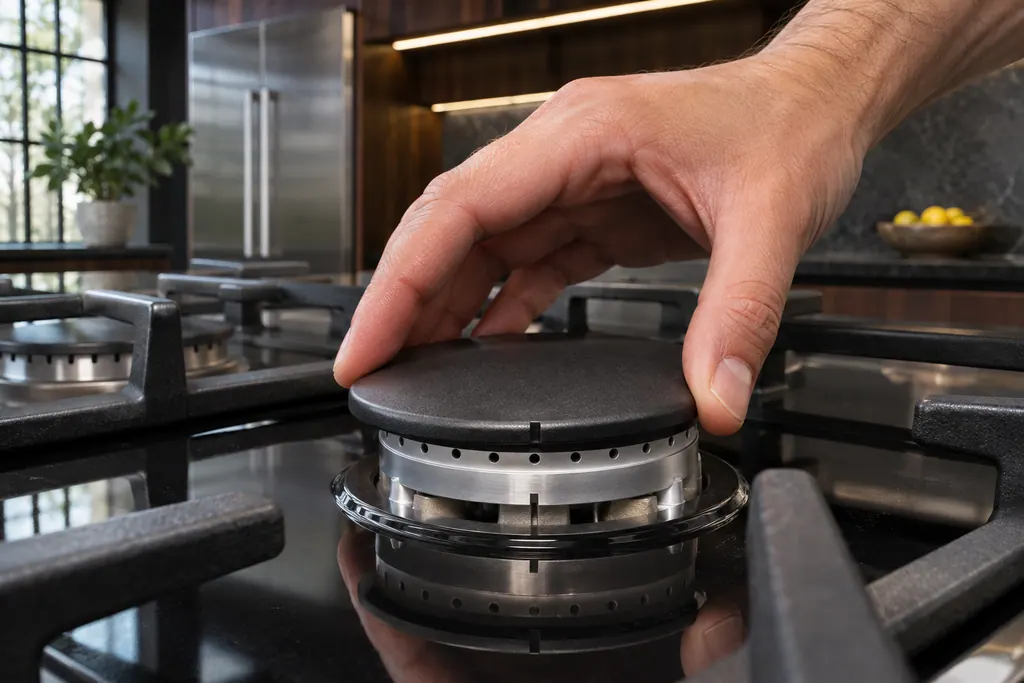
Gas burner cap
The burner cap sits on the burner base and shapes the flame. JennAir says it must be seated to light and perform properly, with the right cap on the right base. A clean cap, especially underneath, helps avoid poor ignition and uneven flames.
Sources and model boundaries.
The Professional-style range Temp/Mod knob guidance rests on these references. Pick the manual that fits your model.
- Temp/Mod Knob - Commericial Range - Product Help | JennAir
- Understanding Tones or Beeps - Commercial Range - Product Help | JennAir
Go by the instructions for your own model. See how we research these pages.
What does blinking amber mean?
The oven is too hot to proof, or a drop of 100+ degrees is in progress.
Why does the knob light blink white?
The mode and temperature combination is invalid. Choose a valid one.
How often does the tone repeat?
Every 30 seconds until a valid combination is chosen.
When does a tone sound?
At power on, off, valid start, invalid start, preheat end, error and app timer end.
Code or symptom, part, service call
Tie the message to what comes next.
JennAir range not working at all
For a JennAir range that does nothing, JennAir lists the power first, then the lock, a delayed start and Demo Mode. On a new electric install, check the cord strain relief and terminal block wiring. After an outage, turn the breaker off for one minute.
Range repair
Schedule a diagnostic for your model, carried out at the appliance.
Find your metro
Office details, plus the access notes to pass along.