Before work starts
Before any work begins, the technician tells you what is needed and settles the cost with you. A built-in appliance may need to be examined on site before that figure is firm.
Independent appliance repair
We repair JennAir freestanding, slide-in and professional-style ranges, gas and electric: burners that will not light or click without a flame, glass elements that stay dark, a blank display, a mode light that blinks. Say whether the range is gas or electric, then book a technician.
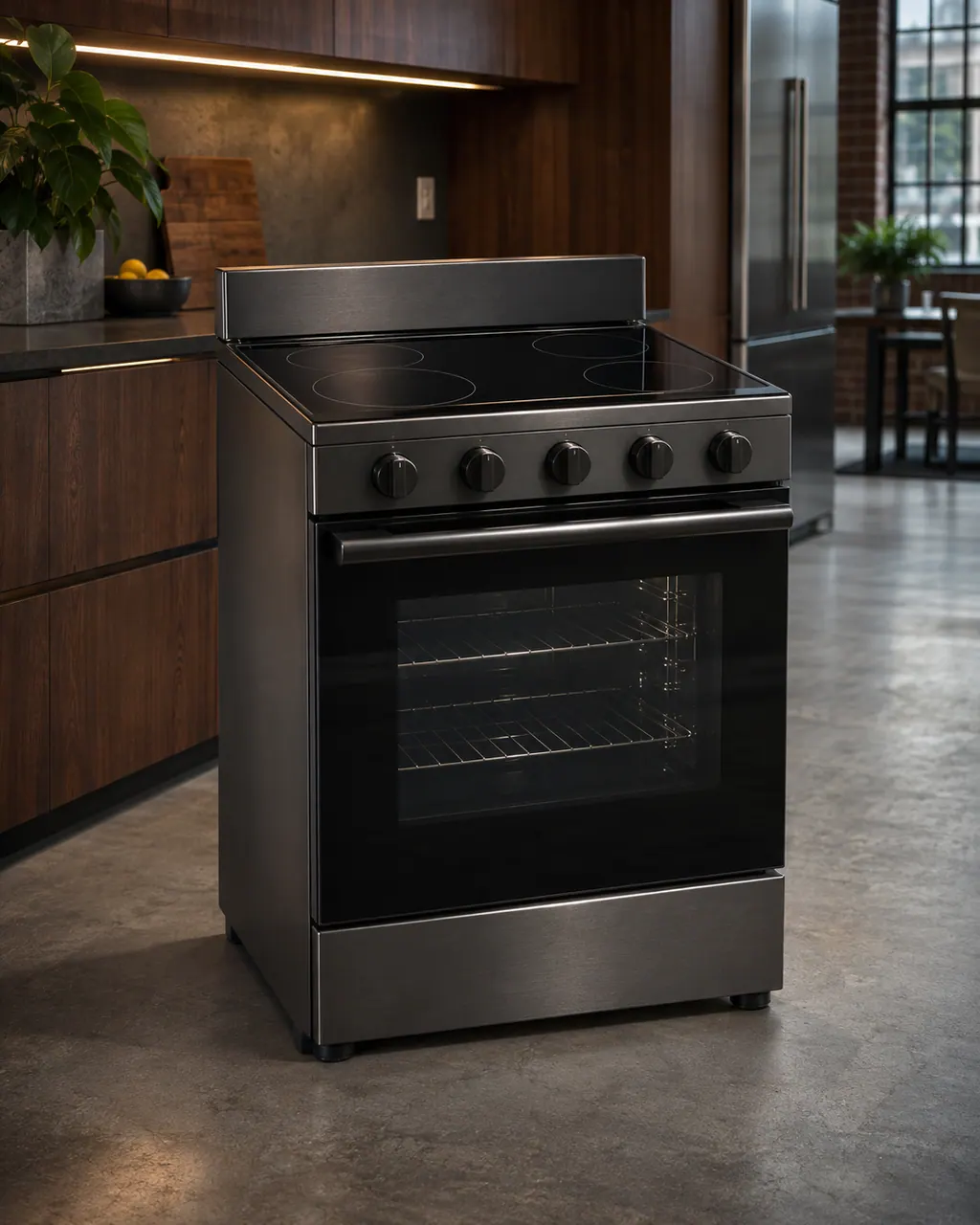
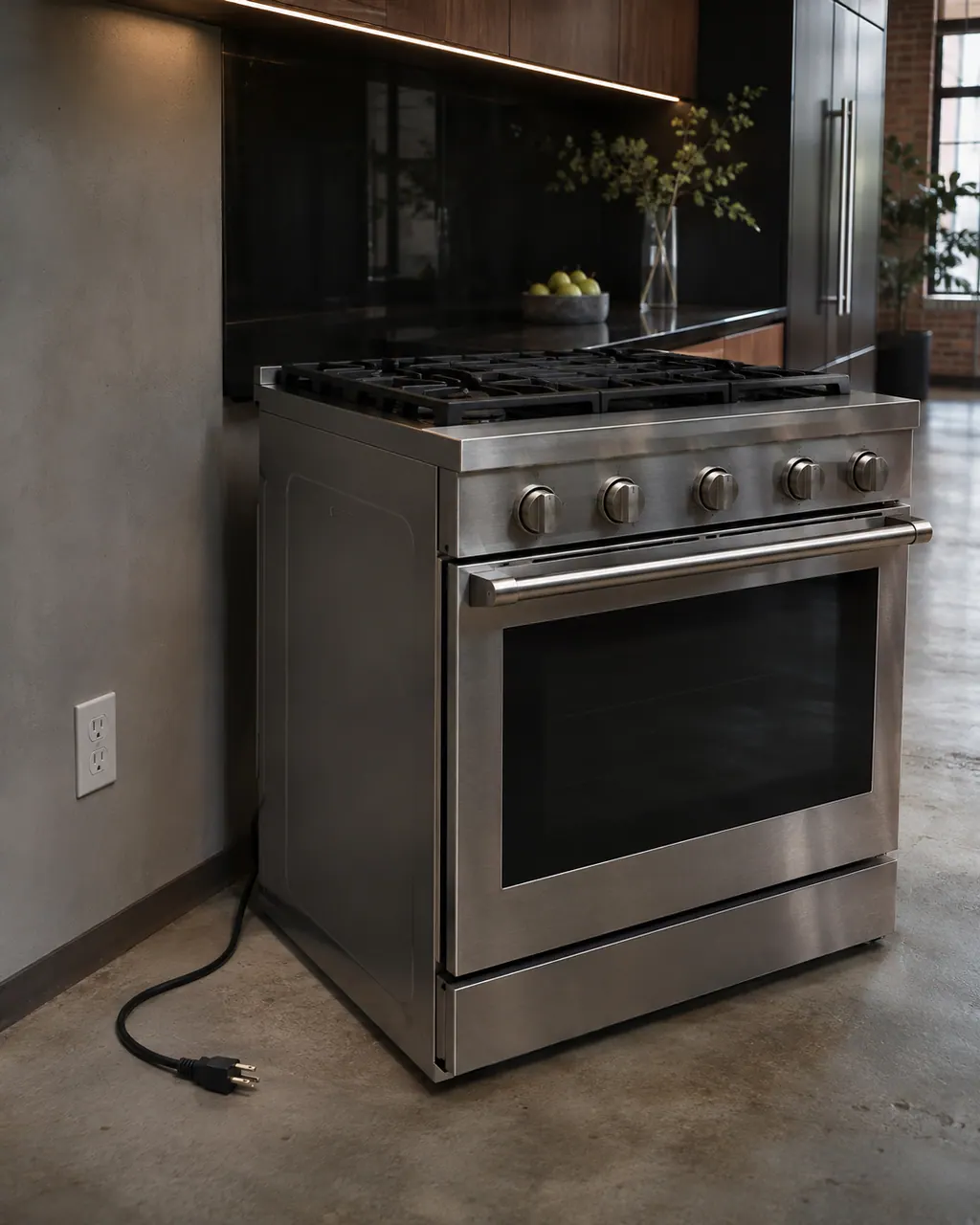
For a JennAir range that does nothing, JennAir lists the power first, then the lock, a delayed start and Demo Mode. On a new electric install, check the cord strain relief and terminal block wiring. After an outage, turn the breaker off for one minute.
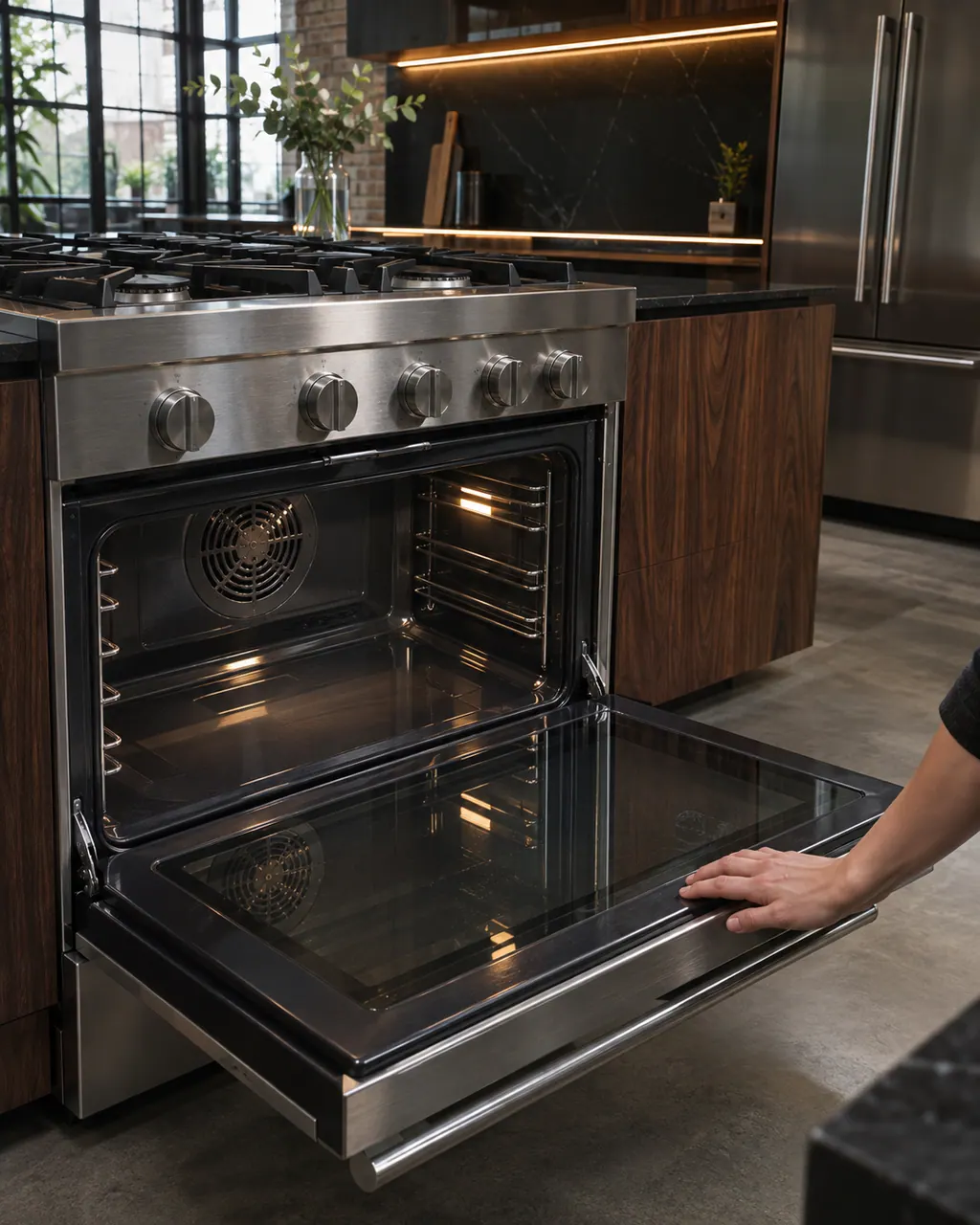
Most oven sounds on a JennAir gas range are normal: ignitor clicks every 1 to 3 minutes, a pop as the gas valve opens, a whoosh when gas ignites, popping as metal heats, and cooling or convection fan sound. A fan that keeps running after the oven goes off is normal too.
A range part depends on the fuel, the control type and the model, so none is promised in advance. The technician reads your model and serial number, tests the range and gets your approval before ordering.
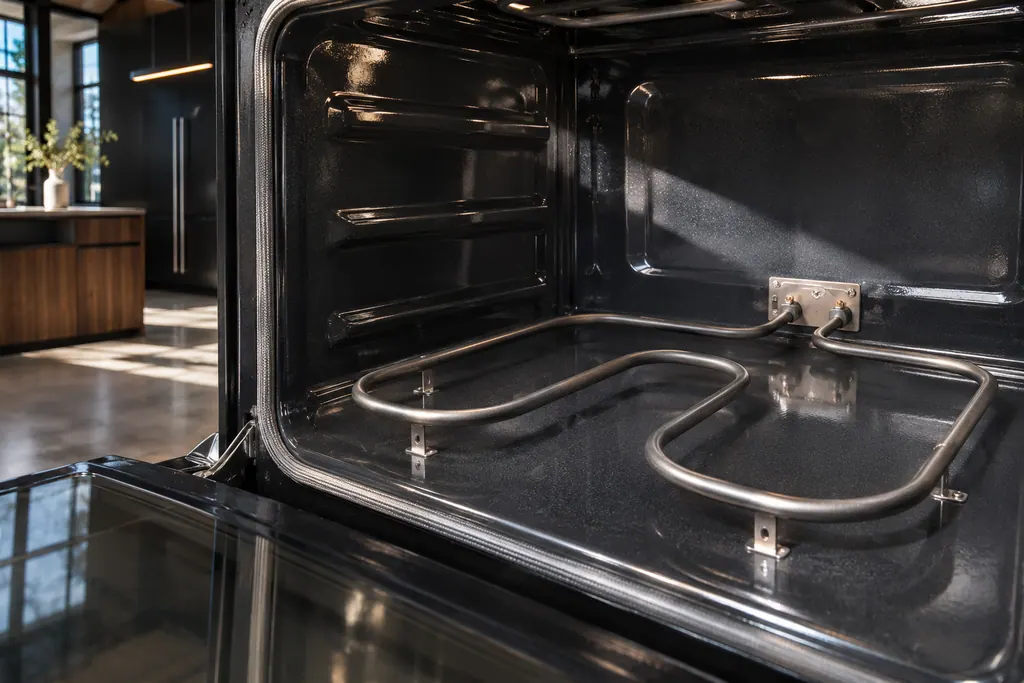
On JennAir ranges, FEE6 names the main cavity bake element and FEE7 the main cavity broil element, each with its wiring. The pages offer one owner step: a one-minute breaker reset. An element that stays cold afterwards needs a technician with the power off.

The electronic control is the board that manages the oven functions. JennAir names it in F1 E1, F3 and F4 codes, and as the shared suspect in many sensor and keypad codes. The help pages give one owner step, a one-minute power-down, and do not name a repair.
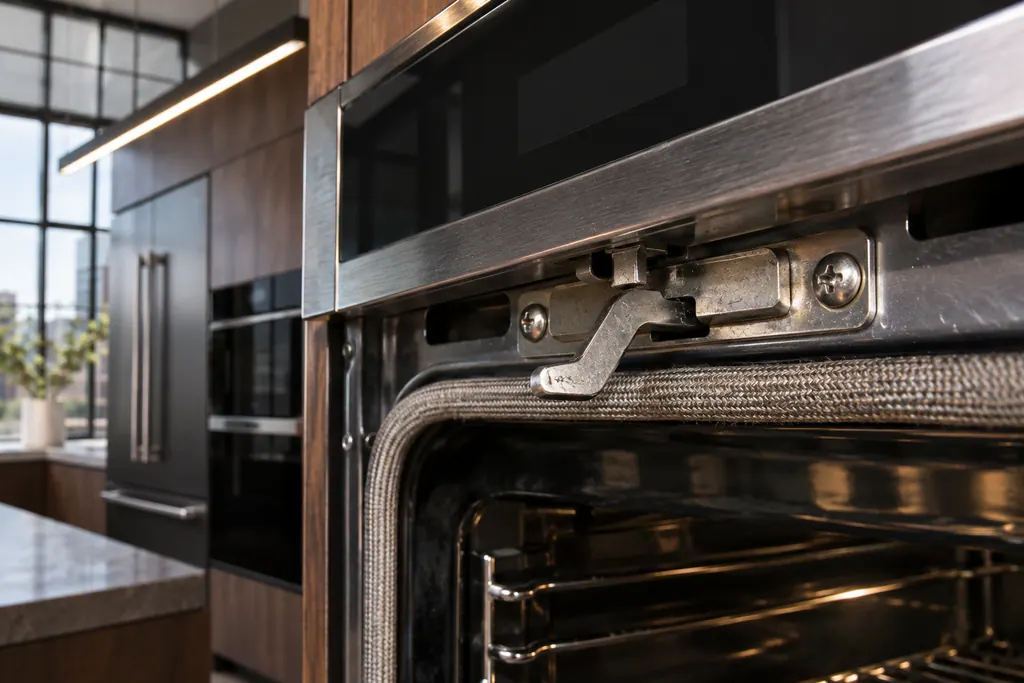
The latch assembly and its door switch lock the oven door for self-clean and report that the door is closed. JennAir lists them for F5 codes and F7 E0, and for the locked-door and door-will-not-close pages. A bent latch arm is one check you can do yourself.
What happens on a visit.
No surprises in your kitchen.
Tell us which appliance, what the display shows and where it is installed. A photo of the model plate helps.
The technician inspects the unit, explains the likely cause and agrees the cost with you before starting.
When the work is done, the technician tests the appliance and walks you through what was fixed.
A gas burner lights only when its knob is pushed in and turned. If the knob will not turn, remove it and check that its cutout lines up with the valve stem.
A cap must sit flush on its own base with little side-to-side play. The base and cap may carry a matching mark. Clean the ports with a pin or fine wire, with the cooktop cool and off.
After a new install or reconnection, the main gas valve must be on and one burner knob turned on to release air from the lines. Do not use oven cleaner, bleach or rust remover on burners.
All burners click but only the one at LITE lights. A damp burner clicks too, so let it dry, with cool air from a hair dryer to speed it up. Re-ignition after a draft is normal.
Smoothtop elements cycle on and off, and low settings such as Keep Warm never glow. Dark may just mean the control lock is on or the breaker tripped. Coil models need the coil seated and the knob pushed in.
On the professional-style range, a white Start button prompts you to press it after choosing mode and temperature. A blinking Temp/Mod knob means an invalid pairing, and amber means too hot to proof.
Gas burners will not light with clean ports, seated caps, the main valve on and breakers fine.
A smoothtop element stays dark with the lock off and the breaker reset.
The display is blank or partial after a one-minute breaker reset.
A burner pops or clicks after it has dried out, or the flame stays an odd color after cleaning.
If you smell gas, leave and call your gas utility or 911 first. Gas fittings and wiring are for the technician only.
Arrange a diagnosticBefore any work begins, the technician tells you what is needed and settles the cost with you. A built-in appliance may need to be examined on site before that figure is firm.
If JennAir's manufacturer warranty covers the repair, JennAir itself does the work. We back our own workmanship with a warranty.
Yes. Freestanding, slide-in and professional-style ranges, gas or electric, are here. Wall ovens, steam and combination units are on the ovens page.
The ignition system clicks at every burner, but only the one set to LITE gets a flame. If the one you chose stays dark, check the cap, the ports and the main gas valve.
Elements cycle on and off, and settings like Keep Warm do not glow at all. A control lock, a tripped breaker or a loose cord can also keep it dark.
On a professional-style range it prompts you to press Start once mode and temperature are chosen. A fast blink and a tone mean the knob pairing is not valid.
No. If the range is within the manufacturer's warranty, the manufacturer handles that repair. If not, book a technician and agree the price before work begins.
Code or symptom, part, service call
A blinking Start button on a JennAir professional-style range is normally a prompt: after you pick a mode and temperature, it flashes white after two seconds to ask for Start. A fast blink with a tone means an invalid knob combination, and without Start within two minutes the range times out to idle.
For a JennAir range that does nothing, JennAir lists the power first, then the lock, a delayed start and Demo Mode. On a new electric install, check the cord strain relief and terminal block wiring. After an outage, turn the breaker off for one minute.
The latch assembly and its door switch lock the oven door for self-clean and report that the door is closed. JennAir lists them for F5 codes and F7 E0, and for the locked-door and door-will-not-close pages. A bent latch arm is one check you can do yourself.
Schedule a diagnostic for your model, carried out at the appliance.
Office details, plus the access notes to pass along.