Start from the symptom
JennAir microwave built-in microwave will not start.
A microwave that has power but will not start is usually blocked by the door, the Control Lock, Demo Mode or a blank Energy Save display. Confirm that nothing stops the door shutting, check the lock, then switch the breaker off for a minute.
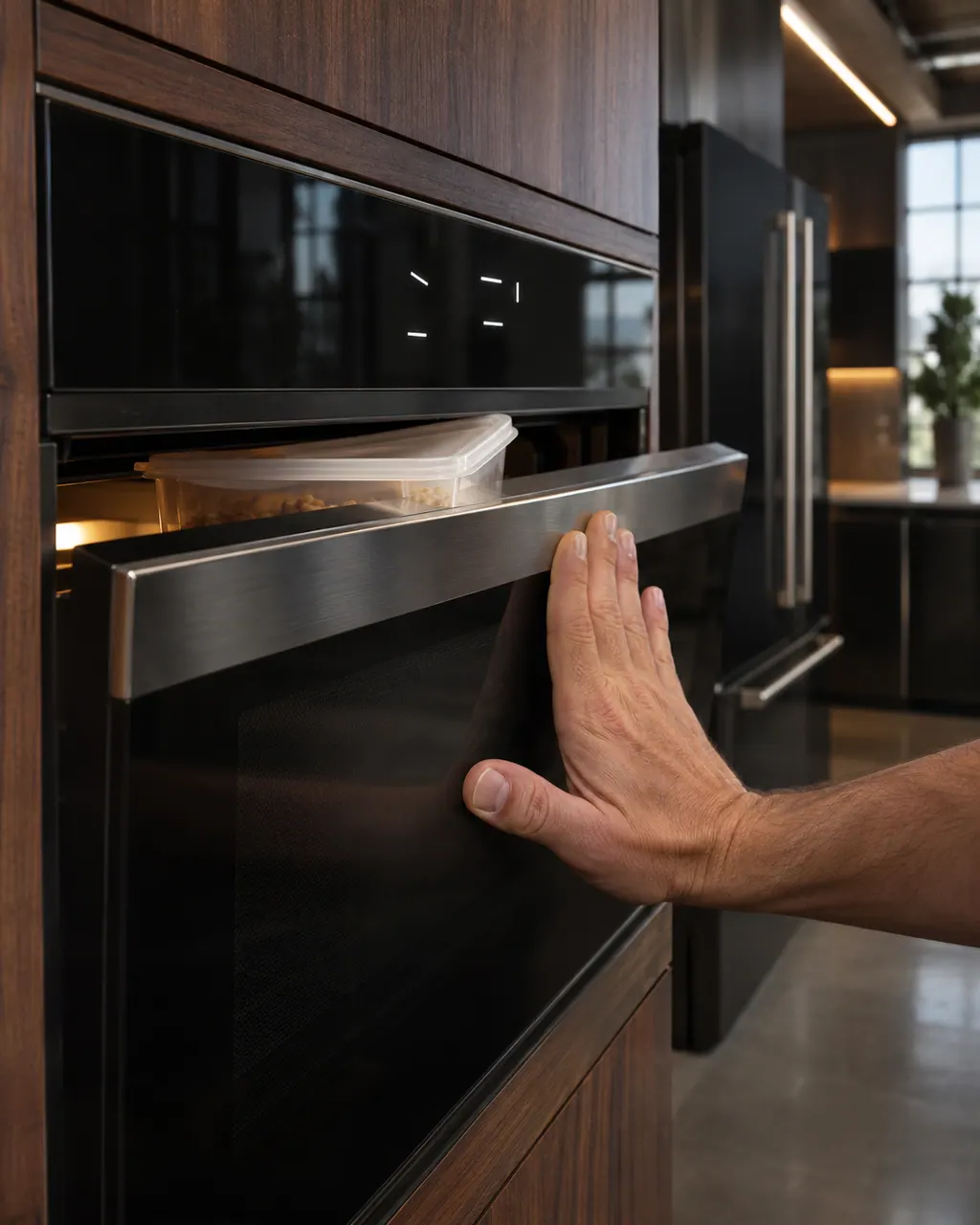
Start with safe observations.
Turn the appliance off and unplug it before any check you can do yourself. Look out for pooled water and sharp edges. Never touch a wet plug or live area, take off service panels, or go past your model’s owner instructions.
- 1
Check the door latch
Packing or shipping material, an oversized dish or a cooking rack out of position can stop the door from closing.
- 2
Check for Control Lock
While the lock is on, the control pads are dead and the microwave will not start.
- 3
Is the display blank?
Some models in Energy Save mode keep the display blank when not in use.
- 4
Is the timer set?
The Timer counts down but does not start or stop the oven. The microwave can still be used while it runs.
- 5
Check for Demo
In Demo Mode the light, fan and turntable run, but the magnetron is not turned on.
- 6
Reset the power
Switch the breaker off for one minute, back on, and verify operation. The same reset applies to a blank or partial display.
More about this symptom.
Does a blank display mean it is broken?#
Not always. On select models Energy Save mode puts the control and clock to sleep and blanks the display when the unit is idle.
Does the Timer stop the microwave?#
No. The Timer counts down but does not start or stop the oven. While it is in use, the microwave can still operate.
What do I do once every check has been tried?#
When the door closes, the lock is off, Demo Mode is off and a one-minute power reset leaves the oven dead or the display partial.
Systems a technician may investigate.
The symptom connects to these parts. What you observed cannot show that any single one has failed.
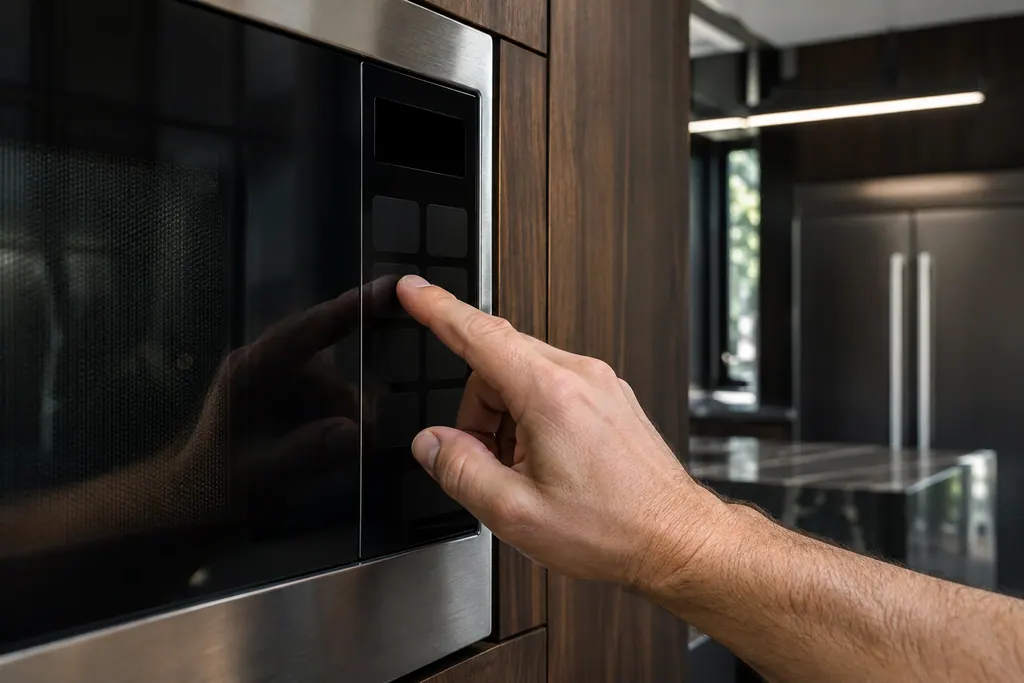
Microwave control lock
The Control Lock turns off the control panel pads so the microwave cannot be started by accident. JennAir lists it for both a start button that does nothing and a microwave that has power but will not run.
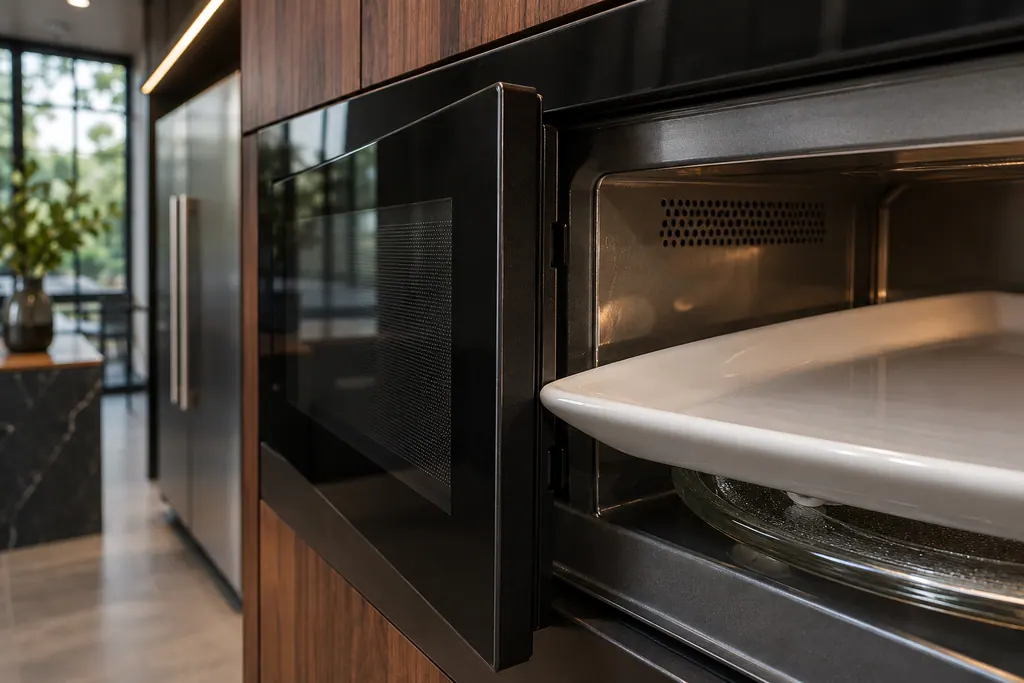
Microwave door latch
The door latch lets the microwave know the door is shut. JennAir’s not-operating page asks first whether the latch or lock is blocked by packing material, an oversized dish or a cooking rack out of position.
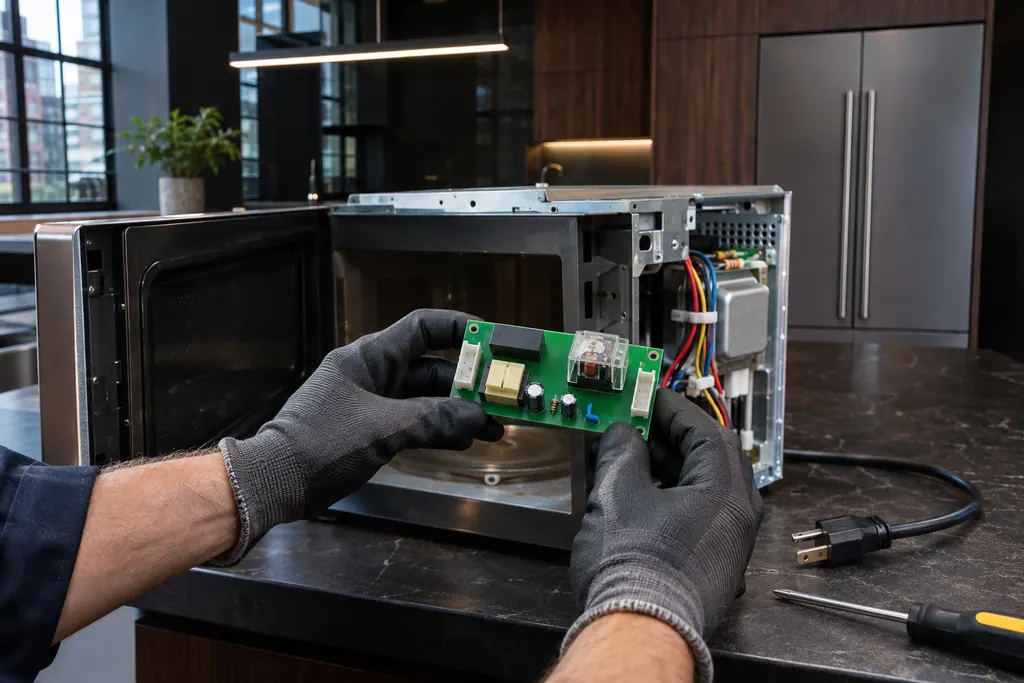
Microwave relay control board
The relay control board switches the microwave’s functions. JennAir’s F1E1 page for over-the-range microwaves says the oven could not execute the function and names the relay control board or its wiring as the possible problem.
If the display adds a code.
No code tied directly to this topic.
No further researched dishwasher code is attached to this topic. Compare your exact message with your model manual and do not stand in a different code from the library.
See the research statusFollow the care instructions written for this appliance.
When observation becomes a service request.
Leave internal testing to a technician.
The door seems to close and the oven still will not start.
The display stays blank or partial after a power reset.
The Start pad does nothing with the lock off.
The breaker trips when you start the unit.
Arrange a diagnosticSources and model boundaries.
The JennAir built-in microwave will not start guidance rests on these references. Pick the manual that fits your model.
- Not Operating - Has Power - Built-In Microwave - Product Help | JennAir
- Start Button Not Working - Built-In Microwave - Product Help | JennAir
- No or Partial Display - Built-In Microwave - Product Help | JennAir
Go by the instructions for your own model. See how we research these pages.
Why will my JennAir microwave not start when it has power?
JennAir lists a blocked door latch, a blank display, the Control Lock, the Timer being set and Demo Mode. Check each one in the owner's manual for your model.
What blocks the door from closing?
Packing or shipping material, a dish that is too big for the microwave, or a cooking rack out of position. An oversized plate can stop the door from closing.
What does the Control Lock do?
It disables the control panel pads to avoid unintended use. If it is on, the microwave will not start. The owner's manual has the steps to turn it off for your model.
What does Demo Mode do?
A mode on some models for learning the controls. Functions can be entered without turning on the magnetron, though the light, fan and turntable run. Exit it per the owner's manual.
How do I reset a microwave with a bad display?
Turn off the circuit breaker for one minute, turn it on again and verify operation. JennAir gives this for blank, partial and non-starting displays.
Code or symptom, part, service call
Tie the message to what comes next.
JennAir built-in microwave not heating
First confirm the controls: enter Cook Time, then Cook Power if it is not 100%, and press Start. Then test with one cup of water for one minute on HI. If heat rise is detected, the microwave is heating. With no power at all, check the breaker or fuse.
Microwave door latch
The door latch lets the microwave know the door is shut. JennAir’s not-operating page asks first whether the latch or lock is blocked by packing material, an oversized dish or a cooking rack out of position.
Microwave repair
Schedule a diagnostic for your model, carried out at the appliance.
Find your metro
Office details, plus the access notes to pass along.