Start from the symptom
JennAir oven door problems.
Most JennAir door complaints trace to something blocking the latch, a rack or pan that is not seated, or a door put back on wrong. Moisture on the glass and a rainbow tint are listed as normal and need no repair.
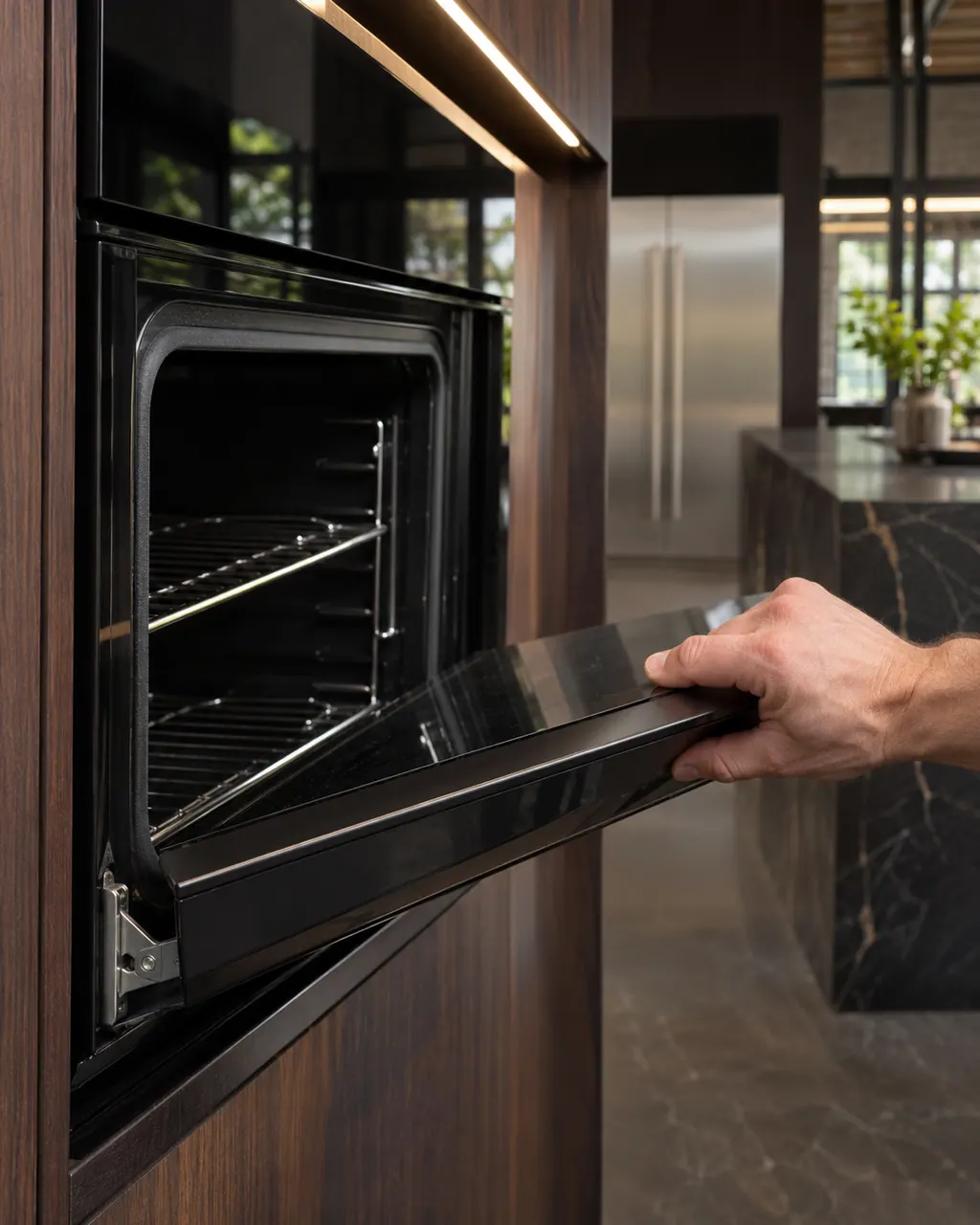
Start with safe observations.
Turn the appliance off and unplug it before any check you can do yourself. Look out for pooled water and sharp edges. Never touch a wet plug or live area, take off service panels, or go past your model’s owner instructions.
- 1
Look at the latch arm
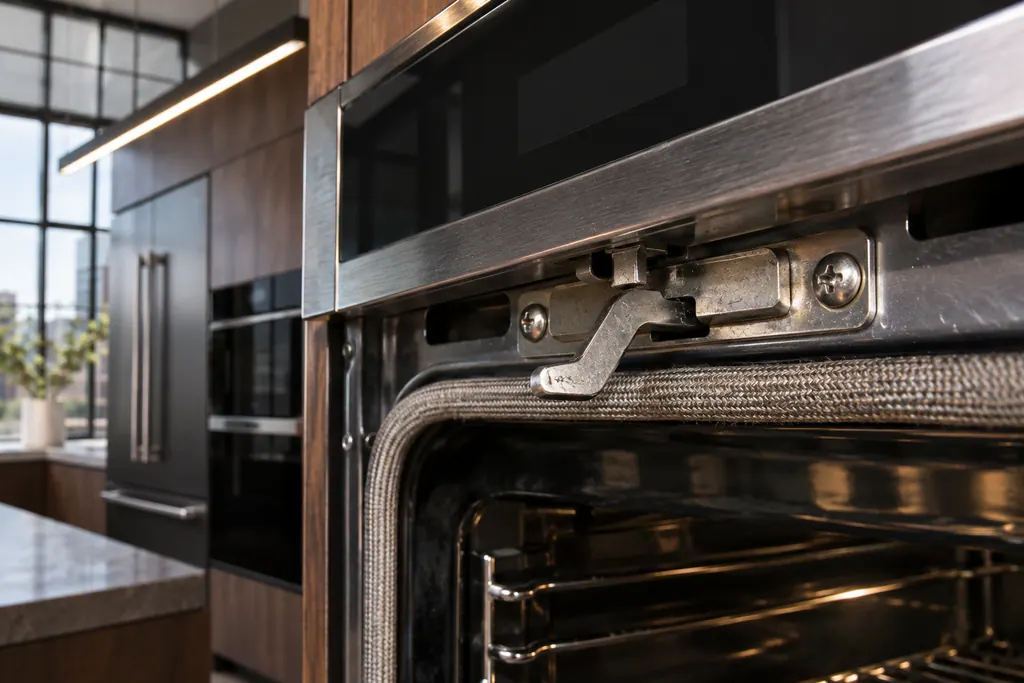
Open the door and check the lock latch arm at the top front of the frame, above the gasket. If it is bent up or down, the door cannot close.
- 2
Clear anything in the way
JennAir names packing material, an oversized dish or bakeware, a rack that is out of position, and built-up food or soil. On roll-out racks, slide the rack fully in.
- 3
Check the hinges after door removal
If the door was taken off, the hinges must be reset before it goes back on. Look at the hinge latch for a visible notch or gap; reinstall until you hear a click.
- 4
Check that the range is level
The range door page asks whether the range is level as one of its checks.
- 5
If the door is locked
Cancel to start a latch reset, wait 20 to 30 seconds, or switch the breaker off for one minute. After a clean cycle the oven must cool to about 200 F, and a manual latch needs 30 to 90 minutes before the arm moves left.
- 6
Know what is normal
Steam on the glass of a gas oven, moisture from wet foods, and green, purple or rainbow colors in the glass are described as normal. The color comes from a heat-reflecting oxide coating.
Systems a technician may investigate.
The symptom connects to these parts. What you observed cannot show that any single one has failed.
If the display adds a code.
Read the related care guide.
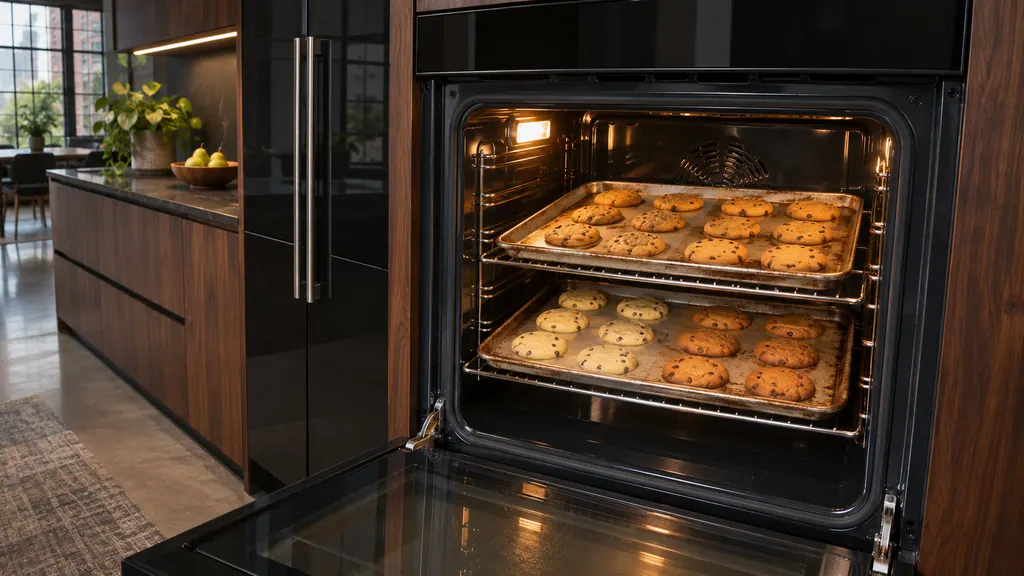
Oven browning one side? Check the pans first.
Uneven baking in a JennAir oven usually comes from pans, preheating or rack position before it points to the oven. Dark pans brown more, shiny pans brown less, and food loaded early gets too much top heat. Fix those, then check level and airflow. [1][2]
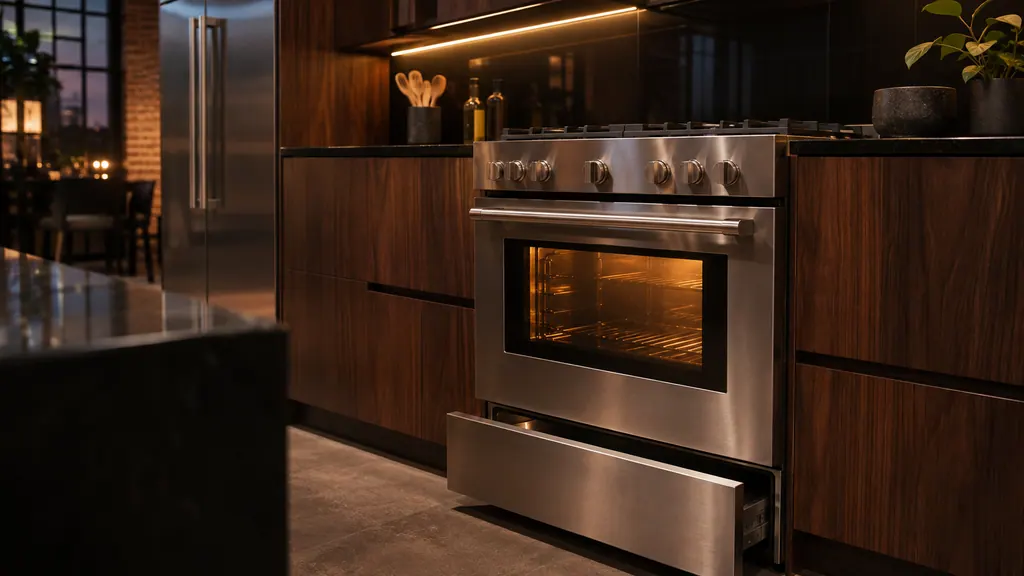
Gas oven clicking? Here is the normal sound.
Short clicks while a JennAir gas oven preheats are normal: the igniter sparks until it detects a flame, and on a range that can repeat every 1 to 3 minutes. Clicking with no flame, or a gas smell, is different. Check the valves and the door, and stop if you smell gas. [1][2]
When observation becomes a service request.
Leave internal testing to a technician.
The latch arm will not move after the oven has cooled, it sits between the left and right positions, or the door will not seat after the checks. Book a visit.
Arrange a diagnosticSources and model boundaries.
The JennAir oven door problems guidance rests on these references. Pick the manual that fits your model.
- Oven Door is Not Closing - Checking the Latch - Product Help | JennAir
- How to Determine if the Rack is Keeping the Oven Door Open - Product Help | JennAir
- Door Not Closing - Range - Product Help | JennAir
- Oven Door Not Aligned - Range - Product Help | JennAir
- Door Locked - Range - Product Help | JennAir
- Moisture On Door - Range - Product Help | JennAir
- Moisture on the Inner Window - Product Help | JennAir
- Rainbow Colors in the Oven Door Glass - Product Help | JennAir
Go by the instructions for your own model. See how we research these pages.
What is the fog between my oven door glass panes?
On a gas oven the burner makes steam that condenses on the cool glass, and wet foods add more. JennAir says it clears once the oven is hot, so it is not a defect.
Why does my door glass show rainbow colors?
The inner glass has an oxide coating that reflects heat back into the oven. JennAir says the tint is a normal feature that does not need service.
How long before a locked door opens after a clean cycle?
The oven has to drop to about 200 F. With a manual latch, JennAir says to wait roughly 30 to 90 minutes before moving the arm left.
Can a rack stop the door from closing?
Yes. A rack not pushed in fully, or a pan too large for the cavity, can hold the door open. JennAir asks for 2 inches of clearance around bakeware.
Code or symptom, part, service call
Tie the message to what comes next.
Locked, Lock or Loc
Locked, Lock or Loc on a JennAir range or wall oven means the control lock is on: the pads are shut down and the door is locked to prevent unintended use. Touch and hold START/ENTER for five seconds to unlock.
JennAir oven temperature problems
JennAir says not to judge oven temperature with a thermometer, because the elements cycle and most thermometers react too slowly. Check preheat time, racks, pan spacing and foil first, then run the biscuit test before any calibration.
Oven door latch assembly
The latch assembly and its door switch lock the oven door for self-clean and report that the door is closed. JennAir lists them for F5 codes and F7 E0, and for the locked-door and door-will-not-close pages. A bent latch arm is one check you can do yourself.
Oven repair
Schedule a diagnostic for your model, carried out at the appliance.
Find your metro
Office details, plus the access notes to pass along.