What it means
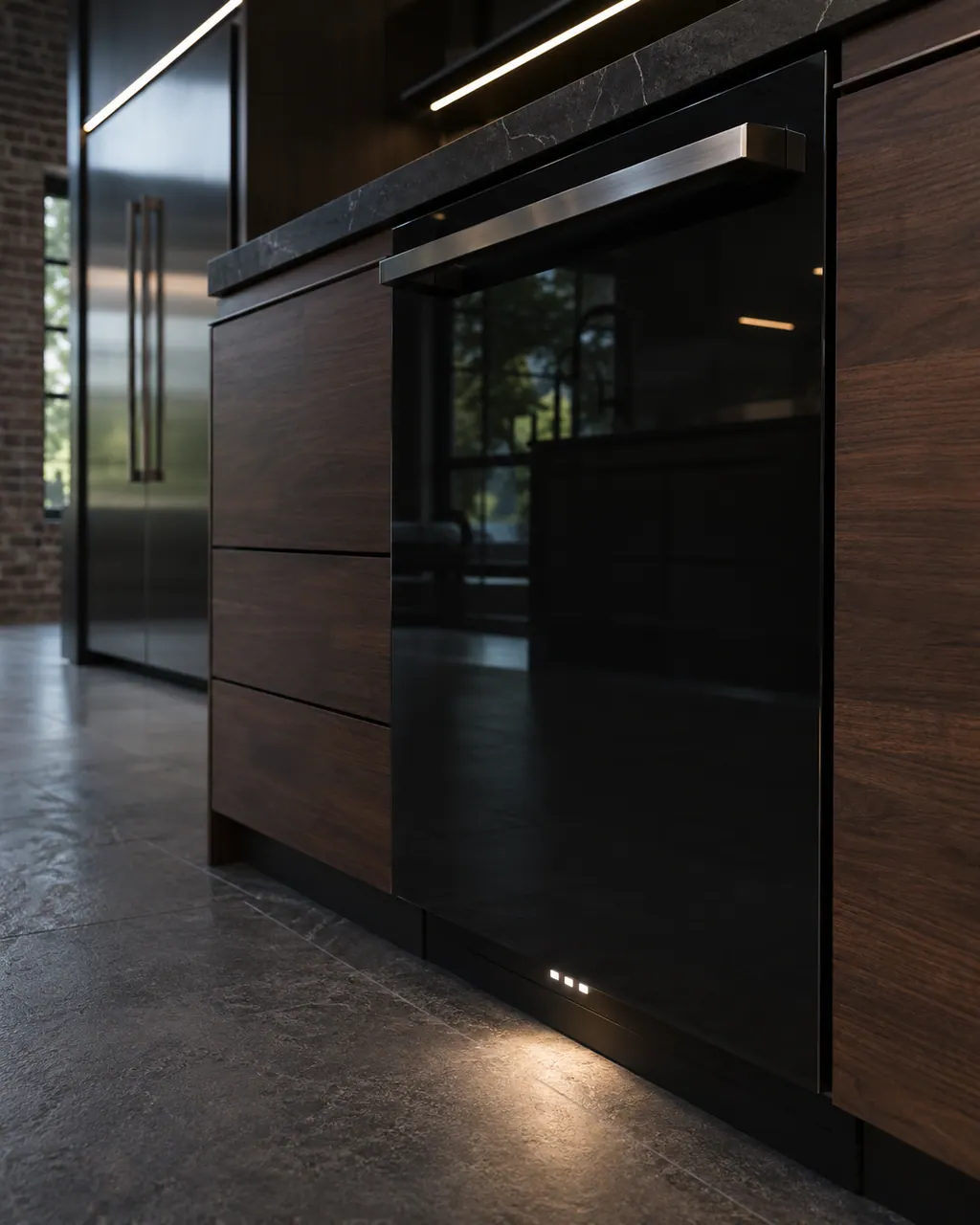
JennAir's front status light reports progress this way: blue while washing, red while drying, white when the cycle is complete, and blinking when it has paused. If it stays dark, JennAir asks for a 30-second power cycle.
JennAir dishwasher Front status lights / Indicator lights
JennAir's front status light reports progress this way: blue while washing, red while drying, white when the cycle is complete, and blinking when it has paused. If it stays dark, JennAir asks for a 30-second power cycle.
Also shown as Front status lights
JennAir's front status light reports progress this way: blue while washing, red while drying, white when the cycle is complete, and blinking when it has paused. If it stays dark, JennAir asks for a 30-second power cycle.
Blue means washing, red means drying, white means done, and blinking means paused.
The status light stays dark after the power cycle.
Checks you have ticked / saved in this browser
Blue means washing, red means drying, white means done, and blinking means paused. Match what you see to that list.
A blinking light means the cycle stopped. Look at the door latch, and close it firmly if it was opened.

Disconnect the dishwasher at the outlet or breaker, count thirty, then reconnect.

See whether the front light now comes on. If it stays dark with a running cycle, book a visit.
Send the model and the checks you have already run, then begin your request from this page.
Book a visit
A simplified drawing, because layouts change with the model. Tap an outlined part to see a photo and the related check.
JennAir lists four states: blue for washing in progress, red for drying in progress, white for cycle completed, and blinking for a paused cycle. The light shines on the floor or the front, depending on the model.
Read the supporting manualA separate JennAir page covers a front light that never illuminates, and its only step is a half-minute power cycle.
Read the supporting manualWhite means the cycle is completed. Dishes may still be warm and damp, especially glassware.
Read the supporting manualManufacturer document
JennAir Product Help (producthelp.jennair.com)
dateModified 2024-04-25; PH 12207 / PH 12207 (dishwasher)
Manufacturer document
JennAir Product Help (producthelp.jennair.com)
dateModified 2026-06-08; PH 14212 / PH 14212 (dishwasher)
Covers the front status light on JennAir dishwashers. Sources: PH 12207 (2024-04-25) and the not-illuminated page PH 14212 (2026-06-08).
White means the cycle is completed. Dishes may still be warm and damp, particularly plastic and glassware, so give them a few minutes before unloading.
Blinking means the cycle has paused. See whether the door is fully latched; if someone opened it mid-wash, shutting it should let the cycle resume.
JennAir has a separate page for a front status light that does not illuminate. Its step is a thirty-second power cycle at the plug or breaker, then a short test run.
Per JennAir, red means drying is in progress. The page does not describe what the dishwasher does during that stage.
When the light remains dark through the reset and the dishwasher misbehaves or refuses to run. Pass on the model and what the light showed earlier.
Code or symptom, part, service call
JennAir's order is power, then the door and lower rack, then water supply, control lock, delay start, and a one-minute reset. A dishwasher that will not fill adds the drain loop height and an interrupted-cycle flash to the list.
Schedule a diagnostic for your model, carried out at the appliance.
Office details, plus the access notes to pass along.