JennAir oven Blinking amber light and tones / Professional-style range light

JennAir oven
error Blinking amber light and tones

Oven / display referenceBlinking amber light and tones

Amber lights that blink with three short tones and one longer tone mean a professional-style JennAir range has stored an error. Turn the Mode and Temp knobs to any new position, then set Mode to Bake and Temp to Off. If the amber lights return, the range needs a technician.

Also shown as Blinking amber light and tones

Last reviewed

Oven / display referenceBlinking amber light and tones
Meaning
Amber lights that blink with three short tones and one longer tone mean a professional-style JennAir range has stored an error. Turn the Mode and Temp knobs to any new position, then set Mode to Bake and Temp to Off. If the amber lights return, the range needs a technician.

Who handles it
Reset, then book
Source
Blinking Amber Light - Commercial Range - Product Help | JennAir

What JennAir oven Blinking amber light and tones means.

What it means

Amber lights that blink with three short tones and one longer tone mean a professional-style JennAir range has stored an error. Turn the Mode and Temp knobs to any new position, then set Mode to Bake and Temp to Off. If the amber lights return, the range needs a technician.

What you can safely check

Take pans off and let the burners and oven cool before you touch the knobs.

When to call a technician

Amber lights return after the knob move.

Checks you have ticked / saved in this browser

Safe checks, in order.

0 of 4 checks done
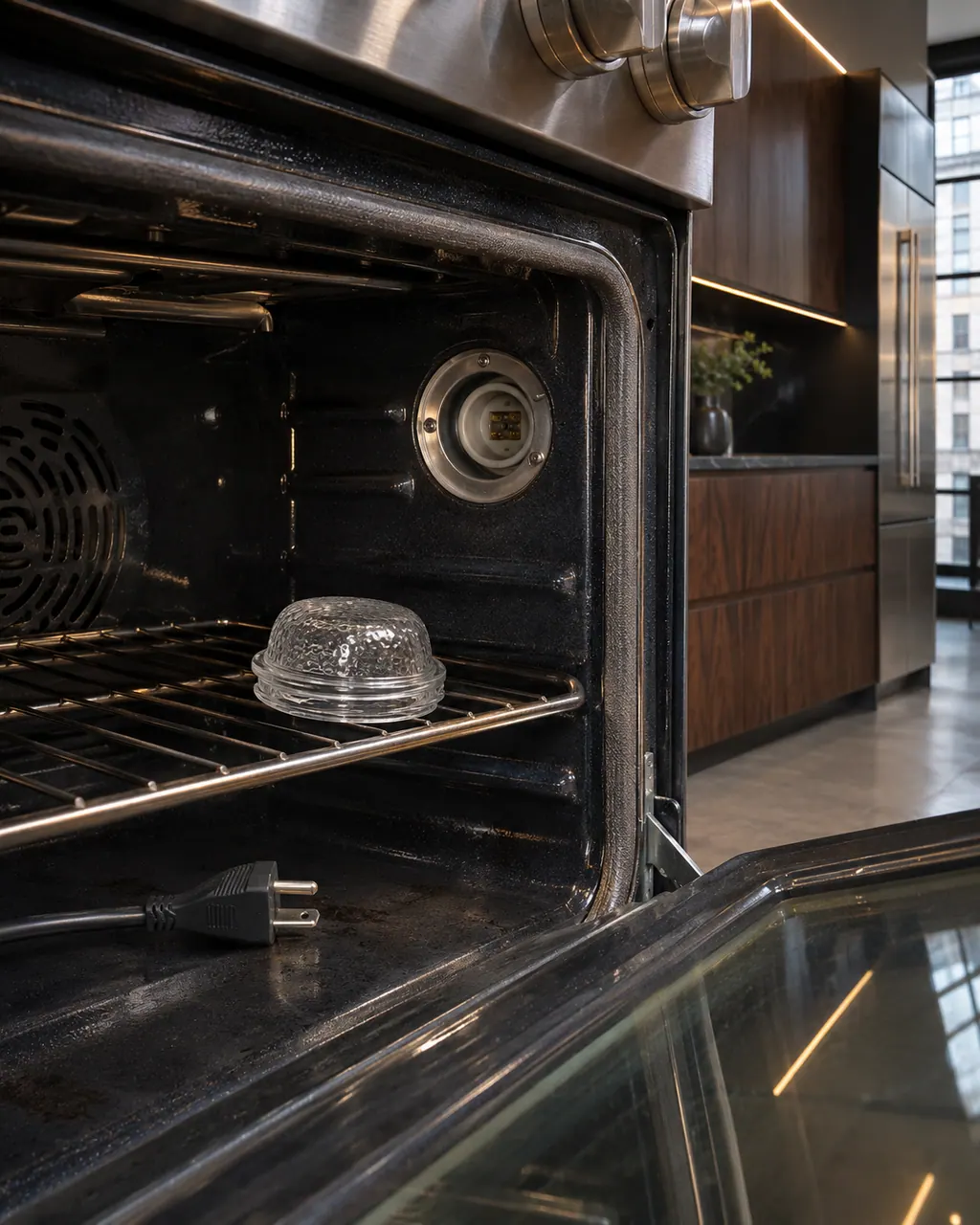
  1. JennAir oven Blinking amber light and tones: Inside a range oven the lamp cover sits on the rack beside an empty lamp socket, with an unplugged power cord lying on the oven floor.
    Illustration. Follow your model’s instructions.
    Before you begin

    Stop cooking and cool down

    Take pans off and let the burners and oven cool before you touch the knobs. A range signaling an error is not worth rushing.

  2. Ranges & ovens in a thoughtfully designed home
    Illustration. Follow your model’s instructions.
    Check 2

    Rotate both knobs

    Move the Mode knob and the Temp knob to any new position, then put Mode back on Bake and Temp on Off. This is the clearing move on the newer 2025 page.

  3. The black glass control strip of a built-in wall oven above its stainless handle
    Illustration. Follow your model’s instructions.
    Check 3

    Compare the older power cycle

    The 2024 edition instead asks for a one-minute power cycle. If the knob move does nothing, ask which edition your range follows when you book.

  4. Over the shoulder view of a person holding a tablet with a blank checklist, a refrigerator behind.
    Illustration. Follow your model’s instructions.
    Check 4

    Count the tones and lights

    Note the three short tones plus one long tone, which lights blink, and whether the Start button is also lit. A technician can read the F and E digits from that.

Still showing Blinking amber light and tones?

Send the model and the checks you have already run, then begin your request from this page.

Book a visit

The touch panel and control.

Conceptual Range / oven sectionKeypad / touch panelControl boardElement wiring123
  1. 3Element wiring

A simplified drawing, because layouts change with the model. Tap an outlined part to see a photo and the related check.

A little more context.

What do blinking amber lights on a professional-style range mean?

JennAir says amber blinking, joined by three short tones and a longer fourth, signals an error. The page then sends you to its error-code section to name the code from the LEDs.

Read the supporting manual

How do I clear the amber blinking?

Rotate the Mode and Temp knobs to a new position, then return Mode to Bake and Temp to Off. If the error was temporary, the lights stop and the range works normally.

Read the supporting manual

Why do two JennAir pages give different steps?

The 2025 page uses the knob rotation, while the 2024 page asks for a one-minute power cycle. Both aim at the same result: a cleared control.

Read the supporting manual

Is the range safe to use with amber lights blinking?

Treat it as unsafe to cook with until the lights clear, because the range itself reports an error. That is our caution, not a JennAir line.

Read the supporting manual

The manual behind the message.

Manufacturer document

Blinking Amber Light - Commercial Range - Product Help | JennAir

JennAir Product Help (producthelp.jennair.com)

dateModified 2025-10-01; PH 14139 / PH 14139 (professional-style range)

Manufacturer document

Blinking Amber Light - Commercial Range - Product Help | JennAir

JennAir Product Help (producthelp.jennair.com)

dateModified 2024-11-05; PH 13085 / PH 13085 (professional-style range)

Scope: professional-style range only. Read from JennAir Product Help PH 14139 (2025 edition) and PH 13085 (2024 edition).

Here to help

Good questions.
Clear answers.

Talk to our team
What are the amber lights on my JennAir range telling me?

They signal a stored error on a professional-style range, with three short tones and then one longer tone. The LED reading rule then names the code.

How do I stop the amber blinking?

Turn the Mode and Temp knobs to new positions, then return Mode to Bake and Temp to Off. If the lights stay off, the error was temporary.

What if the amber lights come back?

JennAir says service is needed. Write down the pattern and any F and E digits you can read, then book a technician.

Does the tone pattern matter?

Yes. Three short tones then one longer tone is the pattern JennAir ties to an error. A single beep after a button press is normal and not the same thing.

Let’s take care of it.

Something on the display?
Send us the details.

