What it means
Cooktop Lock on a JennAir range means the control lock for the surface cooking areas is on. JennAir describes it as protection against unintended use. Touch and hold LOCK for three seconds to turn it off.
JennAir oven Cooktop Lock / Cooktop message
Cooktop Lock on a JennAir range means the control lock for the surface cooking areas is on. JennAir describes it as protection against unintended use. Touch and hold LOCK for three seconds to turn it off.
Also shown as Cooktop Lock
Cooktop Lock on a JennAir range means the control lock for the surface cooking areas is on. JennAir describes it as protection against unintended use. Touch and hold LOCK for three seconds to turn it off.
Before you unlock, make sure nothing sits on the surface and no pot is on a cold zone.
LOCK does not respond after cleaning.
Checks you have ticked / saved in this browser
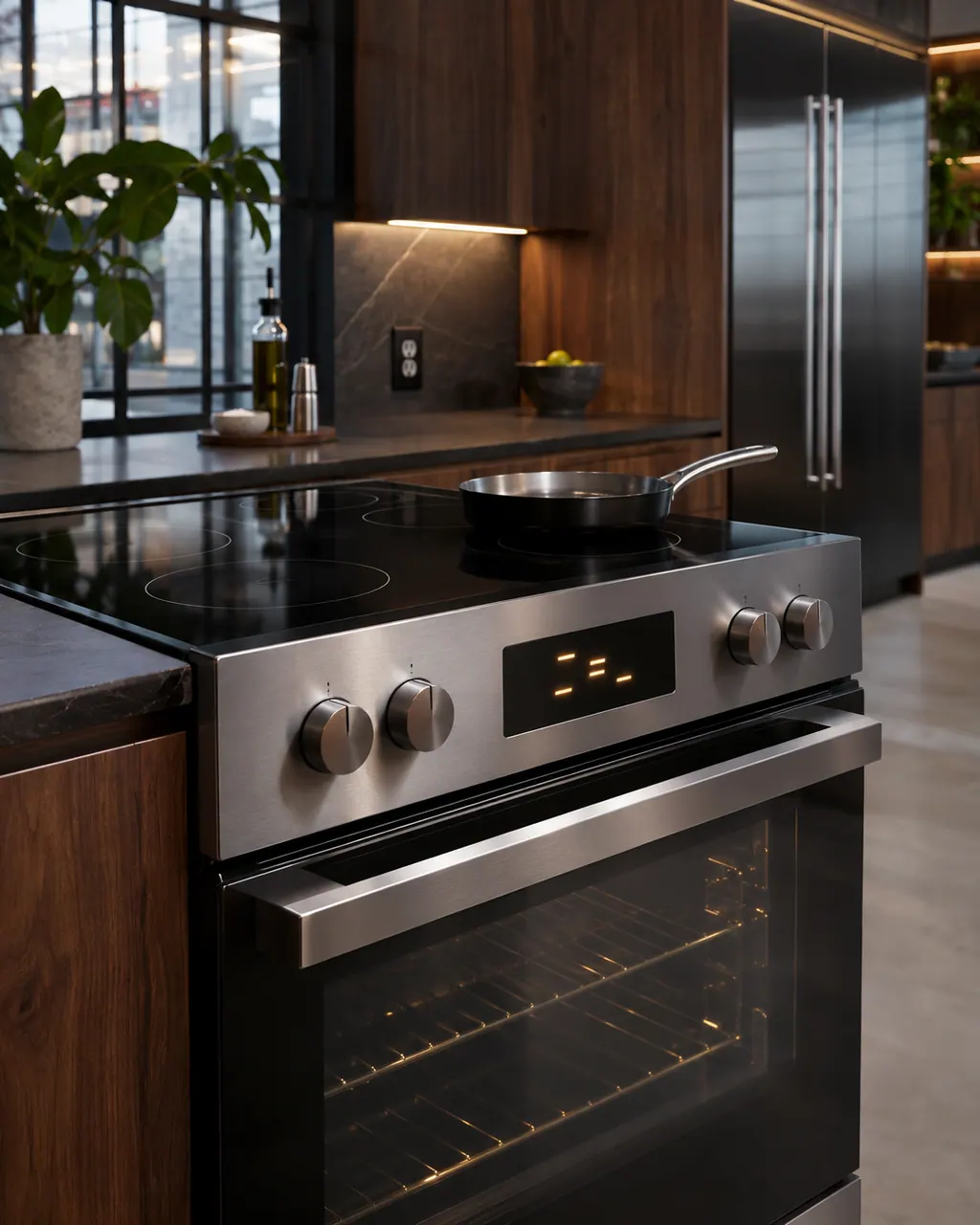
Before you unlock, make sure nothing sits on the surface and no pot is on a cold zone.

Hold the LOCK key for three seconds. The page gives that as the unlock gesture.

Select a burner and see that it responds. If the lock message returns at once, repeat once more.

The lock is useful when cleaning or when kids are near, so re-lock when you leave the kitchen.
Send the model and the checks you have already run, then begin your request from this page.
Book a visit

A simplified drawing, because layouts change with the model. Tap an outlined part to see a photo and the related check.
The surface cooking areas are locked so they cannot be turned on by accident.
Read the supporting manualTouch and hold LOCK for three seconds.
Read the supporting manualYes. The oven lock, shown as Locked, Lock or Loc, is a separate setting for the oven controls.
Read the supporting manualIf three seconds on LOCK does nothing, clean the touch area and try again. A repeated failure is worth a visit.
Read the supporting manualManufacturer document
JennAir Product Help (producthelp.jennair.com)
dateModified 2024-08-16; PH 12855 / PH 12855 (range)
Scope: JennAir ranges with a cooktop. Read from JennAir Product Help PH 12855.
No. It is a lock setting that stops the surface cooking areas from being used.
Three seconds, according to JennAir's range page.
No. The oven has its own lock setting listed separately.
The page does not say. Treat a hot surface with care regardless of the lock.
Code or symptom, part, service call
Locked, Lock or Loc on a JennAir range or wall oven means the control lock is on: the pads are shut down and the door is locked to prevent unintended use. Touch and hold START/ENTER for five seconds to unlock.
JennAir says not to judge oven temperature with a thermometer, because the elements cycle and most thermometers react too slowly. Check preheat time, racks, pan spacing and foil first, then run the biscuit test before any calibration.
Schedule a diagnostic for your model, carried out at the appliance.
Office details, plus the access notes to pass along.