JennAir oven Cooling Fan Speed / Cooling fan

JennAir oven
error Cooling Fan Speed

Oven / display referenceCooling Fan Speed

The Cooling Fan Speed message says the oven cooling fan is running too slowly or too quickly. JennAir names an airflow restriction, the cooling fan or its wiring. Clear the vents, then switch the breaker off for one minute and watch the oven.

Also shown as Cooling Fan Speed

Last reviewed

Oven / display referenceCooling Fan Speed
Meaning
The Cooling Fan Speed message says the oven cooling fan is running too slowly or too quickly. JennAir names an airflow restriction, the cooling fan or its wiring. Clear the vents, then switch the breaker off for one minute and watch the oven.

Who handles it
Reset, then book
Related codes
Source
Cooling Fan Speed - Range - Product Help | JennAir

What JennAir oven Cooling Fan Speed means.

What it means

The Cooling Fan Speed message says the oven cooling fan is running too slowly or too quickly. JennAir names an airflow restriction, the cooling fan or its wiring. Clear the vents, then switch the breaker off for one minute and watch the oven.

What you can safely check

A cooling fan message means heat management is in question.

When to call a technician

The message returns after the vent check and reset.

Checks you have ticked / saved in this browser

Safe checks, in order.

0 of 4 checks done
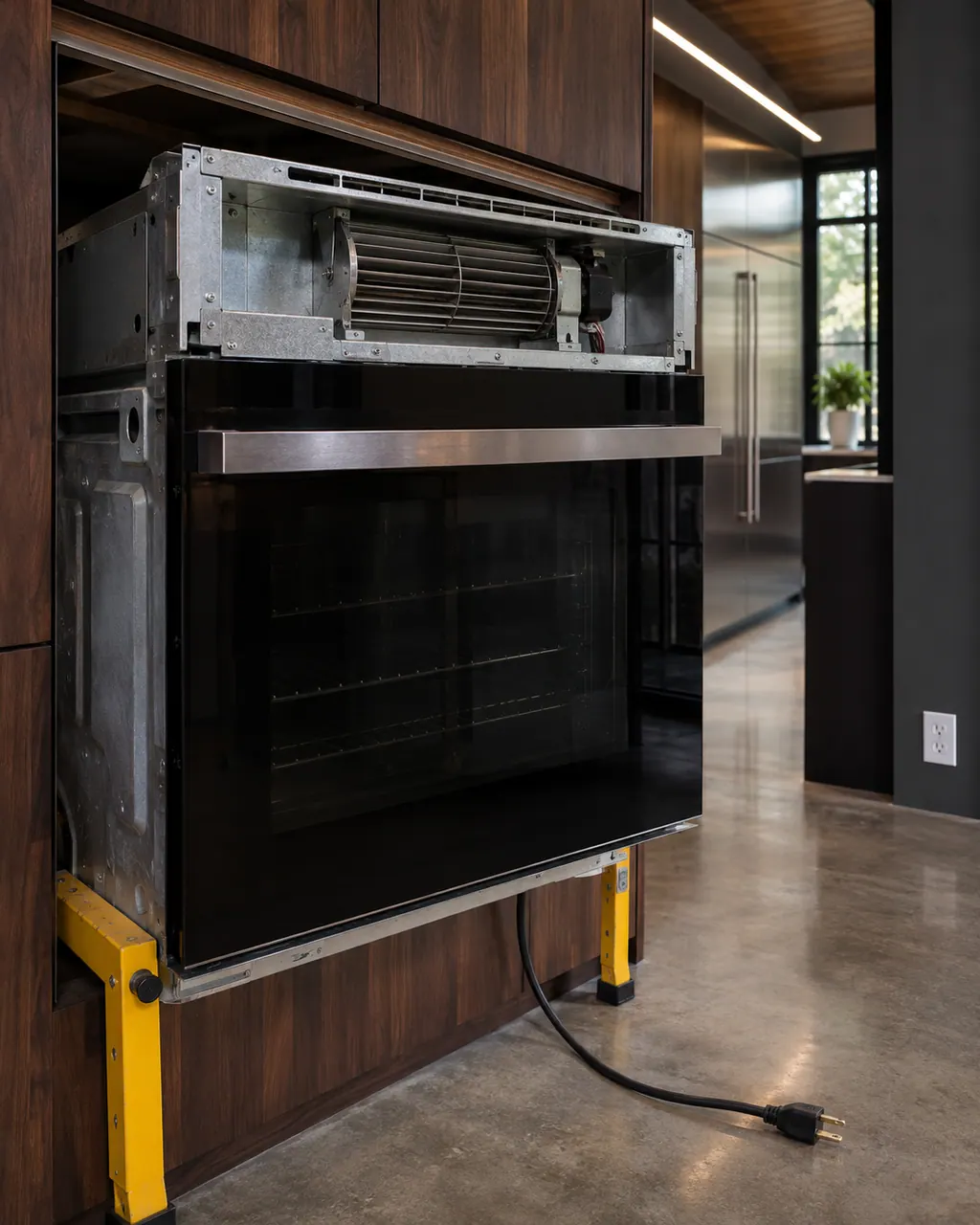
  1. JennAir oven Cooling Fan Speed: Wall oven with its top cooling fan housing pulled forward, bladed blower wheel exposed, the power cord with a three-prong plug lying unplugged on the floor
    Illustration. Follow your model’s instructions.
    Before you begin

    Let the oven cool

    A cooling fan message means heat management is in question. Wait until the cavity and cabinet are cool before you look around.

  2. Ranges & ovens in a thoughtfully designed home
    Illustration. Follow your model’s instructions.
    Check 2

    Clear the vents and surrounding space

    Remove anything blocking the oven vents or tucked against the oven. JennAir names an airflow restriction as one cause.

  3. The black glass control strip of a built-in wall oven above its stainless handle
    Illustration. Follow your model’s instructions.
    Check 3

    Reset power for a minute

    Breaker off for one minute, on again, watch the oven for one minute and check it runs.

  4. Over the shoulder view of a person holding a tablet with a blank checklist, a refrigerator behind.
    Illustration. Follow your model’s instructions.
    Check 4

    Listen to the fan

    After a bake, note whether the fan is loud, quiet or constant. That detail helps a technician.

Still showing Cooling Fan Speed?

Send the model and the checks you have already run, then begin your request from this page.

Book a visit

The touch panel and control.

Conceptual Range / oven sectionKeypad / touch panelControl boardElement wiring123
  1. 3Element wiring

A simplified drawing, because layouts change with the model. Tap an outlined part to see a photo and the related check.

Parts behind the message.

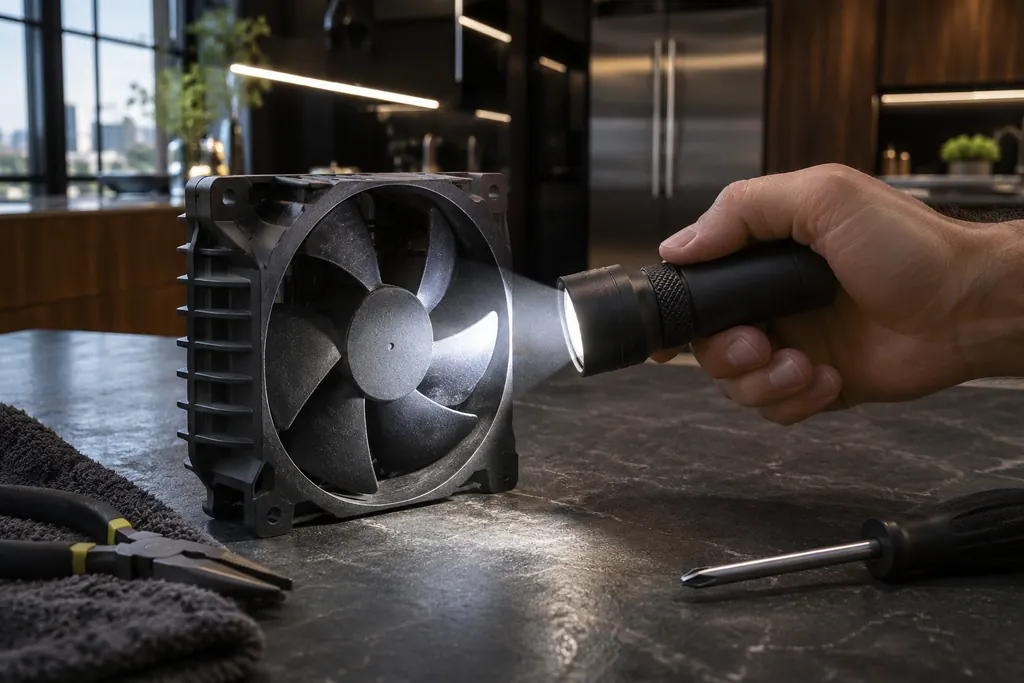
Black cooling fan with a ribbed housing on a counter, a flashlight beam across the blades.

Component reference

Oven cooling fan

JennAir ovens run a cooling fan during and after use, and the pages say that humming is normal.

Read the definition

A little more context.

What does Cooling Fan Speed mean?

The control sees the fan turning too slowly or too fast. JennAir lists airflow restriction, the cooling fan and its wiring as the possible trouble spots.

Read the supporting manual

What can I check myself?

Look for blocked vents and clear the space around the oven. Then do the one-minute breaker reset.

Read the supporting manual

How is it related to F8 and 4d codes?

The fan codes F8E0 to F8E3 and 4d21 to 4d42 use similar wording on separate rows.

Read the supporting manual

Is it safe to keep baking?

Short, light use may be fine if the oven behaves, but a fan that cannot cool the cabinet can stress the oven. Stop on repeat.

Read the supporting manual

The manual behind the message.

Manufacturer document

Cooling Fan Speed - Range - Product Help | JennAir

JennAir Product Help (producthelp.jennair.com)

dateModified 2024-11-07; PH 13132 / PH 13132 (range)

Scope: JennAir range. Read from JennAir Product Help PH 13132 (range).

Here to help

Good questions.
Clear answers.

Talk to our team
Does Cooling Fan Speed mean the fan is dead?

Not necessarily. The page lists an airflow restriction as a cause alongside the fan and wiring.

Why does it say too low or too high?

JennAir's page covers both directions with one message and one reset.

Should I stop self-cleaning?

Avoid long hot cycles until the message stays away, since cooling matters most then.

Can I clear the message by itself?

Try the vent check and breaker reset. If it returns, book a technician.

Let’s take care of it.

Something on the display?
Send us the details.