JennAir oven Demo Mode / Display message

JennAir oven
error Demo Mode

Oven / display referenceDemo Mode

Demo Mode lets a JennAir oven show its controls without heating, and an oven left in it will not work. On a range, press SETTINGS/CLOCK until DEMO MODE appears and turn it off with the 1 key. On a wall oven choose Tools, INFO, Store Demo Mode, then OFF.

Also shown as Demo Mode

Last reviewed

Oven / display referenceDemo Mode
Meaning
Demo Mode lets a JennAir oven show its controls without heating, and an oven left in it will not work. On a range, press SETTINGS/CLOCK until DEMO MODE appears and turn it off with the 1 key. On a wall oven choose Tools, INFO, Store Demo Mode, then OFF.

Who handles it
Information only
Source
Demo Mode - Range - Product Help | JennAir

What JennAir oven Demo Mode means.

What it means

Demo Mode lets a JennAir oven show its controls without heating, and an oven left in it will not work. On a range, press SETTINGS/CLOCK until DEMO MODE appears and turn it off with the 1 key. On a wall oven choose Tools, INFO, Store Demo Mode, then OFF.

What you can safely check

Demo Mode means the oven will not heat, so nothing is cooking.

When to call a technician

Demo Mode returns after you switch it off.

Checks you have ticked / saved in this browser

Safe checks, in order.

0 of 4 checks done
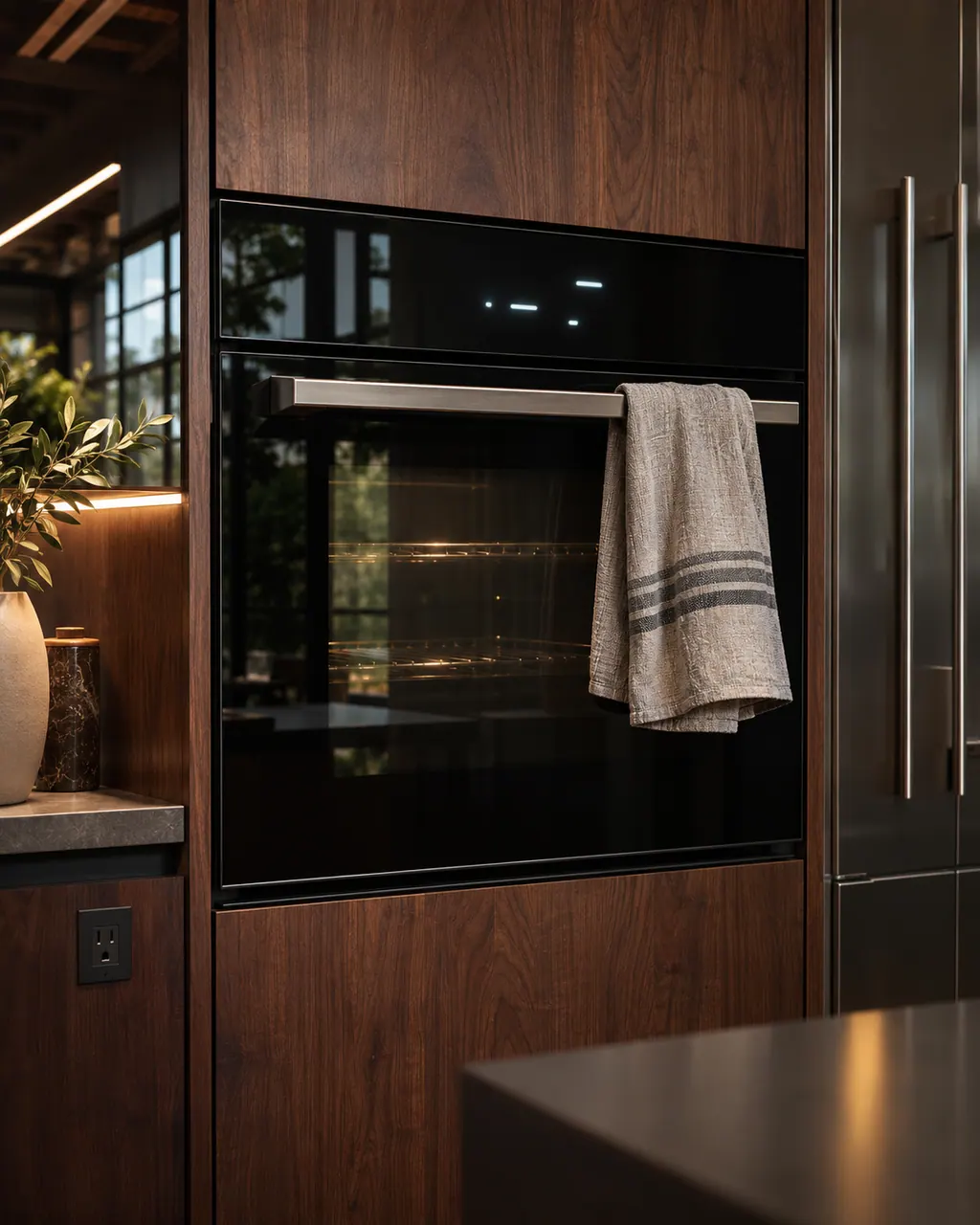
  1. JennAir oven Demo Mode: Single built-in wall oven in a dim kitchen with a lit display, closed door and a striped hand towel draped over the handle.
    Illustration. Follow your model’s instructions.
    Before you begin

    Check the oven is cold and empty

    Demo Mode means the oven will not heat, so nothing is cooking. Still, make sure the cavity is empty before you test.

  2. Ranges & ovens in a thoughtfully designed home
    Illustration. Follow your model’s instructions.
    Check 2

    Range: use SETTINGS/CLOCK

    Press SETTINGS/CLOCK until DEMO MODE shows, then press the 1 key to adjust the setting and START or CANCEL to exit.

  3. The black glass control strip of a built-in wall oven above its stainless handle
    Illustration. Follow your model’s instructions.
    Check 3

    Wall oven: use the Tools menu

    Select Tools, then INFO, then STORE DEMO MODE, choose OFF and confirm YES on the screen.

  4. Over the shoulder view of a person holding a tablet with a blank checklist, a refrigerator behind.
    Illustration. Follow your model’s instructions.
    Check 4

    Try a short bake

    With Demo Mode off, start a short bake and confirm the oven heats. If it still does nothing, the cause is elsewhere.

Still showing Demo Mode?

Send the model and the checks you have already run, then begin your request from this page.

Book a visit

The touch panel and control.

Conceptual Range / oven sectionKeypad / touch panelControl boardElement wiring123
  1. 3Element wiring

A simplified drawing, because layouts change with the model. Tap an outlined part to see a photo and the related check.

A little more context.

What is Demo Mode on a JennAir oven?

It is a sales-floor setting that lets the control features be shown with no heating. JennAir warns that the oven will not work while it is on.

Read the supporting manual

Why does a brand-new oven not heat?

A display or showroom unit may still be in Demo Mode. Check this before suspecting the element or the control.

Read the supporting manual

How do I switch it off on a range?

Press SETTINGS/CLOCK until DEMO MODE appears, press the 1 key to change the setting, then START or CANCEL to return to the time.

Read the supporting manual

How do I switch it off on a wall oven?

Use Tools, INFO, STORE DEMO MODE, then OFF, and answer YES on the confirmation screen.

Read the supporting manual

The manual behind the message.

Manufacturer document

Demo Mode - Range - Product Help | JennAir

JennAir Product Help (producthelp.jennair.com)

dateModified 2024-11-07; PH 13123 / PH 13123 (range)

Manufacturer document

Demo Mode - Wall Oven - Product Help | JennAir

JennAir Product Help (producthelp.jennair.com)

dateModified 2025-06-02; PH 13251 / PH 13251 (wall oven)

Scope: JennAir range and wall oven. Read from JennAir Product Help PH 13123 (range) and PH 13251 (wall oven).

Here to help

Good questions.
Clear answers.

Talk to our team
Why will my JennAir oven not heat?

If Demo Mode is on, the oven will not heat by design. Turn it off in the menu for your product.

Is Demo Mode a defect?

No. It is a showroom feature. The page says the oven will not work while it is active.

What if Demo Mode keeps coming back?

The page suggests the user interface or keypad, or its wiring, might be involved. Book a technician.

Does Demo Mode affect the warranty?

We cannot say; that is a question for your seller or the maker.

Let’s take care of it.

Something on the display?
Send us the details.

