JennAir oven F2E6 / User interface

JennAir oven
error F2E6

Oven / display reference

F2E6 lists the touch panel (JennAir's user interface), the control, or the wiring behind them, on JennAir ranges as well as wall ovens. It may be written F2 E6. The first step is a sixty-second power reset at the breaker panel; call for service if it returns.

Also shown as F2E6

Last reviewed

Oven / display reference
Meaning
F2E6 lists the touch panel (JennAir's user interface), the control, or the wiring behind them, on JennAir ranges as well as wall ovens. It may be written F2 E6. The first step is a sixty-second power reset at the breaker panel; call for service if it returns.

Who handles it
Reset, then book
Related codes
Source
F2 E6 - Error Code - Range - Product Help | JennAir

What JennAir oven F2E6 means.

What it means

F2E6 lists the touch panel (JennAir's user interface), the control, or the wiring behind them, on JennAir ranges as well as wall ovens. It may be written F2 E6. The first step is a sixty-second power reset at the breaker panel; call for service if it returns.

What you can safely check

If it was running, give the cavity and the glass time to cool.

When to call a technician

F2E6 comes back after the one-minute breaker reset.

Checks you have ticked / saved in this browser

Safe checks, in order.

0 of 4 checks done
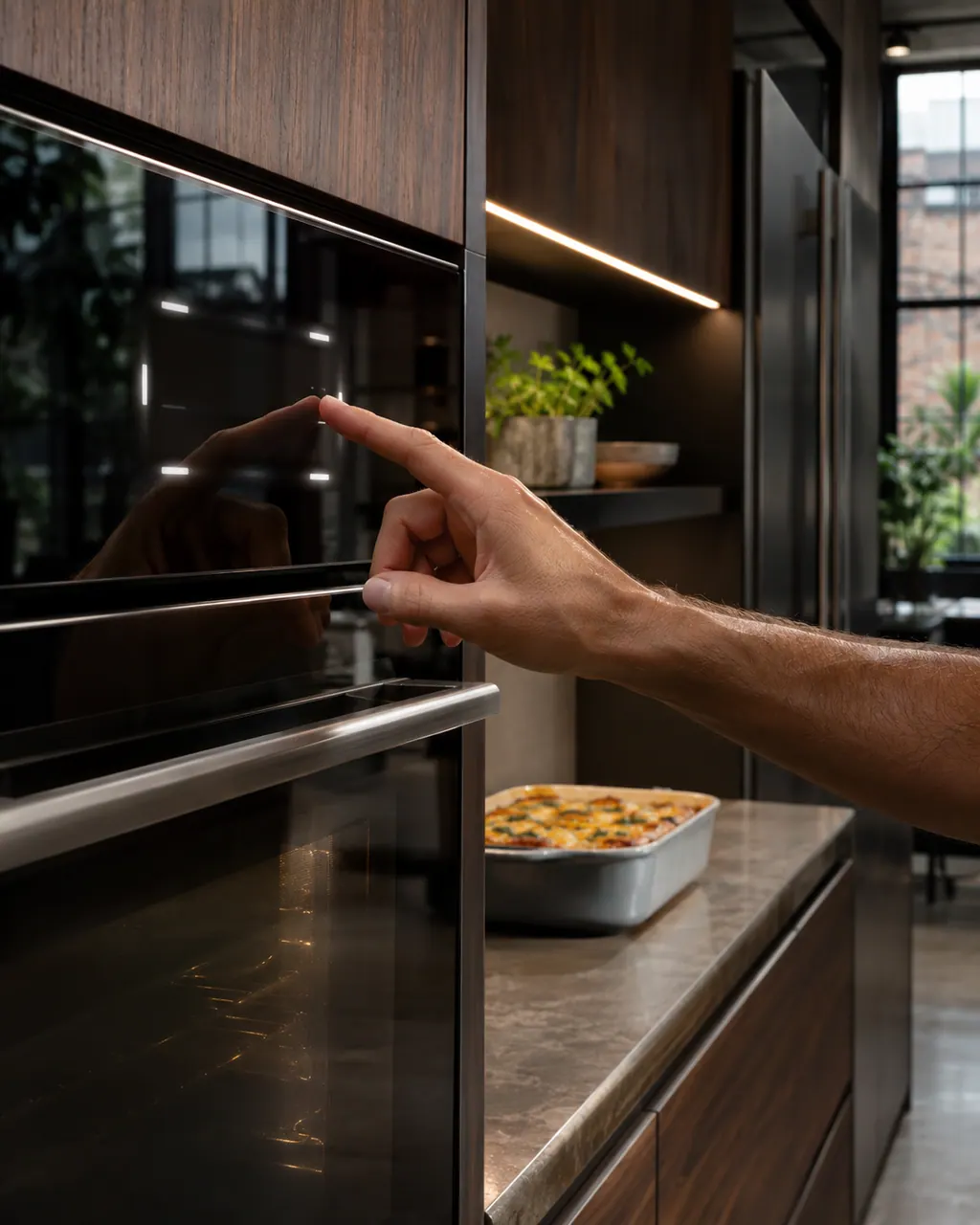
  1. JennAir oven F2E6: A fingertip touching the glass control screen of a wall oven with lit marks, and a baked casserole dish waiting on the counter.
    Illustration. Follow your model’s instructions.
    Before you begin

    Let the oven cool first

    If it was running, give the cavity and the glass time to cool. The reset happens at the breaker panel, so there is no need to open anything.

  2. Ranges & ovens in a thoughtfully designed home
    Illustration. Follow your model’s instructions.
    Check 2

    Reset at the breaker

    Find the oven's circuit breaker, leave it off for sixty seconds, flip it on, and keep an eye on the display for a minute. JennAir prints no other owner step.

  3. The black glass control strip of a built-in wall oven above its stainless handle
    Illustration. Follow your model’s instructions.
    Check 3

    Wipe the panel, oven off

    With the oven off and cool, wipe the glass with a damp cloth. Grease or moisture on a touch panel is our guess, not something JennAir names.

  4. Over the shoulder view of a person holding a tablet with a blank checklist, a refrigerator behind.
    Illustration. Follow your model’s instructions.
    Check 4

    Press a few keys

    After the reset, try several keys and note which ones are slow or dead. The technician can use that.

Still showing F2E6?

Send the model and the checks you have already run, then begin your request from this page.

Book a visit

The touch panel and control.

Conceptual Range / oven sectionKeypad / touch panelControl boardElement wiring123
  1. 3Element wiring

A simplified drawing, because layouts change with the model. Tap an outlined part to see a photo and the related check.

Parts behind the message.

A hand with a gray cloth wiping beside a row of small touch keys on an oven control panel.

Component reference

Oven keypad and user interface

The user interface is the keypad or touch panel you press.

Read the definition
Green circuit board with a ribbon cable and a loose black relay on a dark counter.

Component reference

Oven electronic control

The electronic control is the board that manages the oven functions.

Read the definition

A little more context.

Which part does JennAir name for F2E6?

JennAir's range (PH 12965) and wall-oven (PH 13331) pages list the keypad (user interface), the oven's control board or the wiring serving it as the possible problem. It does not say which part is responsible, and it names no repair.

Read the supporting manual

What can I do at home before booking?

Let the oven cool, then run the sixty-second power reset at the breaker panel and keep an eye on the display for a minute. After that, wipe the glass with the oven off and try a few keys. The wipe is our idea; the page only gives the reset.

Read the supporting manual

F2E6 or F2E5: what separates them?

F2E5 precedes it with the same keypad line, and F2E6 is the last row of the F2 E set. The sensor reading belongs to plain F2.

Read the supporting manual

Is it safe to keep cooking?

If the reset clears it and the keys respond normally, ordinary cooking is reasonable. If the code returns, stop using the oven and call for service. JennAir gives no further owner step.

Read the supporting manual

The manual behind the message.

Manufacturer document

F2 E6 - Error Code - Range - Product Help | JennAir

JennAir Product Help (producthelp.jennair.com)

dateModified 2024-08-16; PH 12965 / PH 12965 (range)

Manufacturer document

F2 E6 - Wall Oven - Product Help | JennAir

JennAir Product Help (producthelp.jennair.com)

dateModified 2024-11-08; PH 13331 / PH 13331 (wall oven)

Applies to: freestanding range and wall oven. Source: JennAir Product Help PH 12965, PH 13331. The pages print one cause line and the reset; everything else here is our guidance.

Here to help

Good questions.
Clear answers.

Talk to our team
What should I do first when F2E6 shows?

Let the oven cool, run the sixty-second power reset at the breaker panel and keep an eye on the display for a minute.

Will cleaning the panel clear F2E6?

It might if grease or moisture is involved, but JennAir does not say so. Wipe it with the oven off and cool, then do the reset.

Do I need to book if F2E6 comes back?

Yes. The reset is the only owner step on the page, so a code that returns needs a technician to test the panel, control and wiring.

Is F2E6 the last F2 E code?

It is the last one in the F2 E series we cover. JennAir gives it the same list as the other F2 E rows.

Let’s take care of it.

Something on the display?
Send us the details.

