What it means
F3-1 lists the temperature sensor and the control, or the wiring between them on JennAir ranges. The first step is a sixty-second power reset at the breaker panel; call for service if it returns.
JennAir oven F3-1 / Temperature sensor
F3-1 lists the temperature sensor and the control, or the wiring between them on JennAir ranges. The first step is a sixty-second power reset at the breaker panel; call for service if it returns.
Also shown as F3-1
F3-1 lists the temperature sensor and the control, or the wiring between them on JennAir ranges. The first step is a sixty-second power reset at the breaker panel; call for service if it returns.
If it was running, let the cavity and racks cool before you touch anything.
F3-1 comes back after the one-minute breaker reset.
Checks you have ticked / saved in this browser
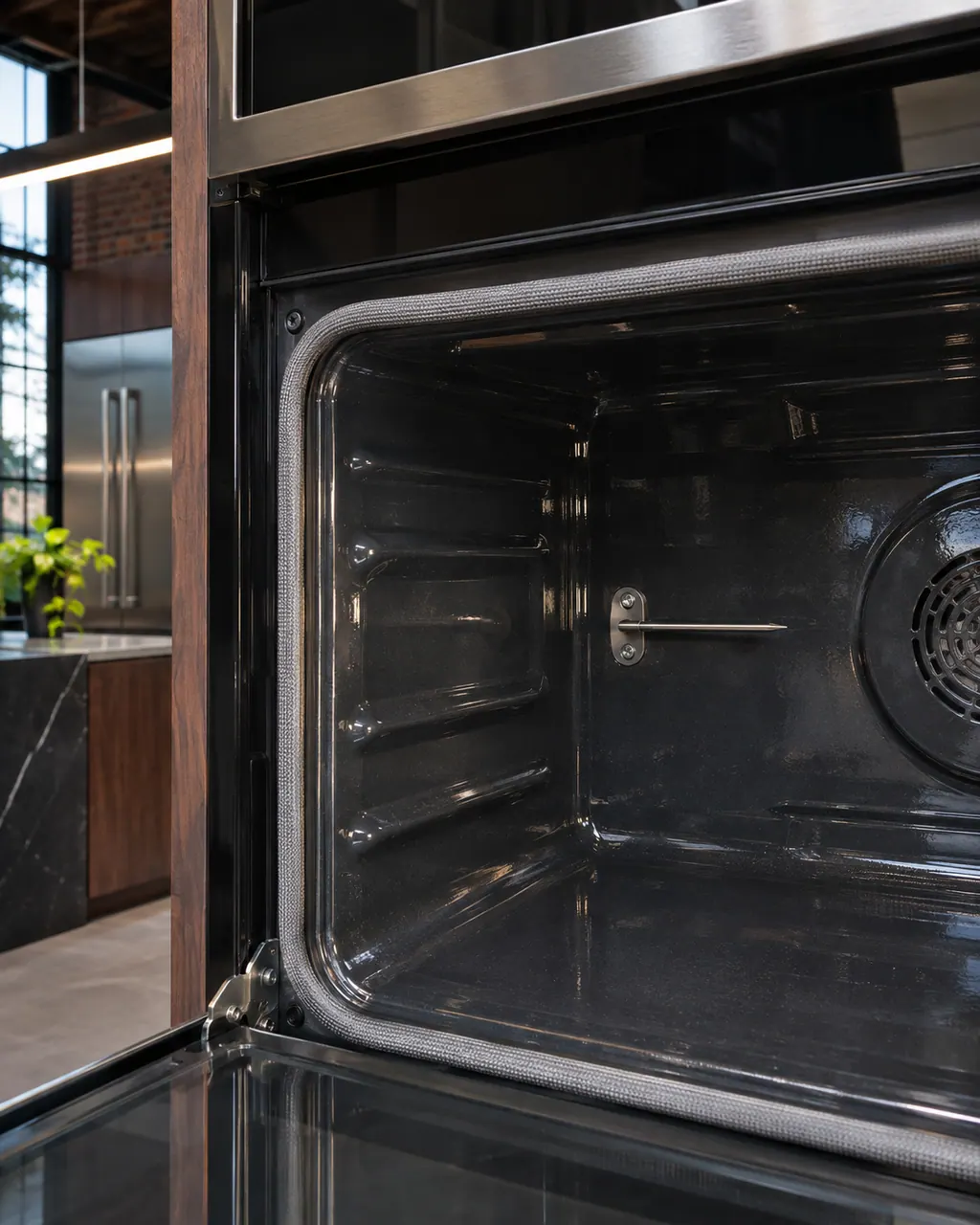
If it was running, let the cavity and racks cool before you touch anything. The reset is at the breaker panel.

Find the oven's circuit breaker, leave it off for sixty seconds, flip it on, and keep an eye on the display for a minute.

If the oven runs after the reset, put an oven thermometer on the middle rack and compare it with the set temperature. A big gap is useful to report. This is our check, not JennAir's.

Do not bend or pull any thin rod inside the cavity. It may be the sensor, and the page offers no owner fix for it.
Send the model and the checks you have already run, then begin your request from this page.
Book a visitA simplified drawing, because layouts change with the model. Tap an outlined part to see a photo and the related check.
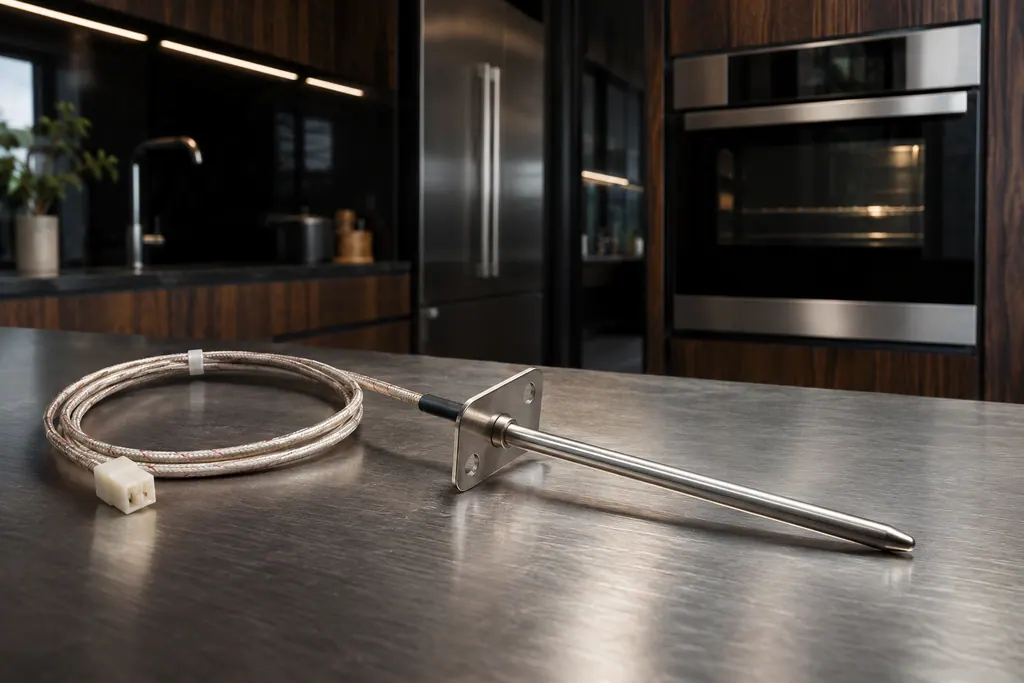
Component reference
JennAir Product Help ties F1, F2 and several F3 codes to the oven temperature sensor, the control or the wiring between them.
Read the definition
Component reference
The electronic control is the board that manages the oven functions.
Read the definitionJennAir's range (PH 12966) page list the temperature sensor and the control, or the wiring between them as the possible problem. It does not say which part is responsible, and it names no repair.
Read the supporting manualLet the oven cool, then run the sixty-second power reset at the breaker panel and keep an eye on the display for a minute. If it works afterward, an oven thermometer on the middle rack shows whether the real temperature tracks the setting.
Read the supporting manualPlain F3 names the oven control instead of the sensor. F3-1 is the hyphenated range row; keep the two apart, because their cause lists differ.
Read the supporting manualIf the reset clears it, short bakes are reasonable, but watch results. If the code returns, or baking runs hot or cold, stop and call for service.
Read the supporting manualManufacturer document
JennAir Product Help (producthelp.jennair.com)
dateModified 2024-08-16; PH 12966 / PH 12966 (range)
Applies to: freestanding range. Source: JennAir Product Help PH 12966. The pages print one cause line and the reset; everything else here is our guidance.
Let the oven cool, run the sixty-second power reset at the breaker panel and keep an eye on the display for a minute.
JennAir lists the temperature sensor, the control and the wiring together and does not rank them. Only a test at the oven can tell.
No. JennAir gives no owner test for it. A thermometer shows whether the oven is off, not why.
No. The meat-probe pages are the 3d rows. F3-1 lists the temperature sensor, the control and the wiring between them.
Code or symptom, part, service call
F3 on a JennAir freestanding range or wall oven points at the oven control or its wiring, and on a steam wall oven the page only asks for a breaker reset. Switch the oven breaker off for a single minute, switch it back on, then watch the display for another minute.
JennAir says not to judge oven temperature with a thermometer, because the elements cycle and most thermometers react too slowly. Check preheat time, racks, pan spacing and foil first, then run the biscuit test before any calibration.
JennAir Product Help ties F1, F2 and several F3 codes to the oven temperature sensor, the control or the wiring between them. The sensor reports cavity heat to the control. The help pages pair it with the control, so one reset is the only owner step.
Schedule a diagnostic for your model, carried out at the appliance.
Office details, plus the access notes to pass along.