What it means
F8 E4 names the exhaust fan air temperature sensor or its wiring on a JennAir wall oven. Keep the exhaust path clear, reset the breaker for 60 seconds, and watch whether the code returns during the next bake.
JennAir oven F8E4 / Cooling fan
F8 E4 names the exhaust fan air temperature sensor or its wiring on a JennAir wall oven. Keep the exhaust path clear, reset the breaker for 60 seconds, and watch whether the code returns during the next bake.
Also shown as F8E4
F8 E4 names the exhaust fan air temperature sensor or its wiring on a JennAir wall oven. Keep the exhaust path clear, reset the breaker for 60 seconds, and watch whether the code returns during the next bake.
Exhaust air runs hot, so wait before checking vents.
F8 E4 returns after the reset.
Checks you have ticked / saved in this browser
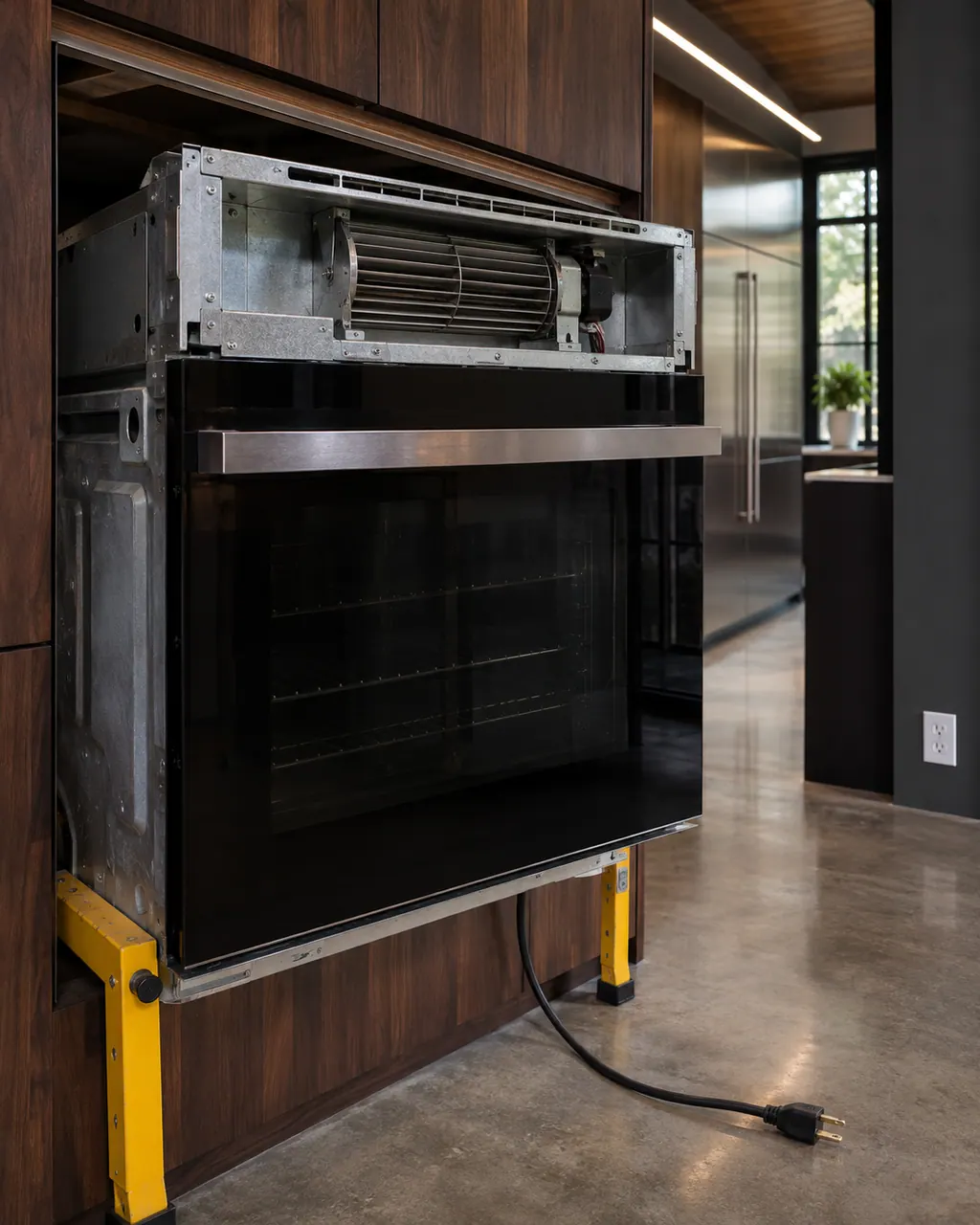
Exhaust air runs hot, so wait before checking vents.

Make sure nothing blocks the oven's vent or the cabinet gap around it.

Restore power and wait for the display to settle.

If the code reappears at a certain temperature, tell the technician.
Send the model and the checks you have already run, then begin your request from this page.
Book a visit

A simplified drawing, because layouts change with the model. Tap an outlined part to see a photo and the related check.
It reads the temperature of the air leaving through the exhaust fan, which lets the control judge how well the oven is shedding heat. JennAir lists it, or the wiring, for F8 E4.
Read the supporting manualE5 repeats the wording. The pages give no reason for two numbers, so use the same steps for both.
Read the supporting manualF4 E3 names the microwave exhaust air sensor on a combination oven. F8 E4 is about the oven's exhaust fan air.
Read the supporting manualThe page gives no warning. Because the sensor guards against heat buildup, a repeating code deserves a visit before heavy use.
Read the supporting manualManufacturer document
JennAir Product Help (producthelp.jennair.com)
dateModified 2024-11-08; PH 13387 / PH 13387 (wall oven)
PH 13387: F8E4, wall-oven.
Not directly. It names a sensor in the exhaust path, not the fan.
The page does not say. Clearing the vent is harmless and sensible.
No. It sits in the airflow path behind panels.
Sensors sometimes fail under heat. Note the temperature and share it when you book.
Code or symptom, part, service call
F8 E5 repeats the exhaust fan air temperature sensor wording of E4 on a JennAir wall oven. Clear the exhaust path, reset the breaker for about a minute, and run a short test bake.
JennAir says not to judge oven temperature with a thermometer, because the elements cycle and most thermometers react too slowly. Check preheat time, racks, pan spacing and foil first, then run the biscuit test before any calibration.
Schedule a diagnostic for your model, carried out at the appliance.
Office details, plus the access notes to pass along.