JennAir oven Temp/Mod knob light / Professional-style range light

JennAir oven
error Temp/Mod knob light

Oven / display referenceTemp/Mod knob light

The temperature knob light on a JennAir professional-style range glows solid white for a valid selection or finished preheat, blinks white for an invalid mode and temperature pair with a tone every 30 seconds, and blinks amber when the oven is too hot to proof or a drop of 100 degrees or more is under way.

Also shown as Temp/Mod knob light

Last reviewed

Oven / display referenceTemp/Mod knob light
Meaning
The temperature knob light on a JennAir professional-style range glows solid white for a valid selection or finished preheat, blinks white for an invalid mode and temperature pair with a tone every 30 seconds, and blinks amber when the oven is too hot to proof or a drop of 100 degrees or more is under way.

Who handles it
Information only
Source
Temp/Mod Knob - Commericial Range - Product Help | JennAir

What JennAir oven Temp/Mod knob light means.

What it means

The temperature knob light on a JennAir professional-style range glows solid white for a valid selection or finished preheat, blinks white for an invalid mode and temperature pair with a tone every 30 seconds, and blinks amber when the oven is too hot to proof or a drop of 100 degrees or more is under way.

What you can safely check

White solid is fine.

When to call a technician

Amber blinks while the oven is cold.

Checks you have ticked / saved in this browser

Safe checks, in order.

0 of 4 checks done
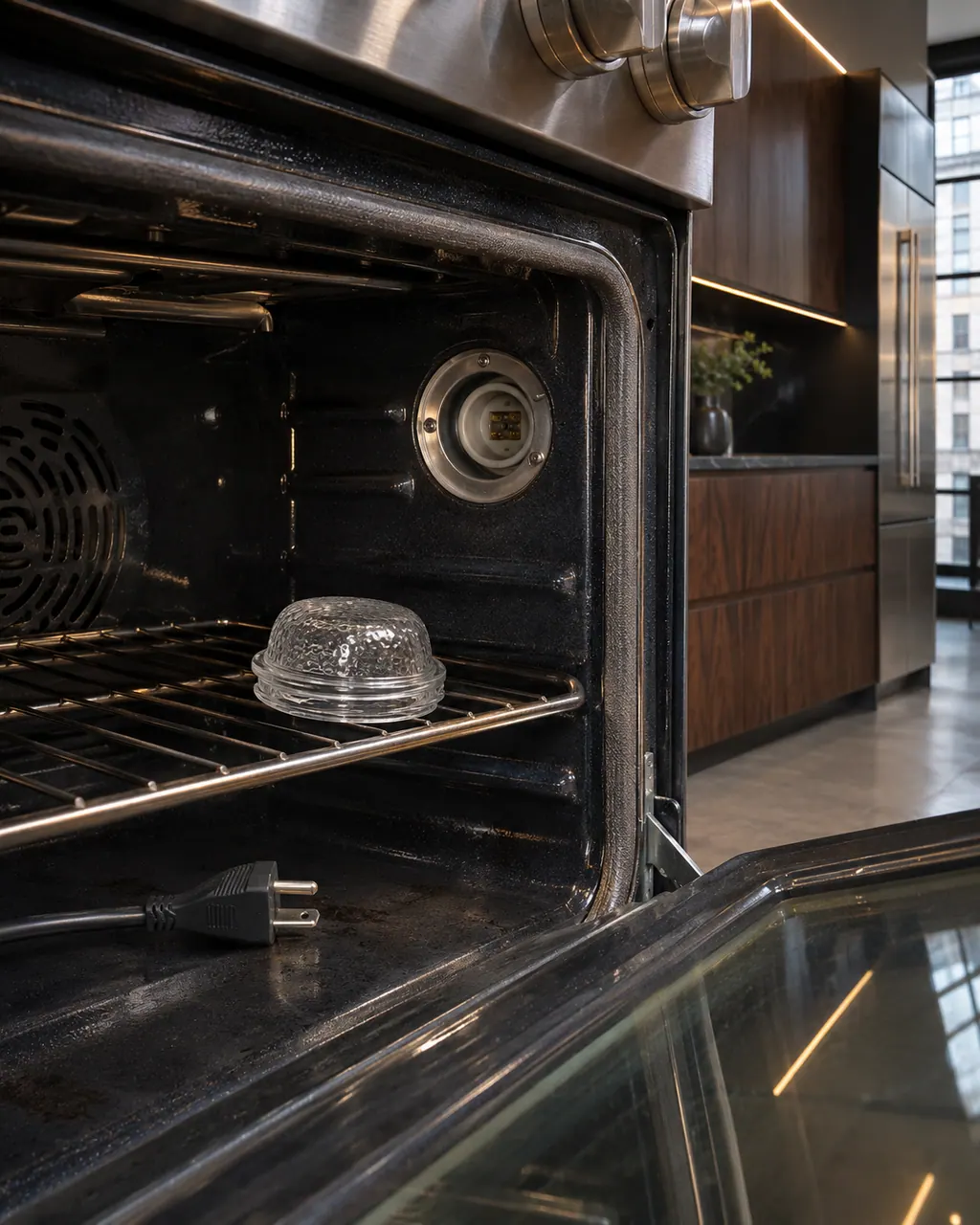
  1. JennAir oven Temp/Mod knob light: Inside a range oven the lamp cover sits on the rack beside an empty lamp socket, with an unplugged power cord lying on the oven floor.
    Illustration. Follow your model’s instructions.
    Before you begin

    Read the color

    White solid is fine. White blinking is invalid.

  2. Ranges & ovens in a thoughtfully designed home
    Illustration. Follow your model’s instructions.
    Check 2

    For amber, wait

    The oven is cooling or too hot to proof.

  3. The black glass control strip of a built-in wall oven above its stainless handle
    Illustration. Follow your model’s instructions.
    Check 3

    For white blinking, change the pair

    Rotate to a valid combination.

  4. Over the shoulder view of a person holding a tablet with a blank checklist, a refrigerator behind.
    Illustration. Follow your model’s instructions.
    Check 4

    Listen for the 30 second tone

    It repeats while invalid.

Still showing Temp/Mod knob light?

Send the model and the checks you have already run, then begin your request from this page.

Book a visit

The touch panel and control.

Conceptual Range / oven sectionKeypad / touch panelControl boardElement wiring123
  1. 3Element wiring

A simplified drawing, because layouts change with the model. Tap an outlined part to see a photo and the related check.

A little more context.

What does white blinking mean?

An invalid combination of mode and temperature. A tone sounds every 30 seconds.

Read the supporting manual

What does amber blinking mean?

The oven is too hot to proof, or a drop in temperature of 100 degrees or more is in progress. It is a normal state.

Read the supporting manual

The manual behind the message.

Manufacturer document

Temp/Mod Knob - Commericial Range - Product Help | JennAir

JennAir Product Help (producthelp.jennair.com)

dateModified 2025-10-01; PH 14129 / PH 14129 (professional-style range)

PH 14129: TEMP-MOD-KNOB-LIGHT, pro-range.

Here to help

Good questions.
Clear answers.

Talk to our team
Is amber an error?

No. Amber blinking is a normal state: the oven is too hot to proof, or a drop of 100 degrees or more is under way. Book a visit only if amber blinks while the oven is cold.

What is proofing?

Proofing is letting dough rise at low heat. The knob light blinks amber when the oven is too hot to proof, which tells you to wait for it to cool.

Why a tone?

The tone sounds every 30 seconds while the light blinks white, to flag a mode and temperature pair that is not valid. Turn the knobs to a valid combination and it stops.

Is it related to the Start light?

The page does not link it to the Start light. The knob light reports on the mode and temperature you selected, so read its color first: white is fine, blinking white is invalid and amber is a wait.

Let’s take care of it.

Something on the display?
Send us the details.
