JennAir oven Tones (beeps) / Professional-style range light

JennAir oven
error Tones (beeps)

Oven / display referenceTones (beeps)

A JennAir professional-style range beeps at power on, when switched to off, at the start of a valid cycle, for an invalid Start selection, for an error with the unit, when preheat finishes and when an app timer ends. A tone alone is not an error.

Also shown as Tones (beeps)

Last reviewed

Oven / display referenceTones (beeps)
Meaning
A JennAir professional-style range beeps at power on, when switched to off, at the start of a valid cycle, for an invalid Start selection, for an error with the unit, when preheat finishes and when an app timer ends. A tone alone is not an error.

Who handles it
Information only
Source
Understanding Tones or Beeps - Commercial Range - Product Help | JennAir

What JennAir oven Tones (beeps) means.

What it means

A JennAir professional-style range beeps at power on, when switched to off, at the start of a valid cycle, for an invalid Start selection, for an error with the unit, when preheat finishes and when an app timer ends. A tone alone is not an error.

What you can safely check

Power, mode, preheat and Start all beep.

When to call a technician

Tones sound with no action.

Checks you have ticked / saved in this browser

Safe checks, in order.

0 of 4 checks done
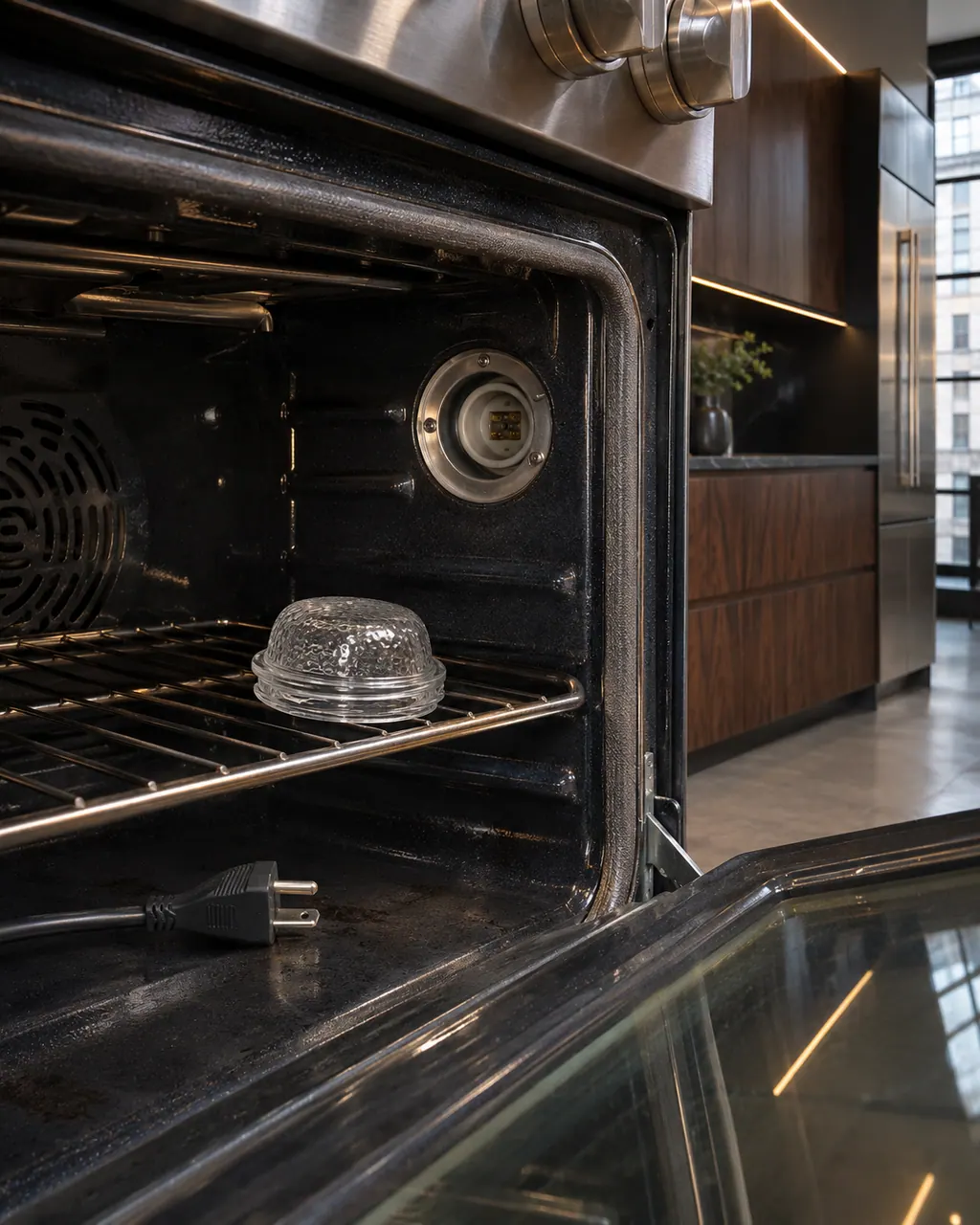
  1. JennAir oven Tones (beeps): Inside a range oven the lamp cover sits on the rack beside an empty lamp socket, with an unplugged power cord lying on the oven floor.
    Illustration. Follow your model’s instructions.
    Before you begin

    Match the tone to what you did

    Power, mode, preheat and Start all beep.

  2. Ranges & ovens in a thoughtfully designed home
    Illustration. Follow your model’s instructions.
    Check 2

    Look at the lights

    An error comes with flashing indicators.

  3. The black glass control strip of a built-in wall oven above its stainless handle
    Illustration. Follow your model’s instructions.
    Check 3

    Note any unprompted tone

    A beep with no action is the clue.

  4. Over the shoulder view of a person holding a tablet with a blank checklist, a refrigerator behind.
    Illustration. Follow your model’s instructions.
    Check 4

    Check the app timer

    A timer can also beep.

Still showing Tones (beeps)?

Send the model and the checks you have already run, then begin your request from this page.

Book a visit

The touch panel and control.

Conceptual Range / oven sectionKeypad / touch panelControl boardElement wiring123
  1. 3Element wiring

A simplified drawing, because layouts change with the model. Tap an outlined part to see a photo and the related check.

A little more context.

Which events beep?

Power on, switching to off, a valid cycle starting, an invalid Start selection, a unit error, finished preheat and an app timer ending.

Read the supporting manual

How do I tell an error beep from the rest?

Look for flashing lights. The error tone comes with the code pattern.

Read the supporting manual

The manual behind the message.

Manufacturer document

Understanding Tones or Beeps - Commercial Range - Product Help | JennAir

JennAir Product Help (producthelp.jennair.com)

dateModified 2025-10-01; PH 14130 / PH 14130 (professional-style range)

PH 14130: TONES-BEEPS, pro-range.

Here to help

Good questions.
Clear answers.

Talk to our team
Can I silence tones?

Sabbath Mode silences them, according to the page. Without it, the range beeps at power on, on switching to off, at cycle start, for invalid selections, errors, finished preheat and app timers.

Is every beep an error?

No. A tone alone is not an error. The range beeps for ordinary events such as power on, a valid cycle starting and preheat finishing, and an error tone comes with flashing indicators.

What does a double beep mean?

The page does not specify patterns, so a double beep cannot be tied to one meaning. Match the tone to what you just did, then look at the lights for a code pattern.

Does the app beep?

A timer set in the app beeps when it ends. If you hear a tone with no action from you, check for an app timer first, then note the time and what the range was doing.

Let’s take care of it.

Something on the display?
Send us the details.

