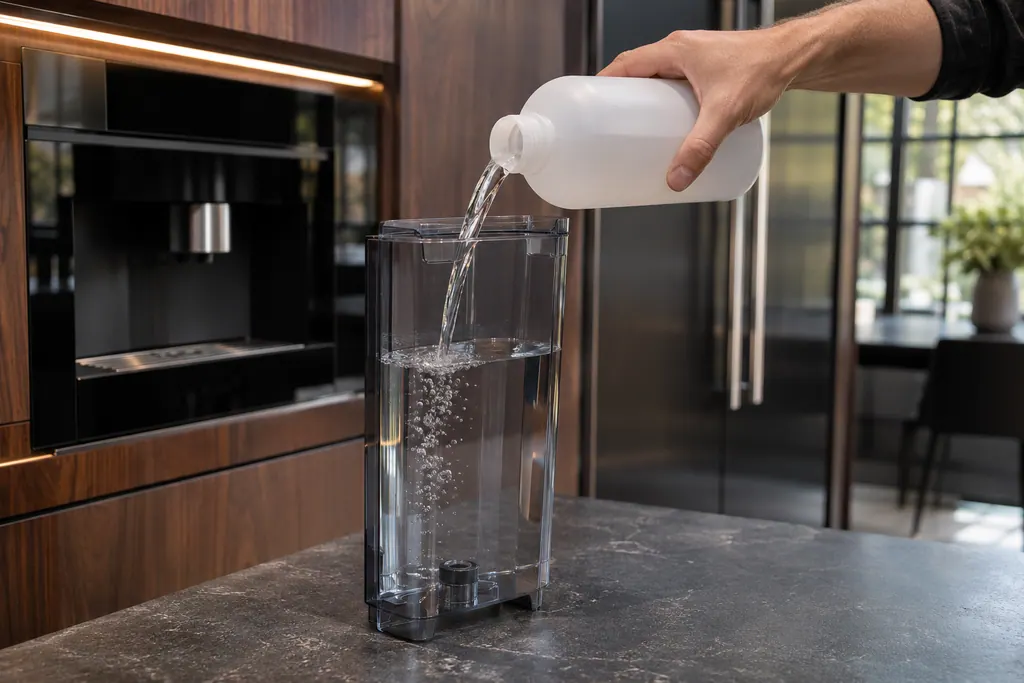
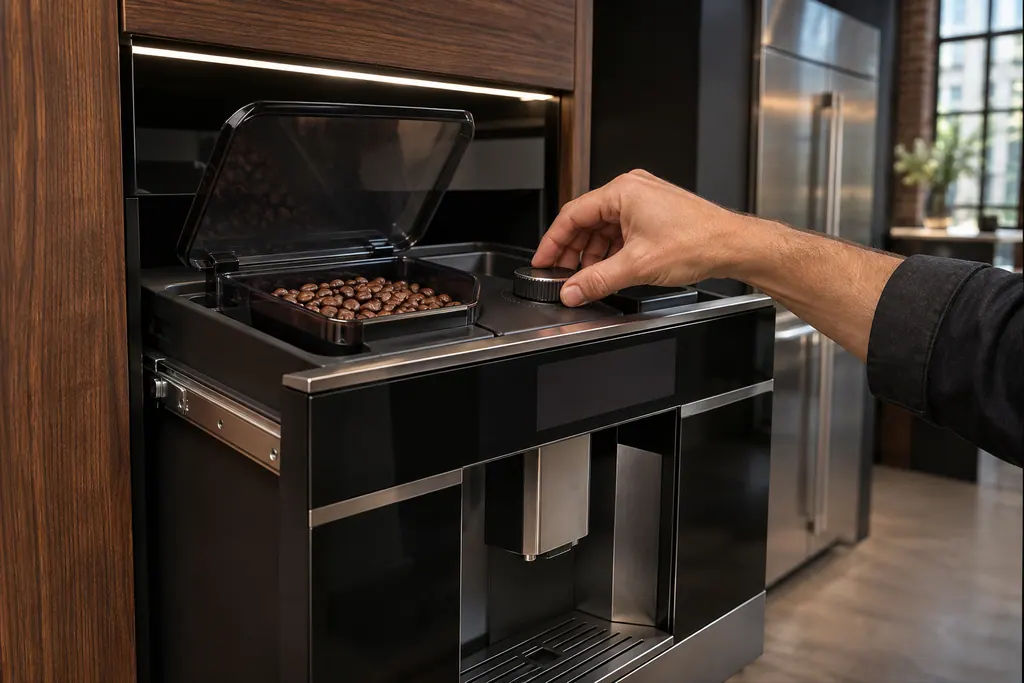
What it means
CLOSE DOOR! means the service door on the front of the coffee system is open. Close it fully; if the message stays, check that the drip tray and brewing unit are pushed all the way back.
JennAir coffee machine CLOSE DOOR! / Brew unit
CLOSE DOOR! means the service door on the front of the coffee system is open. Close it fully; if the message stays, check that the drip tray and brewing unit are pushed all the way back.
Also shown as CLOSE DOOR!
CLOSE DOOR! means the service door on the front of the coffee system is open. Close it fully; if the message stays, check that the drip tray and brewing unit are pushed all the way back.
JennAir's page gives one instruction: close the service door.
The door will not close even with the tray and brewing unit seated.
Checks you have ticked / saved in this browser
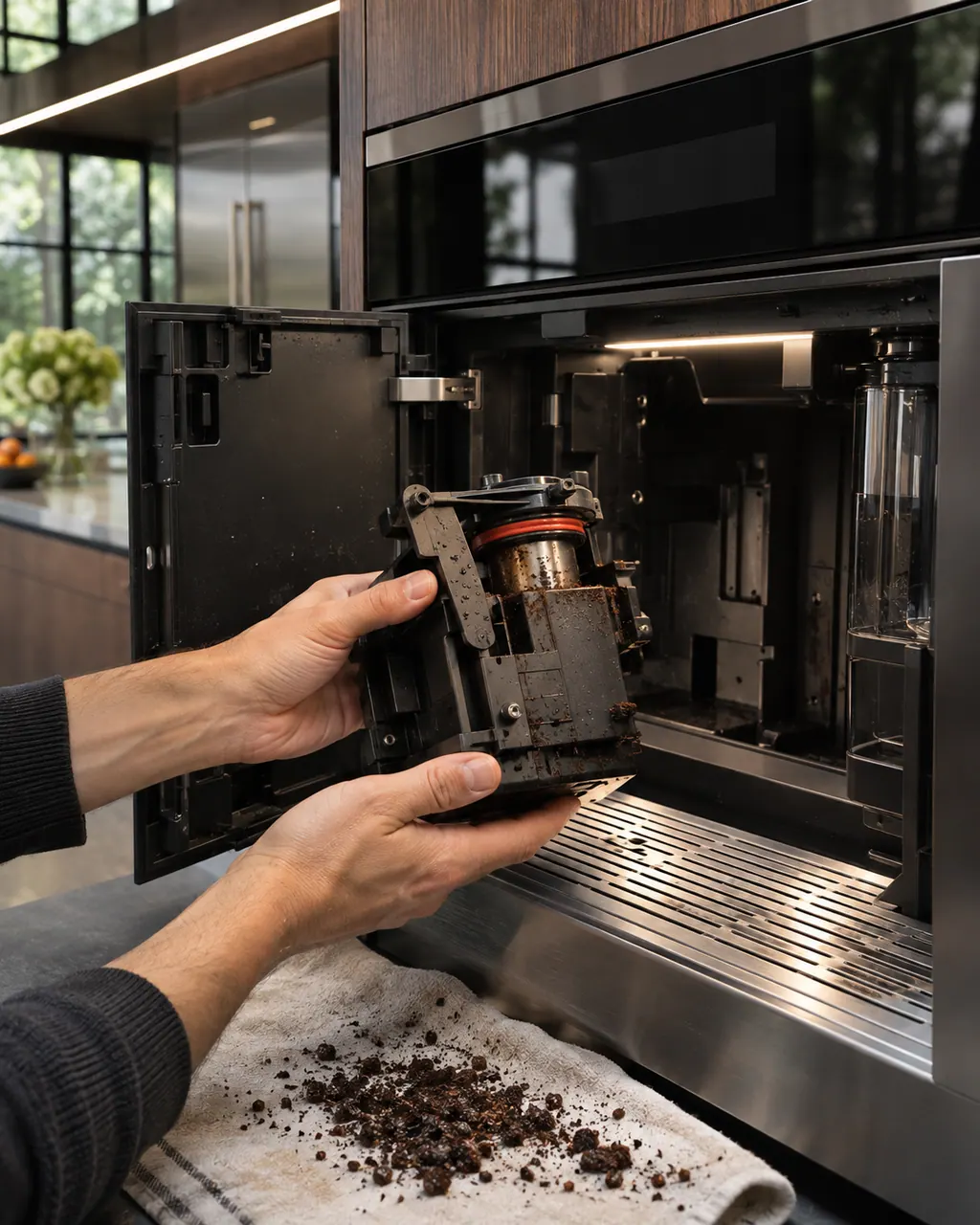
JennAir's page gives one instruction: close the service door. Press it shut until it sits flush.

The overview page says the tray and brewing unit must be pushed to their stops before the door will register as closed.

A brewing unit that is not fully home can keep the door from shutting. Turn the machine off from On/Standby before you reach in.
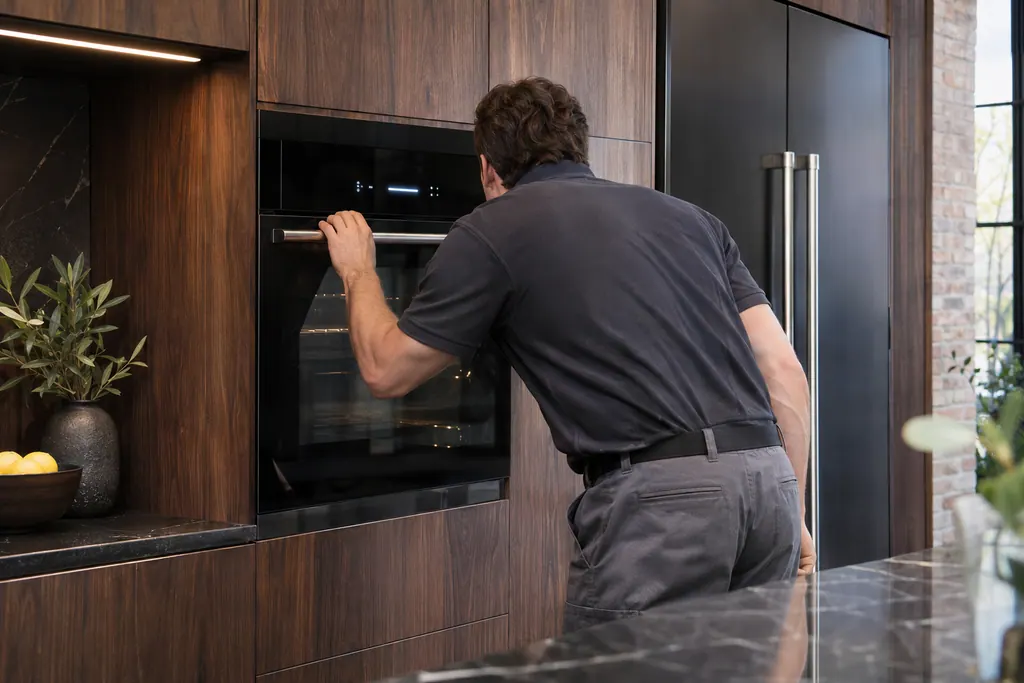
The prompt should clear the moment the door seats. If it does not, note whether the door closes without resistance.
Send the model and the checks you have already run, then begin your request from this page.
Book a visitA simplified drawing, because layouts change with the model. Tap an outlined part to see a photo and the related check.
Component reference
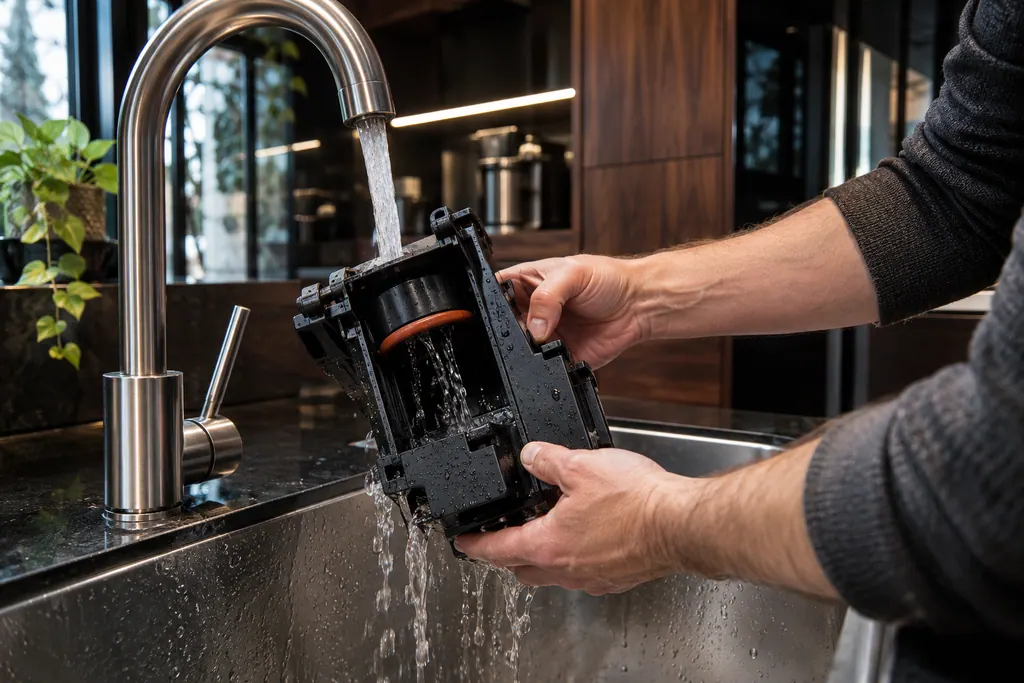
The brewing unit is the infuser that holds the coffee while hot water passes through it.
Read the definition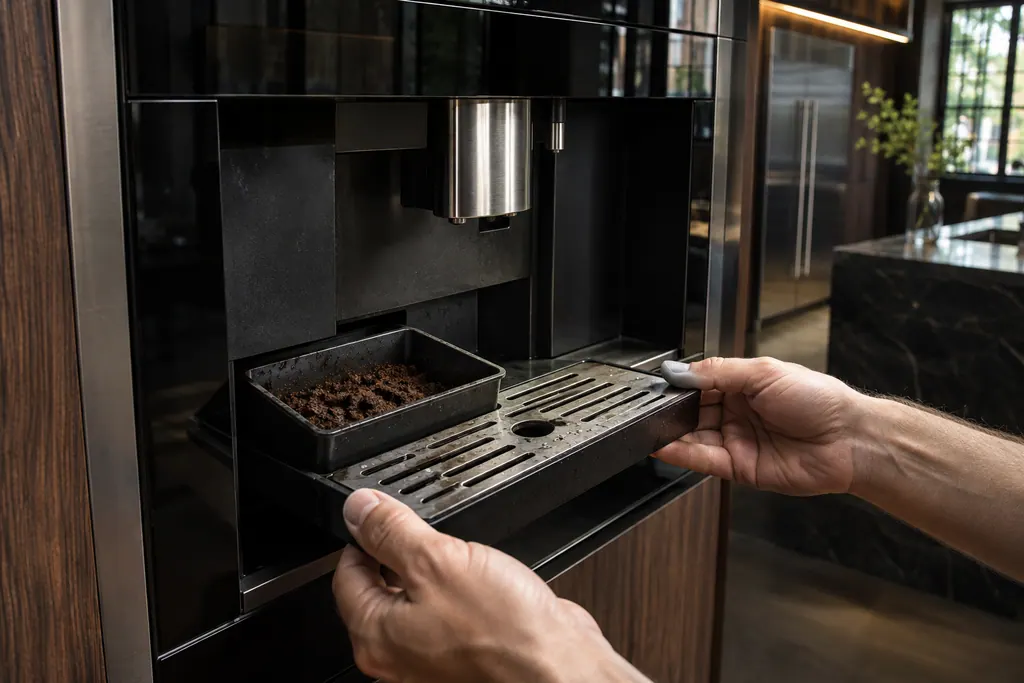
Component reference
The drip tray catches rinse and drain water and the grounds container holds spent pucks.
Read the definitionThe service door is open. JennAir's page says to close it.
Read the supporting manualThe overview page ties the prompt to the door interlock. Push the drip tray and brewing unit fully back, then press the door shut again.
Read the supporting manualThe drip tray and grounds container sit in the front compartment, and the brewing unit sits behind them.
Read the supporting manualWhen every part is home and the door closes cleanly but the message returns, the switch or its wiring may be the cause. That is a diagnosis for us.
Read the supporting manualManufacturer document
JennAir Product Help (producthelp.jennair.com)
dateModified 2025-03-19; PH 2749 / PH 2749 (built-in coffee maker)
Manufacturer document
JennAir Product Help (producthelp.jennair.com)
dateModified 2026-11-06; PH 10313 / PH 10313 (built-in coffee maker, display messages)
Scope: JennAir built-in coffee maker. Read from the JennAir Product Help message page for this code and checked against the overview page of display messages (November 2026).
It is the front access door. You open it by pulling forward on the hot water and steam spout, per JennAir's cleaning pages.
The overview page points at an open door interlock. A drip tray or brewing unit sitting a little proud can hold the door off its switch.
The machine will not brew while the prompt shows, and the open compartment holds hot parts, so close it first.
Book when the door closes freely, everything inside is seated, and the message still returns.
Code or symptom, part, service call
INSERT BREWING UNIT means the brewing unit has not been put back after cleaning. Switch the coffee system off, take out the tray and grounds container, and push the unit in until it clicks and both red buttons spring out.
A display prompt halts brewing until you fix the condition: refill and seat the tank for FILL TANK, empty the grounds container, reseat the brewing unit, close the service door, or adjust a too-fine grind. DESCALE needs the descaling cycle. GENERAL ALARM means clean the inside.
The brewing unit is the infuser that holds the coffee while hot water passes through it. JennAir says to clean it once a month, only with the machine off in Standby, and with warm water only. Soap strips the lubricant the piston needs.
Schedule a diagnostic for your model, carried out at the appliance.
Office details, plus the access notes to pass along.