What it means
Demo is a practice mode, not a failure. If dOn or dOff just appeared, demo mode was switched on or off. To toggle it, open the door, hold keypad 3 for five seconds until the d icon lights, then press Start within five seconds.
JennAir microwave Demo / Demo mode
Demo is a practice mode, not a failure. If dOn or dOff just appeared, demo mode was switched on or off. To toggle it, open the door, hold keypad 3 for five seconds until the d icon lights, then press Start within five seconds.
Also shown as Demo
Demo is a practice mode, not a failure. If dOn or dOff just appeared, demo mode was switched on or off. To toggle it, open the door, hold keypad 3 for five seconds until the d icon lights, then press Start within five seconds.
dOn means demo was just turned on and dOff means it was just turned off.
Heating never starts even with dOff shown and the door closed.
Checks you have ticked / saved in this browser

dOn means demo was just turned on and dOff means it was just turned off. JennAir points to the owner's manual for model-specific steps.

Press and hold the number 3 on the keypad for five seconds. A d icon lights in the display.
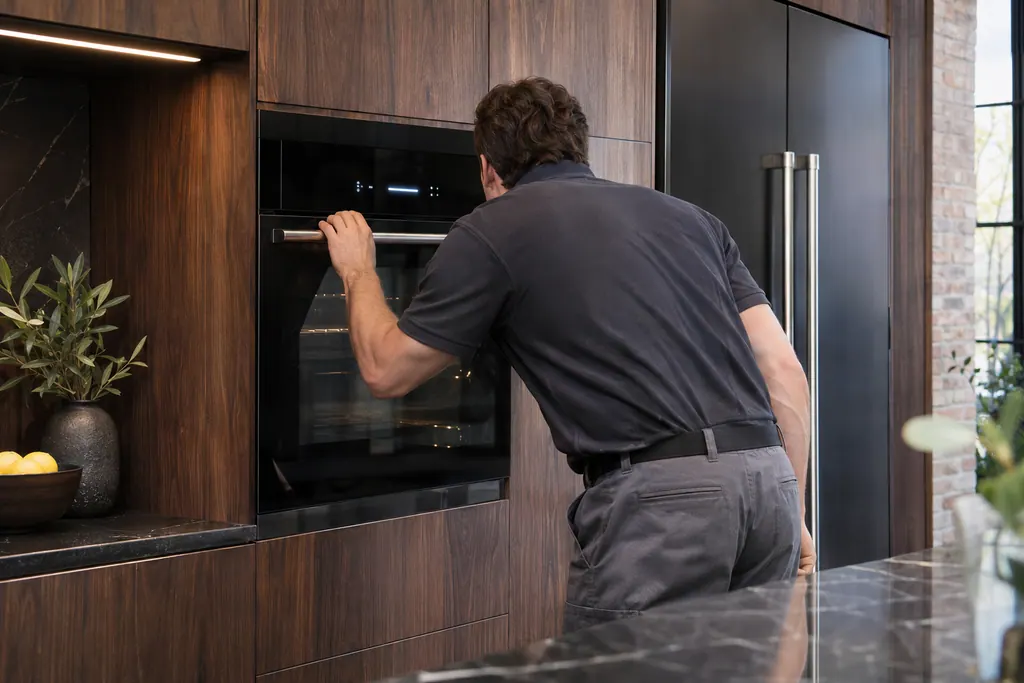
That confirms the change. If Start is not pressed in time, the microwave returns to idle normal mode.
The same sequence deactivates demo. The display shows dOff for five seconds, then normal operation returns.
Send the model and the checks you have already run, then begin your request from this page.
Book a visit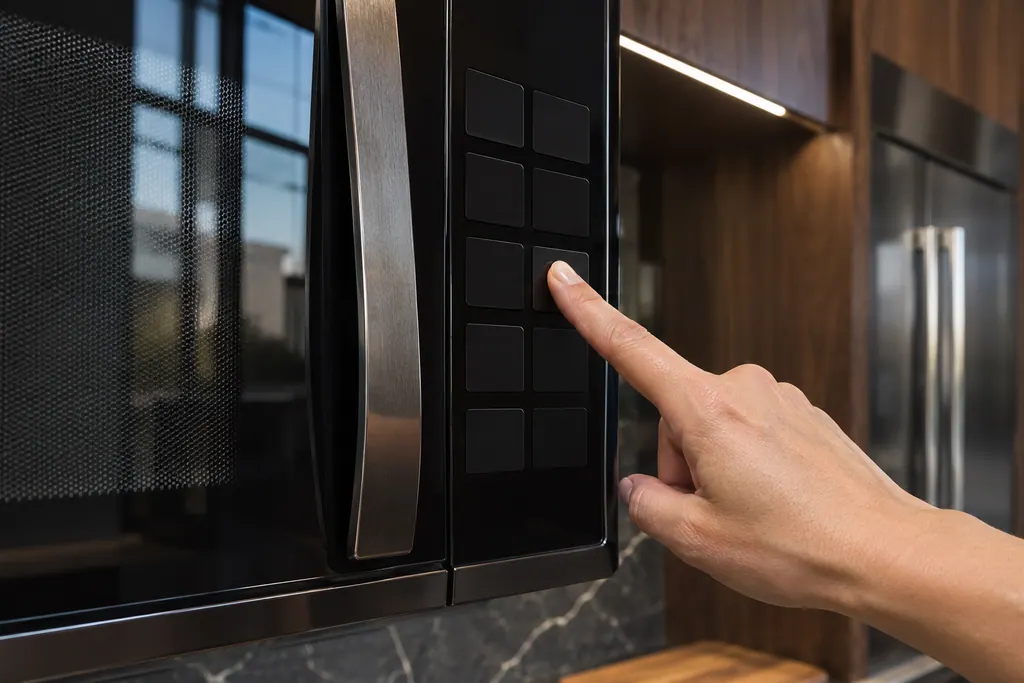
A simplified drawing, because layouts change with the model. Tap an outlined part to see a photo and the related check.
A mode where the controls respond but cooking is not meant to run. Showing dOn or dOff means it was just changed.
Read the supporting manualOpen the door, press and hold keypad 3 for five seconds until the d icon lights, then press Start within five seconds.
Read the supporting manualRepeat the hold with the door open and watch for the d icon; if Start is late, the microwave returns to idle mode.
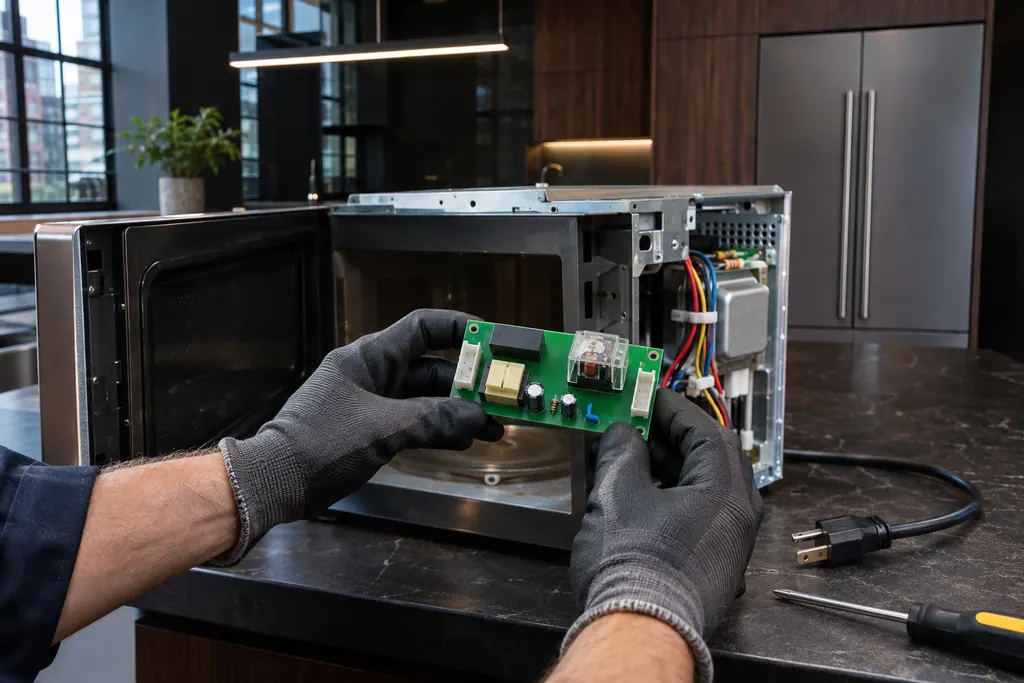
Read the supporting manualIf heating never begins with demo off, or the keypad ignores the 3-key hold, the keypad or control may need testing.
Read the supporting manualManufacturer document
JennAir Product Help (producthelp.jennair.com)
dateModified 2023-08-16; PH 9575 / PH 9575 (over-the-range microwave)
Scope: JennAir over-the-range microwave. Read from the JennAir Product Help page for this code in the over-the-range microwave error code tree (November 2026).
In demo mode the display and keys work but the microwave is only showing off. Turn demo off with the keypad sequence, then test heating.
It appears when demo was recently switched on. dOff appears when it was switched off.
JennAir says the microwave returns to idle normal mode, so repeat from the start.
No. If the sequence has no effect on the keypad, mention that when you book.
Code or symptom, part, service call
DOOR (or OPEN/CLOSE DOOR) means the door has stayed closed for five minutes or more without the microwave being started. This prevents unintended starting. Open and close the door, then start the cycle.
First confirm the controls: enter Cook Time, then Cook Power if it is not 100%, and press Start. Then test with one cup of water for one minute on HI. If heat rise is detected, the microwave is heating. With no power at all, check the breaker or fuse.
Schedule a diagnostic for your model, carried out at the appliance.
Office details, plus the access notes to pass along.