Inside the appliance
Microwave keypad. In plain English.
The keypad is the key panel on the front of a JennAir over-the-range microwave. JennAir also calls it the user interface or touch pad, and three codes name it: E03, F9Q1 and SE. Its single step is a sixty-second power-down, followed by a check that keys respond.
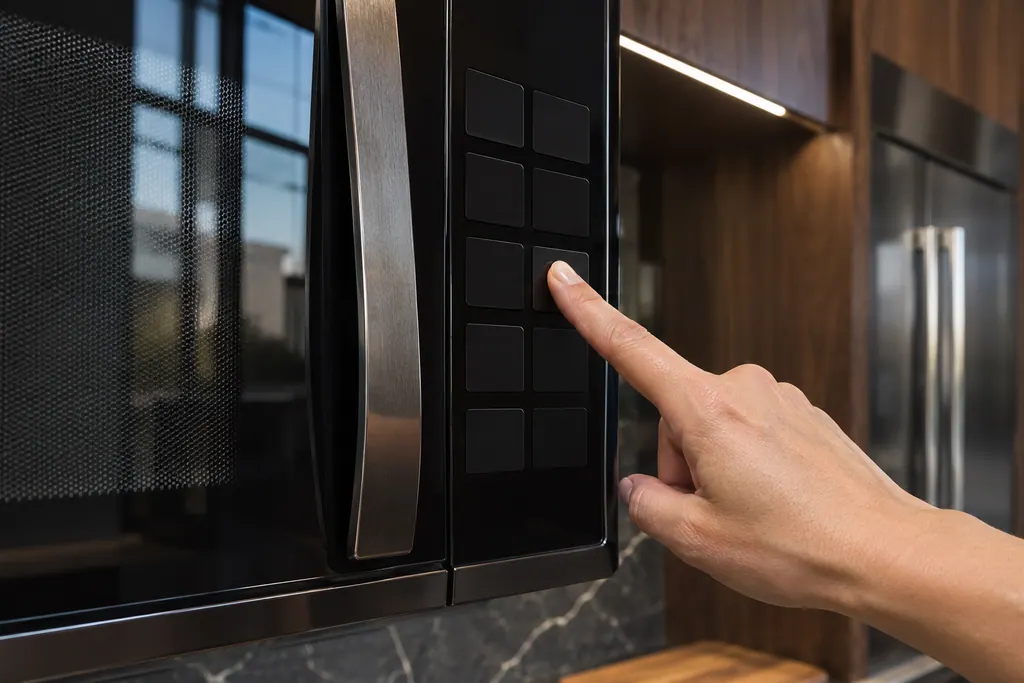
Where it fits.
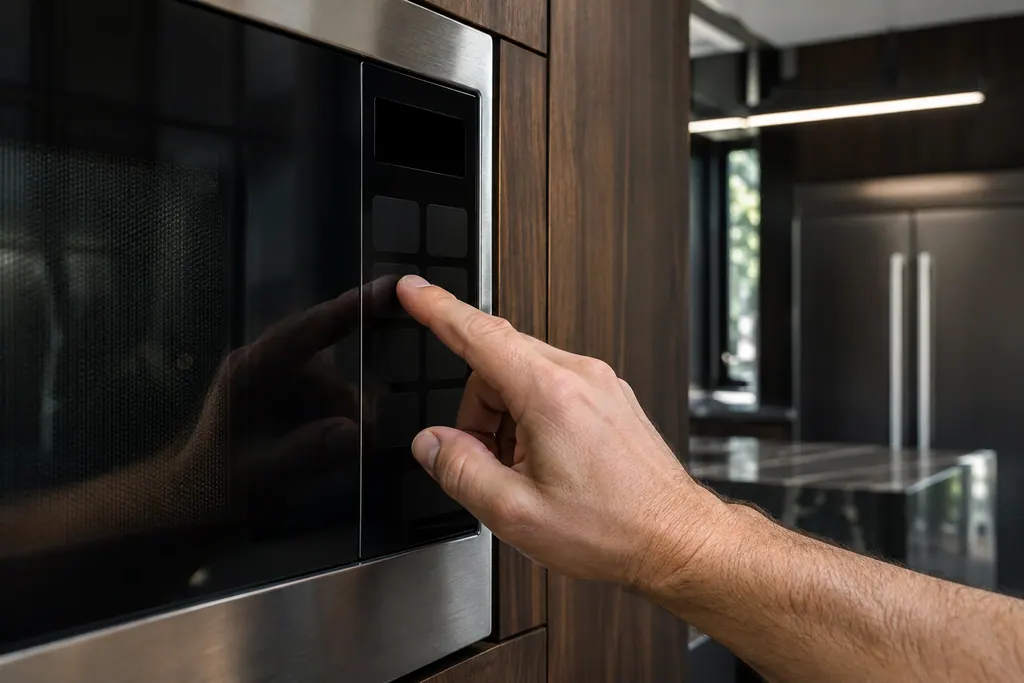
Microwave keypad in the appliance
The front panel of the microwave. JennAir's pages add no further detail.
The picture shows the kind of component only. It cannot tell you which replacement suits your model.
What you notice when this system needs a look.
A Microwave keypad concern may show up with a drop in performance or a code that keeps returning. Testing comes first, before anyone decides the component is to blame.
JennAir built-in microwave not heating
First confirm the controls: enter Cook Time, then Cook Power if it is not 100%, and press Start. Then test with one cup of water for one minute on HI. If heat rise is detected, the microwave is heating. With no power at all, check the breaker or fuse.
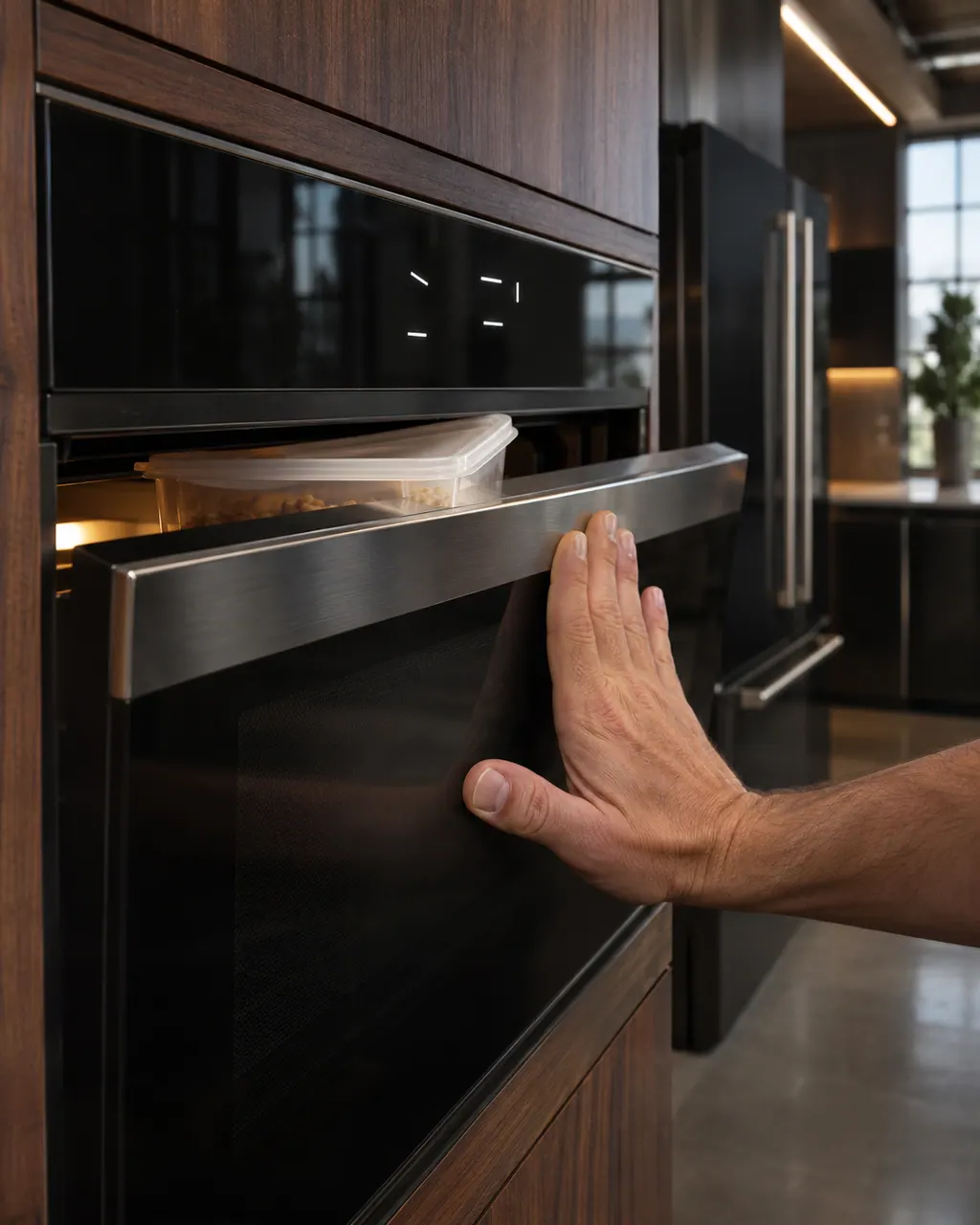
JennAir built-in microwave will not start
A microwave that has power but will not start is usually blocked by the door, the Control Lock, Demo Mode or a blank Energy Save display. Confirm that nothing stops the door shutting, check the lock, then switch the breaker off for a minute.
Owner care, within the model instructions.
Turn the appliance off and unplug it before any check you can do yourself. Look out for pooled water and sharp edges. Never touch a wet plug or live area, take off service panels, or go past your model’s owner instructions.
- 1
Turn the breaker off
Cut the microwave's breaker, count to sixty, then switch it on.
- 2
Watch the display
JennAir asks you to stay and see that the code does not return in the first minute.
- 3
Press a few keys
Press several keys and see that each one answers. Dead keys, ghost presses or missing beeps are worth writing down.
- 4
Wipe the panel
Grease, or a hand towel pressed on a key, can pass for a keypad problem. Clean and dry the panel.
Cleaning or replacement?
Leave internal testing to a technician.
E03, F9Q1 or SE comes back after the power-down.
A key never responds at all.
Arrange a diagnosticSee the neighboring components.
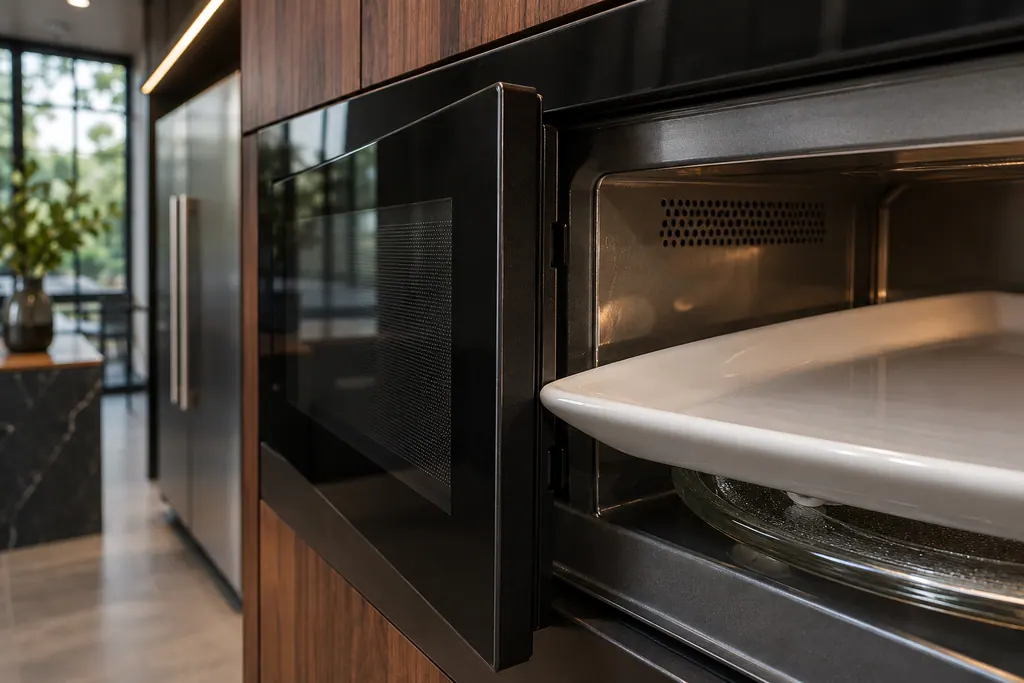
Microwave door latch
The door latch lets the microwave know the door is shut. JennAir’s not-operating page asks first whether the latch or lock is blocked by packing material, an oversized dish or a cooking rack out of position.
Microwave control lock
The Control Lock turns off the control panel pads so the microwave cannot be started by accident. JennAir lists it for both a start button that does nothing and a microwave that has power but will not run.
Sources and model boundaries.
The Microwave keypad guidance rests on these references. Pick the manual that fits your model.
- E03 - Error Code - Over-the-Range Microwave - Product Help | JennAir
- F9Q1 - Error Code - Over-the-Range Microwave - Product Help | JennAir
- SE - Error Code - Over-the-Range Microwave - Product Help | JennAir
Go by the instructions for your own model. See how we research these pages.
Which codes involve the keypad?
E03, F9Q1 and SE, on a JennAir over-the-range microwave. Each lists the keypad, or its wiring, as a possible cause.
Is the keypad the same as the touch pad?
JennAir uses both. In F9Q1 it writes touch pad, and adds that it is also called the user interface.
What does E03 mean exactly?
The control board received a problem report from the keypad, so the keypad or the wires to it may be the cause.
What does JennAir say to try?
Remove power for sixty seconds, restore it, give it a minute, then confirm the microwave runs.
Code or symptom, part, service call
Tie the message to what comes next.
JennAir microwave E03
With E03 the control board received a problem report from the keypad, which JennAir also calls the user interface. The keypad or its wiring may be the cause. Turn off the breaker that serves the microwave, leave it a full minute, then switch it back on and see whether E03 returns.
JennAir built-in microwave not heating
First confirm the controls: enter Cook Time, then Cook Power if it is not 100%, and press Start. Then test with one cup of water for one minute on HI. If heat rise is detected, the microwave is heating. With no power at all, check the breaker or fuse.
Microwave repair
Schedule a diagnostic for your model, carried out at the appliance.
Find your metro
Office details, plus the access notes to pass along.