JennAir oven FCE1 / Wi-Fi connection

JennAir oven
error FCE1

Oven / display referenceFCE1

FC E1 on a JennAir range or wall oven means the appliance could not connect to your router, with poor signal, a failed router, the Wi-Fi module or its wiring as possible causes. Restart the router and the oven, then check the signal at the oven.

Also shown as FCE1

Last reviewed

Oven / display referenceFCE1
Meaning
FC E1 on a JennAir range or wall oven means the appliance could not connect to your router, with poor signal, a failed router, the Wi-Fi module or its wiring as possible causes. Restart the router and the oven, then check the signal at the oven.

Who handles it
Owner checks first, then a technician
Related codes
Source
FC E1 - Error Code - Range - Product Help | JennAir

What JennAir oven FCE1 means.

What it means

FC E1 on a JennAir range or wall oven means the appliance could not connect to your router, with poor signal, a failed router, the Wi-Fi module or its wiring as possible causes. Restart the router and the oven, then check the signal at the oven.

What you can safely check

JennAir says to cut the router's power for two minutes and restore it.

When to call a technician

FC E1 returns after the network and oven resets.

Checks you have ticked / saved in this browser

Safe checks, in order.

0 of 4 checks done
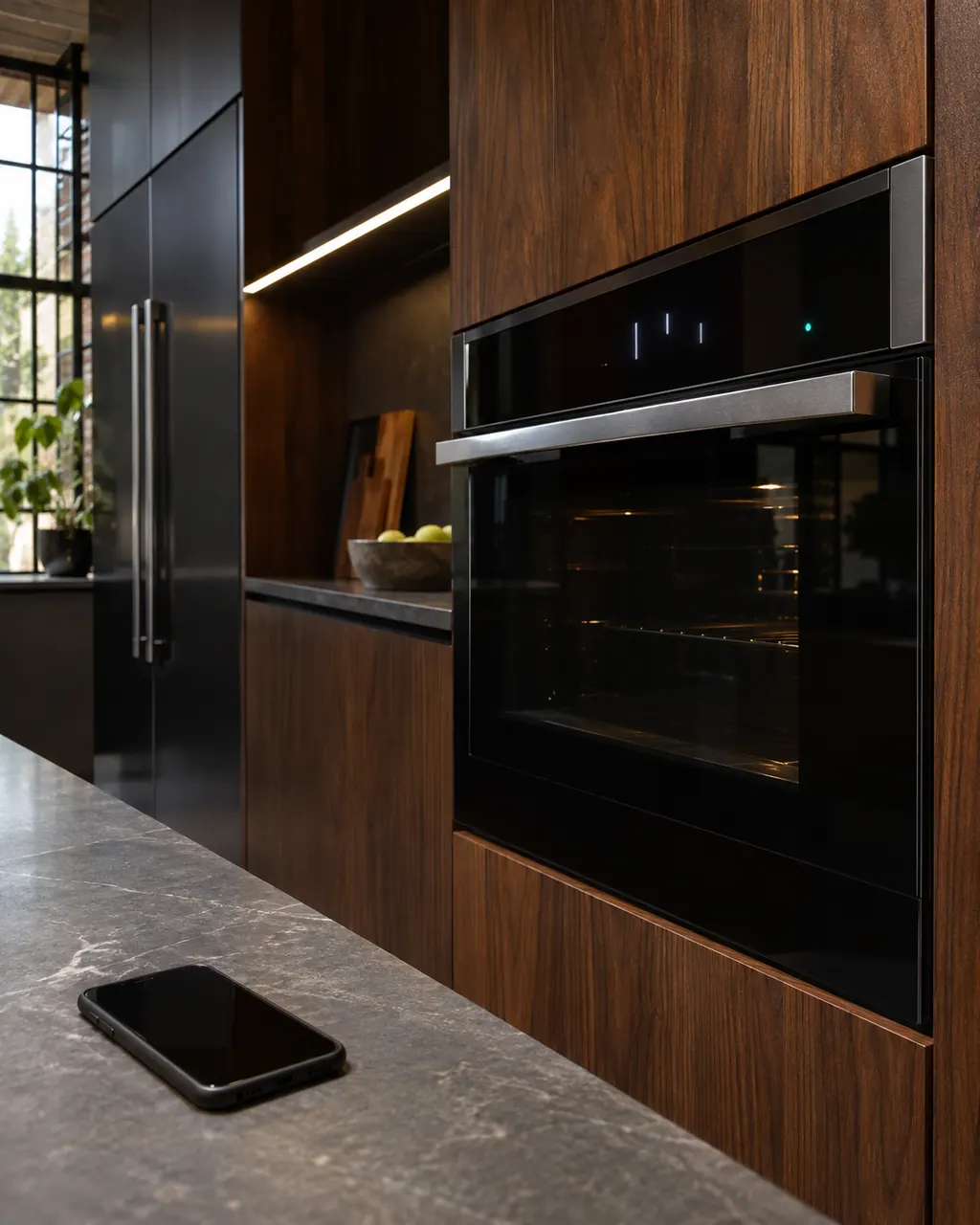
  1. JennAir oven FCE1: Dark smartphone lying on a stone counter beside a built-in oven whose display shows lit marks and a small teal indicator lamp.
    Illustration. Follow your model’s instructions.
    Before you begin

    Restart the router

    JennAir says to cut the router's power for two minutes and restore it.

  2. Ranges & ovens in a thoughtfully designed home
    Illustration. Follow your model’s instructions.
    Check 2

    Check another device at the oven

    Carry a phone or tablet to the oven. If it has a weak signal there, the router is too far.

  3. The black glass control strip of a built-in wall oven above its stainless handle
    Illustration. Follow your model’s instructions.
    Check 3

    Cycle the oven's breaker

    Two minutes off on the Wi-Fi pages' router sequence, or one minute on the reset step.

  4. Over the shoulder view of a person holding a tablet with a blank checklist, a refrigerator behind.
    Illustration. Follow your model’s instructions.
    Check 4

    Improve the signal if it is weak

    Move the router, add a compatible extender, or ask your internet provider.

Still showing FCE1?

Send the model and the checks you have already run, then begin your request from this page.

Book a visit

The touch panel and control.

Conceptual Range / oven sectionKeypad / touch panelControl boardElement wiring123
  1. 3Element wiring

A simplified drawing, because layouts change with the model. Tap an outlined part to see a photo and the related check.

Parts behind the message.

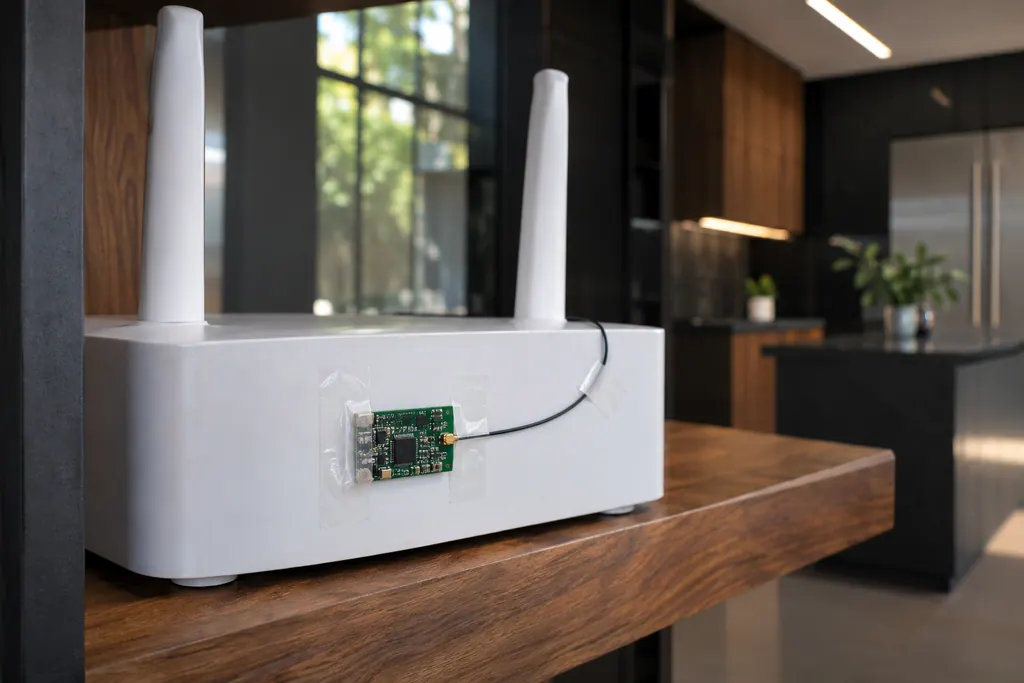
Small green circuit board with a thin antenna wire taped to a white router on a wooden shelf.

Component reference

Oven Wi-Fi module

The Wi-Fi module links a connected JennAir oven to your router.

Read the definition

A little more context.

What does FC E1 say?

The appliance could not connect to the router. JennAir lists a connection time out, poor signal strength, a failed router, the Wi-Fi module or the wiring.

Read the supporting manual

How do I test the signal?

Take a smart device to the oven and see whether it has a strong connection there. Few bars at the oven usually mean the router is too far or blocked by walls.

Read the supporting manual

What does JennAir suggest if the signal is poor?

Move the router, get a compatible signal extender or contact your internet provider.

Read the supporting manual

When is it the oven and not the network?

If another device works well at the oven and the oven still shows FC E1 after resets, the Wi-Fi module or its wiring needs a technician.

Read the supporting manual

The manual behind the message.

Manufacturer document

FC E1 - Error Code - Range - Product Help | JennAir

JennAir Product Help (producthelp.jennair.com)

dateModified 2024-08-16; PH 12996 / PH 12996 (range)

Manufacturer document

FC E1 - Error Code - Wall Oven - Product Help | JennAir

JennAir Product Help (producthelp.jennair.com)

dateModified 2024-11-08; PH 13240 / PH 13240 (wall oven)

PH 12996, 13240: FCE1, range/wall-oven.

Here to help

Good questions.
Clear answers.

Talk to our team
Is FC E1 a hardware failure?

Not necessarily. JennAir's page lists network causes first: a connection time out, poor signal strength or a failed router. The Wi-Fi module or its wiring comes after, so check the network side before suspecting the oven.

Does FC E1 affect baking?

The page does not say so. It concerns the connection to your router and ties nothing to baking, so try a normal bake and judge from how the oven behaves.

Is FC E1 the same as FC E2?

JennAir words them alike and gives no reason for the two numbers. Treat both as connection codes: restart the router, then test the signal at the oven with a phone or tablet.

Can I use a mesh system?

The pages mention a compatible signal extender but do not name mesh systems. Check compatibility with your appliance before buying one, and test the signal at the oven with a phone first.

Let’s take care of it.

Something on the display?
Send us the details.