JennAir oven FC / Wi-Fi connection

JennAir oven
error FC

Oven / display referenceFC

JennAir prints no bare FC. FC E1 to E9 are connected-appliance codes on ranges and wall ovens: E1 to E3 and E7 say the oven could not reach your router, E4 and E5 name the Wi-Fi antenna, E6 and E9 the Wi-Fi power module, and E8 is a registration entry error. Start with the home network.

Also shown as FC

Last reviewed

Oven / display referenceFC
Meaning
JennAir prints no bare FC. FC E1 to E9 are connected-appliance codes on ranges and wall ovens: E1 to E3 and E7 say the oven could not reach your router, E4 and E5 name the Wi-Fi antenna, E6 and E9 the Wi-Fi power module, and E8 is a registration entry error. Start with the home network.
Who handles it
Owner checks first, then a technician
Source
FC E1 - Error Code - Range - Product Help | JennAir

What JennAir oven FC means.

What it means

JennAir prints no bare FC. FC E1 to E9 are connected-appliance codes on ranges and wall ovens: E1 to E3 and E7 say the oven could not reach your router, E4 and E5 name the Wi-Fi antenna, E6 and E9 the Wi-Fi power module, and E8 is a registration entry error. Start with the home network.

What you can safely check

Take a phone or tablet to the oven.

When to call a technician

An FC E code returns after the network checks and a reset.

Checks you have ticked / saved in this browser

Safe checks, in order.

0 of 4 checks done
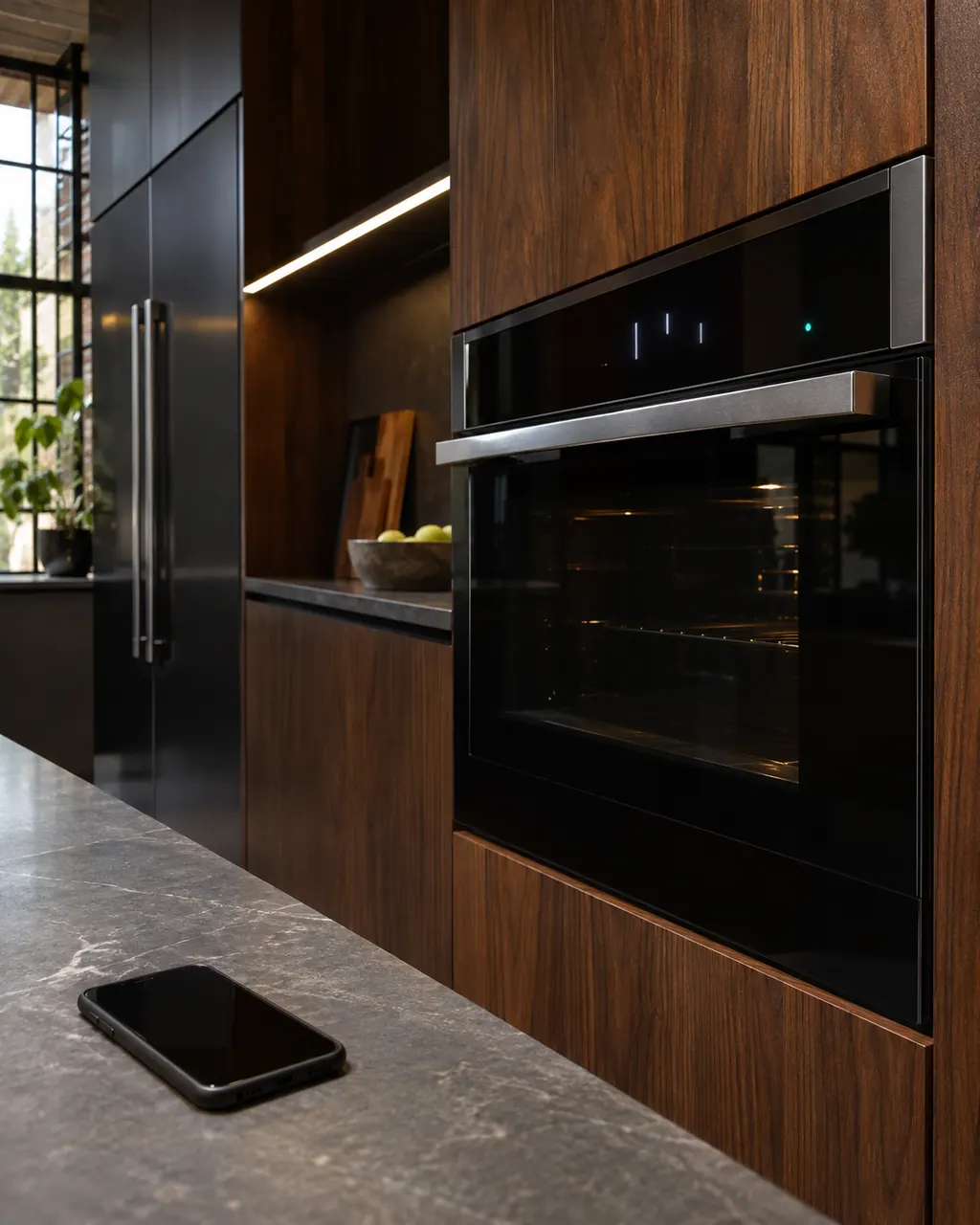
  1. JennAir oven FC: Dark smartphone lying on a stone counter beside a built-in oven whose display shows lit marks and a small teal indicator lamp.
    Illustration. Follow your model’s instructions.
    Before you begin

    Check another Wi-Fi device

    Take a phone or tablet to the oven. If it also struggles there, the signal is the issue.

  2. Ranges & ovens in a thoughtfully designed home
    Illustration. Follow your model’s instructions.
    Check 2

    Restart the router

    JennAir suggests cutting the router's power for two minutes, then the oven's power for two minutes, then restoring both.

  3. The black glass control strip of a built-in wall oven above its stainless handle
    Illustration. Follow your model’s instructions.
    Check 3

    Match your E number

    E1 to E3 and E7 are connection codes, E4 to E6 and E9 name hardware, E8 is about the SAID number and model.

  4. Over the shoulder view of a person holding a tablet with a blank checklist, a refrigerator behind.
    Illustration. Follow your model’s instructions.
    Check 4

    Leave the hardware alone

    The antenna and Wi-Fi power module are technician parts.

Still showing FC?

Send the model and the checks you have already run, then begin your request from this page.

Book a visit

The touch panel and control.

Conceptual Range / oven sectionKeypad / touch panelControl boardElement wiring123
  1. 3Element wiring

A simplified drawing, because layouts change with the model. Tap an outlined part to see a photo and the related check.

Parts behind the message.

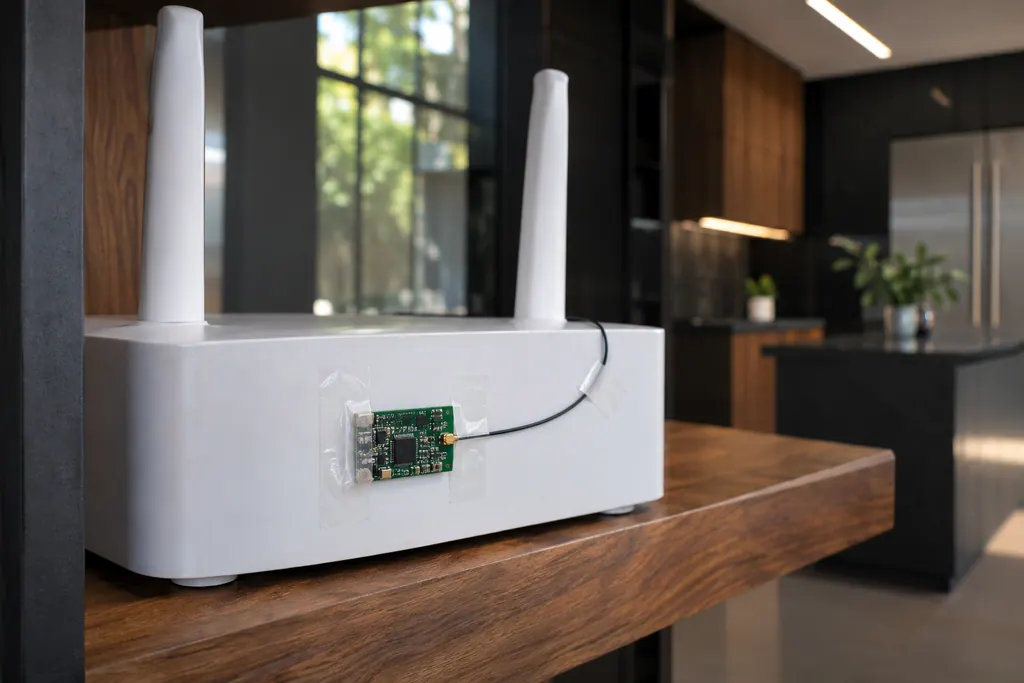
Small green circuit board with a thin antenna wire taped to a white router on a wooden shelf.

Component reference

Oven Wi-Fi module

The Wi-Fi module links a connected JennAir oven to your router.

Read the definition

A little more context.

Why is there no plain FC?

JennAir prints FC only with an E number from FC E1 to FC E9. This page sorts them by what they point to.

Read the supporting manual

Which FC codes are network problems?

FC E1 to E3 say the appliance could not connect to the router, and E7 says it did not connect to your router. The first steps are about signal and router health.

Read the supporting manual

Does a Wi-Fi code stop cooking?

JennAir's pages do not say it does. A premium oven can usually still bake without its connected features, but check your own use.

Read the supporting manual

The manual behind the message.

Manufacturer document

FC E1 - Error Code - Range - Product Help | JennAir

JennAir Product Help (producthelp.jennair.com)

dateModified 2024-08-16; PH 12996 / PH 12996 (range)

Manufacturer document

FC E1 - Error Code - Wall Oven - Product Help | JennAir

JennAir Product Help (producthelp.jennair.com)

dateModified 2024-11-08; PH 13240 / PH 13240 (wall oven)

Manufacturer document

FC E4 - Error Code - Range - Product Help | JennAir

JennAir Product Help (producthelp.jennair.com)

dateModified 2024-08-16; PH 12999 / PH 12999 (range)

Manufacturer document

FC E4 - Error Code - Wall Oven - Product Help | JennAir

JennAir Product Help (producthelp.jennair.com)

dateModified 2024-11-08; PH 13243 / PH 13243 (wall oven)

Manufacturer document

FC E6 - Error Code - Range - Product Help | JennAir

JennAir Product Help (producthelp.jennair.com)

dateModified 2024-08-16; PH 13001 / PH 13001 (range)

Manufacturer document

FC E6 - Error Code - Wall Oven - Product Help | JennAir

JennAir Product Help (producthelp.jennair.com)

dateModified 2024-11-08; PH 13245 / PH 13245 (wall oven)

Manufacturer document

FC E7 - Error Code - Range - Product Help | JennAir

JennAir Product Help (producthelp.jennair.com)

dateModified 2024-08-16; PH 13002 / PH 13002 (range)

Manufacturer document

FC E7 - Wall Oven - Product Help | JennAir

JennAir Product Help (producthelp.jennair.com)

dateModified 2024-11-08; PH 13246 / PH 13246 (wall oven)

PH 12996, 13240, 12999, 13243, 13001, 13245, 13002, 13246: FC, ranges/wall-ovens.

Here to help

Good questions.
Clear answers.

Talk to our team
What does FC stand for?

The pages do not say. JennAir prints FC only with an E number from E1 to E9, and none of the pages explains the letters.

Is FC E8 a network code?

No. E8 is a registration error: the SAID number or the appliance type and model was entered wrongly, so re-enter them carefully instead of restarting the router.

Should I replace my router?

Only after the checks. JennAir lists a failed router as one cause, but a connection time out and poor signal strength come before it, so test another device at the oven first.

Can I use the oven offline?

The pages do not say. Baking does not depend on Wi-Fi in general, so connected features are what you would lose, but confirm that for your own model.

Let’s take care of it.

Something on the display?
Send us the details.