What it means
FC E2 uses the same wording as FC E1 on a JennAir range or wall oven: the appliance could not connect to the router. Run the two-step power sequence JennAir prints, router first and oven second, and then retry the connection.
JennAir oven FCE2 / Wi-Fi connection
FC E2 uses the same wording as FC E1 on a JennAir range or wall oven: the appliance could not connect to the router. Run the two-step power sequence JennAir prints, router first and oven second, and then retry the connection.
Also shown as FCE2
FC E2 uses the same wording as FC E1 on a JennAir range or wall oven: the appliance could not connect to the router. Run the two-step power sequence JennAir prints, router first and oven second, and then retry the connection.
Unplug it or use its switch, count two minutes, and restore it.
FC E2 returns with a healthy network.
Checks you have ticked / saved in this browser
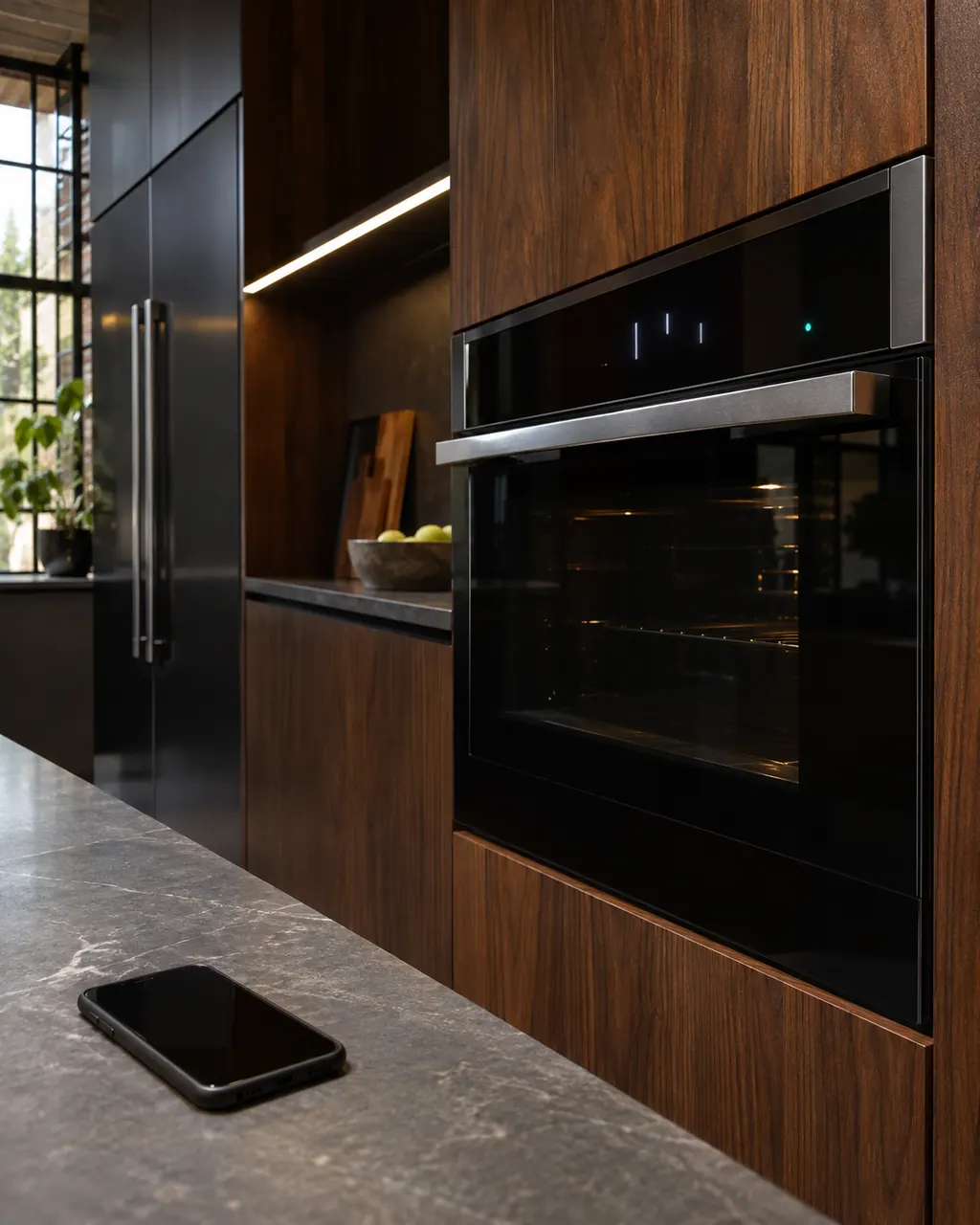
Unplug it or use its switch, count two minutes, and restore it. Wait for its lights to settle.

JennAir's Wi-Fi pages give two minutes for the appliance, after the router.

Give the oven a minute to rejoin the network before you judge the result.

If the app asks for the network again, enter the password slowly and check the band your router uses.
Send the model and the checks you have already run, then begin your request from this page.
Book a visit

A simplified drawing, because layouts change with the model. Tap an outlined part to see a photo and the related check.
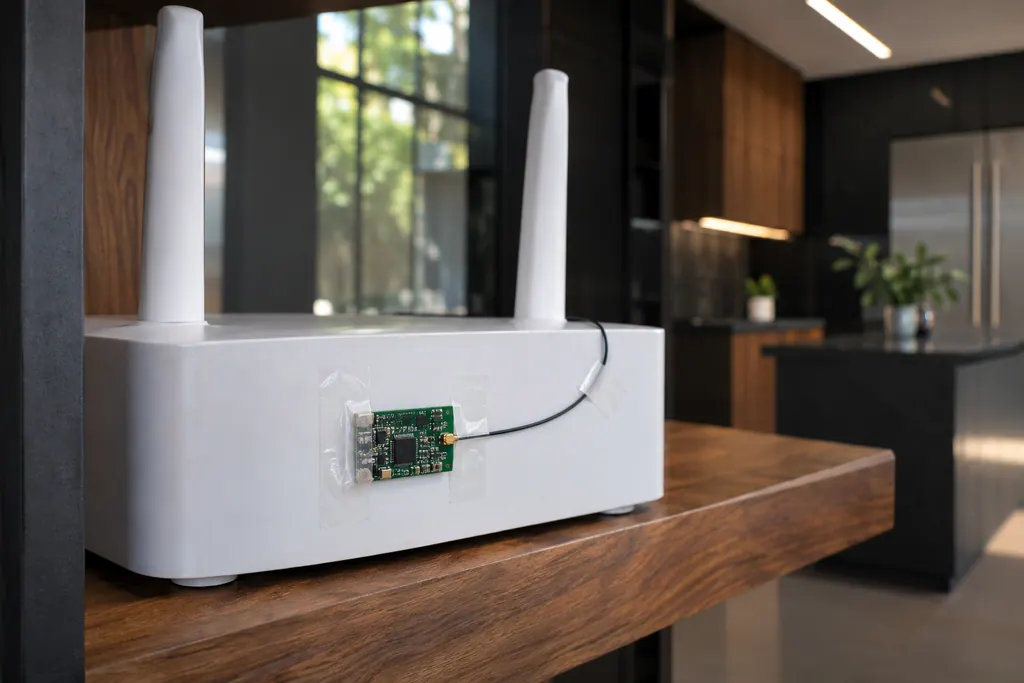
Component reference
The Wi-Fi module links a connected JennAir oven to your router.
Read the definitionJennAir prints the same description for both and does not say what the digit stands for. Treat them as the same family of connection message.
Read the supporting manualThe router has to be running before the oven asks to join. If both restart together the oven may try first and fail again. That is our practical reading of the sequence.
Read the supporting manualA connection time out, weak signal, a failed router, the Wi-Fi module in the oven or the wiring. The first three are the cheap ones to rule out.
Read the supporting manualWhen the router is healthy, other devices work beside the oven and FC E2 still returns.
Read the supporting manualManufacturer document
JennAir Product Help (producthelp.jennair.com)
dateModified 2024-08-16; PH 12997 / PH 12997 (range)
Manufacturer document
JennAir Product Help (producthelp.jennair.com)
dateModified 2024-11-08; PH 13241 / PH 13241 (wall oven)
PH 12997, 13241: FCE2, range/wall-oven.
No ranking is printed.
Follow your manual's steps for that; the Product Help page does not give them.
The page lists a failed router, not an old one.
No. It is a technician part inside the oven.
Code or symptom, part, service call
JennAir prints no bare FC. FC E1 to E9 are connected-appliance codes on ranges and wall ovens: E1 to E3 and E7 say the oven could not reach your router, E4 and E5 name the Wi-Fi antenna, E6 and E9 the Wi-Fi power module, and E8 is a registration entry error. Start with the home network.
JennAir says not to judge oven temperature with a thermometer, because the elements cycle and most thermometers react too slowly. Check preheat time, racks, pan spacing and foil first, then run the biscuit test before any calibration.
The Wi-Fi module links a connected JennAir oven to your router. FC E1 to FC E3 mean the appliance could not connect; FC E4 and FC E5 name the antenna; FC E6 and FC E9 name the power module. A router restart is the first owner step; the oven itself still bakes.
Schedule a diagnostic for your model, carried out at the appliance.
Office details, plus the access notes to pass along.