What it means
FC E7 says the oven did not connect to your router, in plainer words than E1 to E3, with no cause list on the page. Check the home network and the signal, then reset the breaker for about a minute.
JennAir oven FCE7 / Wi-Fi connection
FC E7 says the oven did not connect to your router, in plainer words than E1 to E3, with no cause list on the page. Check the home network and the signal, then reset the breaker for about a minute.
Also shown as FCE7
FC E7 says the oven did not connect to your router, in plainer words than E1 to E3, with no cause list on the page. Check the home network and the signal, then reset the breaker for about a minute.
Make sure it is online before blaming the oven.
FC E7 returns with a healthy network.
Checks you have ticked / saved in this browser
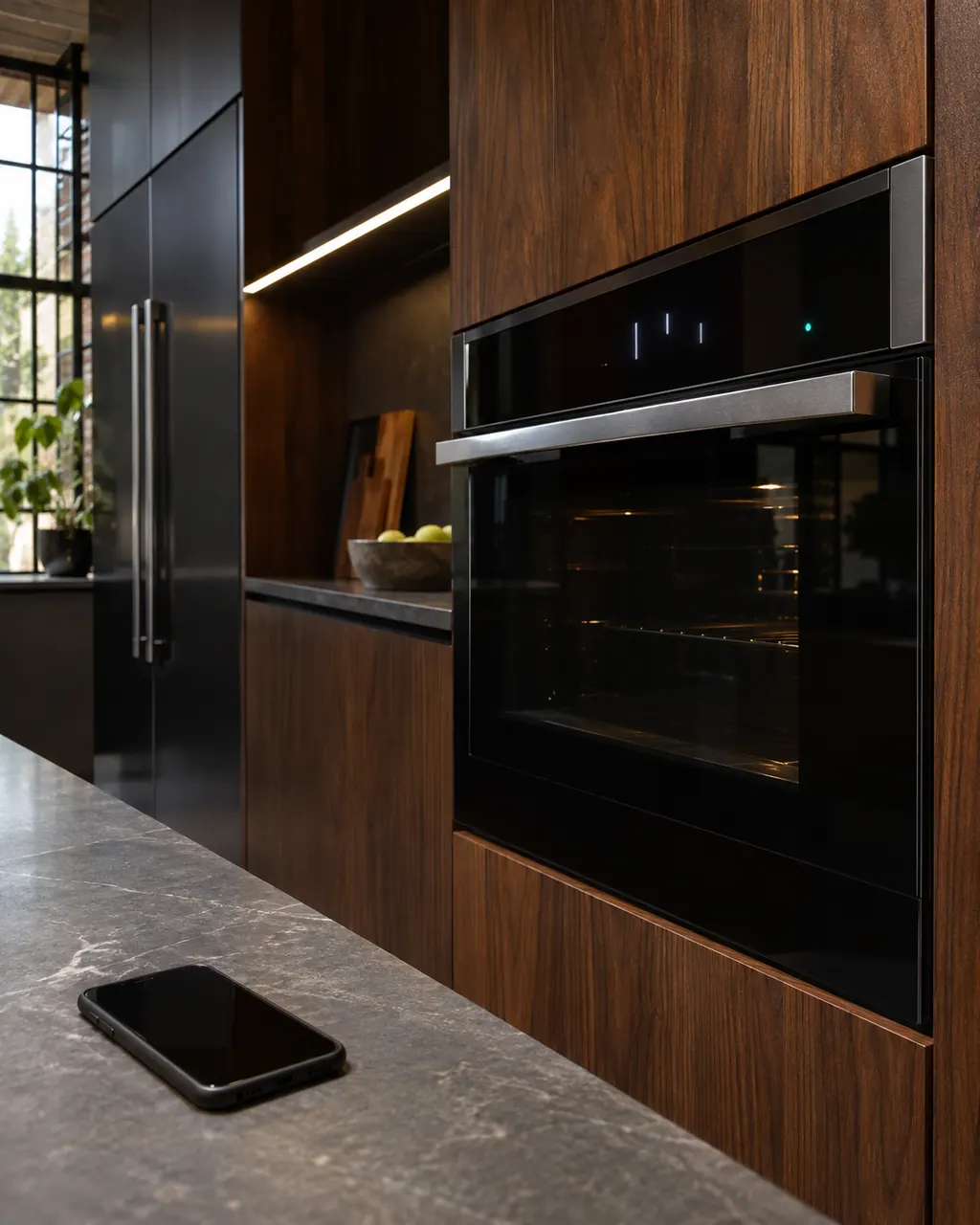
Make sure it is online before blaming the oven.

A phone with full bars is a good sign.

Restore power.

Follow your manual's pairing steps.
Send the model and the checks you have already run, then begin your request from this page.
Book a visit

A simplified drawing, because layouts change with the model. Tap an outlined part to see a photo and the related check.
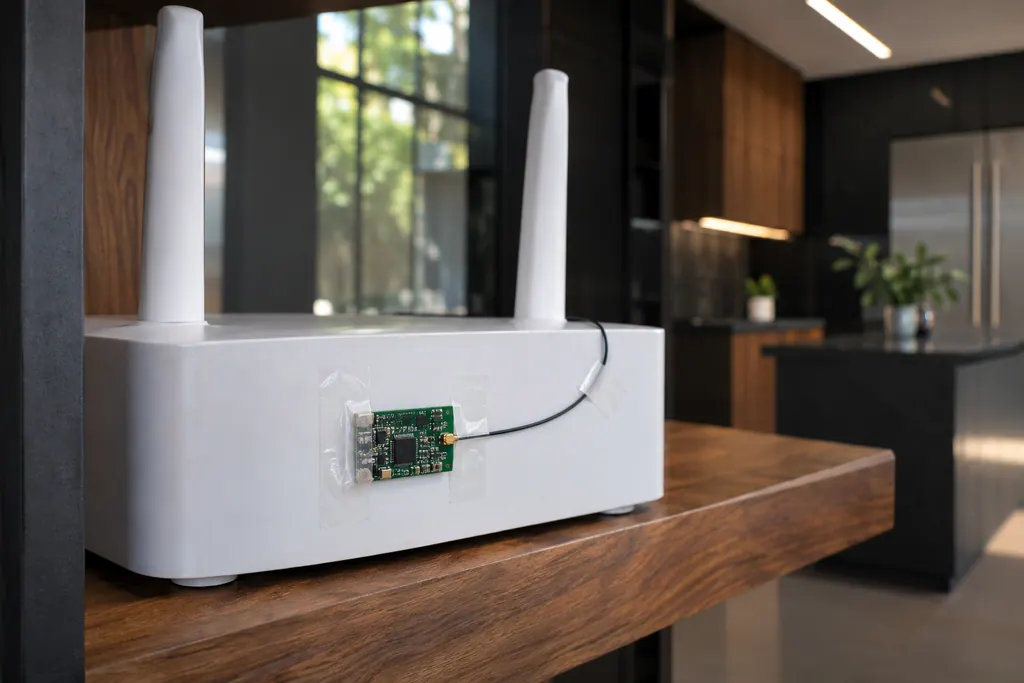
Component reference
The Wi-Fi module links a connected JennAir oven to your router.
Read the definitionThe appliance did not connect to your router. There is no list of causes beside it, unlike E1 to E3.
Read the supporting manualThat the oven reached the connection stage and was refused or heard nothing. We cannot say which from the page.
Read the supporting manualA router restart, a stronger signal, a password check and a retry.
Read the supporting manualWhen everything on the network side checks out.
Read the supporting manualManufacturer document
JennAir Product Help (producthelp.jennair.com)
dateModified 2024-08-16; PH 13002 / PH 13002 (range)
Manufacturer document
JennAir Product Help (producthelp.jennair.com)
dateModified 2024-11-08; PH 13246 / PH 13246 (wall oven)
PH 13002, 13246: FCE7, range/wall-oven.
Close in meaning, shorter in wording. E7 says the oven did not connect to your router, as E1 to E3 do, but it carries no list of causes on its page.
The page does not say, but it is worth checking, since a retry with the correct password is among the cheap fixes. Check the router lights and the signal at the oven too.
No, that is E8. FC E7 says the oven did not connect to your router, while E8 is the registration entry error about the SAID number or appliance type and model.
The page makes no claim about baking. It concerns the connection to your router, so run a normal bake and judge from how the oven behaves.
Code or symptom, part, service call
JennAir prints no bare FC. FC E1 to E9 are connected-appliance codes on ranges and wall ovens: E1 to E3 and E7 say the oven could not reach your router, E4 and E5 name the Wi-Fi antenna, E6 and E9 the Wi-Fi power module, and E8 is a registration entry error. Start with the home network.
JennAir says not to judge oven temperature with a thermometer, because the elements cycle and most thermometers react too slowly. Check preheat time, racks, pan spacing and foil first, then run the biscuit test before any calibration.
The Wi-Fi module links a connected JennAir oven to your router. FC E1 to FC E3 mean the appliance could not connect; FC E4 and FC E5 name the antenna; FC E6 and FC E9 name the power module. A router restart is the first owner step; the oven itself still bakes.
Schedule a diagnostic for your model, carried out at the appliance.
Office details, plus the access notes to pass along.