Inside the appliance
Cooktop power control board. In plain English.
The power control board is the circuit board that feeds the elements in a JennAir cooktop, electric or induction. Two codes name it: F42 lists the board and its wiring, and F40 lists the touchpad as well. The only step JennAir gives is a sixty-second power-down.

Where it fits.
Cooktop power control board in the appliance
JennAir's pages leave the board's position unstated.
The picture shows the kind of component only. It cannot tell you which replacement suits your model.
What you notice when this system needs a look.
A Cooktop power control board concern may show up with a drop in performance or a code that keeps returning. Testing comes first, before anyone decides the component is to blame.
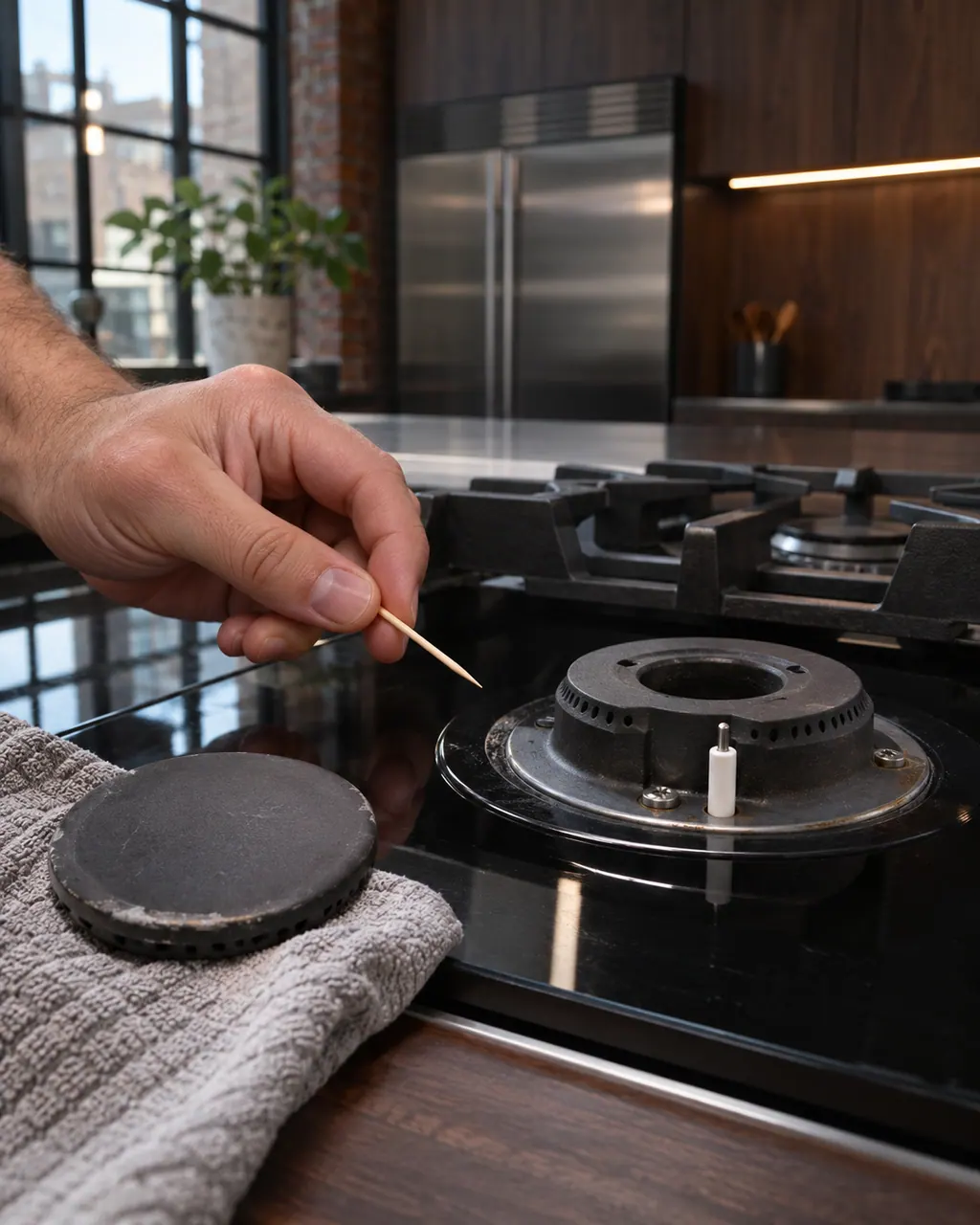
JennAir gas cooktop burner clicks but will not light
Clicking with no flame points to a short list: Control Lockout after a power loss, a closed gas shut-off, a knob not turned to Ignite, moisture, or clogged ports. On a first start JennAir says to turn one knob for a moment so air leaves the line.
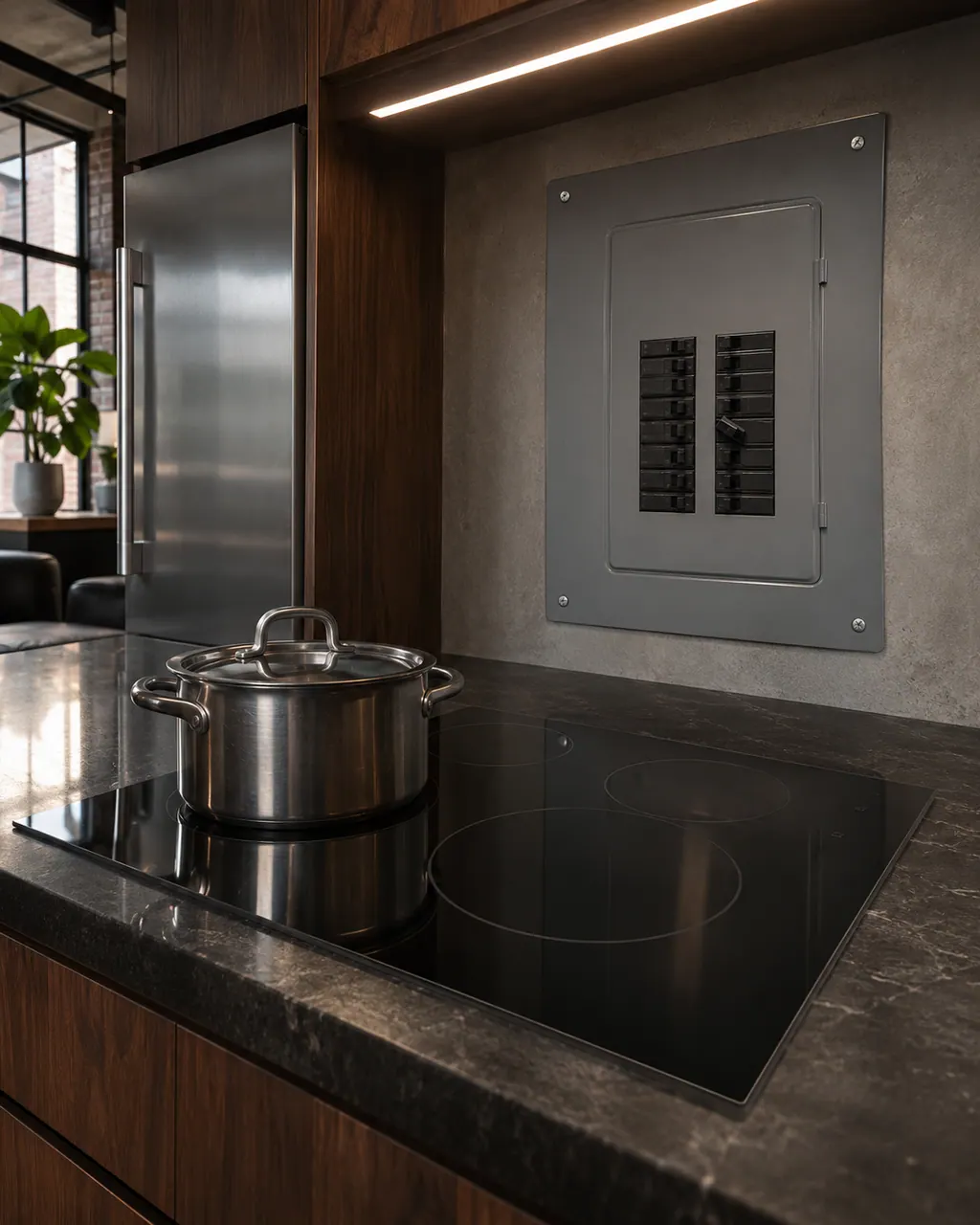
JennAir cooktop not powering on or nothing works
For a cooktop that does nothing, JennAir starts with the controls, the control or cooktop lock, the cord and the breaker. On an electric cooktop, turn the breaker off for one minute and back on. On a gas cooktop, also confirm that gas reaches it and the shut-off valve stands open.
Owner care, within the model instructions.
Turn the appliance off and unplug it before any check you can do yourself. Look out for pooled water and sharp edges. Never touch a wet plug or live area, take off service panels, or go past your model’s owner instructions.
- 1
Turn the breaker off
Turn off the cooktop's breaker, or both if it has two, and leave it off a full minute.
- 2
Turn it back on
Switch the breaker on again and stay near the cooktop for the next minute, watching the display.
- 3
Try the touch keys
JennAir wants cooktop operation confirmed afterward. Touch a control and see if its element responds.
- 4
Write down the code
Record F40 or F42, and what you touched just before it showed. F40 brings the touchpad into it.
Cleaning or replacement?
Leave internal testing to a technician.
F40 or F42 comes back after the sixty-second power-down.
The code appears the moment power returns, with no keys touched.
Arrange a diagnosticSee the neighboring components.
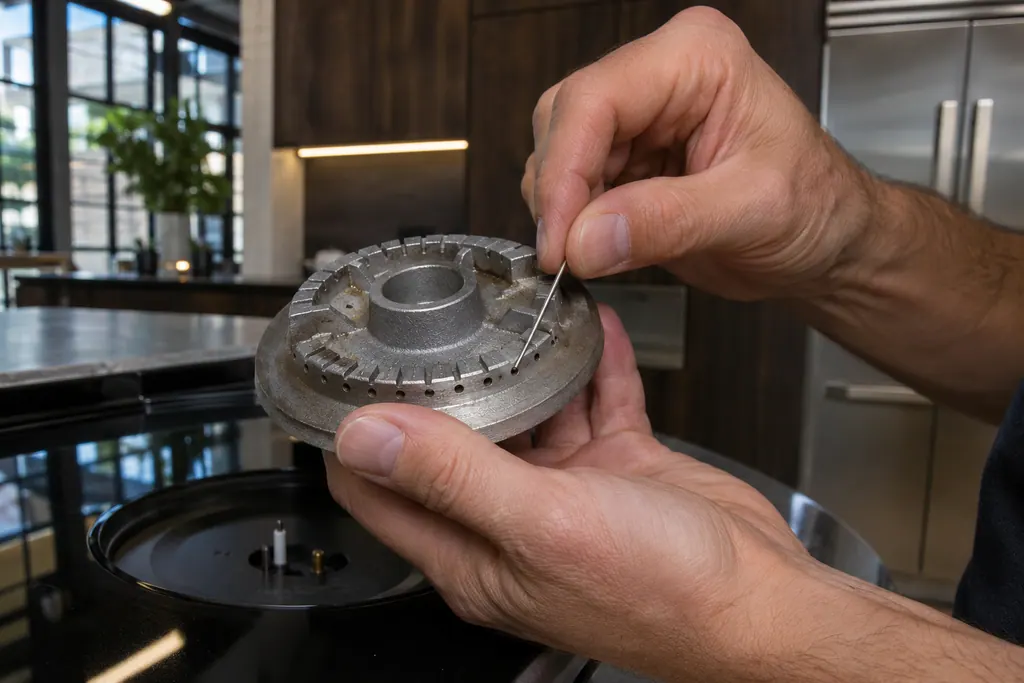
Gas burner ports
Burner ports are the small openings that let gas flow out to the flame. JennAir says clogged or damp ports can make burners click but not light. Clean clogged ports with a straight pin, and do not widen or bend them.
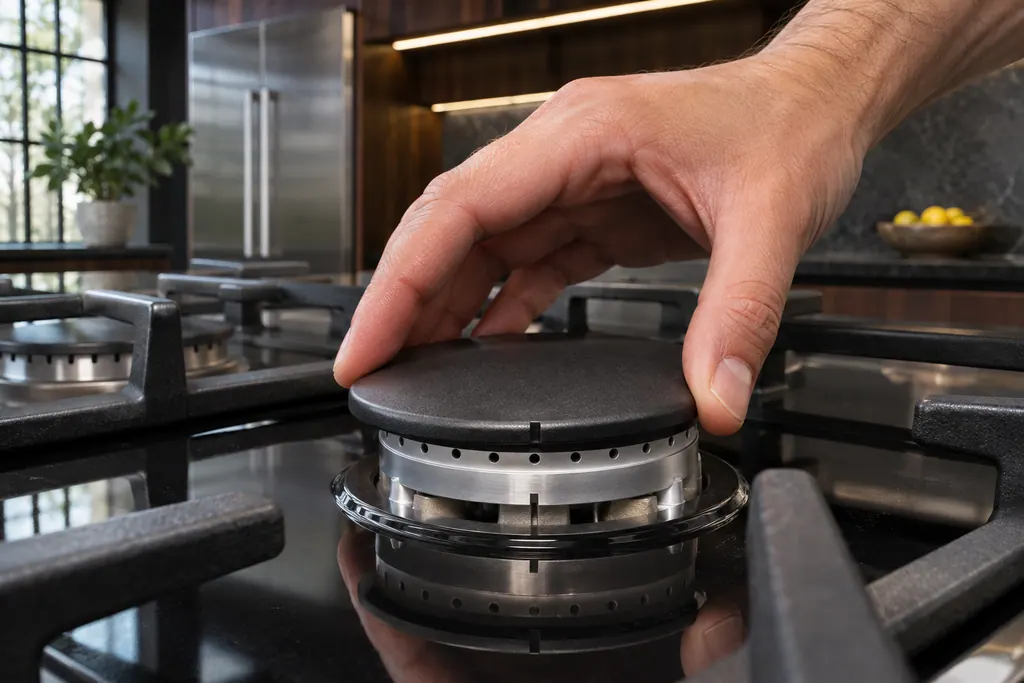
Gas burner cap
The burner cap sits on the burner base and shapes the flame. JennAir says it must be seated to light and perform properly, with the right cap on the right base. A clean cap, especially underneath, helps avoid poor ignition and uneven flames.
Sources and model boundaries.
The Cooktop power control board guidance rests on these references. Pick the manual that fits your model.
- F42 - Electric and Induction Cooktop - Product Help | JennAir
- F40 - Electric and Induction Cooktop - Product Help | JennAir
Go by the instructions for your own model. See how we research these pages.
Which codes name the power control board?
F40 and F42, on JennAir electric and induction cooktops. F42 lists the board and its wiring; F40 lists the touchpad too.
What is the difference between F40 and F42?
F40 can involve the touchpad, which JennAir also calls the user interface, along with the board and wiring. F42 leaves the touchpad out.
What does JennAir say to try?
Leave the breaker off for sixty seconds, restore power, and stay near the cooktop for roughly a minute.
Is the board something I can swap?
JennAir gives owners no replacement steps. If the code shows again after the power-down, book a technician.
Code or symptom, part, service call
Tie the message to what comes next.
JennAir cooktop F40
F40 on a JennAir electric or induction cooktop may involve the touchpad (user interface), the board that powers the cooktop, or the wiring. Reset the breaker for one minute and watch the cooktop.
JennAir gas cooktop burner clicks but will not light
Clicking with no flame points to a short list: Control Lockout after a power loss, a closed gas shut-off, a knob not turned to Ignite, moisture, or clogged ports. On a first start JennAir says to turn one knob for a moment so air leaves the line.
Cooktop repair
Schedule a diagnostic for your model, carried out at the appliance.
Find your metro
Office details, plus the access notes to pass along.